How to preview a design without the interface, and use the dark theme
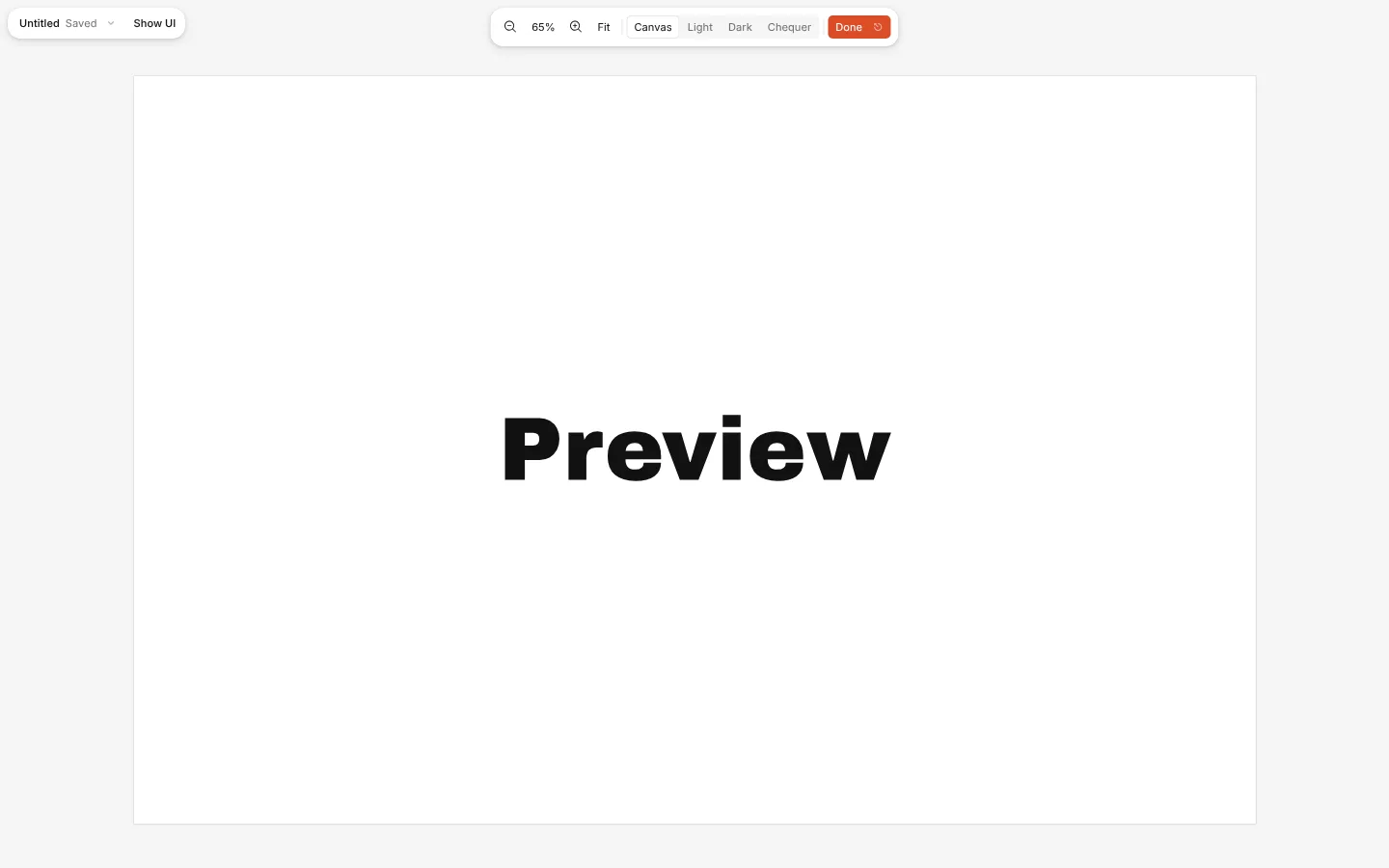
Preview hides every panel, the toolbar and the artboard names, so you see only the design on the canvas. Press it again, or Show UI, to bring everything back.
The editor also has a dark theme. It changes the interface only, never the colours of your design.
How to do it
- Press Preview at the top right of the editor, or Ctrl \.
- Look around, zoom and pan as usual. Press Show UI or Esc to come back.
- For the dark theme, open the Documents menu, go to Theme and choose Dark (or Ctrl K → Theme: Dark).