Learn graphic design effects
Short, practical guides to the looks you see on posters, covers and feeds right now: what each effect is, where it works, and how to make it in Paletoo — by hand, step by step, or in one click with its mix.
Guides
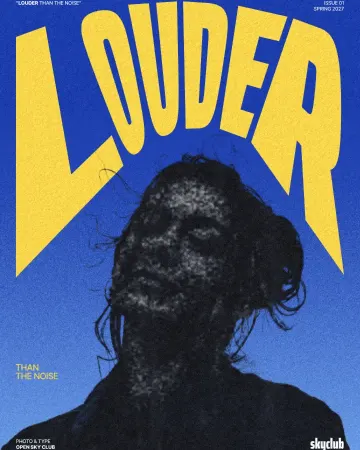
How to make a photocopy effect
Dense toner blacks, greys in scan lines and grey copier paper, from any photo.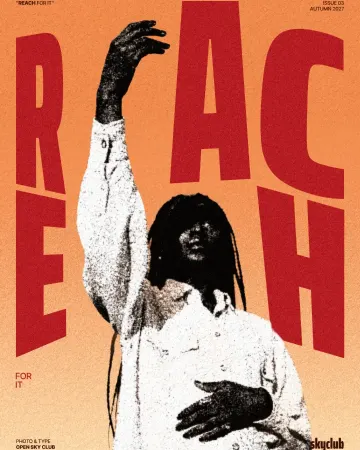
How to make a grunge effect with torn edges
Pure black and white, a ragged torn edge and spatter in the shadows.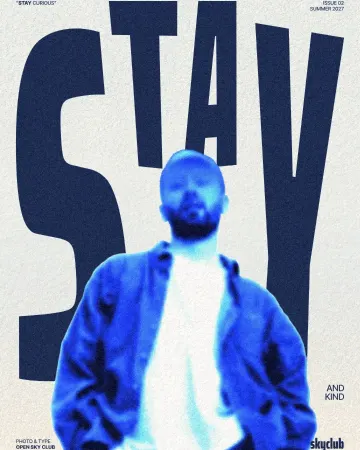
How to make an inverse burn effect
Half negative, half positive, in electric blue.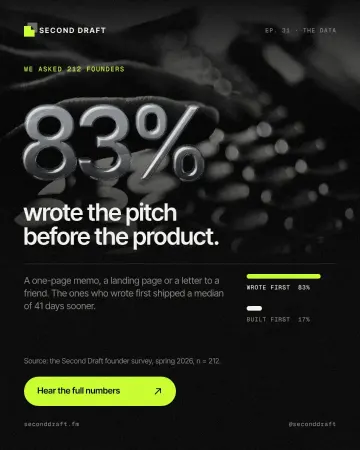
How to make an embossed metal effect
Live text pressed into the sheet and turned to chrome.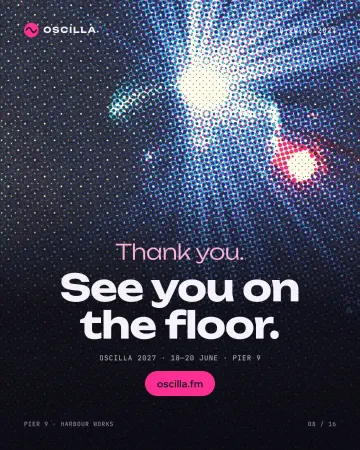
How to make a halftone effect
Comic-book CMYK dots, newspaper screens or one ink.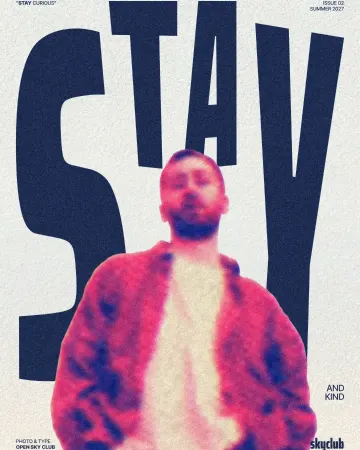
How to make a risograph effect
Two riso inks out of register, a coarse screen, riso paper.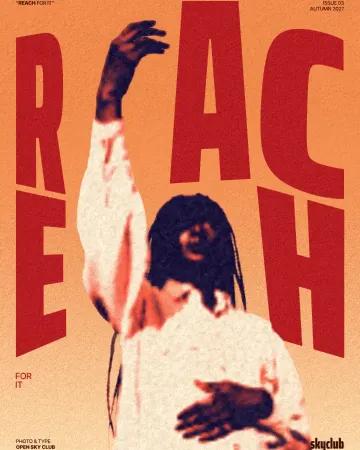
How to make a duotone effect
Two bold inks, punchy contrast and a fine poster grain.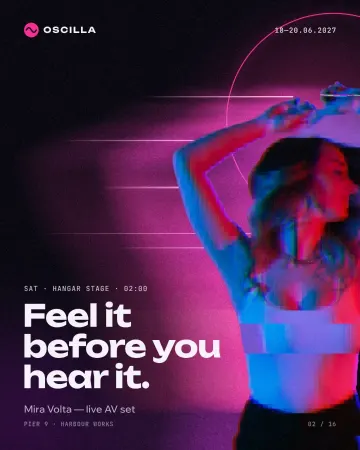
How to make a glitch effect
Blocky pixels, torn colour channels and a smeared trail.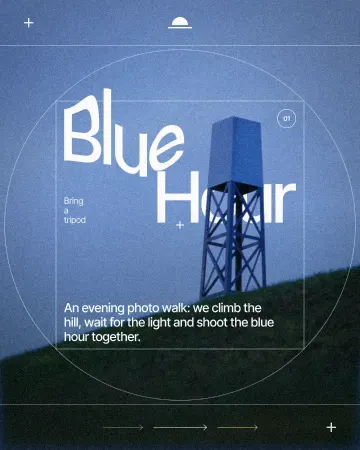
How to warp text on a mesh without rasterising it
Pull a grid over a headline; the words stay editable.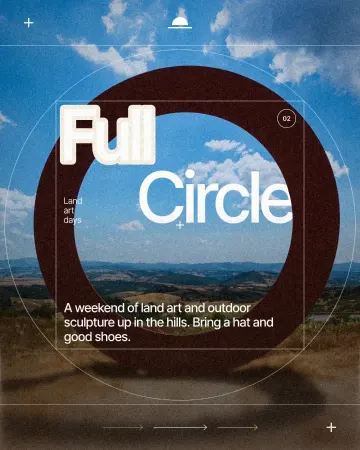
How to make a knockout outline that cuts through
A stroke that cuts through the layers under the text.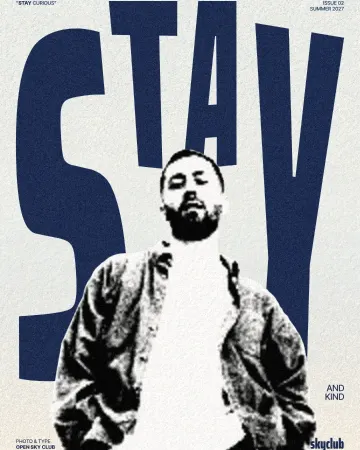
How to make a torn edges effect, like Photoshop’s Torn Edges
Ink and paper, split at a ragged, grainy edge.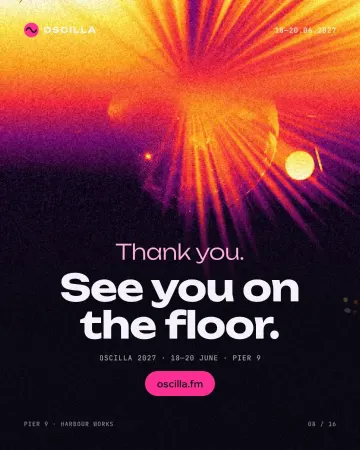
How to make an inverse heat effect
Half negative, half positive, in purple, magenta, orange and yellow.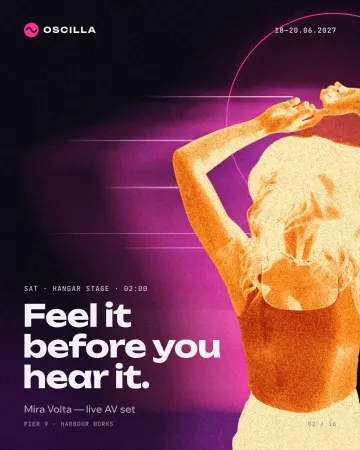
How to make a burnt edges effect with a fire negative
A fire negative with charred, glowing edges.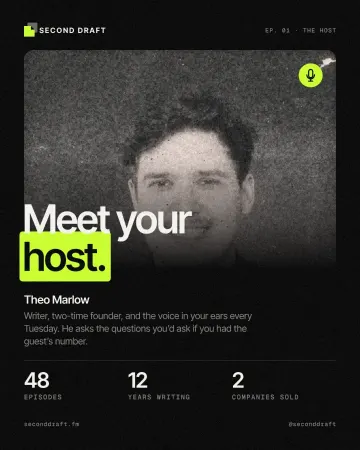
How to give a portrait an analog film look
Warm, faded, a soft halo round the lights, grain and dust.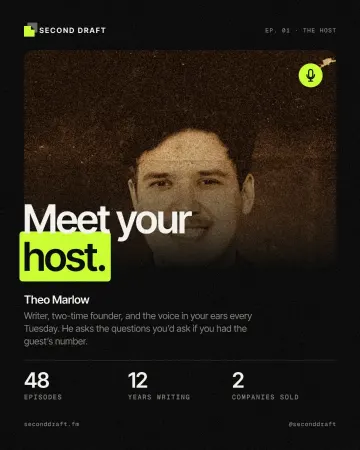
How to make a vintage sepia print effect
Sepia on yellowed, folded paper.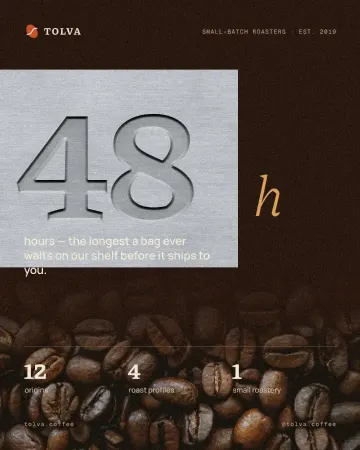
How to make an emboss effect: press text into metal or stone
The design pressed into a plate of metal or stone, its own colour gone.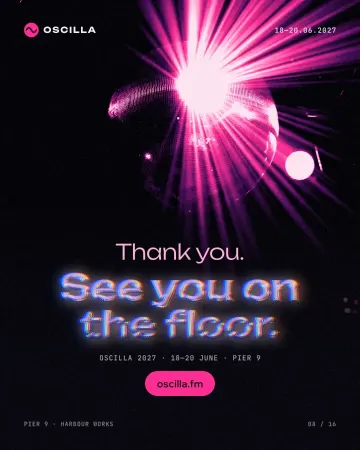
How to make a Y2K chrome text effect
Fat liquid chrome in pearly pastels, with a soft glow.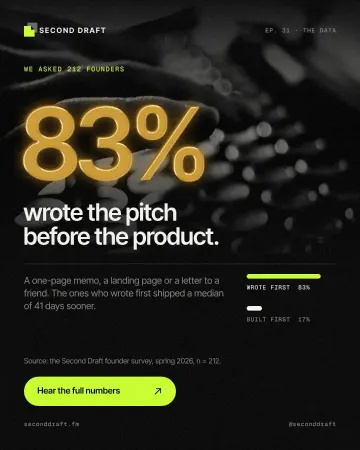
How to make a gold foil text effect
Stamped gold leaf: a pressed edge, warm metal bands and a soft shine.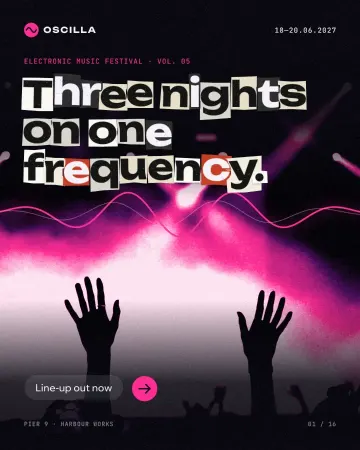
How to make newspaper cutout letters (ransom note text)
Every letter on its own scrap of paper, turned and nudged.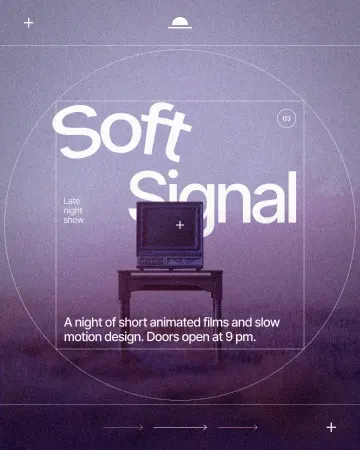
How to put text on a path that stays editable
Type along a curve you shape on the canvas; the words stay live.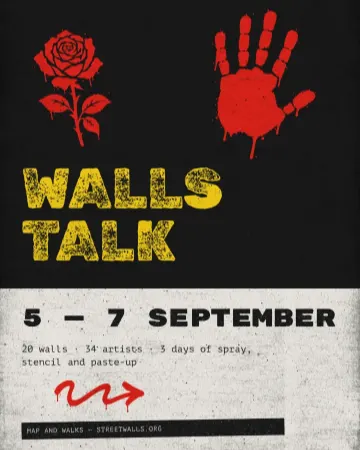
How to make a concert poster from a template
A ready-made gig flyer, your bands and your date, a file for print and one for social.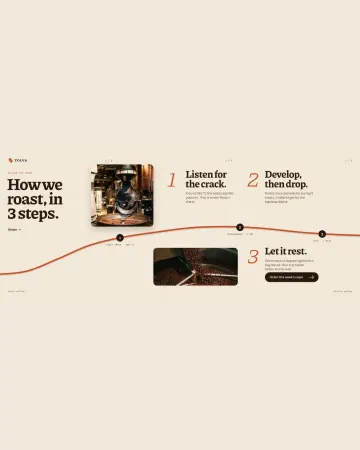
How to make an Instagram carousel from a template
One wide artboard, a design that runs across the cuts, a file for every slide.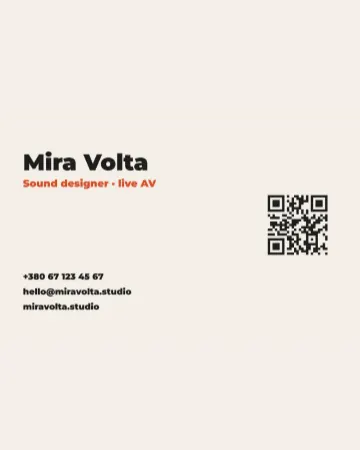
How to make a business card with a QR code
The right size, your details, a QR code that scans and a PDF for the printer.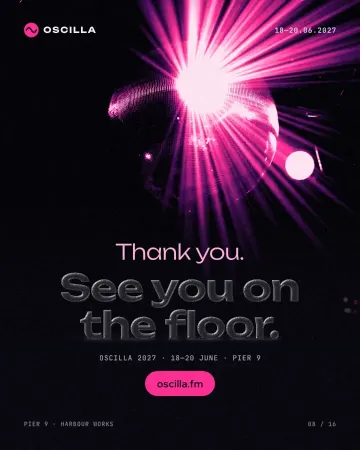
How to make a glassmorphism effect, like liquid glass
Thick, clear glass that bends the picture behind it, lit on one rim and shaded on the other.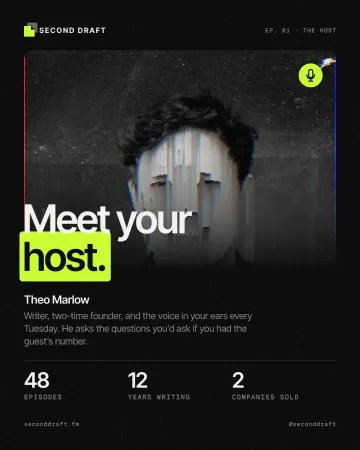
How to make a pixel sorting effect
Mid-tones and lights sorted by brightness into falling streaks.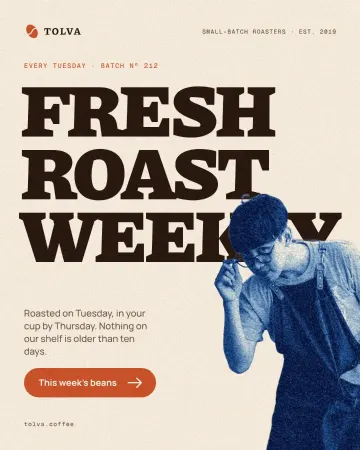
How to make a cyanotype effect from a photo
A sun print in Prussian blue on cream watercolour paper.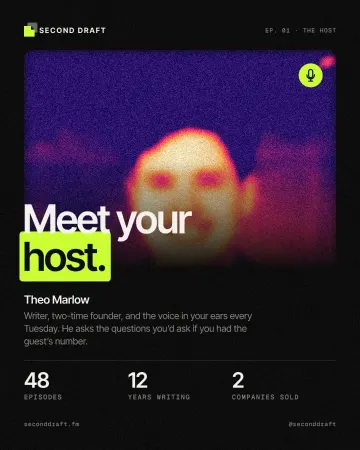
How to make a grainy gradient, the grainy blur look
Melted into a violet-to-peach gradient under heavy grain.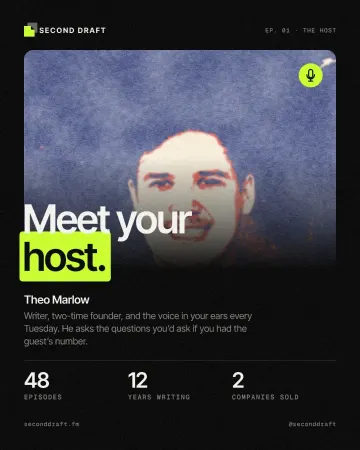
How to make a screen print effect
Three flat inks, a coarse dot and screens out of register.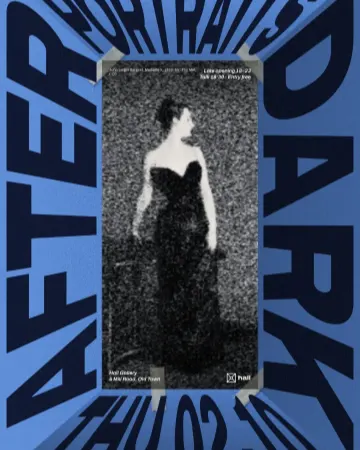
How to make a photocopy collage with tape
A grey photocopy, held to the page with strips of masking tape.
Photoshop, or one minute in Paletoo
The classic print and glitch looks the Photoshop way, honestly, step by step — and the same look in Paletoo as one editable mix.
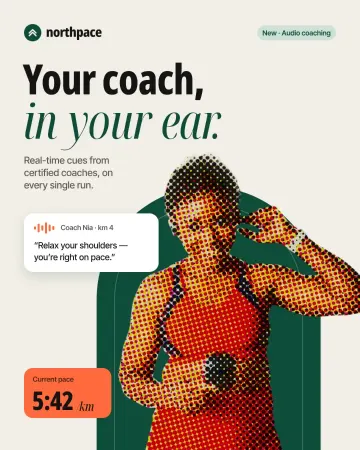
How to make a halftone effect in Photoshop — and in one minute
Color Halftone, a Bitmap screen and a Smart Object — then the same dots as one live mix.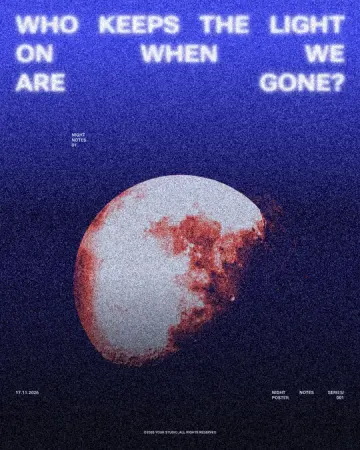
How to make a duotone in Photoshop — and the one-minute way
Duotone mode, a Gradient Map layer, and the same two inks as one live mix.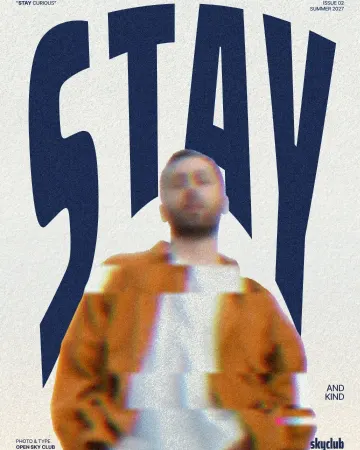
How to make a glitch effect in Photoshop — and in one minute
Split RGB channels, sideways slices and broken blocks — then the same break as one live mix.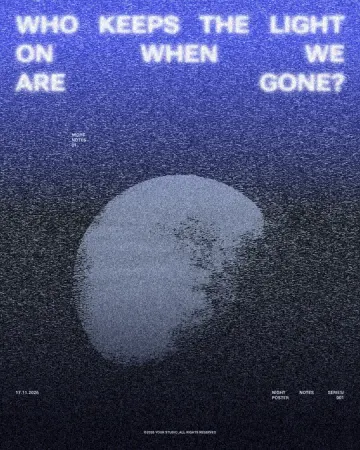
How to make a photocopy effect in Photoshop — and in one minute
Toner blacks, copier grit, grey paper and a torn edge — then the same copy as one live mix.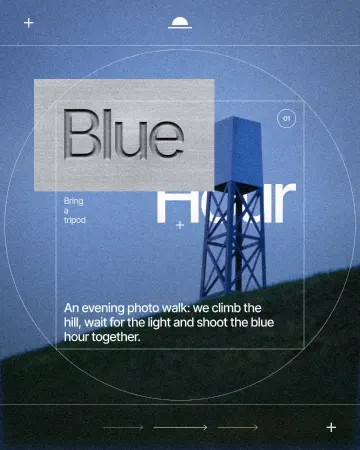
How to make debossed metal text in Photoshop — and in one minute
The full Photoshop recipe for type pressed into a metal plate, and the one-step version that stays live.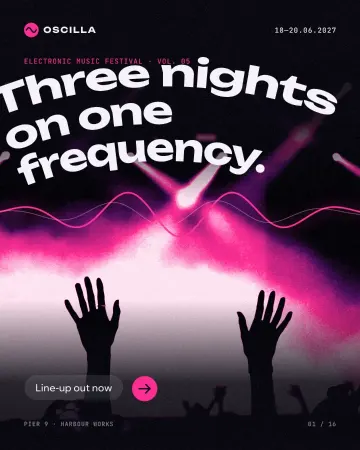
How to warp text and put it on a path in Photoshop — and in one minute
Three Photoshop ways to bend a headline, and one Warp section that keeps the words live.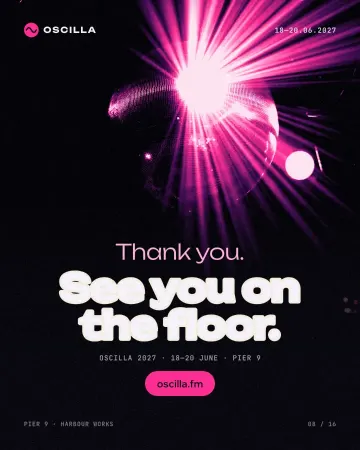
How to make knockout text in Photoshop — and the one-click way
A headline cut out of the photo, with a clean band of background around every letter.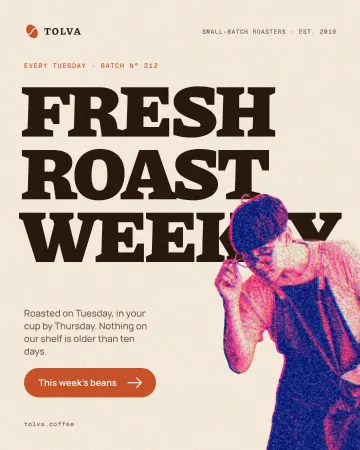
How to make a risograph effect in Photoshop — and in one click
Two inks, a coarse screen and a slight misprint: the Photoshop recipe, and the Mix that does it live.
Design trends 2027
Six looks that are taking over posters, covers and feeds, each shown on our own templates and made in a few clicks.
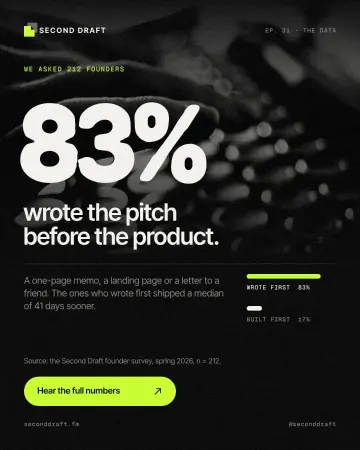
Tactile 3D type: the clay trend of 2027, and how to make it
Soft, swollen letters that look pressed out of clay or blown up like a balloon.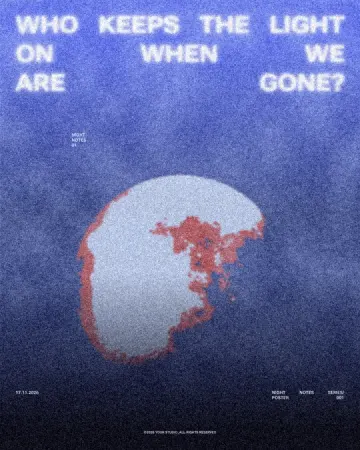
Grain and print textures: the riso trend of 2027, and how to make it
Flat inks, a coarse dot, toner grit and paper: the print look, on any photo.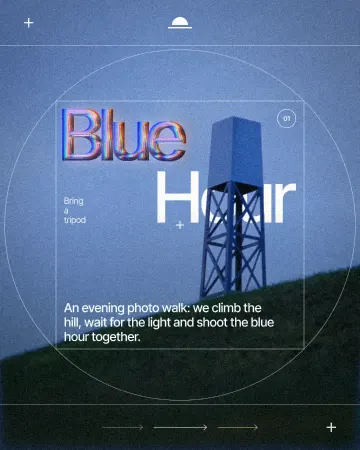
Chrome and liquid glass: the shiny trend of 2027, and how to make it
Mirror-bright metal and clear, bending glass: surfaces that reflect the world around them.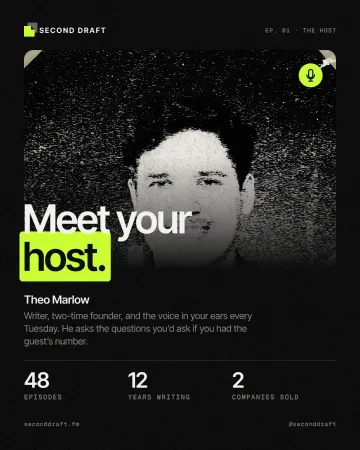
Collage and scrapbook design trend 2027: cut-outs, tape and torn paper
Cut-outs, photocopies and masking tape: a handmade look for a feed full of polished pictures.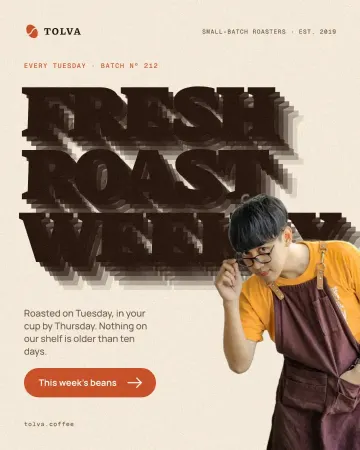
Kinetic typography trend 2027: bold type that moves, even on a poster
Big, bold type that moves — or looks as if it just did.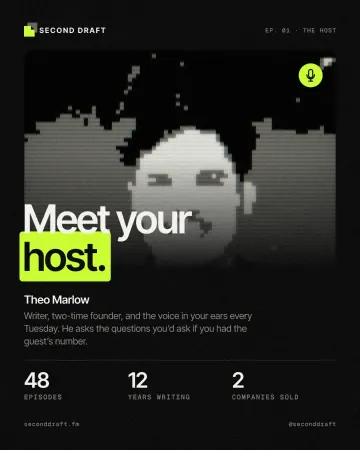
Y2K pixel art trend 2027: 8-bit, LED boards and CRT screens
Chunky pixels, a few hard colours and the glow of an old screen.
Problems designers ask about
The questions that keep coming up on design forums, answered with a way that works.
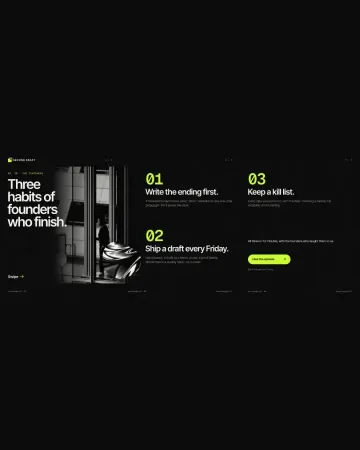
How to make a seamless Instagram carousel that lines up at every cut
One wide artboard, a picture that runs across the cuts, and a file for every slide.
A Canva alternative for designers who need real type and print files
Keep the speed of templates, and get back the controls a designer expects.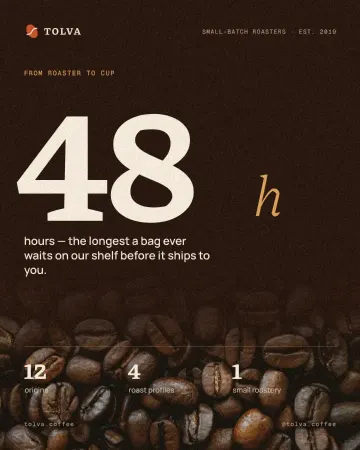
How to keep brand fonts and colours consistent across every design
Name the colours and the type once, link every layer to them, and change them in one place.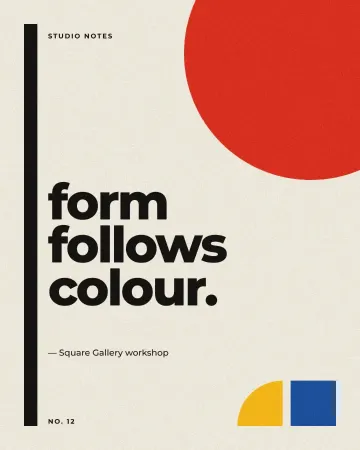
How to export an animation with a transparent background
Animated type with nothing behind it: WebM with real alpha for video, Lottie for websites and apps.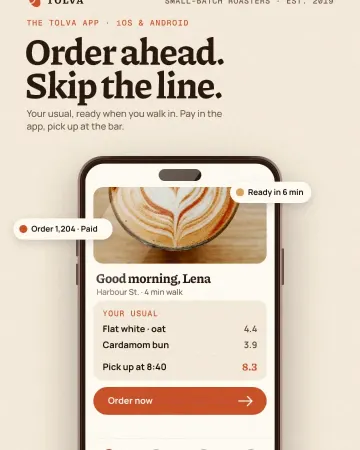
Mockups without Photoshop: show a design on a real object
Phones, posters, clothing and packaging — your design laid on in perspective and light, with no PSD to open.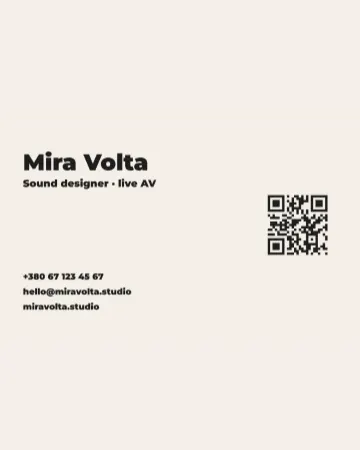
QR code design: how to style a QR code that still scans
Colours, shapes and a logo — inside the few rules that keep a phone reading it.
Make it online
- Instagram post maker
- Instagram story maker
- Poster maker
- Flyer maker
- Business card maker
- QR code generator
- Remove background online
- Mockup generator
- Photo effects online
- Text effects online
- Logo maker
- Presentation maker
- Lottie animation maker
- Duotone, halftone and glitch photo effects online
- Photo collage maker
- Carousel maker
- Animated text maker
Free tools on the page
Try it on your own design
Paletoo opens in your browser, with no sign-up. Every effect here is live: change the picture or the words and the effect follows. Free design templates.
Open in Paletoo