Edit the words after an AI material
An AI material turns words or a shape into a rendered picture — chrome, glass, balloons. In Paletoo the source is kept: your words stay a separate, editable layer under the result.
Spotted a typo or want another word? Edit the source, then render again. The result layer also keeps its own shadow, stroke, crop and variations.
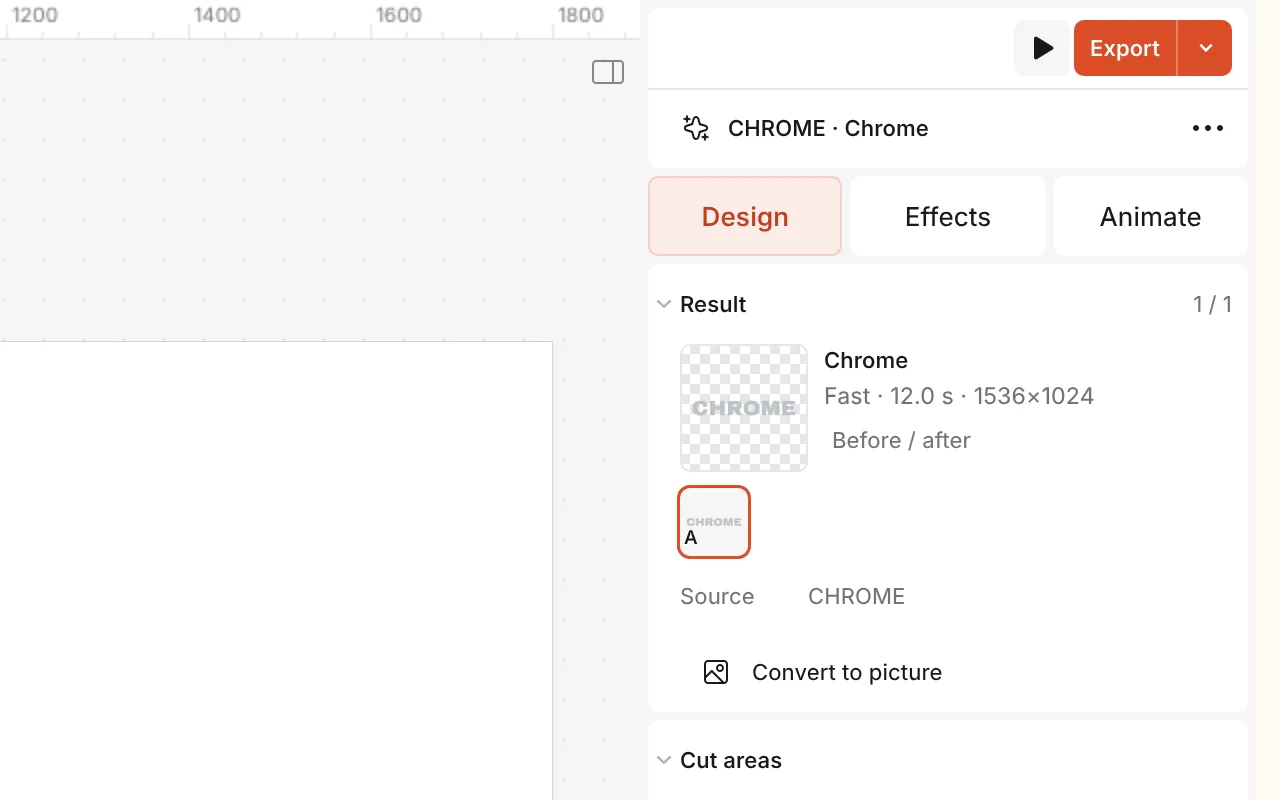
How to do it
- Select the AI result on the canvas.
- On the Design tab, in its Result section, click the words next to Source (or double-click the result).
- Change the words or the font, exactly as with any text.
- The result is now marked Out of date: click that mark and choose Edit source to go back to the words, or Render again to update the picture.
Rendering a material uses the AI on our servers: it needs you to be signed in and spends AI credits, and so does rendering again. Editing the source is free.