Kerning, variable fonts and glyphs
Paletoo sets text with HarfBuzz, the shaping engine browsers and design apps use, so you get real typographic controls, not just size and spacing.
Kern any pair of letters, move the axes of a variable font, switch on the OpenType features a font has (ligatures, figures, stylistic sets) and pick alternates from the glyph browser.
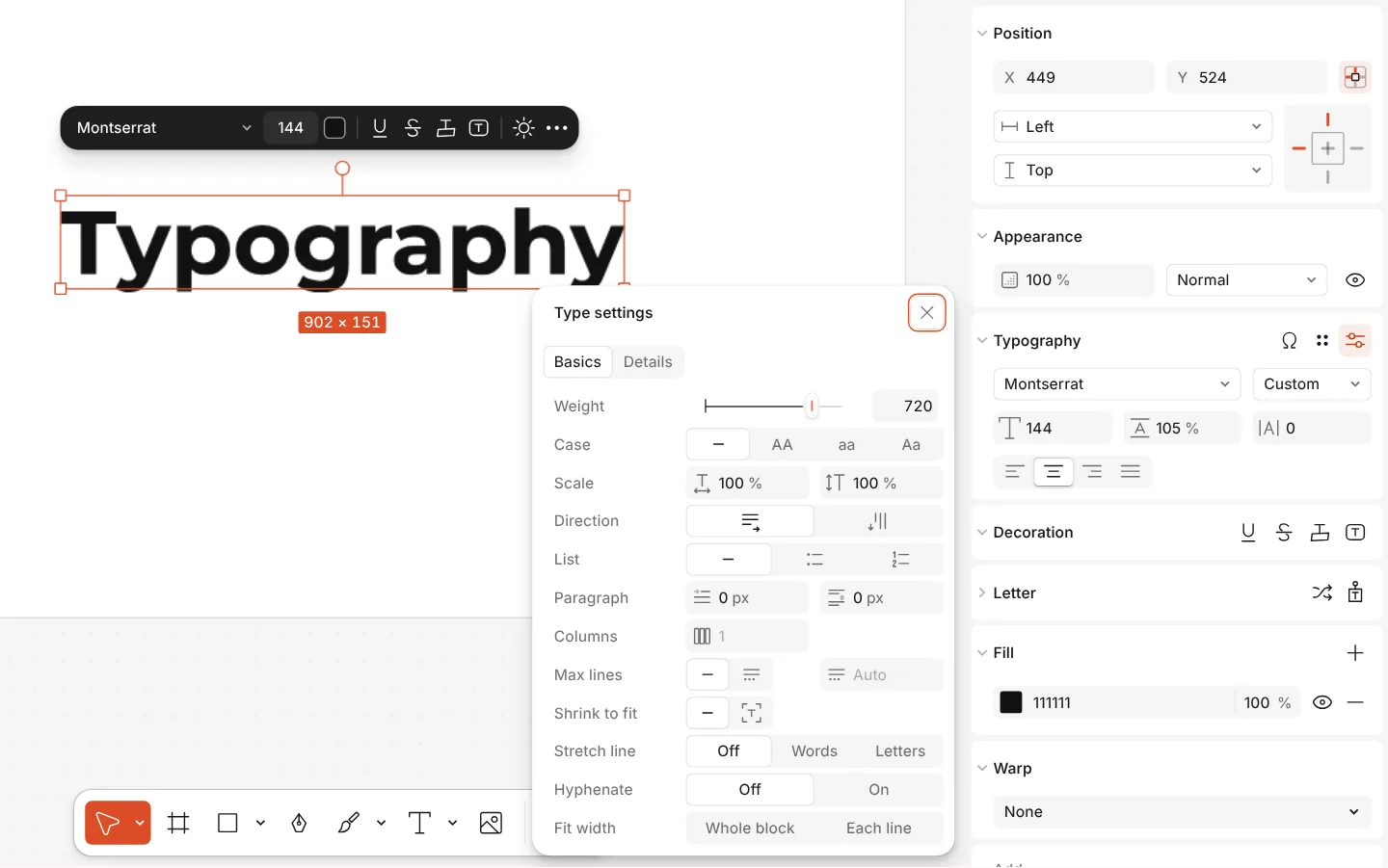
How to do it
- Select a text and find the Typography section on the Design tab.
- For Kerning, double-click into the text and put the caret between two letters: the spacing field becomes Kerning for that pair (Alt ← / Alt → also work).
- Open Type settings (⚙): Basics shows a variable font’s axes, such as Weight, as sliders; Details has ligatures, figures and other OpenType features.
- Press Ω for Glyphs to browse every character and alternate of the font and insert one.
Axes and features appear only when the font has them.