Halftone, photocopy and grain effects
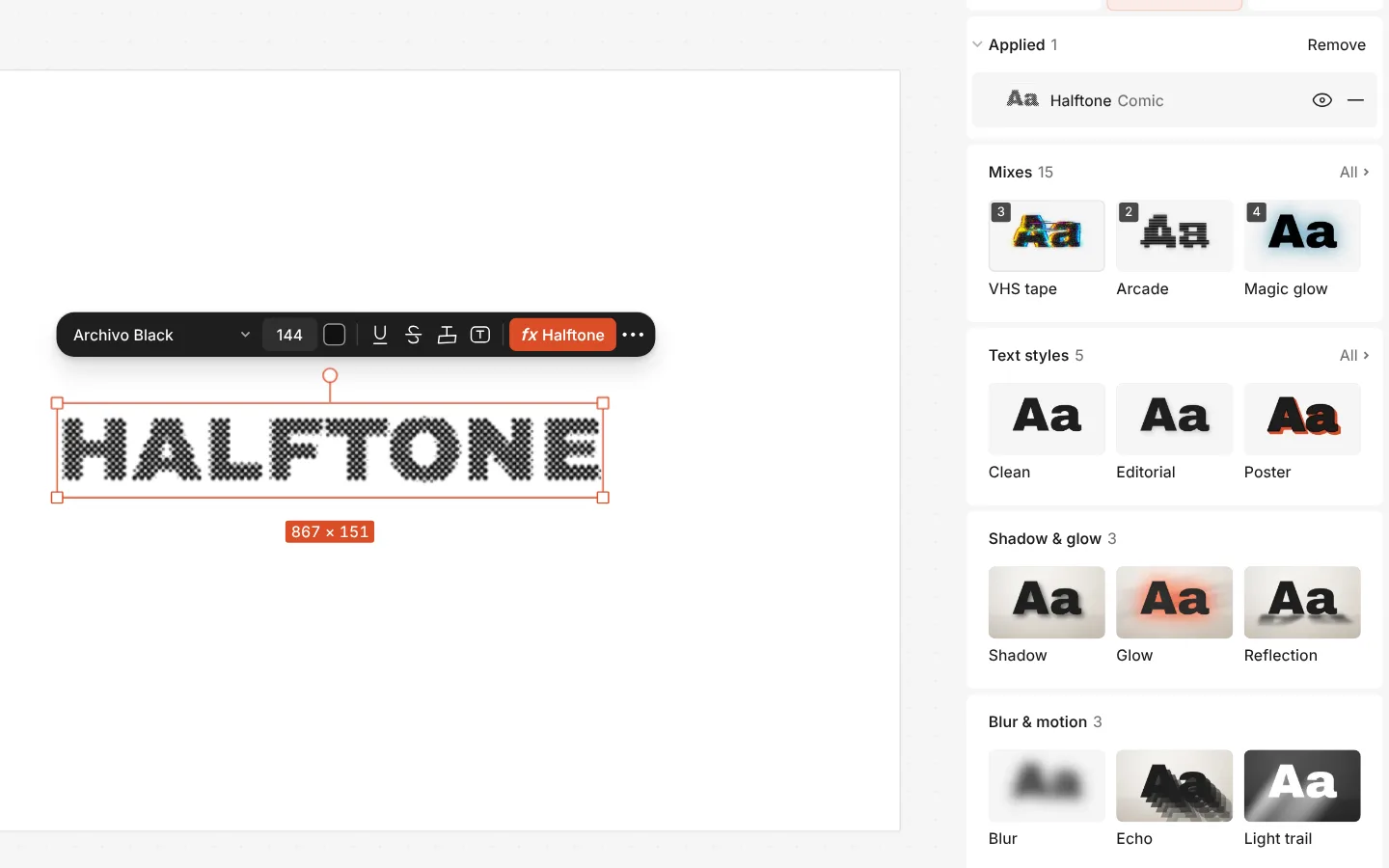
The Retro & print effects give any layer a printed look: Halftone dots, Photocopy, Grain, dither and more. For a riso print, there is a ready mix of them.
They are live: change the words or the photo underneath and the effect follows. They aren’t AI and cost nothing.
How to do it
- Select a text, a photo or a shape and open the Effects tab.
- Press Add effect and open the Retro & print group.
- Pick an effect, then adjust it; stack several for a richer print.