Export all artboards in several formats at once
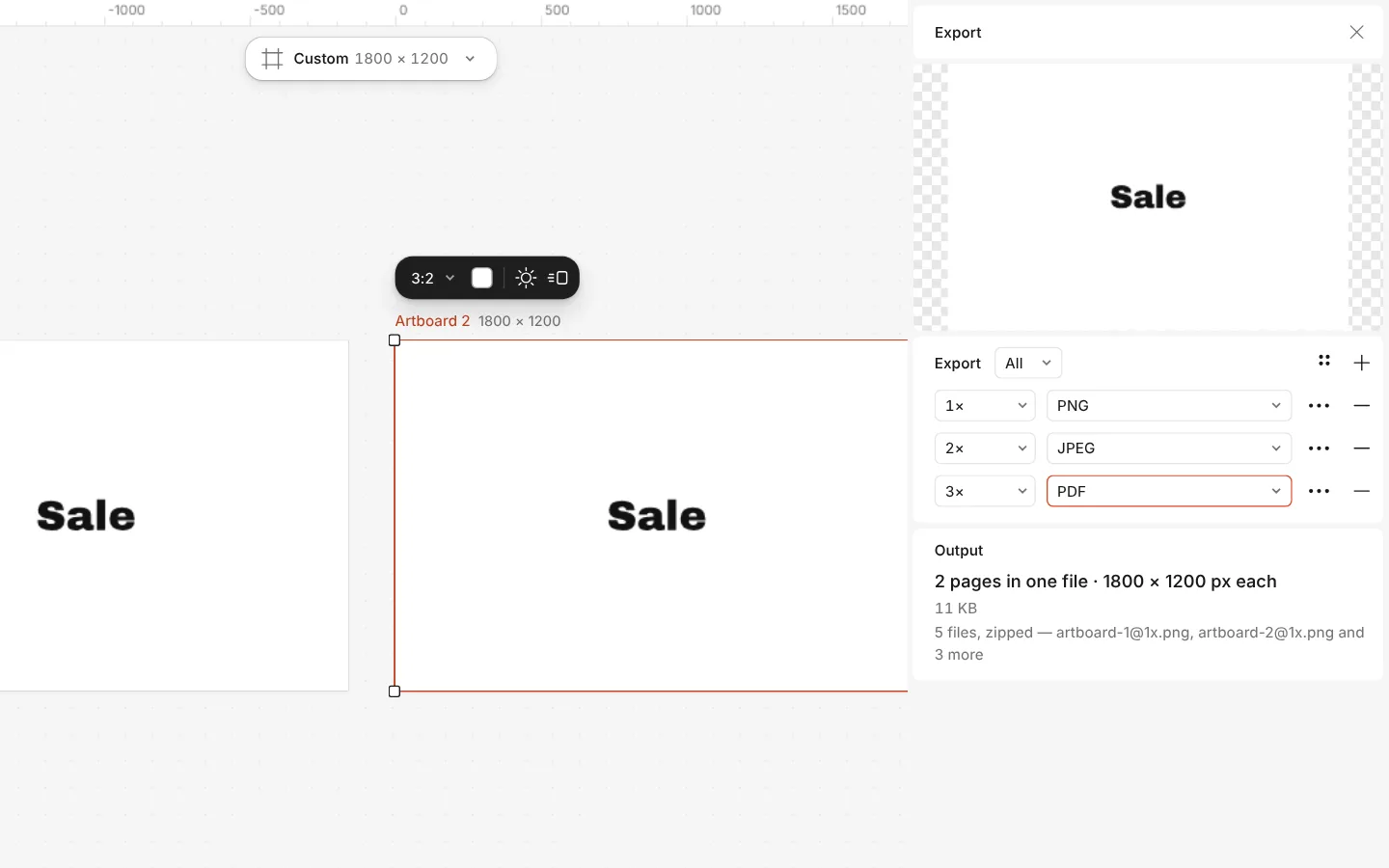
One export can take every artboard, or every page of the document, and write several files at once — say a PNG at 2×, a JPEG and a PDF — each with its own size.
Save the setup as a preset to repeat it next time with one click. Nothing you export carries a watermark.
How to do it
- Press Export (Ctrl Shift E), or run Export all artboards from Ctrl K.
- Set what to export to All artboards, or All pages.
- Press Add a file for each further format or size.
- Export. To keep the setup, save it from the preset menu.
Presets are kept in this browser.