Export to PowerPoint with editable text
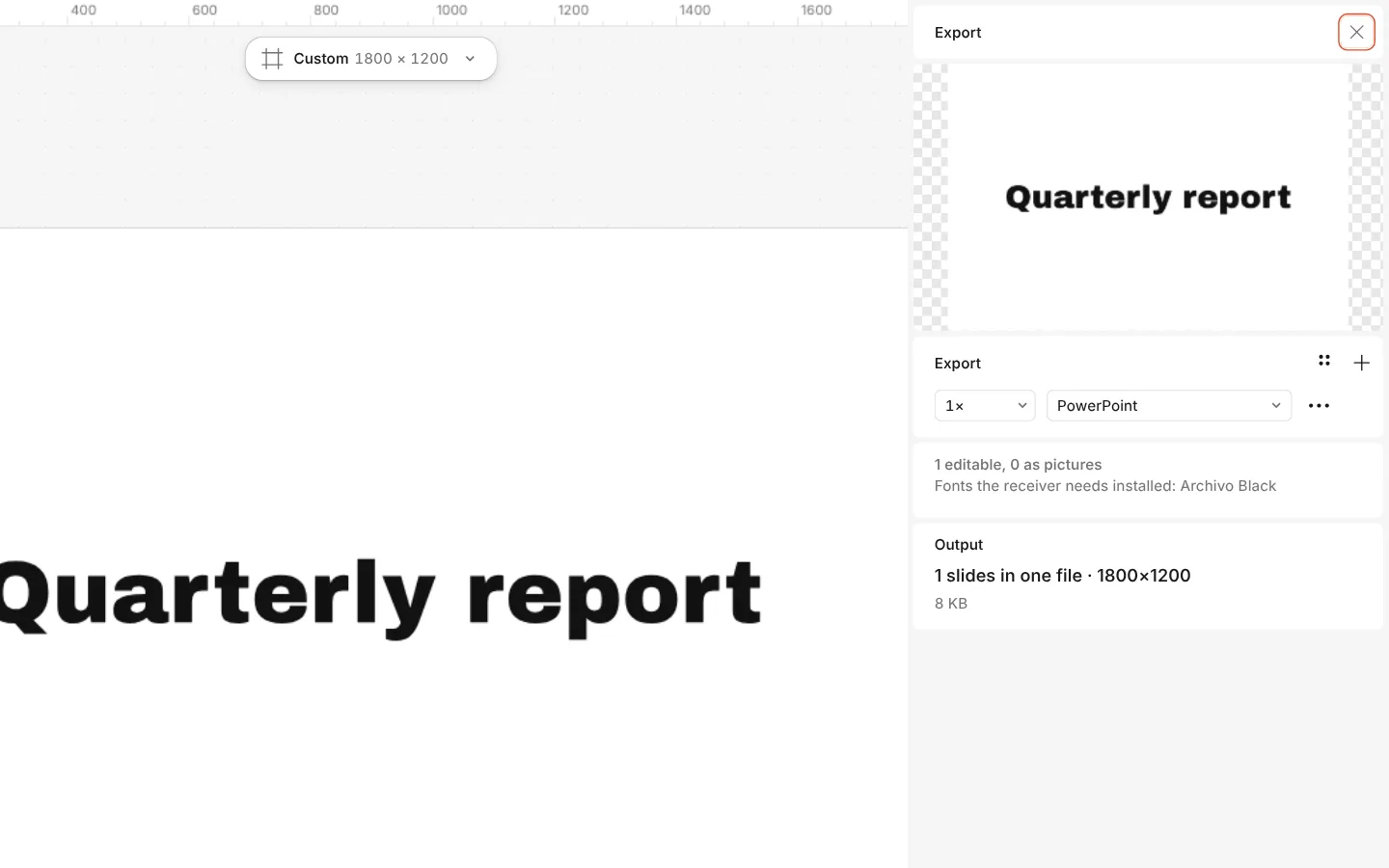
Paletoo exports to PowerPoint with one slide per artboard, at any size. Text arrives as real text boxes you can edit in PowerPoint, Keynote or Google Slides, vector drawings as shapes and pictures as pictures.
What a slide can’t express — a mask, a blend mode, warped letters — becomes a picture, and the Export window tells you which layers and why.
How to do it
- Press Export (Ctrl Shift E).
- Choose PowerPoint as the format.
- Read the note under it: how many layers stay editable and which become pictures. Leave Text as pictures off.
- Export and open the file in your slide app.
Whoever opens the file needs the fonts installed for the text to look the same; the Export window lists them.