How to import an AI (Illustrator) file
Paletoo opens Adobe Illustrator .ai files that were saved with PDF compatibility, which is Illustrator’s default. You choose the pages, and they come in as layers you can move, recolour and edit.
EPS files can’t be opened yet. In Illustrator, save an EPS as an .ai or PDF file first.
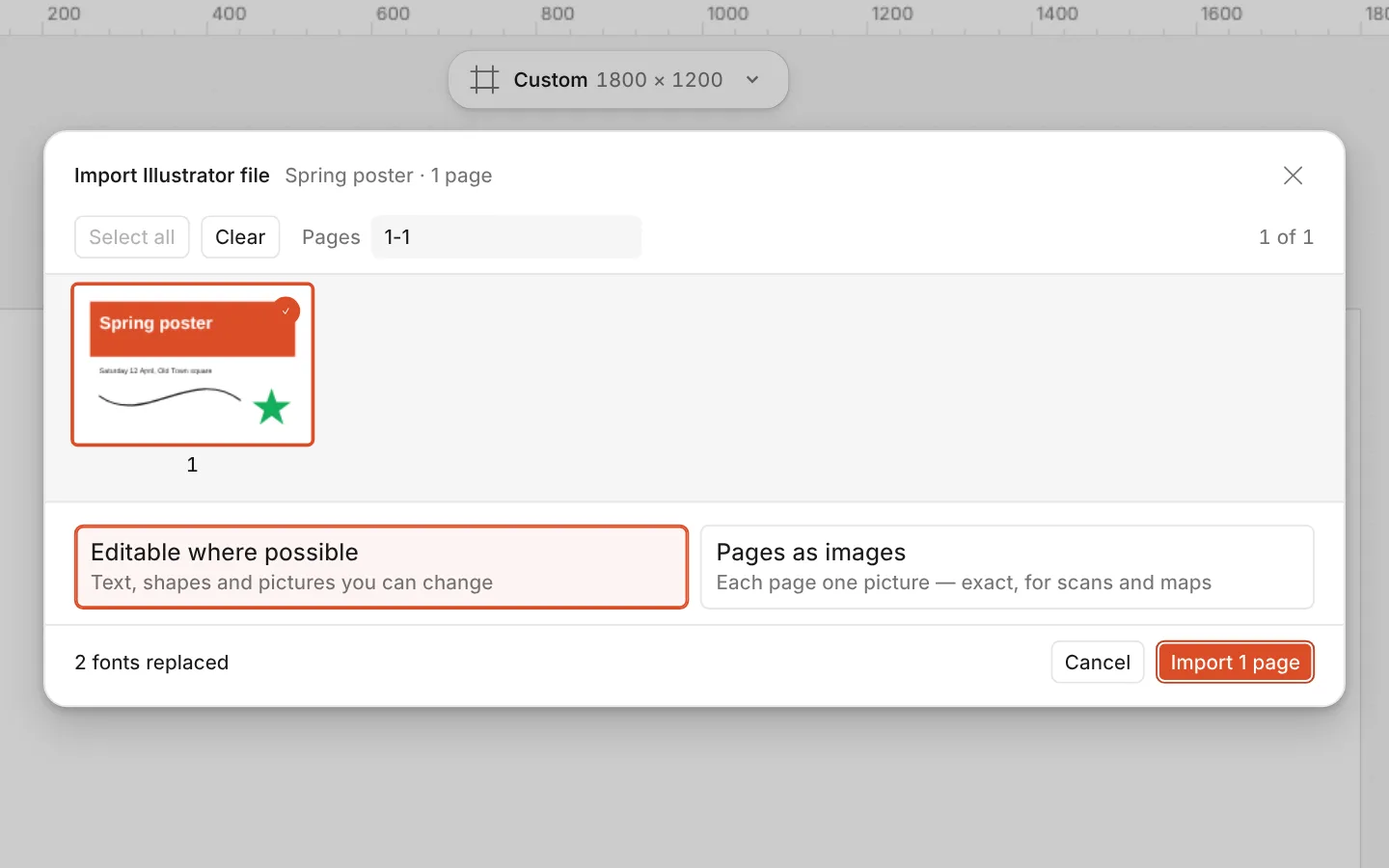
How to do it
- Open the Documents menu and choose Open file… (Ctrl O), or drop the
.aifile onto the canvas. - The Import Illustrator file window opens with the file’s pages. Pick the ones you want.
- Press the import button (Import 1 page, or as many pages as you picked). The pages arrive as artboards in one step, so Ctrl Z takes them away again.
Only the PDF inside the .ai is read. A file saved without “Create PDF Compatible File” is refused with a note saying how to save it again.