Free mockups
Paletoo comes with smart mockups — screens, posters, print, packaging and more — free to use and export, with no watermark.
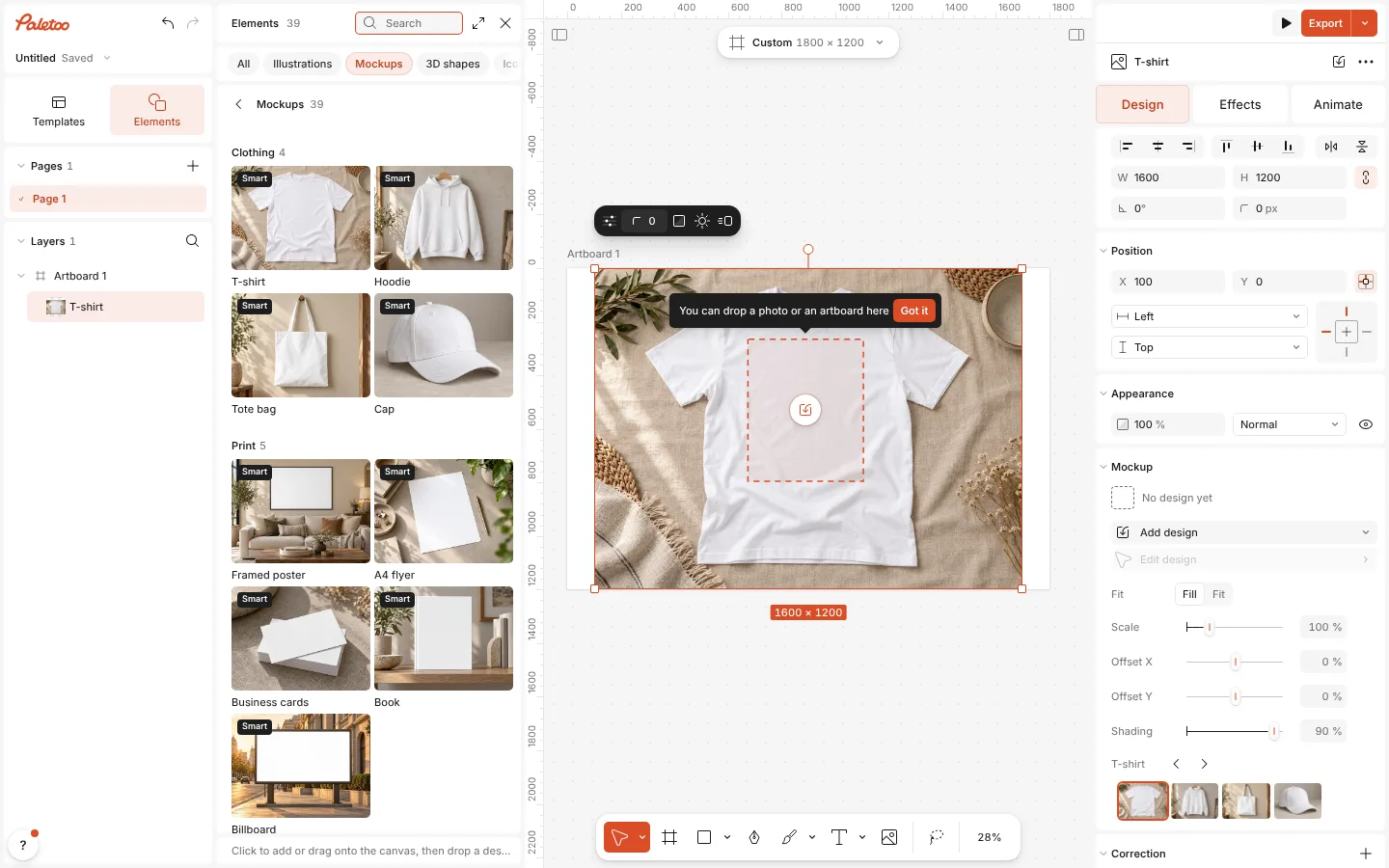
Put a photo into one, or an artboard from your document: an artboard stays linked, so when you change the design, the mockup changes with it.
How to do it
- Open Elements (E) and go to Mockups.
- Click a mockup, or drag it onto the canvas.
- Drop a photo or an artboard onto it, or click it and pick from Design for the mockup.
- Fine-tune the placement and the shading in the Mockup section, then export as usual.