Remove a background for free, without uploading
Paletoo removes a photo’s background on your own device. The photo is never uploaded, and it costs no credits, however many photos you cut out.
The first time, the editor downloads the model once; after that it works offline too.
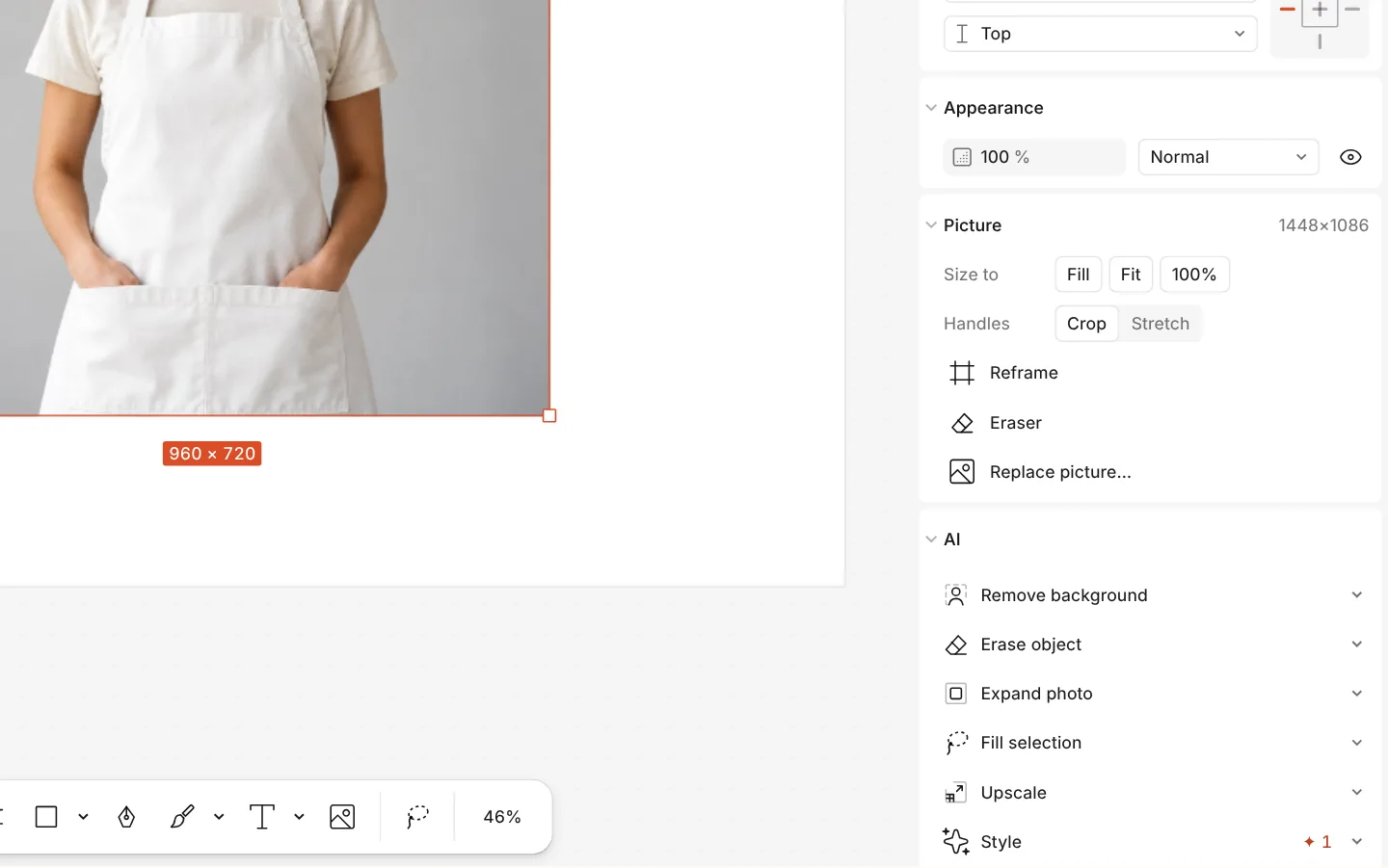
How to do it
- Select a photo (or several).
- On the Design tab, in the AI section, press Remove background — or press Ctrl K and run Remove background.
- Wait a moment: the background goes, and the cut-out stays a picture you can move, shadow and stroke.
- Changed your mind? Ctrl Z brings the background back.
The model is about 44 MB and is kept by the browser after the first download. If you have hidden on-device AI in the ? menu, the button is hidden too.