Several strokes on one text
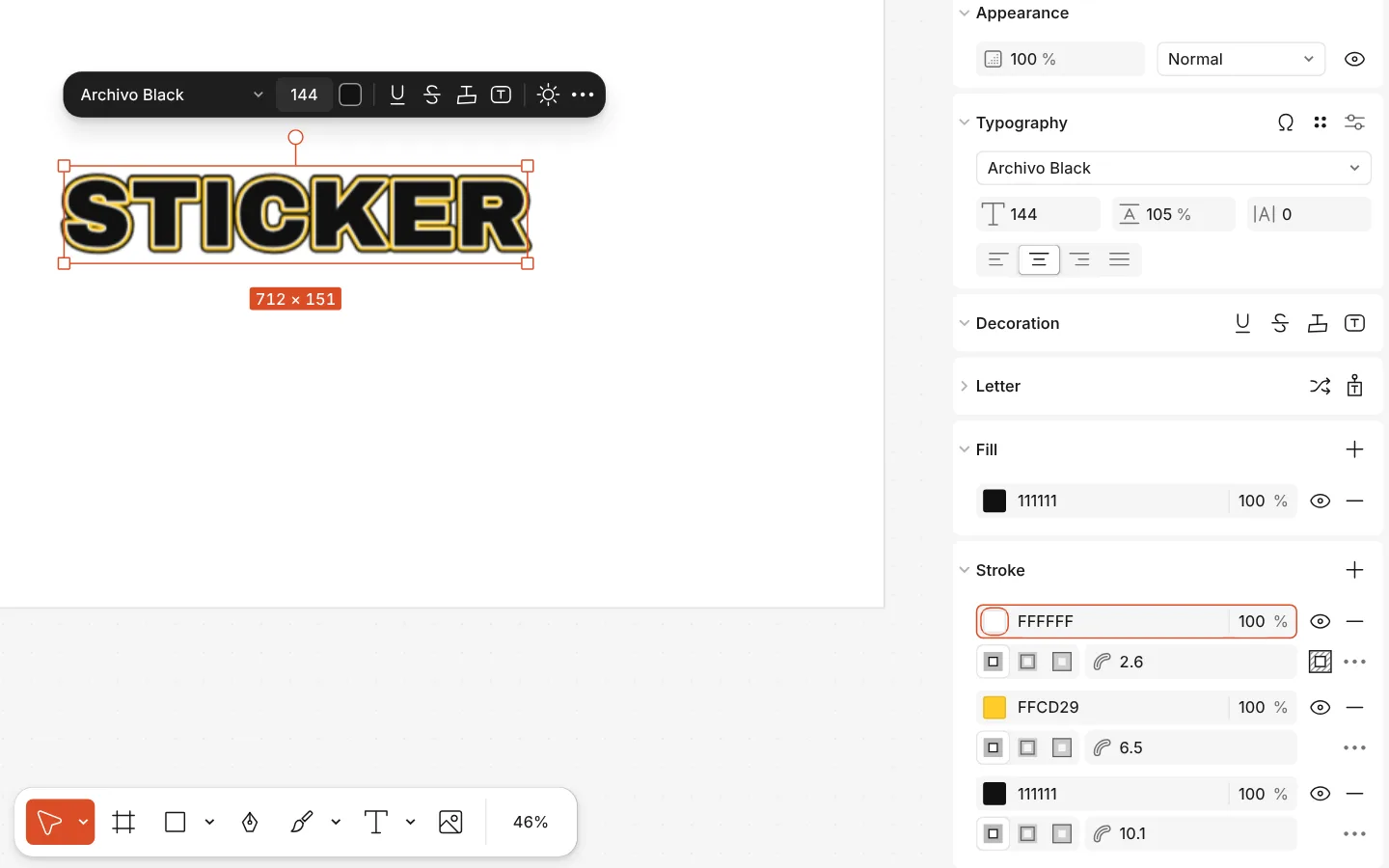
One outline is rarely enough for a sticker or a poster headline. In Paletoo a text can carry several strokes, one on top of another, each with its own colour, opacity, weight and position: inside, centre or outside.
Pictures, vector drawings and rectangles, ellipses, polygons and stars take several strokes the same way.
How to do it
- Select a text layer.
- On the Design tab, find the Stroke section and press + (Add a stroke).
- Press + again for each further stroke; the newest sits on top.
- Set each row’s colour and weight, and open its ⋯ to place it inside, at the centre or outside.