How to add your own fonts
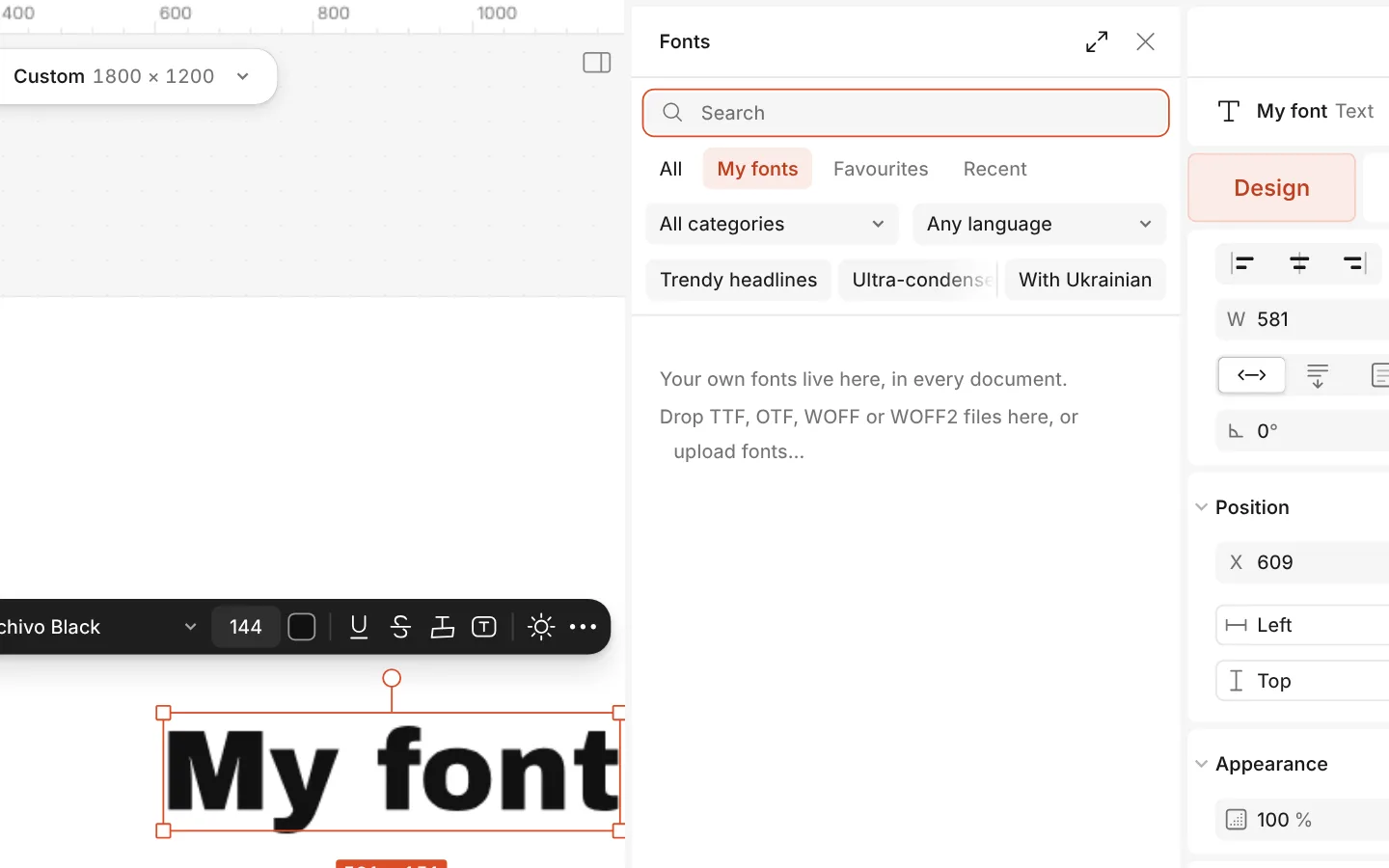
Add any font file you have a licence for — TTF, OTF, WOFF or WOFF2 — and use it like the built-in fonts. The files are kept in this browser, under My fonts.
Cloud sync sends your documents, not your font files. A font leaves your computer only inside a .paletoo file you save, or if you add it to a team’s fonts.
How to do it
- Select a text and open the font list (Ctrl K → Browse fonts).
- Press Upload fonts at the bottom and pick the files, or drop them onto the window.
- Find them on the My fonts tab and click one to use it.
Fonts installed on your computer are not read automatically: add the font files themselves. In a private window a font is kept for that session only.