Upscale a photo and erase objects for free, on your device
Upscale makes a photo two or four times larger with an AI model that adds detail rather than blur. Erase object lets you paint over something — a wire, a passer-by, a logo — and fills the place in.
Both run on your device, like background removal: nothing is uploaded and no credits are spent.
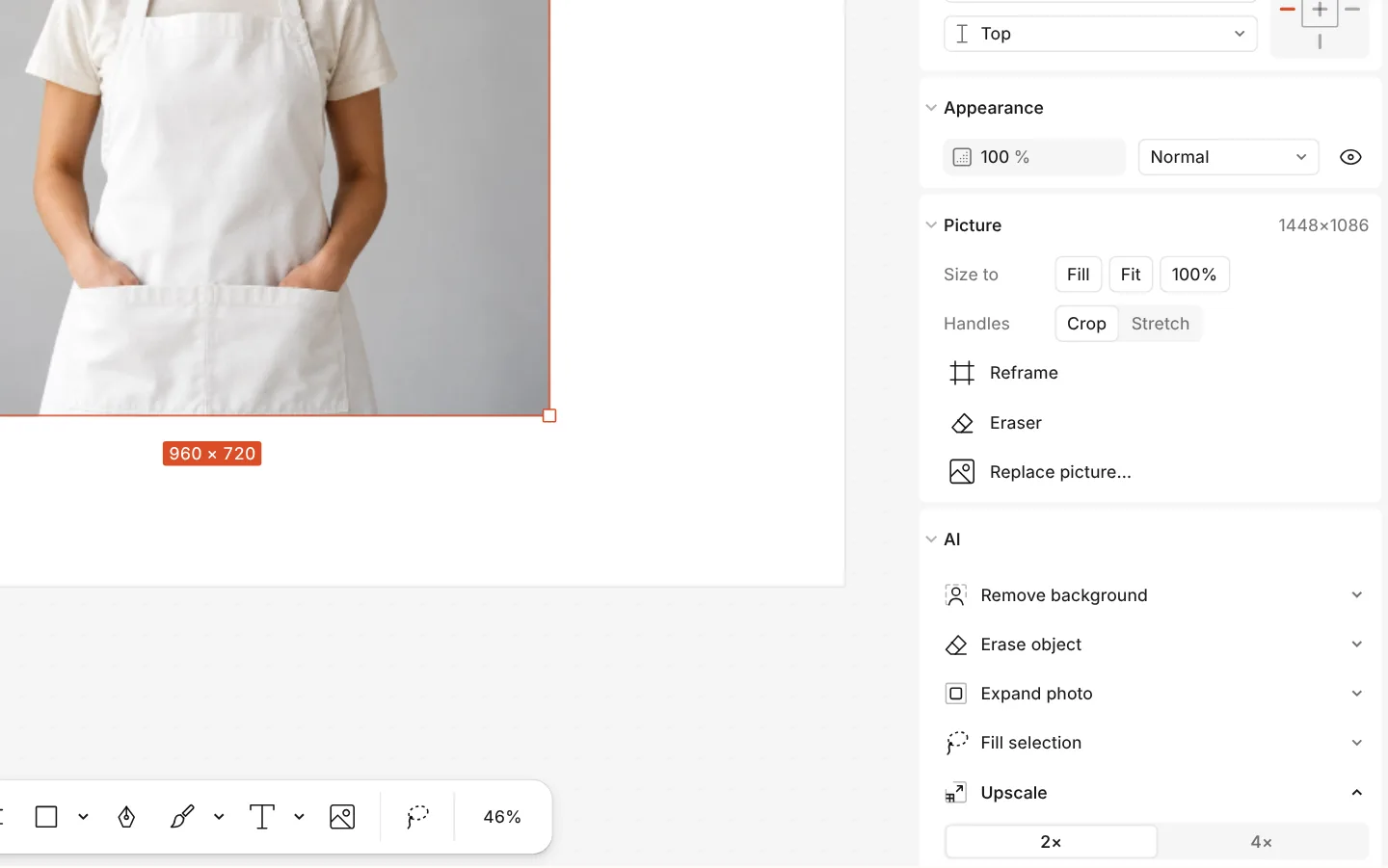
How to do it
- Select a photo and find the AI section on the Design tab.
- To enlarge it, press Upscale and choose ×2 or ×4.
- To remove something, press Erase object, then Erase with the brush, and paint over it.
- Each result can be undone from its row or with Ctrl Z.
Each model is downloaded once, the first time you use it. Upscale stops at 8192 px on a side.