Transparent WebM video
Animated titles and stickers are most useful with nothing behind them. Paletoo exports animation as a WebM video with a real transparent background, so you can lay it over other footage.
The option is there whenever something on the artboard moves.
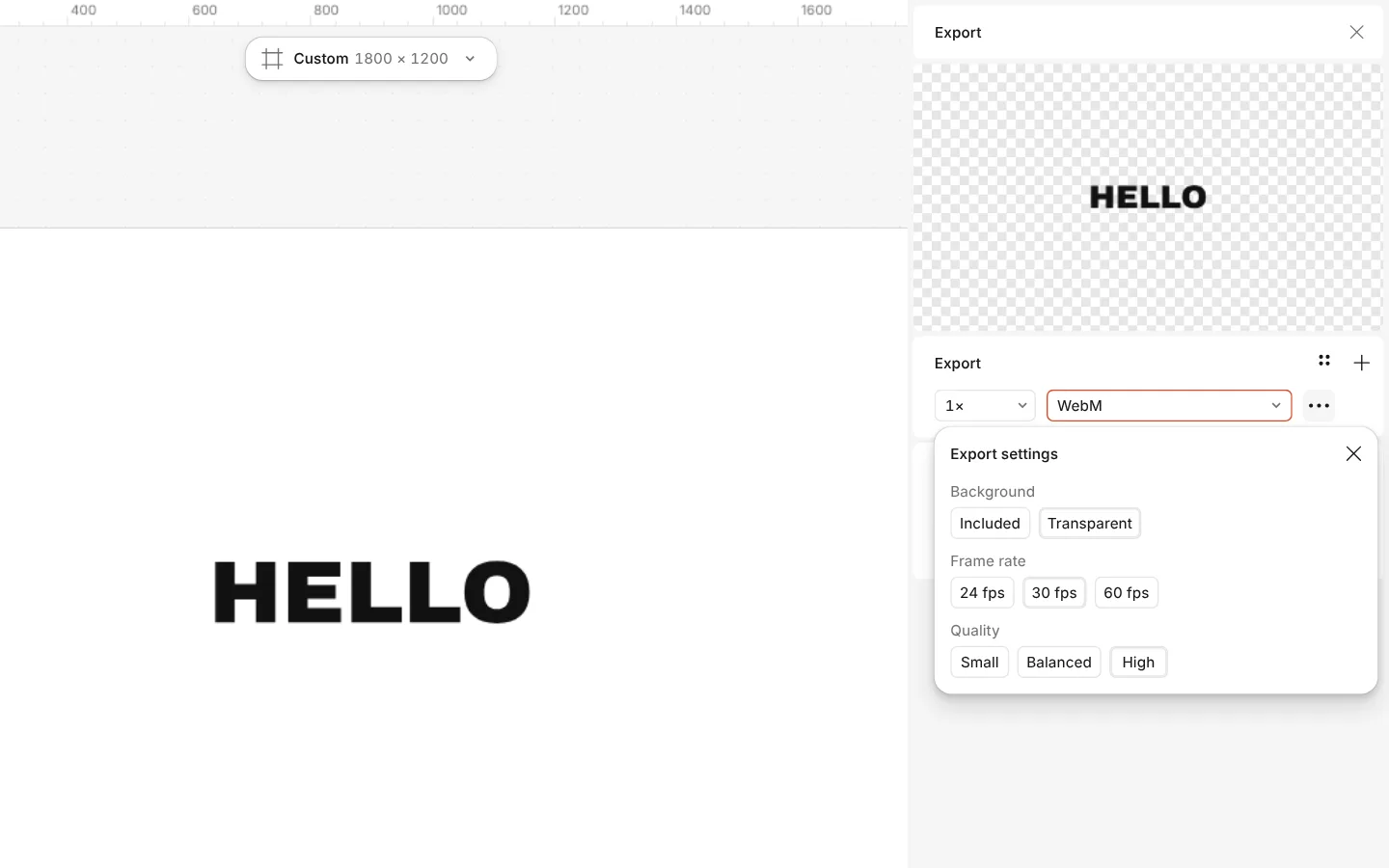
How to do it
- Animate something on the artboard (the Animate tab).
- Press Export and choose WebM as the format (“VP9 video, can be transparent”).
- Open the row’s Export settings and set Background to Transparent.
- Export.
Writing a transparent WebM needs Chrome, Edge or Firefox 130+. Chrome, Edge and Firefox play it with transparency; Safari and many video editors show a black background instead.