How to make an embossed metal effect
Live text pressed into the sheet and turned to chrome.
What it is
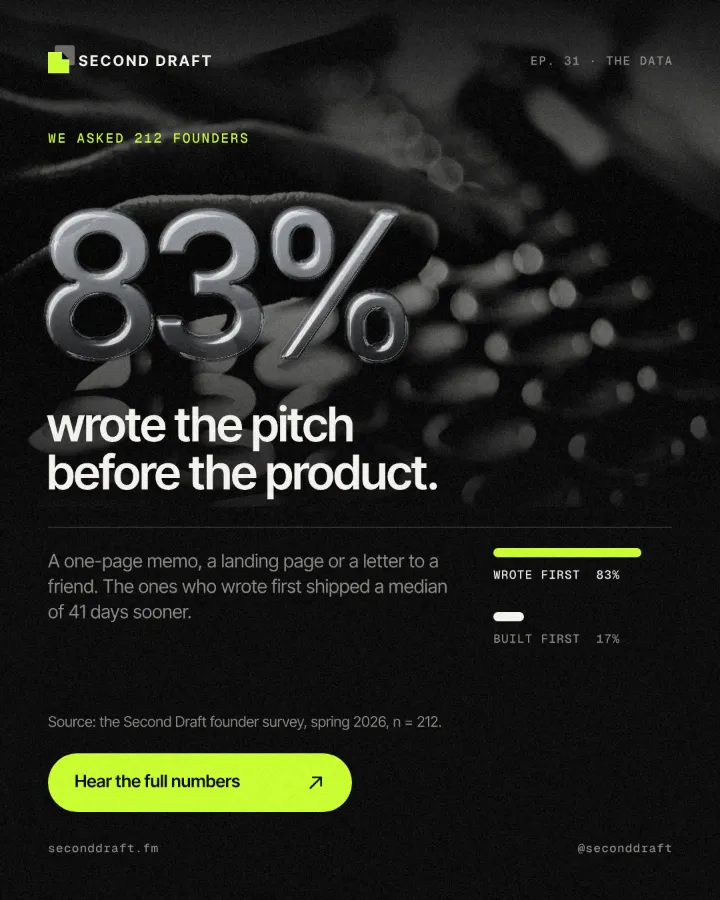
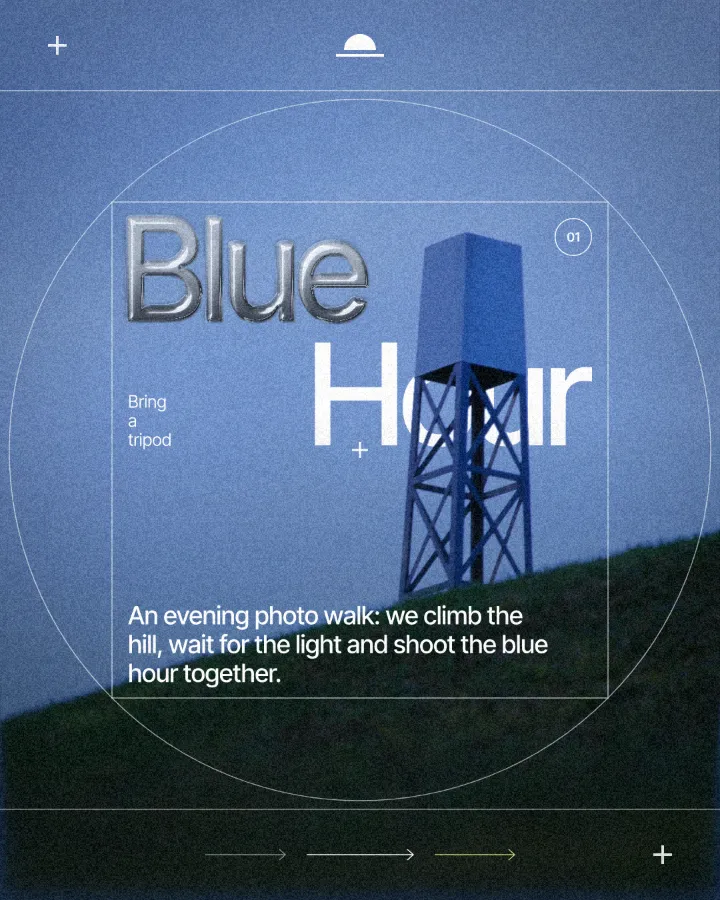
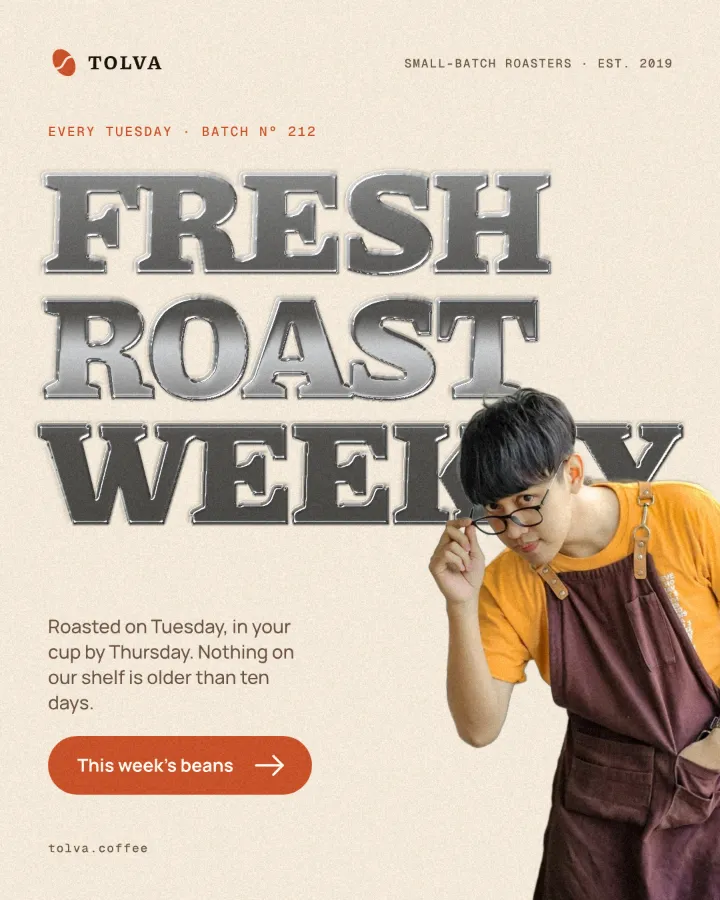
Embossed metal is type or a logo that looks stamped into a surface and made of polished metal: a raised bevel along every edge, a bright highlight where the light hits it and a dark reflection on the far side. It is the visual language of badges, trophies, car emblems and premium packaging — and lately of social posts that want to feel expensive.
The trick is that two things happen in order. First the shape is pressed into the sheet, which gives it walls and depth. Then those walls are read as the height of a metal surface, which is what makes the light catch the edges. Paletoo does both on live text, so you can still change the words, the font and the size afterwards.
Where it is used
Use it for big numbers and statistics, product and drink labels, anniversary and award posts, car and watch promos, music titles with a 2000s chrome mood and logo reveals. It reads best large and heavy: thick numbers, bold serifs and black sans-serif headlines.
Made in Paletoo with this mix:
How to make it, step by step
Open your design and select the text, number or logo you want in metal. Heavy weights work best; thin type has no room for a bevel.
Open the Effects tab and go to Mixes.
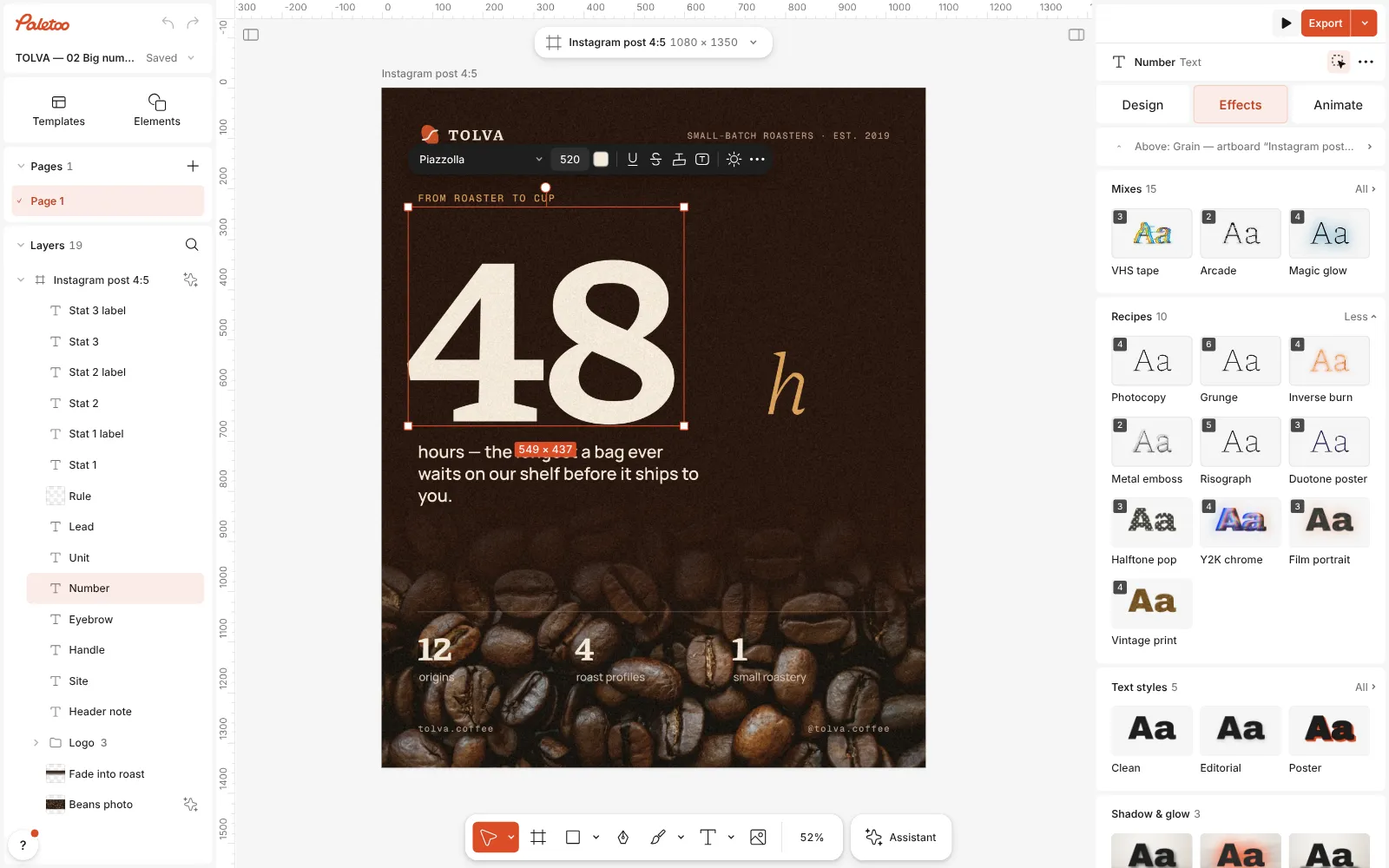
A coffee poster open in Paletoo, the big number 48 selected and the Mixes open Press Metal emboss. Two steps go on under Applied: Relief, which presses the shape into the sheet, and Metal, which turns that pressing to chrome.
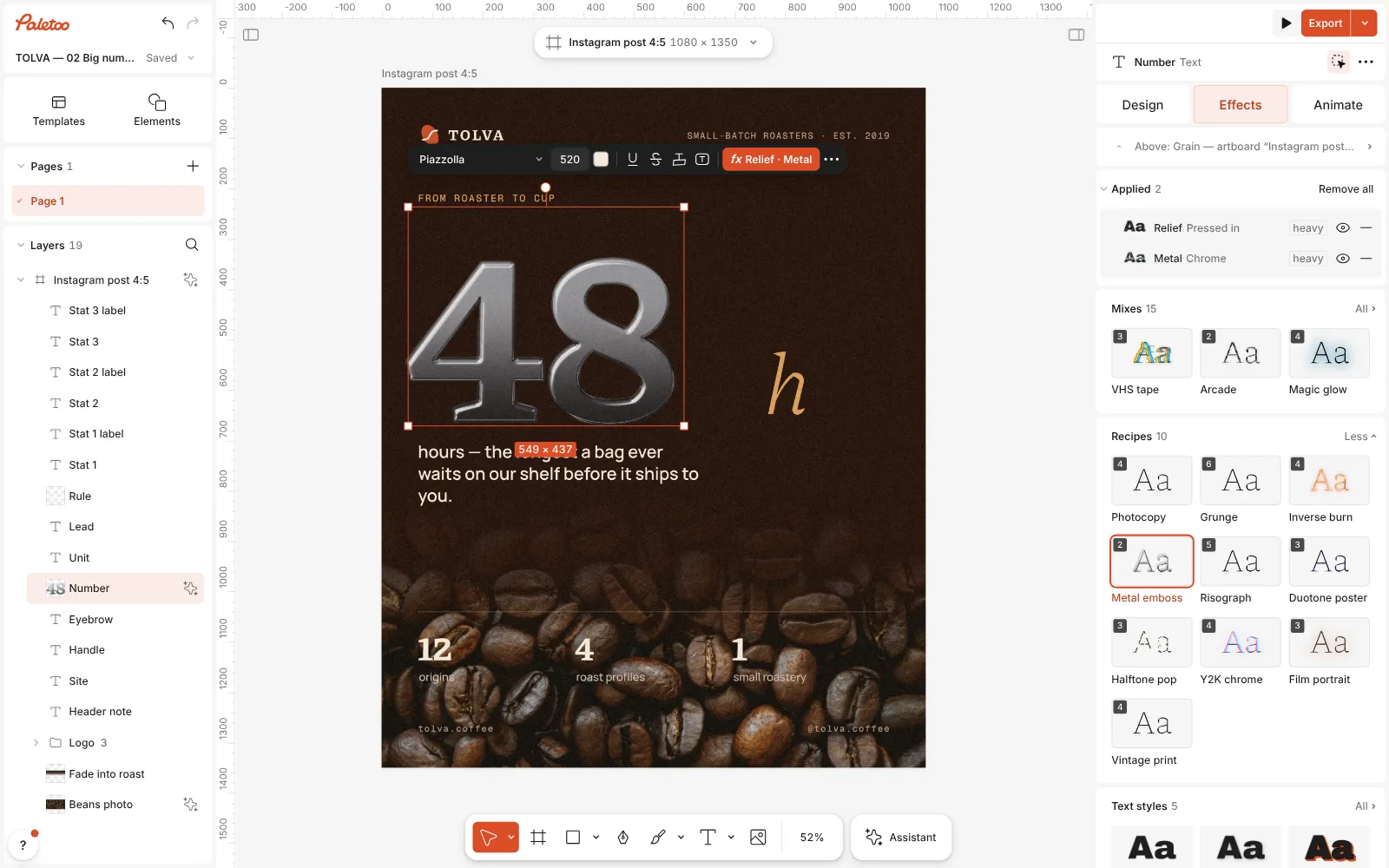
Metal emboss pressed: Relief and Metal listed under Applied, the number turned to chrome Open Metal to change the finish. The presets are Chrome, Gold, Brushed and Liquid chrome; Light turns the light around the letters, Bevel sets how wide the edge is and Shine how bright the highlight gets.
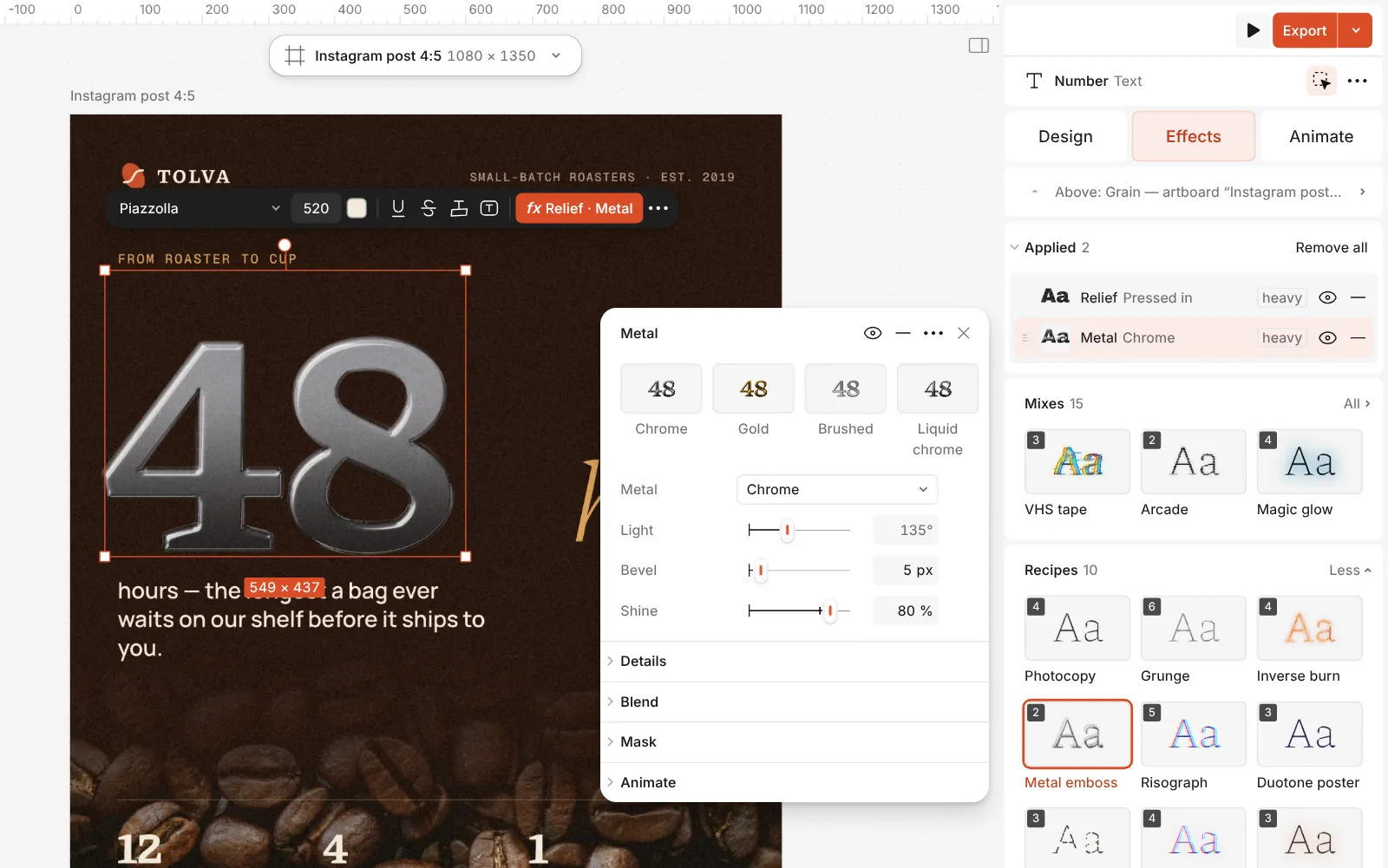
The Metal step open: Chrome, Gold, Brushed and Liquid chrome, with Light, Bevel and Shine Double-click the text to change the words — the metal follows every letter as you type.
Press Export. Metal looks best on a dark or deeply coloured background, where the highlights have something to stand out from.
Watch it
The one-click mix
In Paletoo the whole stack is one mix, Metal emboss. One click puts every step on the selected object, one undo takes them all off, and each step stays an ordinary effect you can change, reorder or remove.
Its steps: Relief · Plain stamp Metal · Chrome
Open this mix in PaletooMake it your own
Match the light to the picture. If the photo behind the text is lit from the left, turn Light so the highlights are on the left too — this one detail is what makes metal look placed in the scene rather than stuck on top.
A wider Bevel makes the letters feel thick and heavy, like a cast badge; a narrow one looks like thin sheet metal. For gold, keep Shine lower than for chrome: real gold is warmer and softer, and a very bright highlight makes it look plastic.
If the pressing looks too soft, open Relief and lower its Softness; for a deeper stamp, raise Depth. Add a soft Shadow under the text to lift it off the page, or leave it flat for a debossed, pressed-in look.
Questions
Is the text still editable after the effect?
Yes. The metal is an effect on live text: change the words, the font, the size or the letter spacing and the chrome is redrawn.
Can I make gold or rose gold instead of chrome?
Pick the Gold preset in the Metal step. For rose gold, add a Gradient map after it with a pink-to-cream gradient at a low Amount.
Does it work on a logo?
Yes, on any shape or picture with clear edges. Import your logo as SVG and select it; a transparent PNG works too.
Why does the metal look flat on a white background?
Chrome reflects its surroundings, so on white it has little to show. Use a dark or coloured background, or add a Shadow step under it.
More effects
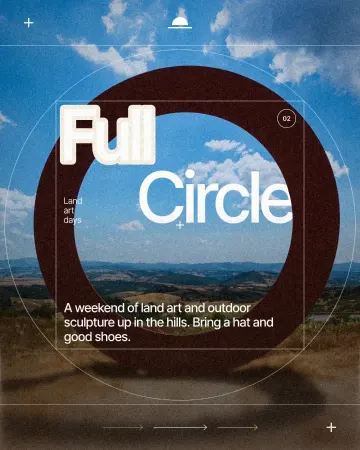
How to make a knockout outline that cuts through
A stroke that cuts through the layers under the text.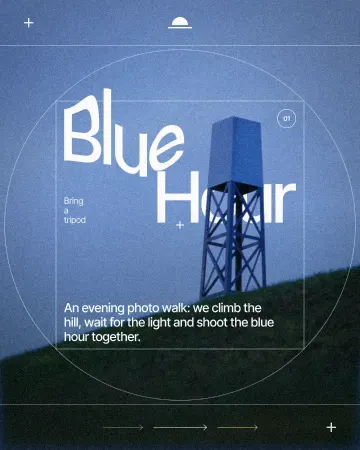
How to warp text on a mesh without rasterising it
Pull a grid over a headline; the words stay editable.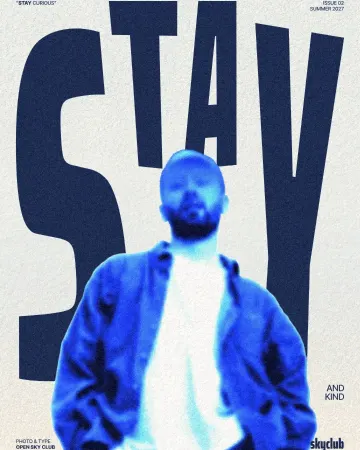
How to make an inverse burn effect
Half negative, half positive, in electric blue.
Read the overview: graphic design trends 2026
Make it online: All tools
Try it on your own design
Paletoo opens in your browser, with no sign-up. Every effect here is live: change the picture or the words and the effect follows.
Open in Paletoo