How to warp text on a mesh without rasterising it
Pull a grid over a headline; the words stay editable.
What it is
A mesh warp lays a grid over a piece of text and lets you pull its points and handles, so the letters stretch, bulge and bend with the grid as if they were printed on rubber. Photoshop calls it Warp ▸ Custom; most tools only offer it on pictures, which means the text is turned into pixels first and can no longer be edited.
In Paletoo the grid belongs to the text itself. The letters are warped every time they are drawn, so you can fix a typo, change the font or the size, or even swap the whole headline, and the new words flow through the same grid. That is what makes the effect usable in real work, where the copy always changes after the design is approved.
Where it is used
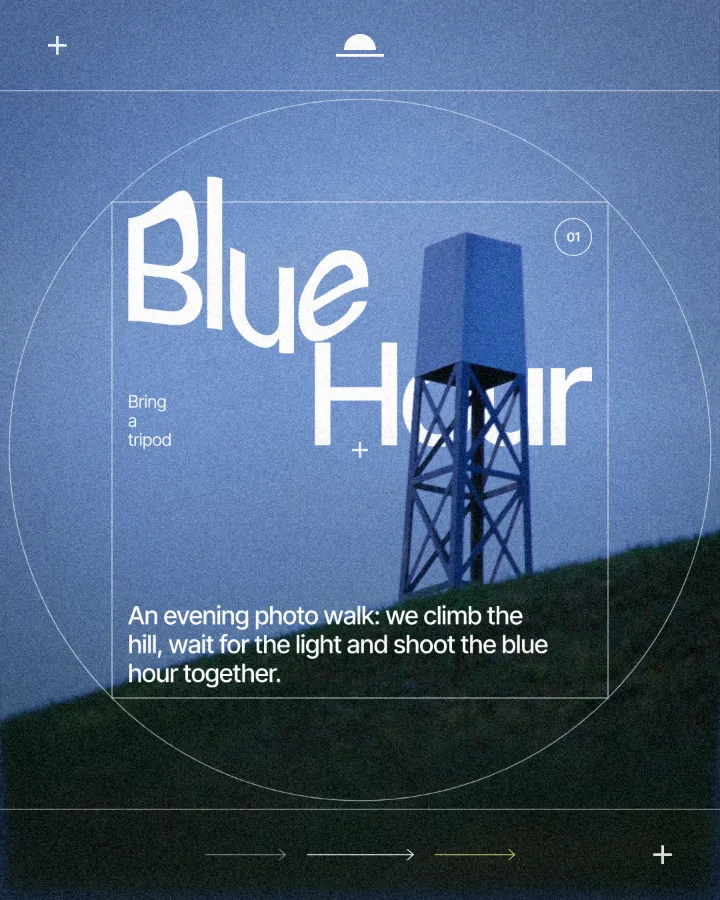
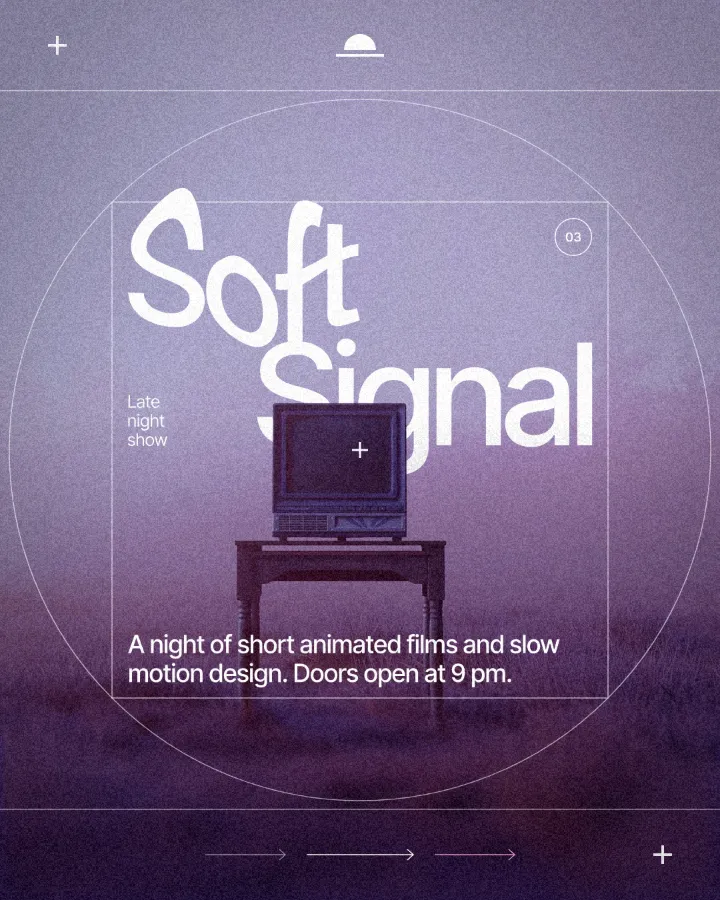
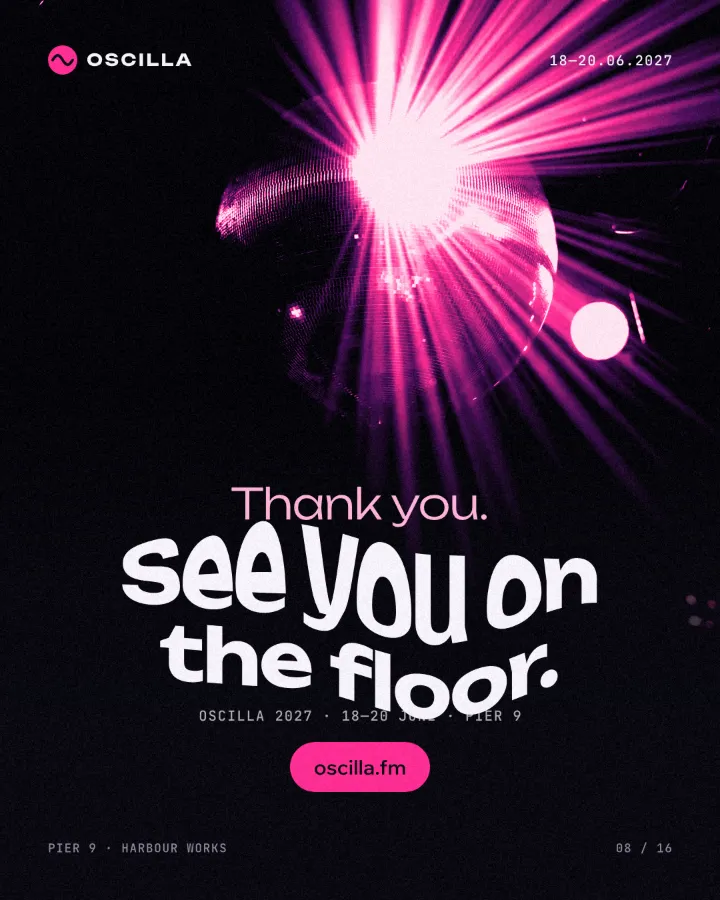
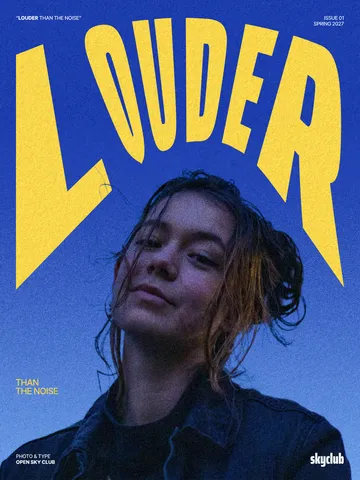
Mesh-warped type is everywhere in 2026: bulging gig-poster headlines, fashion and beauty campaigns with stretched serif titles, music covers, packaging where a name wraps around a shape, and social posts that want a hand-made, liquid feel. It also fits a word to an object — a cup, a flag, a curved sign — far better than any fixed preset.
Made in Paletoo with this mix:
How to make it, step by step
Open your design and select the text you want to warp. Heavy, condensed and display typefaces show the warp best; small body text gets hard to read.
In the Design tab, scroll to the text’s Warp section; its menu says None. Or press ⌘ K (Ctrl K on Windows) and run Warp with mesh.
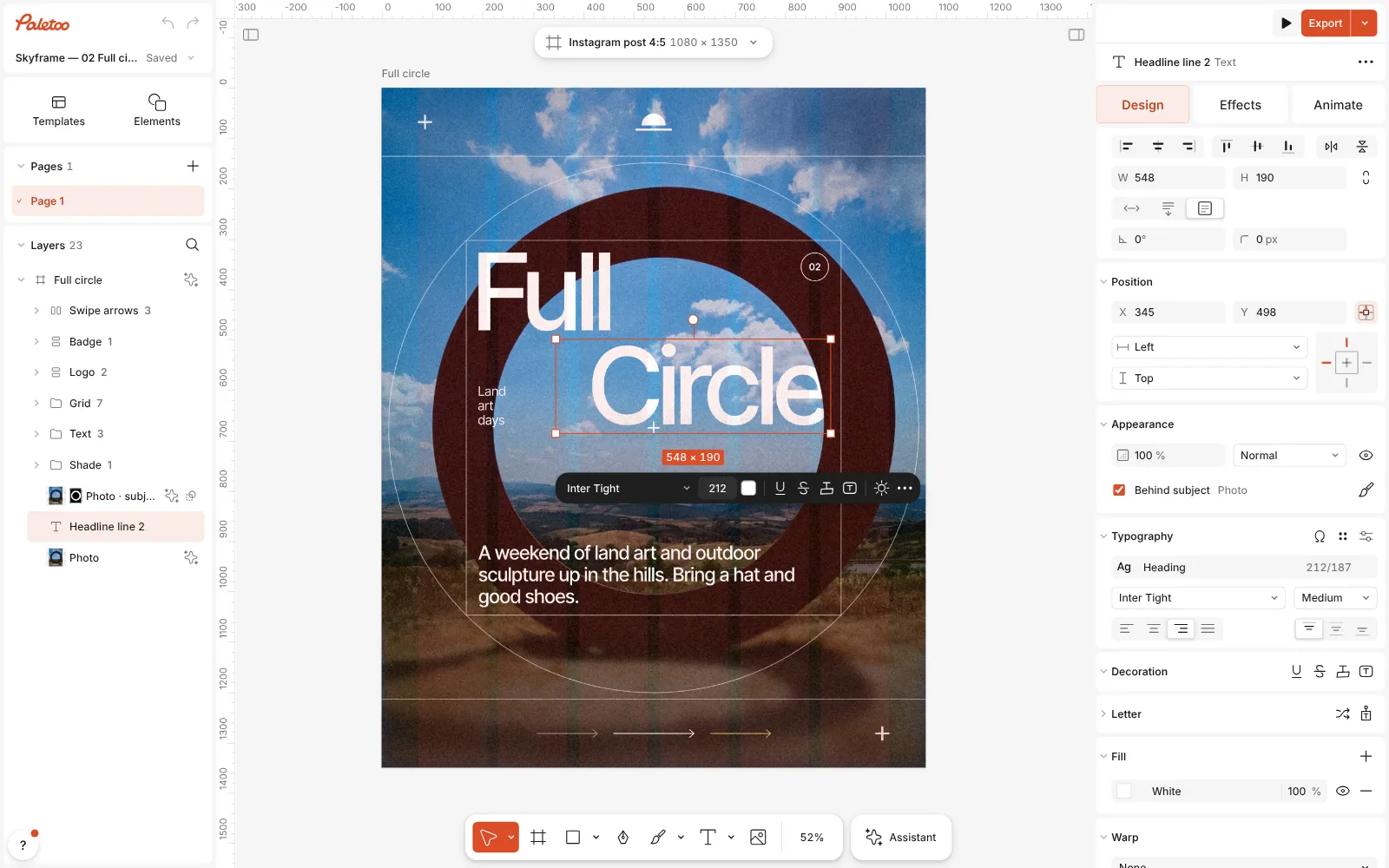
A land-art post open in Paletoo, the word “Circle” selected with the Design tab open In the menu, choose Grid. A grid of points appears over the words on the canvas: drag a point to move that part of the text, drag its handles to curve the lines between points. Hold ⇧ to keep one axis.
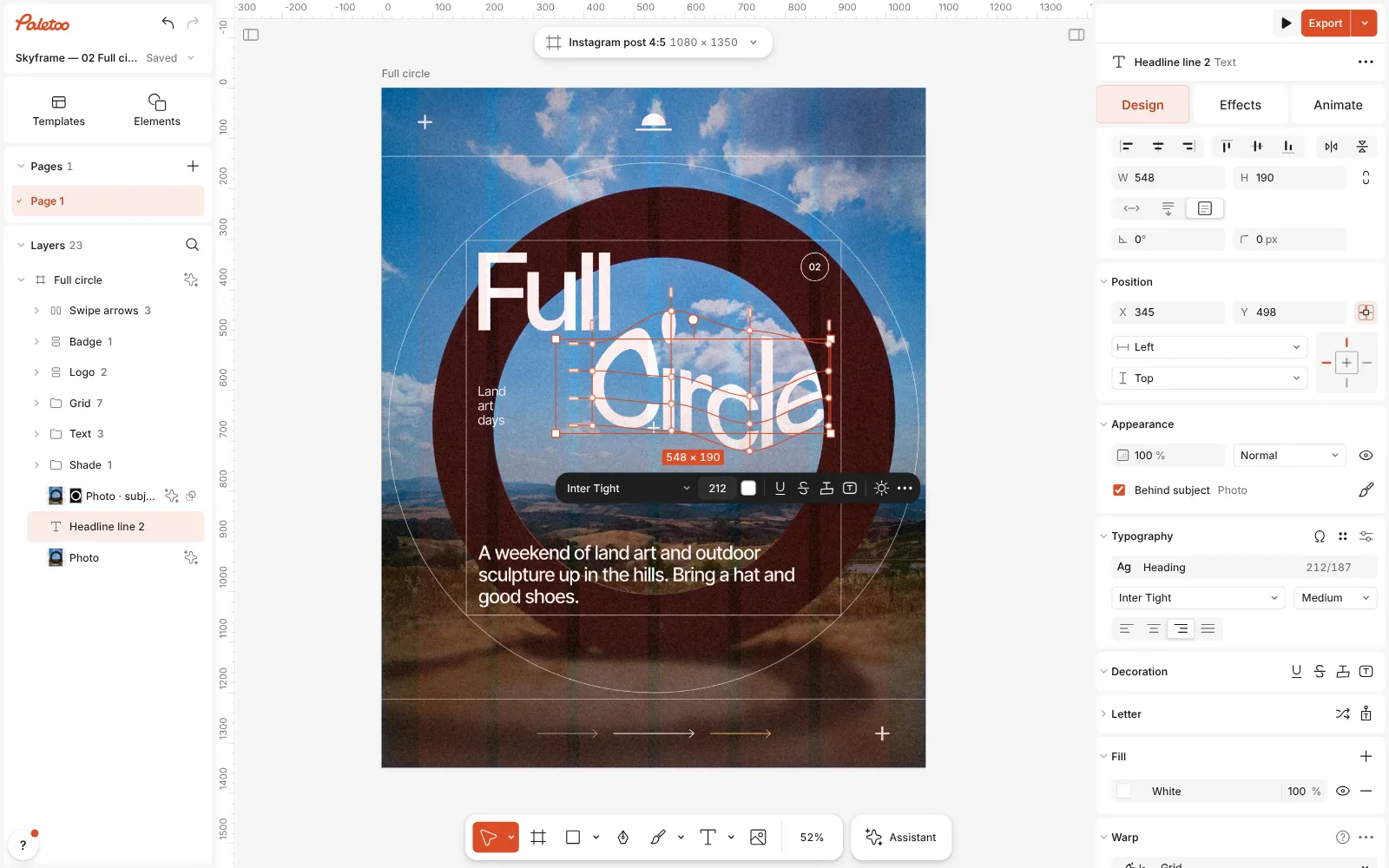
The Grid warp on: the word pulled into a wave through the mesh, its points and handles on the canvas Use Grid options in the Warp section to add rows and columns for finer control, or ⌥-click inside the grid to split it exactly where you need a new line.
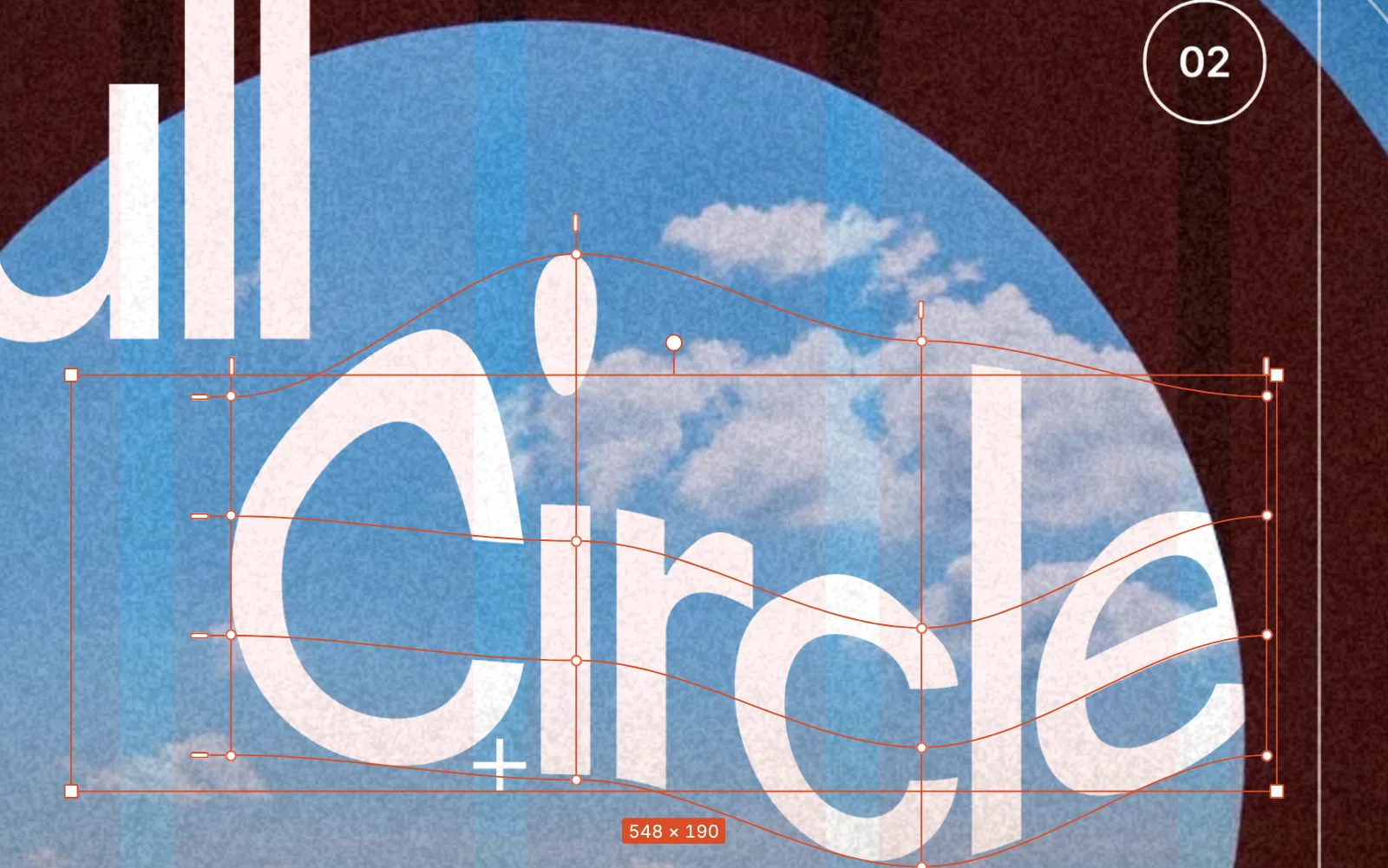
Close up: the grid’s points and handles over the warped word Double-click the text to change the words. The warp stays: the new letters are drawn through the same grid, and the font, size and colour can still be changed too.
Press Esc or Enter to leave the grid, then Export. The text stays vector in SVG and PDF exports.
Watch it
Make it your own
Warp the middle, not the corners. Pulling a corner point mostly makes the text look skewed; moving the points along the middle row up or down is what gives the swelling, liquid shape people expect from a mesh warp.
Use the handles for smoothness. Points set where the text bends; handles set how gently it bends. If letters look pinched, shorten the handles or move them so they line up with the neighbouring point.
Pair the warp with something that reads as solid: a straight line of small type, a clean logo or a flat block of colour. A whole layout of warped text has nothing to push against. And because the grid is relative to the words, the same warp copied to another headline keeps its shape even if the text is longer.
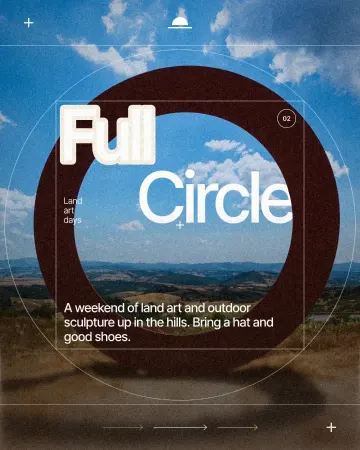
Templates with this look


Questions
Does the warp rasterise my text?
No. The grid is part of the text layer. The words, font, size, colour, strokes and effects all stay editable, and SVG and PDF exports keep the text as vector outlines.
How is Grid different from Arc or Wave?
Arc, Wave and Perspective are presets with a few sliders. Grid gives you every point and handle, so you can shape the text into anything — and switch back to a preset at any time.
Can I warp a paragraph?
You can, but a mesh warp is made for short display text. For a block of copy, a light Arc or Perspective is easier to read.
Can I animate the warp?
Yes. Warped text can carry any Animate preset, and the letters move through the warp as they animate.
More effects
How to make a knockout outline that cuts through
A stroke that cuts through the layers under the text.
How to make an embossed metal effect
Live text pressed into the sheet and turned to chrome.
How to make a halftone effect
Comic-book CMYK dots, newspaper screens or one ink.
Read the overview: graphic design trends 2026
Make it online: Lottie animation maker · Animated text maker · Story and Reels templates
Try it on your own design
Paletoo opens in your browser, with no sign-up. Every effect here is live: change the picture or the words and the effect follows.
Open in Paletoo