Graphic design editor in your browser
Design that looks professional from the first try
Posts, posters, stories and decks with real typography, effects in one click, animation and templates by designers. Right in your browser.
- No account needed
- No watermark
- English and Ukrainian
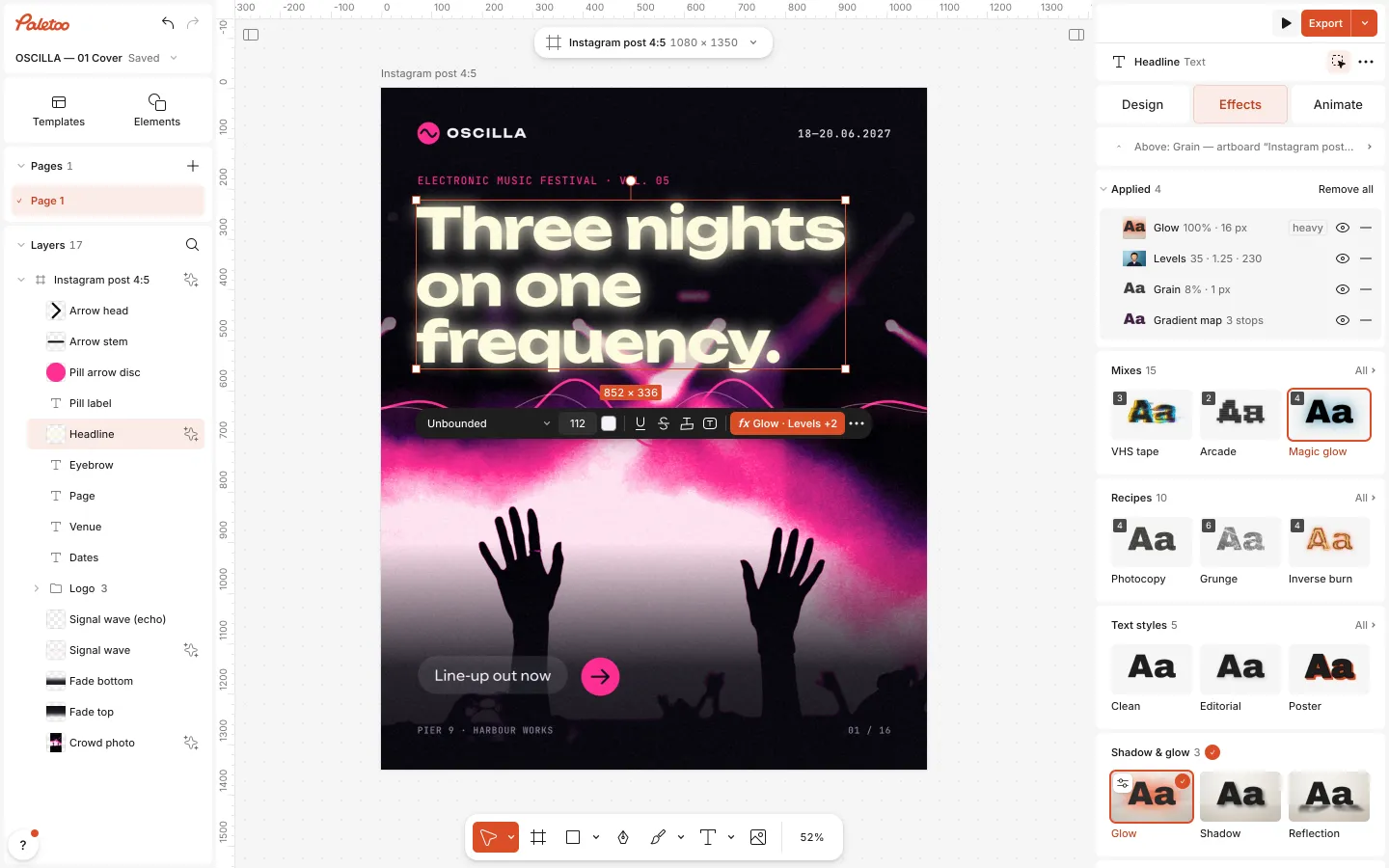
Effects in one click
Pick a mix and the whole picture changes. Each mix is a stack of real effects, so every step stays yours to tune or turn off. Drag across a picture to compare.
-
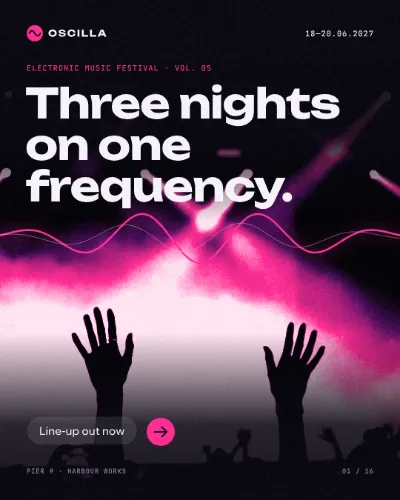
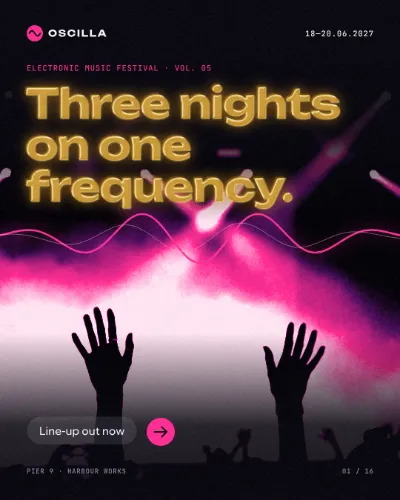
Gold foil -
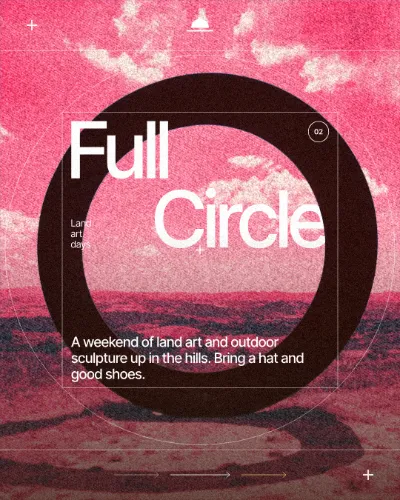
Riso misprint -


Risograph -
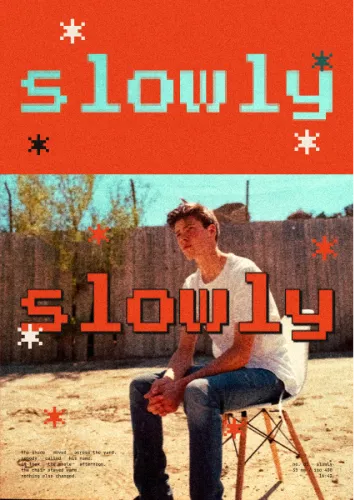
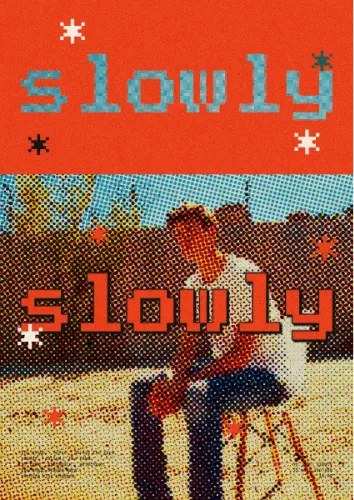
Halftone pop -
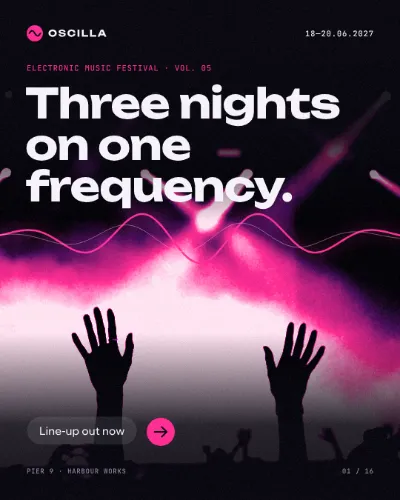
Thermal cam -


Metal emboss
Templates by designers
Posters, posts, stories and decks. Every word, photo and effect stays editable: open one and make it yours.
-
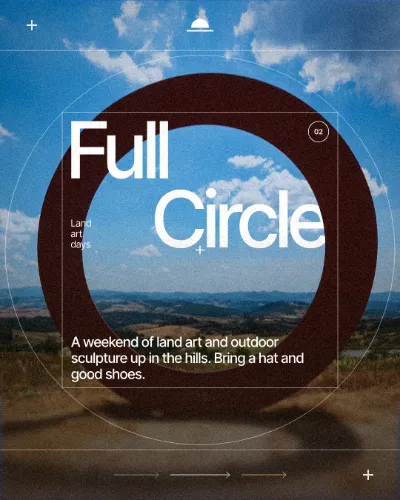
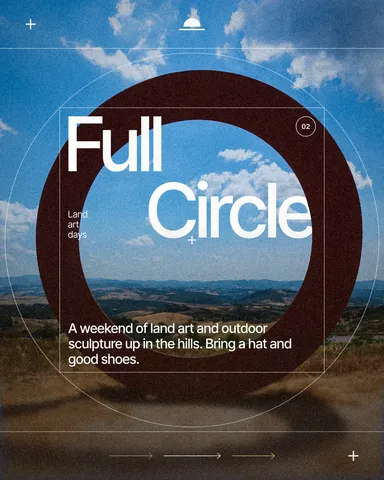 Land art weekend: full circle
Skyframe
-
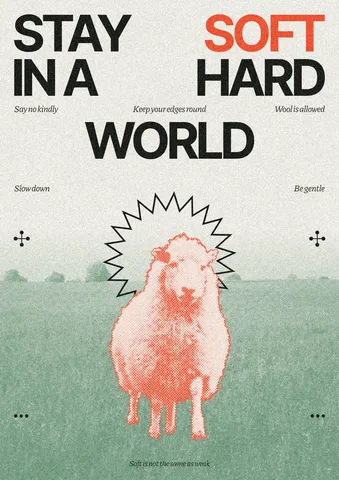 Stay soft, a sheep in the meadow
Halfmood
-
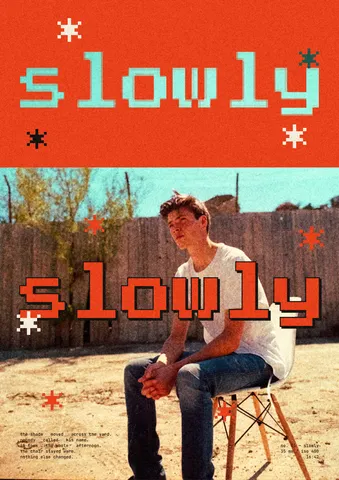 Slowly, a colour block over the photo
Bitcut
-
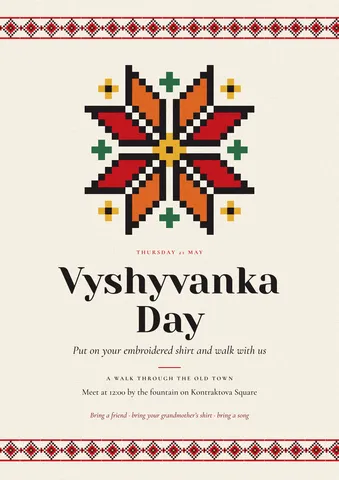 Vyshyvanka Day walk
Ukrainian
-
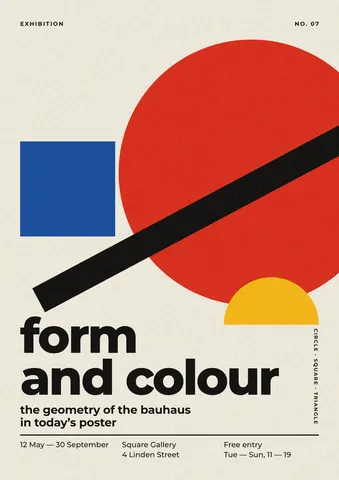 Form and colour exhibition
Bauhaus
-
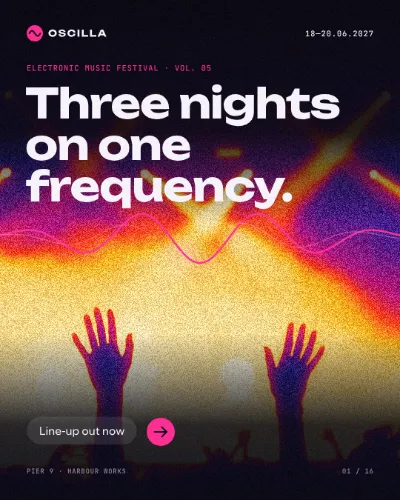
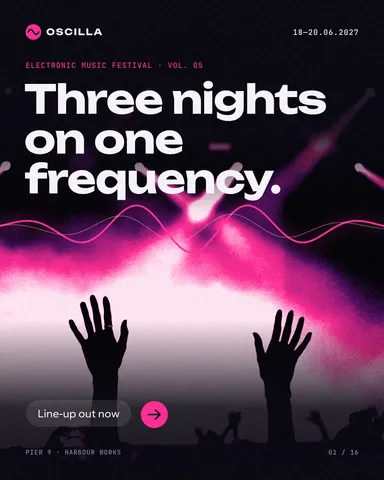 Cover
OSCILLA
-
 Fresh roast weekly
TOLVA
-
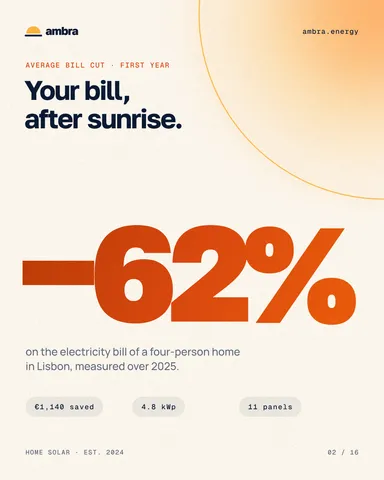 Big number
Ambra
-
 Caring cover
Maplebrook
-
 Louder, a word arched over a face
Skyword
More than templates
The tools of a professional editor, kept simple.
-
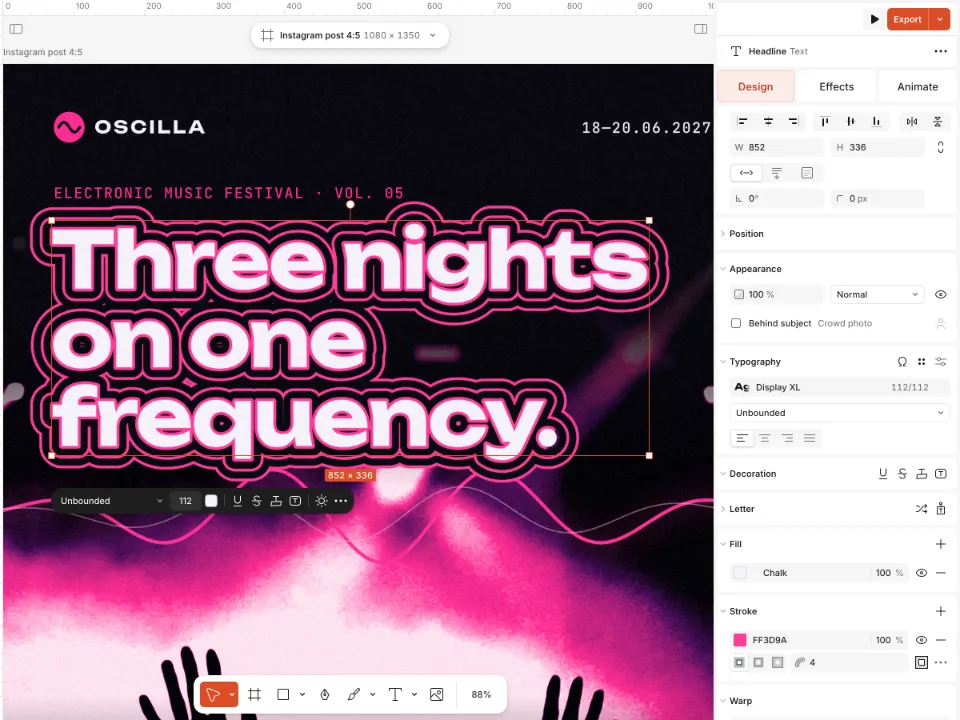
A stroke that cuts through
Several outlines around a word, the gaps between them cut out of the photo underneath. The word is still text.
How it works -
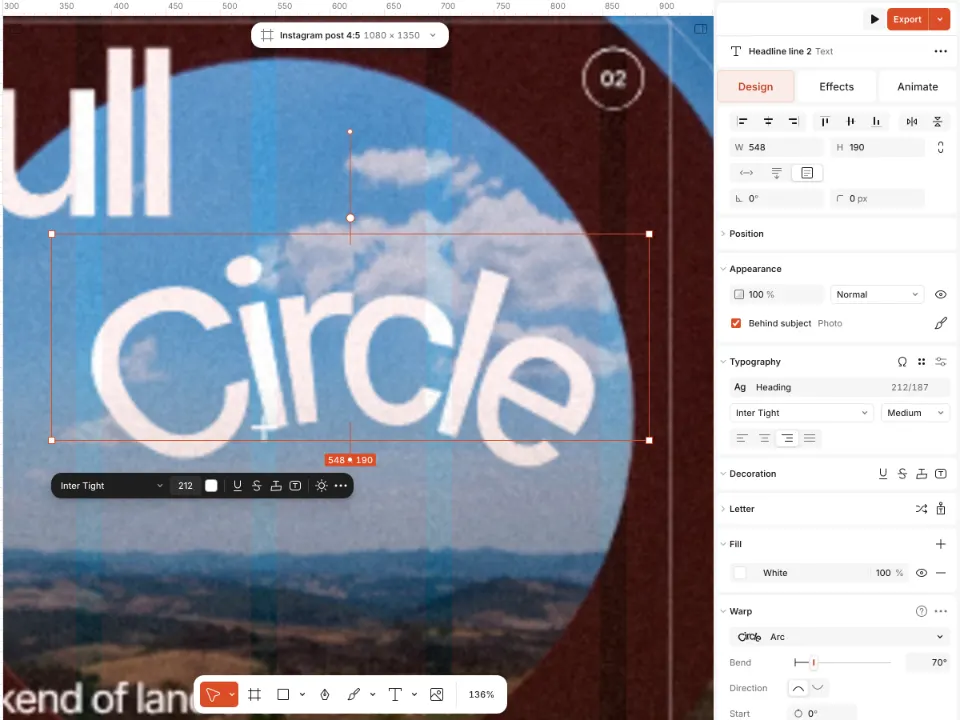
Warp text, never a picture
Arc, wave, perspective, a mesh or any path. The letters stay live text: edit a word, change the font, keep it sharp at any size.
How it works -
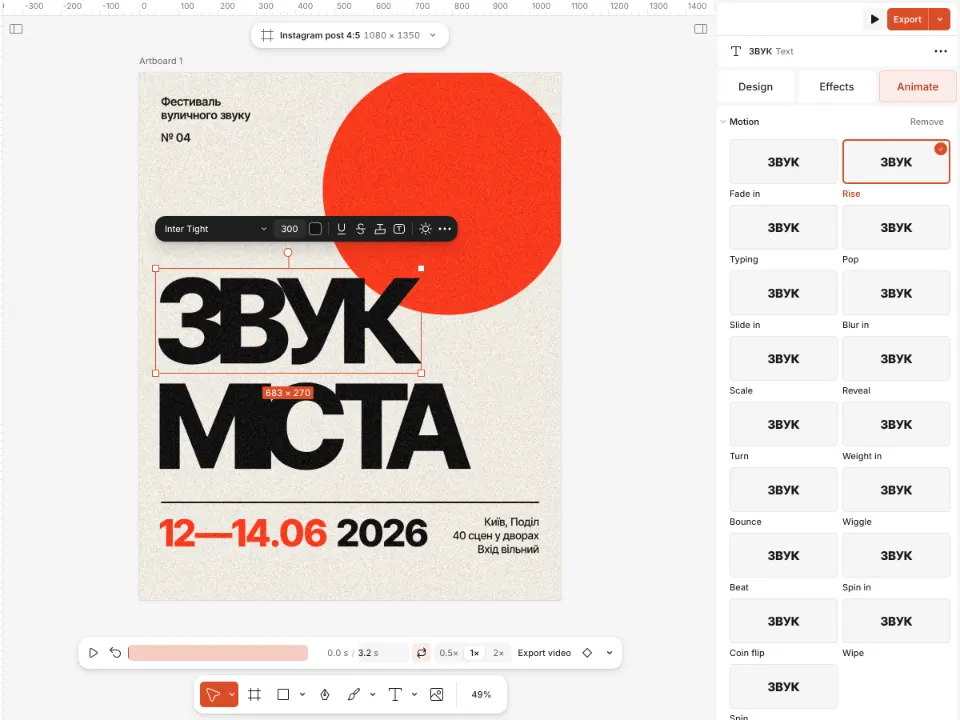
Animation, ready to post
Letters that rise, type themselves or pop in, one click each. Export to MP4, GIF or WebM with a transparent background, or to Lottie for apps and websites.
How it works -
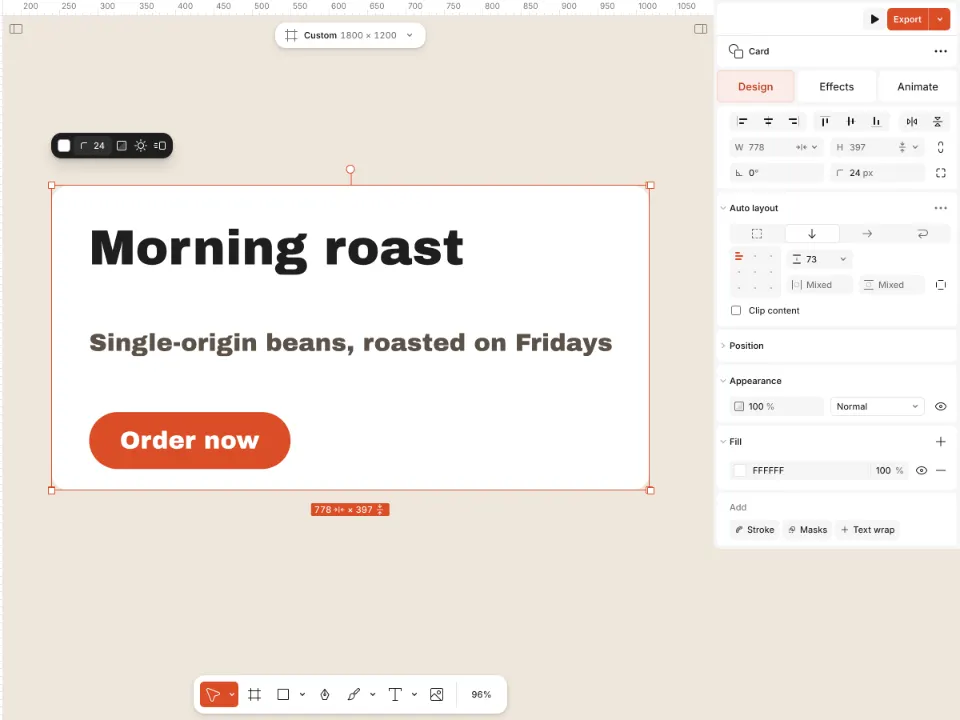
Auto layout, as in Figma
Buttons, cards and lists that grow with their words. Padding, gaps and alignment keep themselves.
How it works -
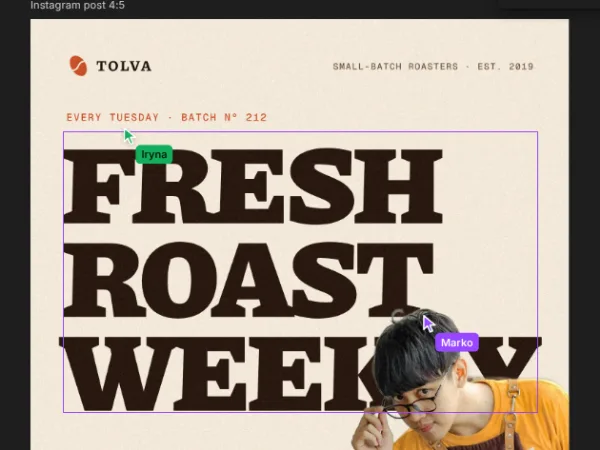
Work together, live
Share a link and design together: everyone’s cursor and name on the canvas, edits as they happen, comments where they belong.
-
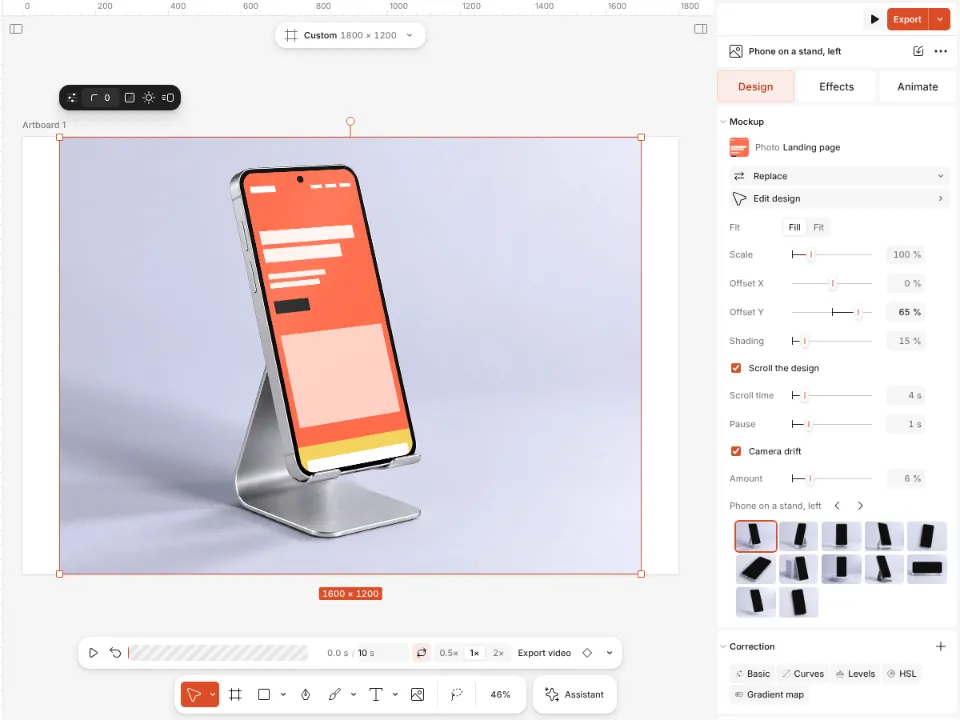
Smart mockups
Put your design on a phone, a poster, a T-shirt or a bag, with real light and folds. Some of them even move.
How it works
Made for
Social media managers
Posts, stories and carousels in the right sizes, motion that stops the scroll, and a link to send for approval.
Designers
Real typography, layered effects, auto layout and Figma’s shortcuts. Export to PDF with bleed, SVG or PowerPoint.
Small business
Offers, menus and announcements from ready templates, background removal on your device, and nothing to pay to start.
Free to start
The whole editor and every export are free, with no watermark. Pay only when you want more AI.
Free
$0 forever
- The whole editor: text, effects, templates and elements
- PNG, JPEG, PDF, SVG, PowerPoint, MP4, WebM and GIF
- Background removal on your device
Pro Coming soon
$10 a month
- Everything in Free
- AI credits every month for images and materials
Questions
Do I need an account?
No. Open the editor and start: you can make, save and export without one. A free account adds 1 GB of cloud storage, share links and comments.
Is it really free?
Yes. The whole editor and every export are free, with no watermark. Paid plans, from $10 a month, add AI credits for image generation and materials.
What can I export?
PNG, JPEG, WebP, SVG, PDF with bleed and crop marks, PowerPoint, MP4, WebM with transparency, GIF and Lottie.
Can I use my own fonts?
Yes. Upload your own fonts or pick from the font library; variable fonts and OpenType features work too.
Where are my designs kept?
In your browser, and in a .paletoo file you can save to your disk and open any time. With a free account they are in the cloud too.
Which languages does it speak?
English and Ukrainian, and you can switch at any time.
Make something beautiful today
No card, no account. Open the editor and start with a template or a blank page.
Start for free