Add grain to a photo
Film grain in one move: strongest in the mid-tones, soft in the shadows, fine or coarse, mono or colour.
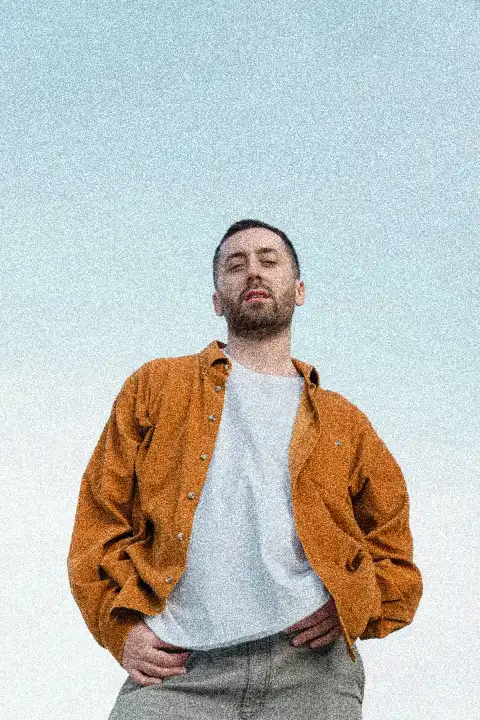
Drop a photo here, paste it with Ctrl+V or
Settings
opens this effect as a ready document in the editor, every step editable
Nothing is uploaded: the picture is made in this browser tab.
How to use the add grain to a photo
Add your photo
Drop it on the picture, paste it with Ctrl+V (⌘V on a Mac) or choose a file.
Dial in the grain
Amount 25–50 reads as film; more is a gritty print. Grain size 1–2 is 35 mm film, 4 and more a pushed, high-ISO look. Colour grain adds the specks of colour film.
Fade and download
Faded blacks lifts the shadows like an old print. Download the PNG: the grain is drawn at your photo’s own size, so it looks the same as in the preview.
Made in Paletoo with the same effect
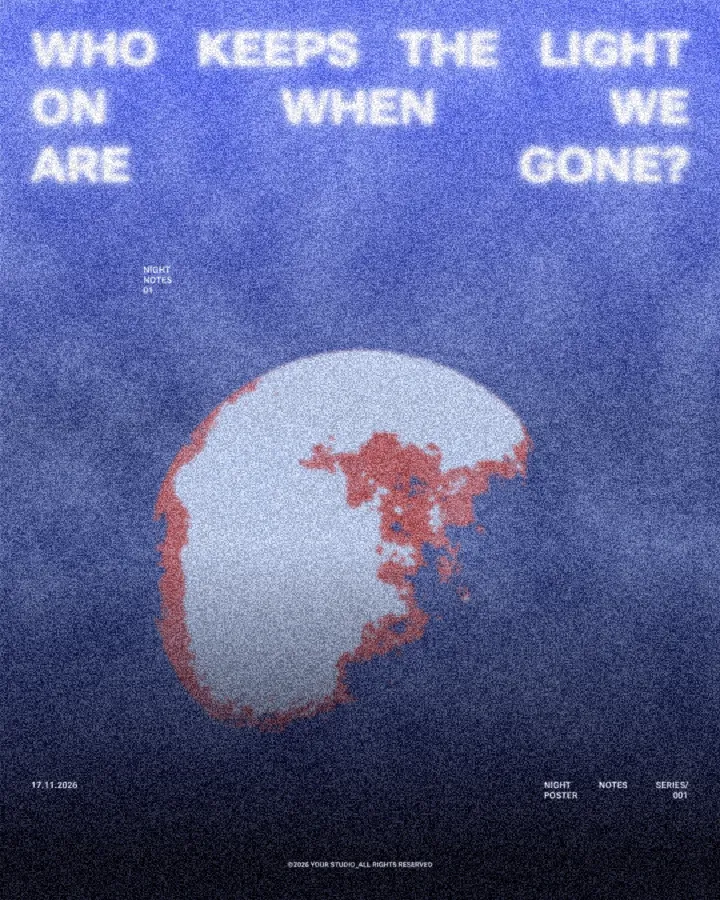
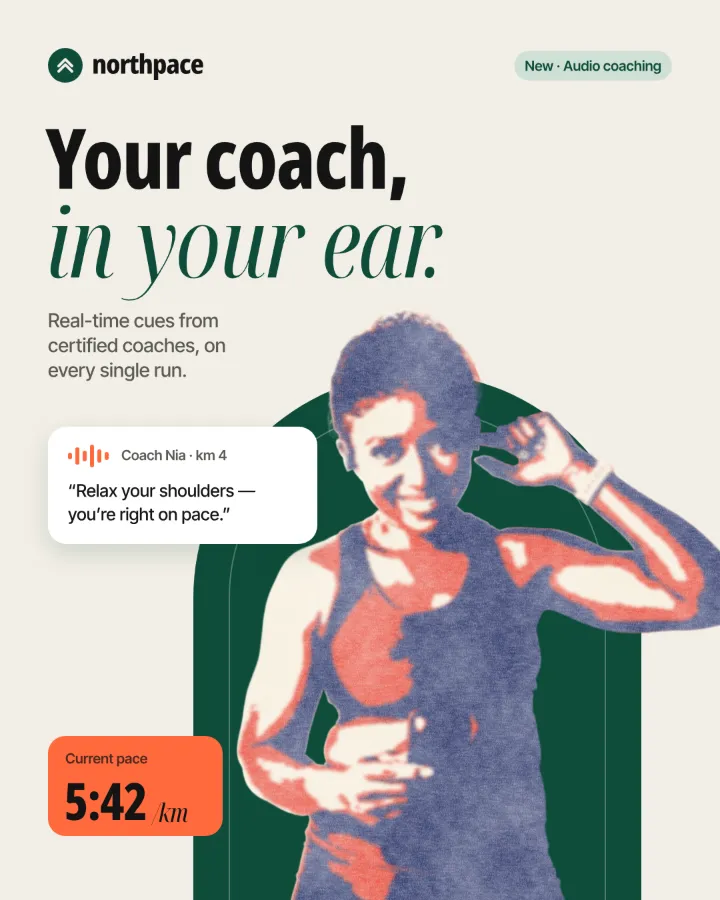
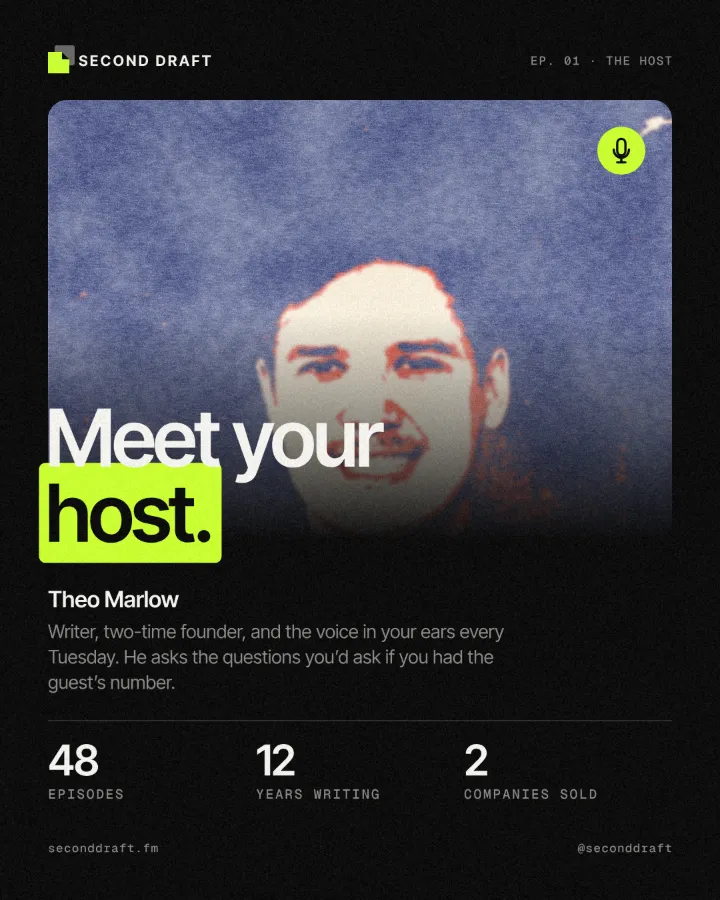
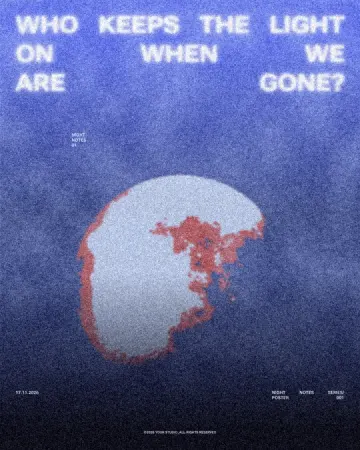
Real designs from our Learn guides. Open a guide to see how each one was made.
Questions
Why add grain to a photo?
Grain hides the plastic smoothness of phone and AI pictures, ties photos from different sources together and makes flat colour gradients print without banding. It also simply looks like film.
How much grain is too much?
If you notice the grain before the subject, back off. For social posts that get compressed, a little more than feels right survives; for print, less.
Is the grain the same every time?
Yes. The noise is seeded, so the same photo with the same settings gives the same grain, on the preview and in the download.
Is it free? Is there a watermark?
Yes, it is free, and the PNG has no watermark. You do not need an account either.
Is my photo uploaded anywhere?
No. The photo is read and drawn by your browser on your own device; it never leaves this tab. Close the tab and it is gone.
What size is the download?
The PNG is your photo’s own size, up to 4096 px on the long side (a bigger photo is scaled down to that). The preview is smaller so it stays instant; the download is drawn again at full size.
Go further
More free tools
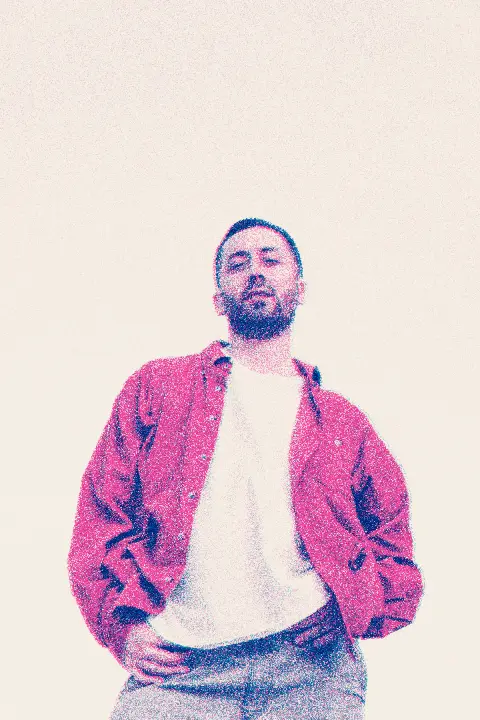
Risograph effect
Make a photo look printed on a riso duplicator: two spot inks, a grainy screen, the drums slightly out of register.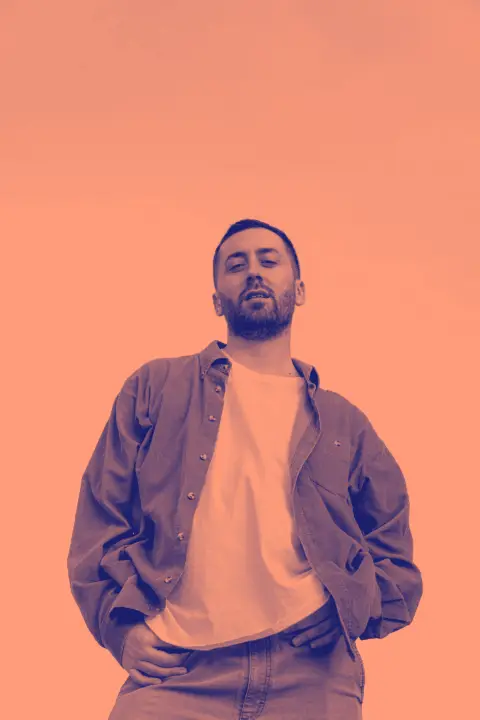
Duotone generator
Two colours, one photo: map the shadows and the highlights to colours of your choice and download a PNG.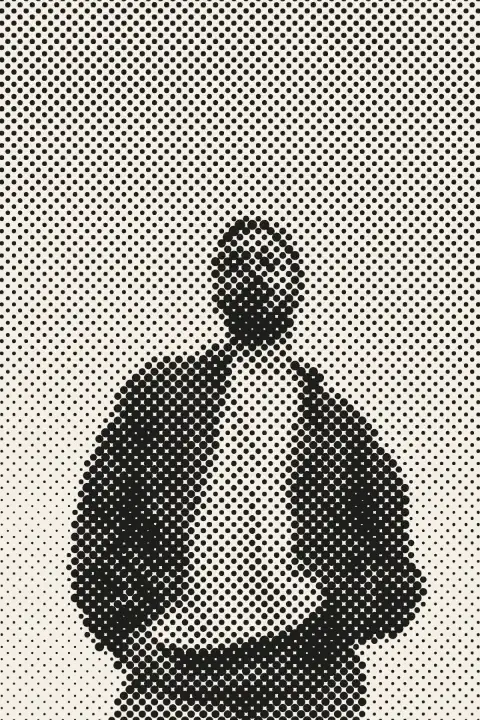
Halftone generator
Turn a photo into printer’s dots, lines or squares in a second — right here, free, no sign-in.