Duotone generator
Two colours, one photo: map the shadows and the highlights to colours of your choice and download a PNG.
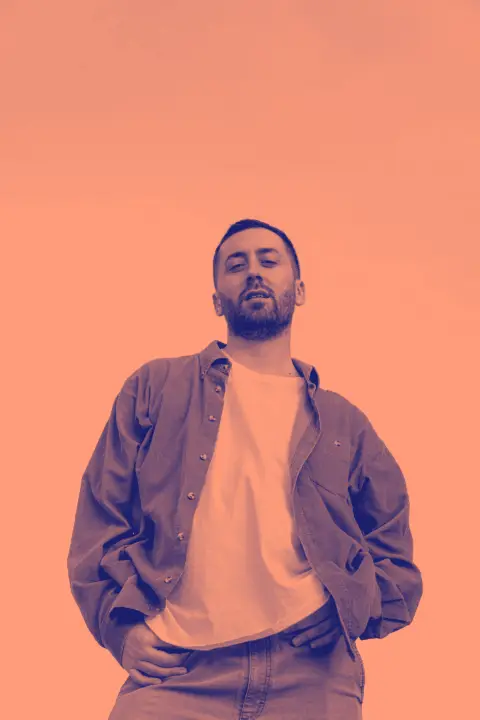
Drop a photo here, paste it with Ctrl+V or
Settings
opens this effect as a ready document in the editor, every step editable
Nothing is uploaded: the picture is made in this browser tab.
How to use the duotone generator
Add your photo
Drop it on the picture, paste it with Ctrl+V (⌘V on a Mac) or choose a file.
Pick two colours
Start from a ready pair, then fine-tune Shadows and Highlights. A dark, saturated shadow and a light, warm highlight is the safe bet; two light colours look washed out.
Set the contrast and download
Contrast decides how hard the two colours split. Push it up for a poster, pull it down to keep the detail in a portrait. Then download the PNG.
Made in Paletoo with the same effect
Real designs from our Learn guides. Open a guide to see how each one was made.
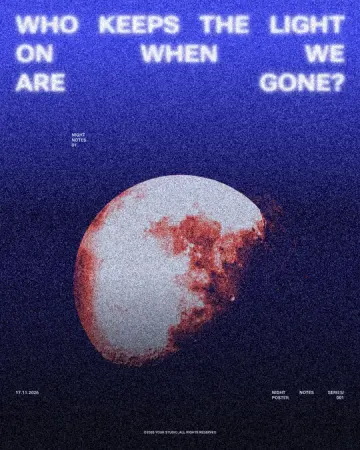
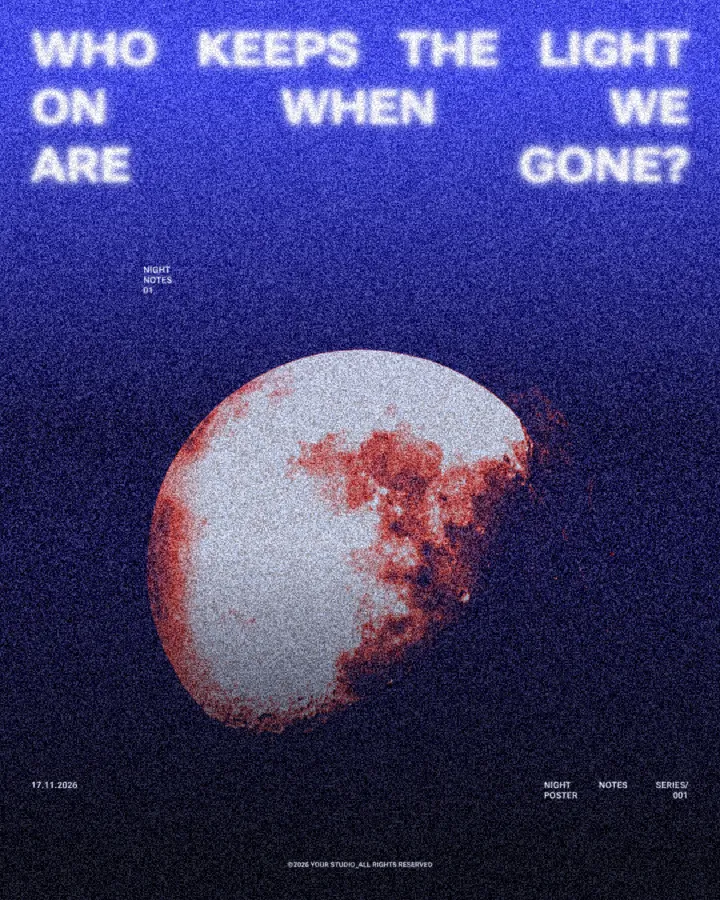 A night poster: the half-lit moon and the black sky remapped to navy and coral under the white question.
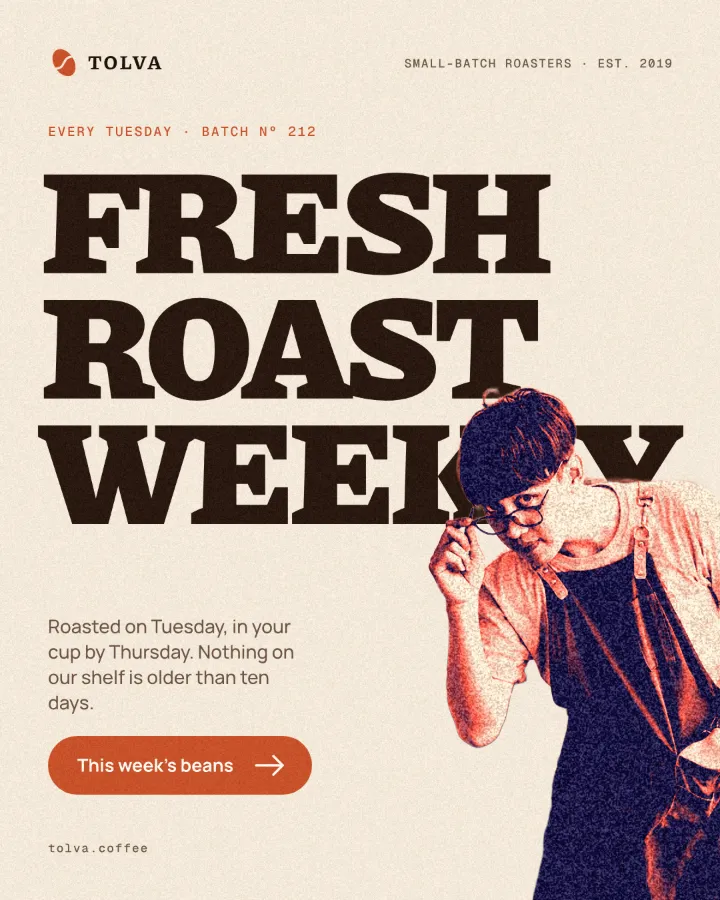 A coffee roaster post: the barista cut-out in two inks beside the heavy FRESH ROAST WEEKLY headline.
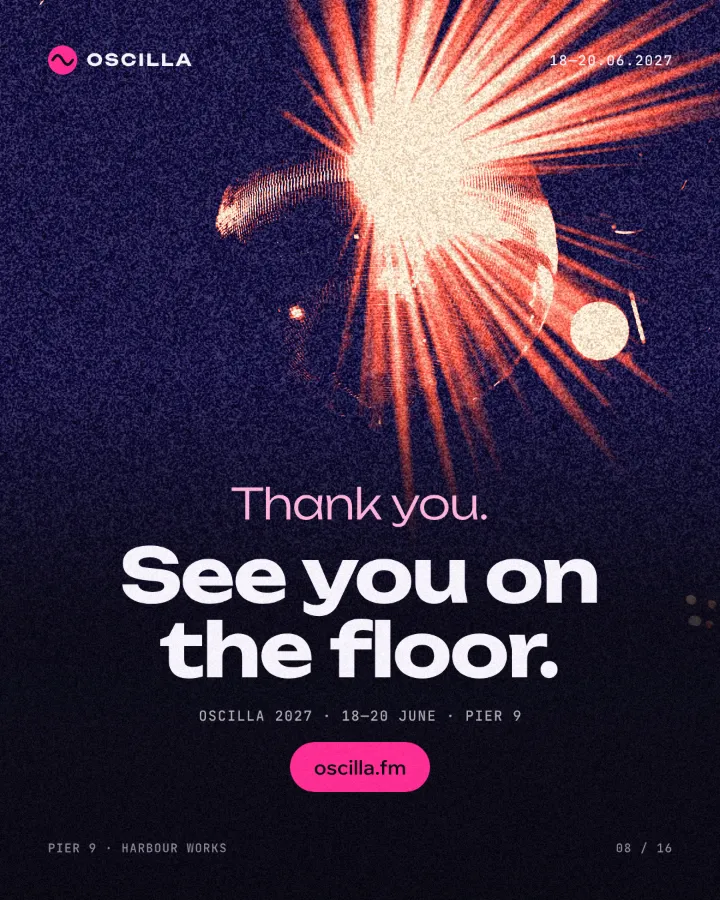 A festival thank-you post: the disco ball and its rays of light in navy and coral behind “See you on the floor.”
Questions
What is a duotone?
A picture printed in two inks instead of four. Every tone of the photo becomes a mix between the two colours: the darkest parts take the first, the lightest the second. It is a quick way to make photos from different shoots look like one set.
Which colours make a good duotone?
Pairs that differ a lot in lightness: navy and peach, black and orange, forest green and cream. Two colours of the same lightness turn the photo into a flat blur. Your brand colour usually works as the light one.
Can I make a duotone of several photos the same way?
Yes: keep this page open, change the photo and the colours stay. In Paletoo you can save the look as a style and apply it to a whole carousel in one click.
Is it free? Is there a watermark?
Yes, it is free, and the PNG has no watermark. You do not need an account either.
Is my photo uploaded anywhere?
No. The photo is read and drawn by your browser on your own device; it never leaves this tab. Close the tab and it is gone.
What size is the download?
The PNG is your photo’s own size, up to 4096 px on the long side (a bigger photo is scaled down to that). The preview is smaller so it stays instant; the download is drawn again at full size.
Go further
More free tools
Halftone generator
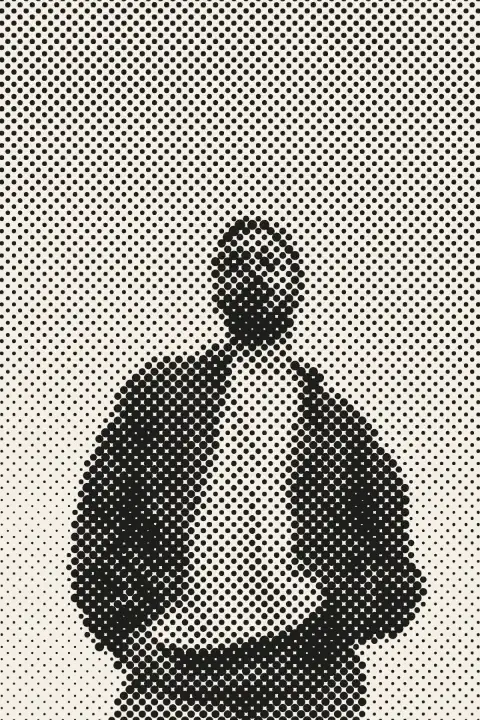
Turn a photo into printer’s dots, lines or squares in a second — right here, free, no sign-in.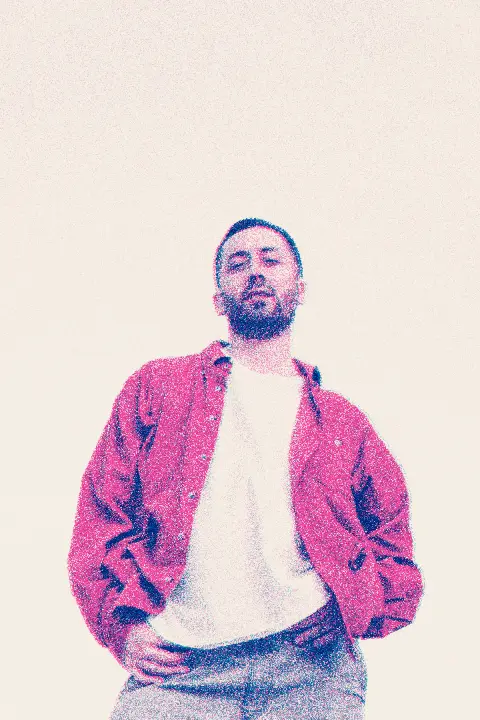
Risograph effect
Make a photo look printed on a riso duplicator: two spot inks, a grainy screen, the drums slightly out of register.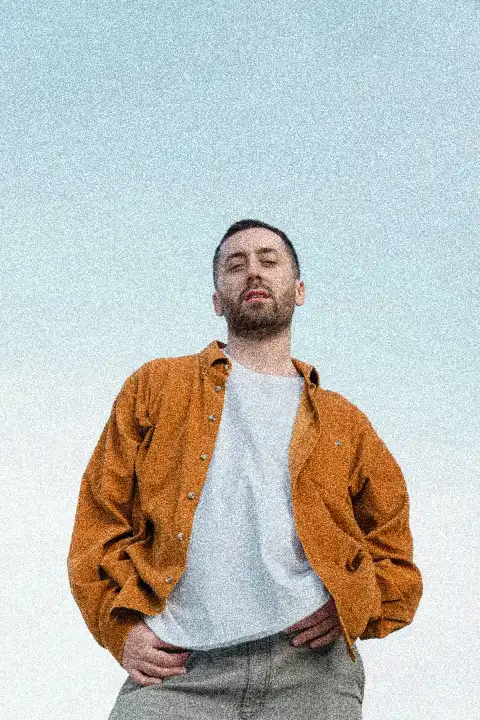
Add grain to a photo
Film grain in one move: strongest in the mid-tones, soft in the shadows, fine or coarse, mono or colour.