Photo effects online
Give a photo a film, print or glitch look in one click — and keep every step editable afterwards.
Start freeOpens in your browser · no sign-up · no watermark
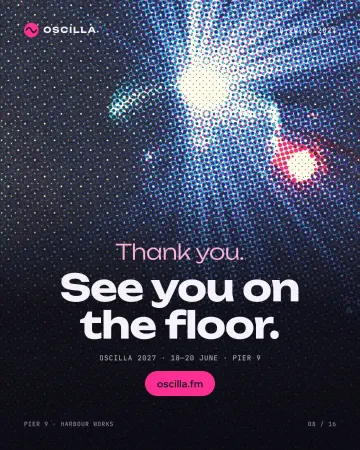
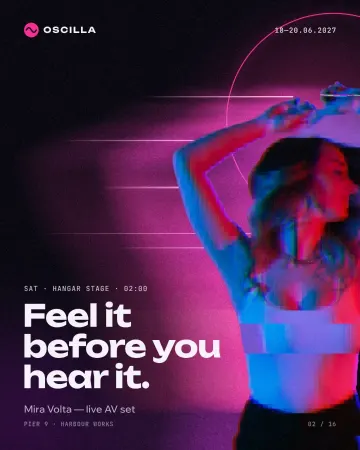
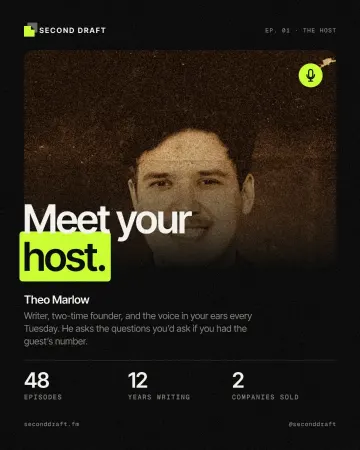
Start from one of these
Real Paletoo documents and results — open one and change everything.
How it works
-
Select the photo
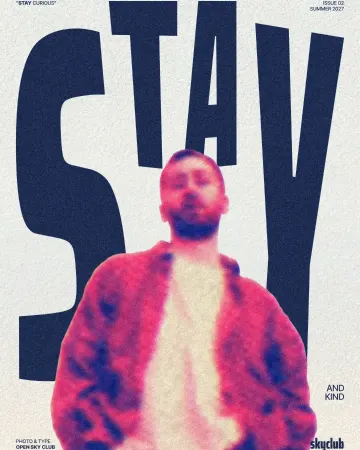
The example opens a magazine cover with its photo ready. With your own picture, drop it in and select it, then open the Effects tab and look under Mixes; All shows every one.
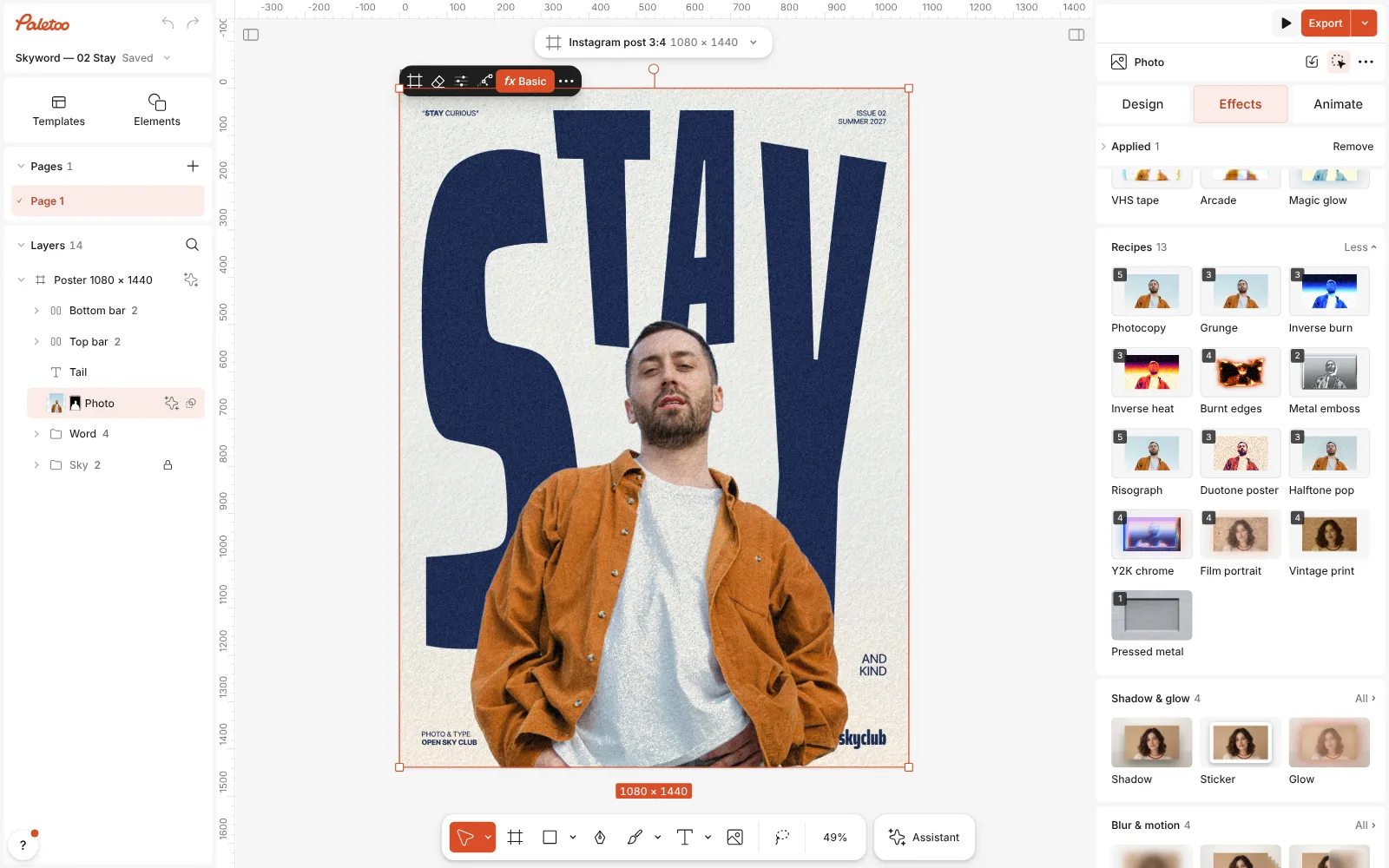
The magazine cover open in Paletoo, the photo selected and the Mixes open -
Press a mix
Press Film portrait, or any other look. Its steps go on under Applied, each an ordinary effect, and one undo takes them all off again.
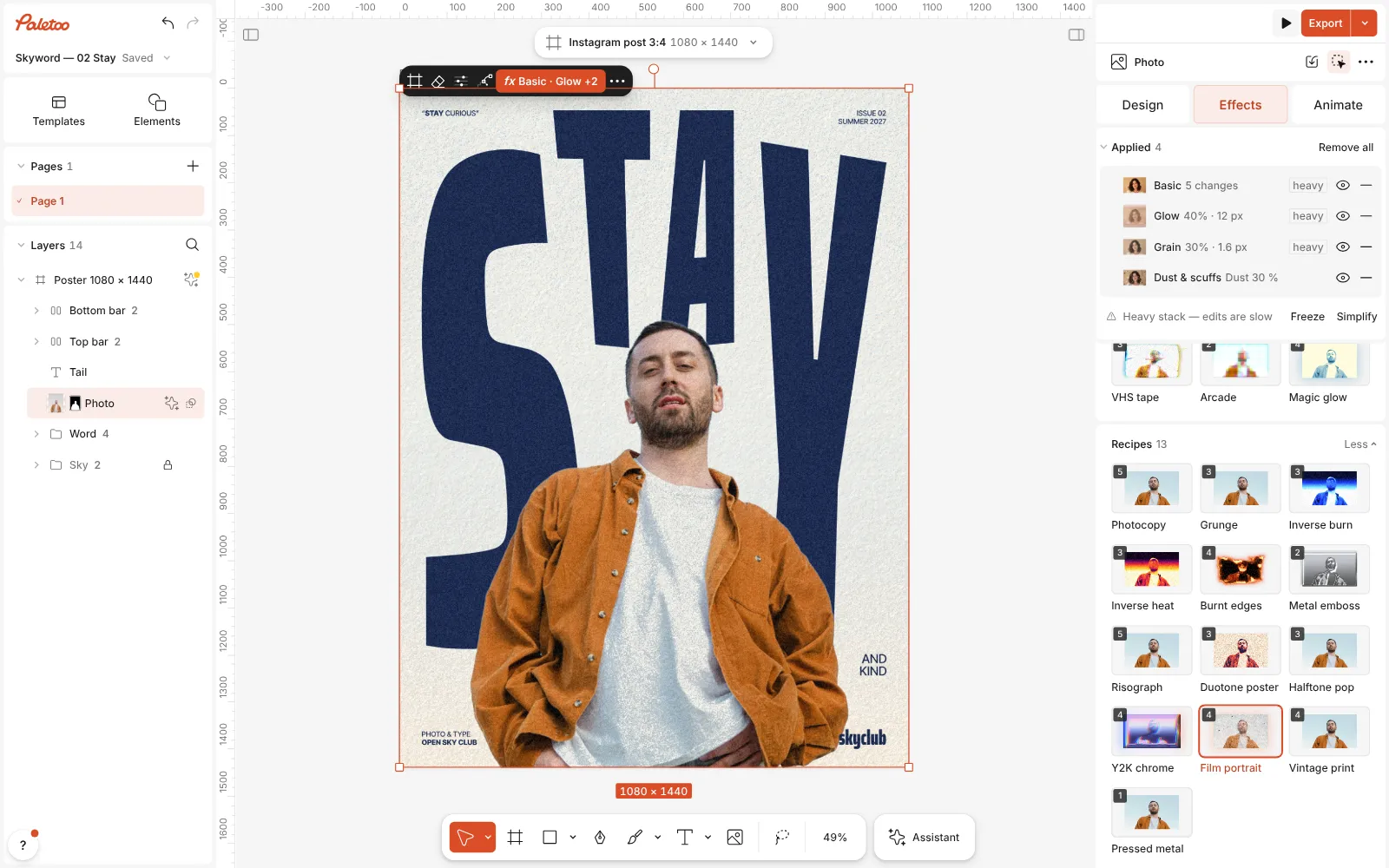
Film portrait pressed: four steps under Applied, the photo warm and faded with a soft halation -
Make it yours
Click a step to open it — in Basic, Temperature sets the warmth and Fade the matte blacks. Then Export.
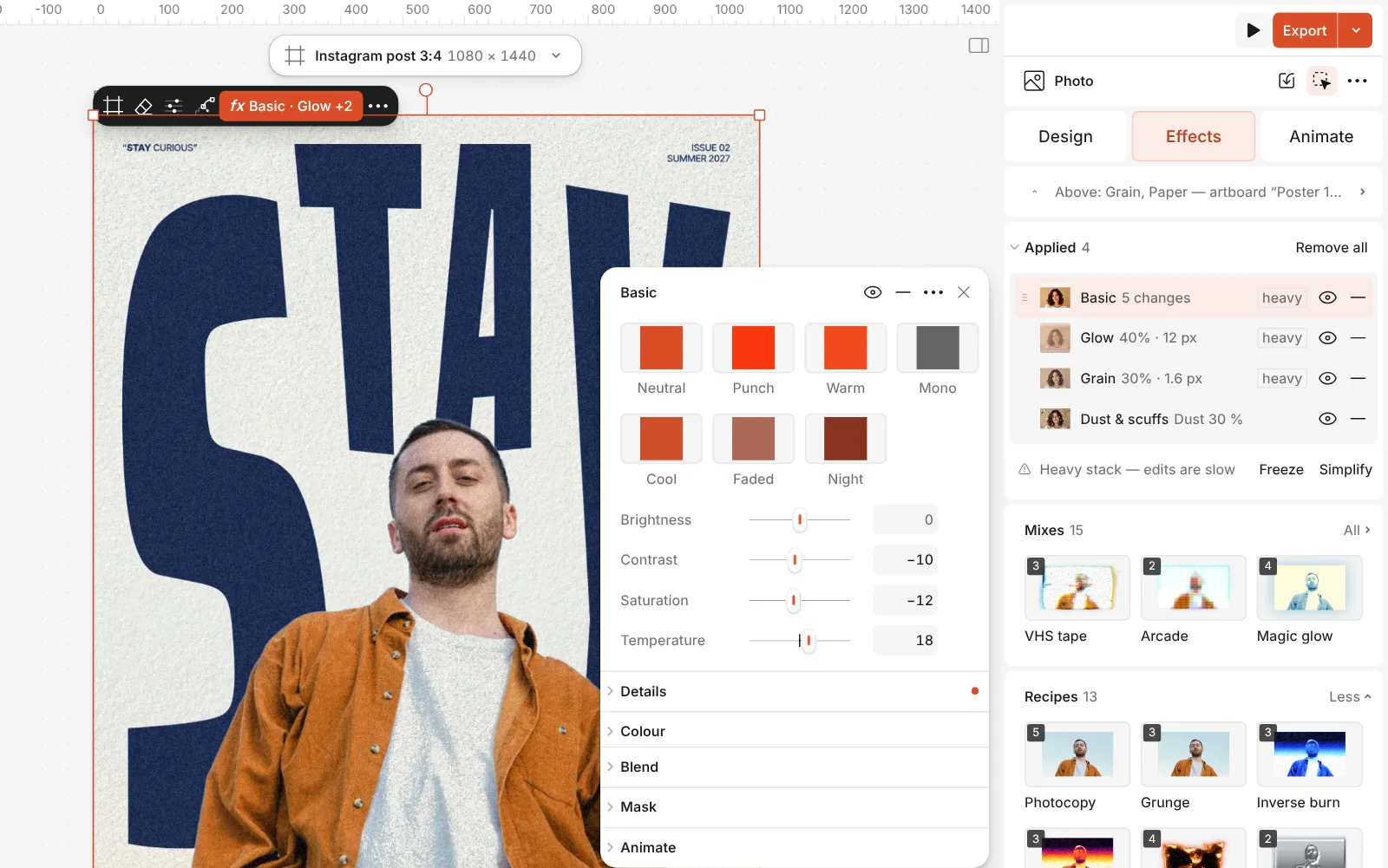
The Basic step open with its sliders, Temperature and Fade among them
What you get
Looks people search for
Film, duotone, halftone, risograph, cyanotype, screen print, pixel sort, glitch, vintage sepia, photocopy, tape collage, torn and burnt edges, thermal and more.
One click, then every slider
A mix stacks several effects at once; open any step to change it, reorder it or switch it off.
Non-destructive
Effects sit live on top of the original. Replace the photo and the new one takes the same look.
Not only for photos
Most effects work on text, shapes and the whole artboard as well, so a headline can match the picture.
No AI, no credits
These effects run in your browser: free, instant, and the same every time.
Questions
Are the photo effects free?
Yes. Every effect and mix on the Effects tab is free to use and export, with no watermark. Only AI image generation and materials use credits.
Will the effect change my original photo?
No. Effects are live layers of processing on top of it. Turn a step off to compare, or press undo once to take a whole mix off.
How do I give a series of photos the same look?
Get one photo right, then select it and use Replace picture to swap in the next shot: the effects stay and the new photo picks them up. Duplicate the design first to keep both. Very different photos may need a small nudge, such as warmth or fade.
What is a mix?
A ready stack of ordinary effects that makes one look, like film portrait or risograph. One click puts every step on the selection; each step can then be changed, reordered or removed.
Can I combine effects of my own?
Yes. Add effects one by one from the Effects tab, in any order. Halftone over a gradient map, then grain, is a classic print stack.
Do the effects work for print?
Yes. Halftone, risograph and grain look like real print, and export to PDF at full resolution, as well as to PNG, JPG or WebP for screens.
Can I cut the subject out first?
Yes, and many looks are better for it: remove the background on your device, for free, then put the effect on the cut-out alone.
Do I need Photoshop skills?
No. Press a mix and you have the look; the sliders are there when you want them, each with a plain name.
Learn more
Step-by-step guides
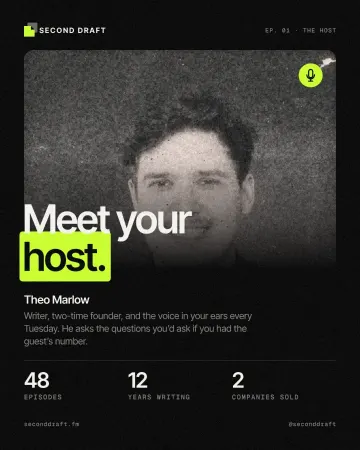
How to give a portrait an analog film look
Warm, faded, a soft halo round the lights, grain and dust.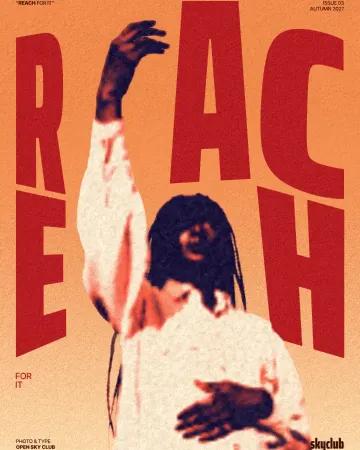
How to make a duotone effect
Two bold inks, punchy contrast and a fine poster grain.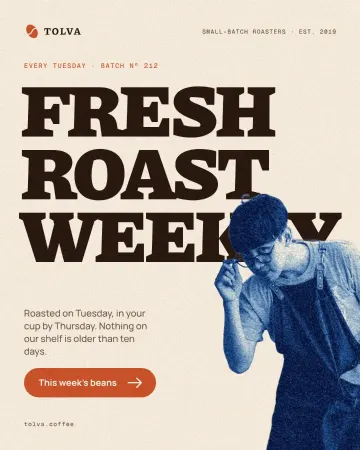
How to make a cyanotype effect from a photo
A sun print in Prussian blue on cream watercolour paper.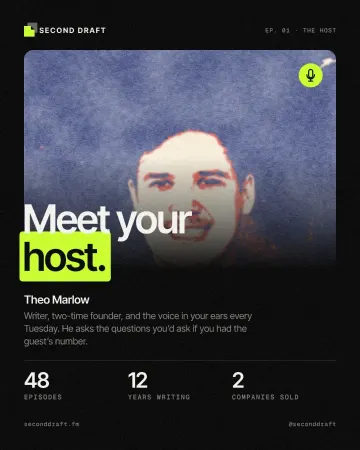
How to make a screen print effect
Three flat inks, a coarse dot and screens out of register.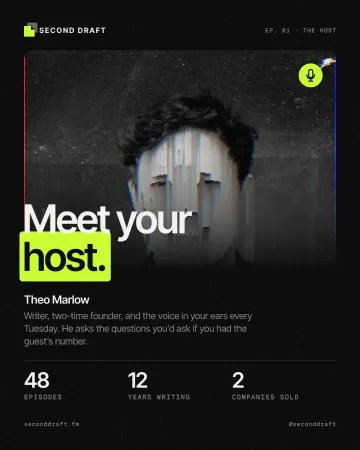
How to make a pixel sorting effect
Mid-tones and lights sorted by brightness into falling streaks.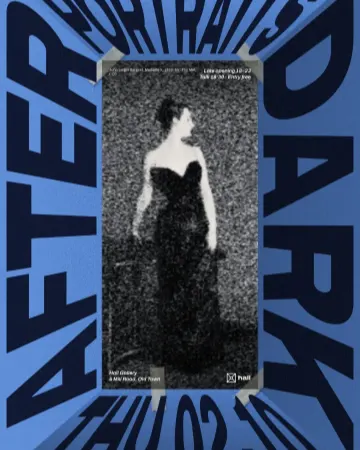
How to make a photocopy collage with tape
A grey photocopy, held to the page with strips of masking tape.
In the help centre
More tools
Duotone, halftone and glitch photo effects online
Three of the strongest looks for a photo, each one click away and every step still yours to tune.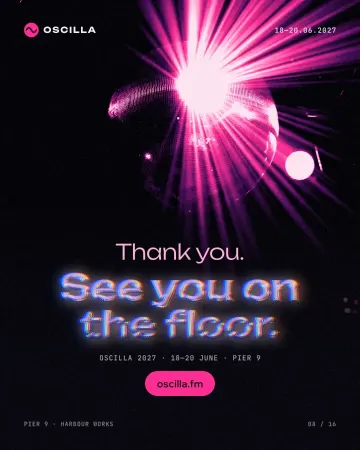
Text effects online
Chrome, gold foil, emboss, cut-out letters, outlines and warps — and the words stay editable text.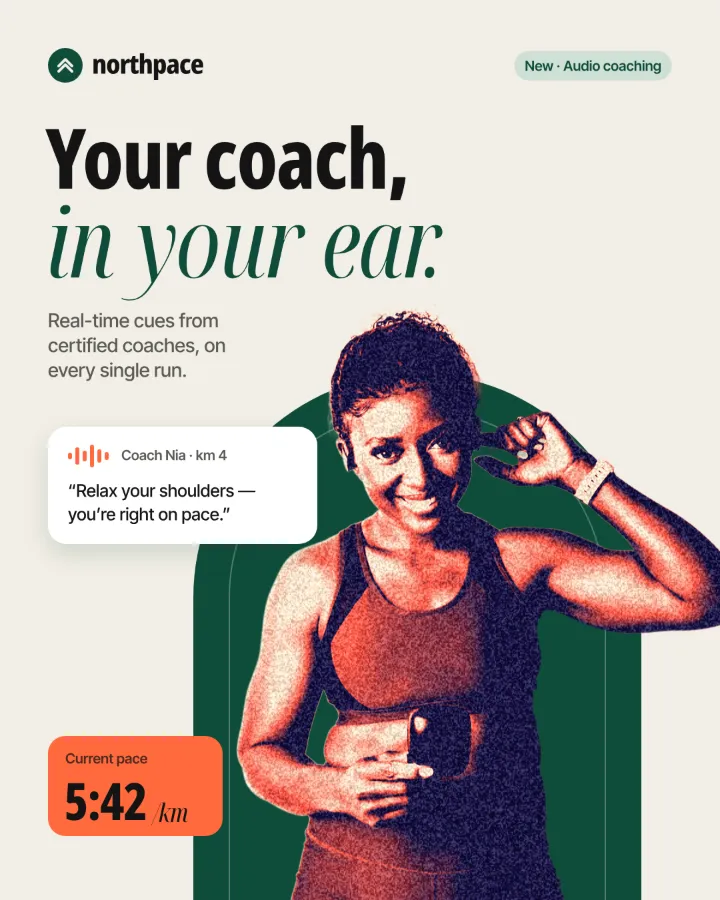
Remove background online
Cut the subject out of any photo in one click — on your own device, with no upload and no credits.
Make it now
Paletoo opens in your browser. Start from the template above or a blank page, and export when you are happy.
Start free