Halftone generator
Turn a photo into printer’s dots, lines or squares in a second — right here, free, no sign-in.
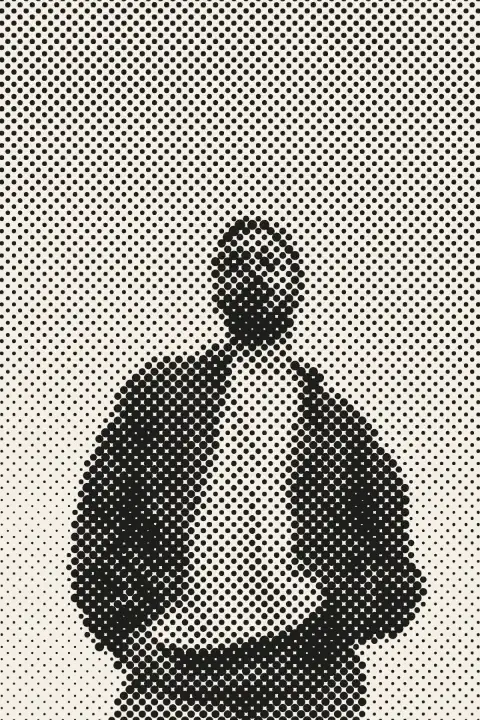
Drop a photo here, paste it with Ctrl+V or
Settings
opens this effect as a ready document in the editor, every step editable
Nothing is uploaded: the picture is made in this browser tab.
How to use the halftone generator
Add your photo
Drop it on the picture, paste it with Ctrl+V (⌘V on a Mac) or choose a file. Until then you see our sample.
Set the screen
Dot size is the coarseness: 6–10 for a fine print look, 20 and more for pop art. Angle turns the grid; 45° is the classic. Try Lines for an engraved look.
Download the PNG
It is drawn again at your photo’s own size. For colour, pick Four-colour CMYK: four screens at the printing angles, like a comic book.
Made in Paletoo with the same effect
Real designs from our Learn guides. Open a guide to see how each one was made.
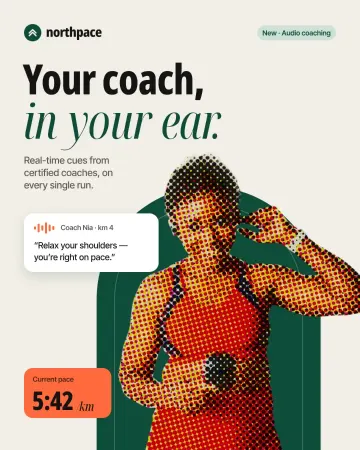
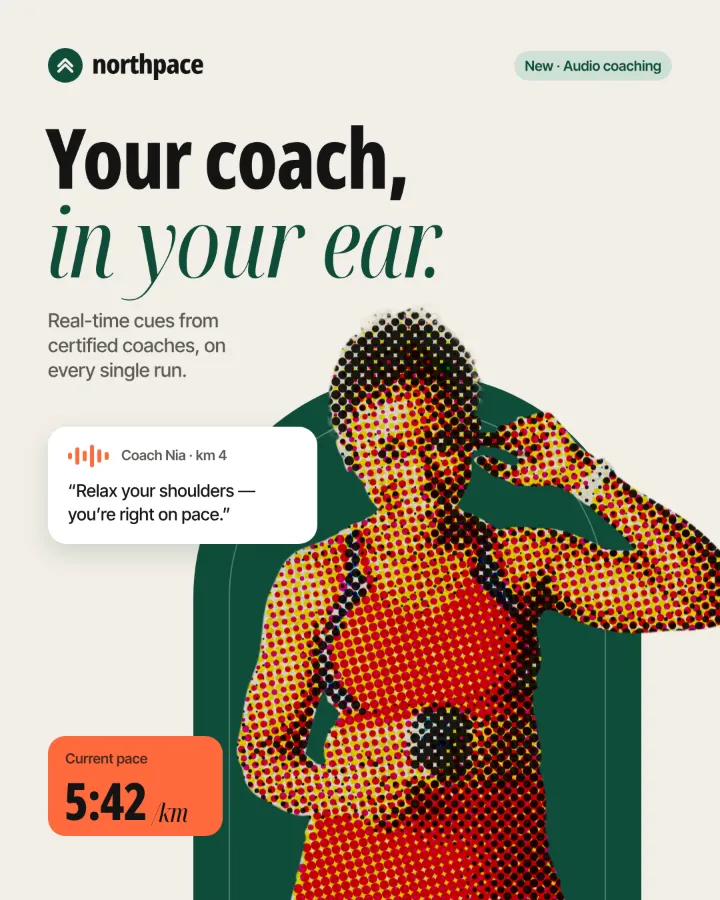 A running-app post: the coach cut-out printed in bold CMYK dots next to the clean “Your coach, in your ear.” headline.
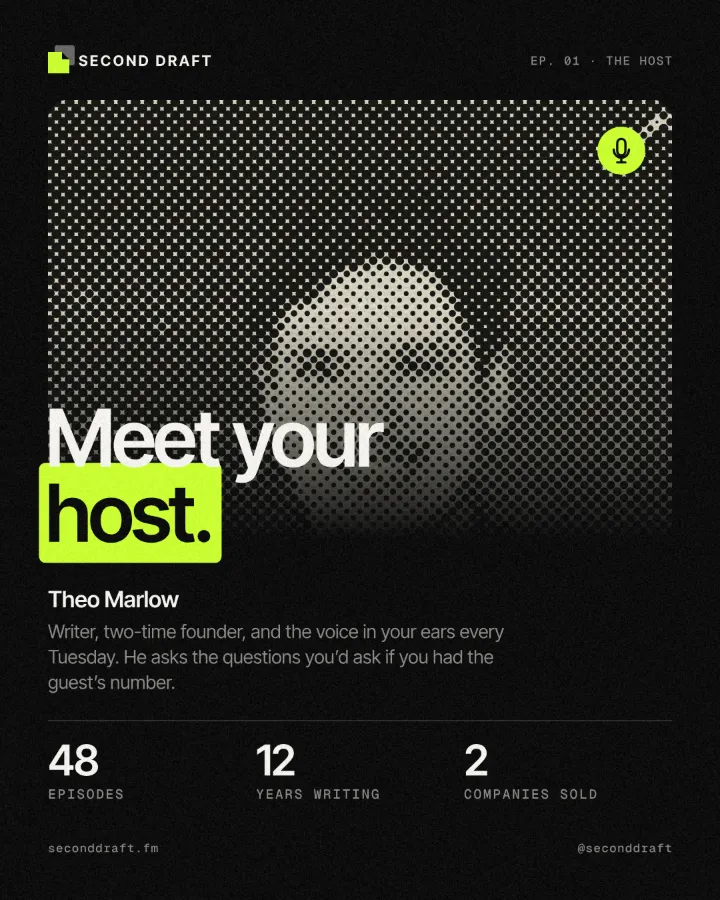 A podcast post: the host’s black-and-white portrait turned into a coarse dot screen behind “Meet your host.”
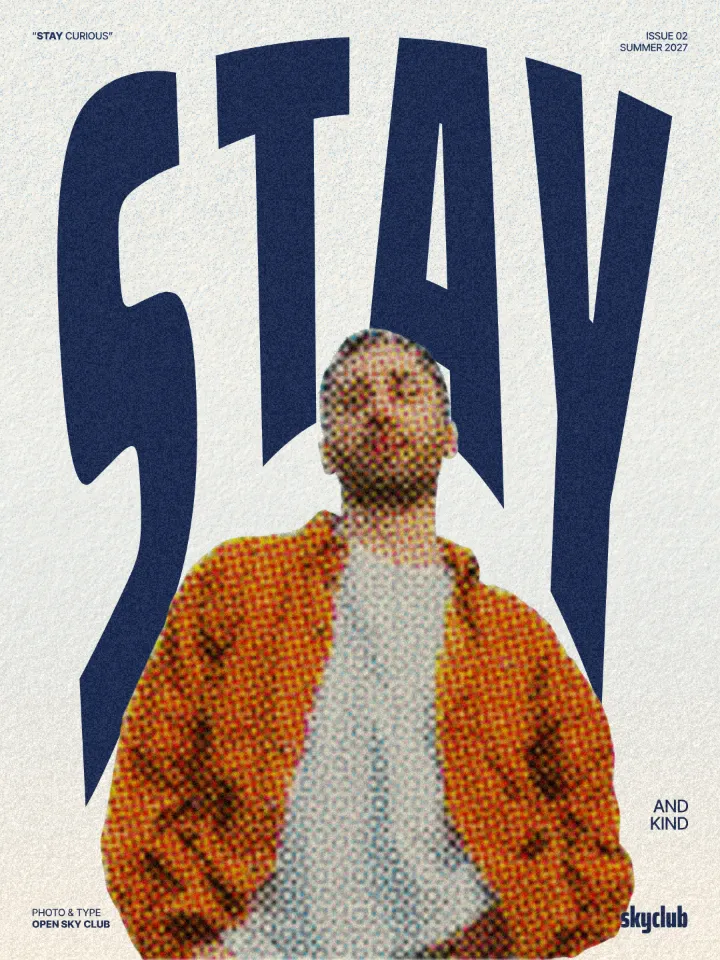 A magazine cover: the man in the orange corduroy jacket printed in comic-book dots in front of the giant STAY.
Questions
What is a halftone?
The way printers make greys and colours with one ink: a grid of dots, big where the picture is dark and small where it is light. From a distance the eye blends them back into tones. Newspapers, comics and screen-printed posters all use it.
Which dot size should I use?
Think of the final size. For a phone-sized post, 8–14 reads as a texture and keeps faces recognisable; on a poster seen from a few metres, 20–30 makes the dots part of the design. Simple, high-contrast photos take big dots best.
Can I get a halftone with a transparent background?
This page prints on paper colour. In Paletoo the Halftone step can leave the ground transparent, and you can put the dots over any colour or picture: use «Open in Paletoo for more».
Is it free? Is there a watermark?
Yes, it is free, and the PNG has no watermark. You do not need an account either.
Is my photo uploaded anywhere?
No. The photo is read and drawn by your browser on your own device; it never leaves this tab. Close the tab and it is gone.
What size is the download?
The PNG is your photo’s own size, up to 4096 px on the long side (a bigger photo is scaled down to that). The preview is smaller so it stays instant; the download is drawn again at full size.
Go further
More free tools
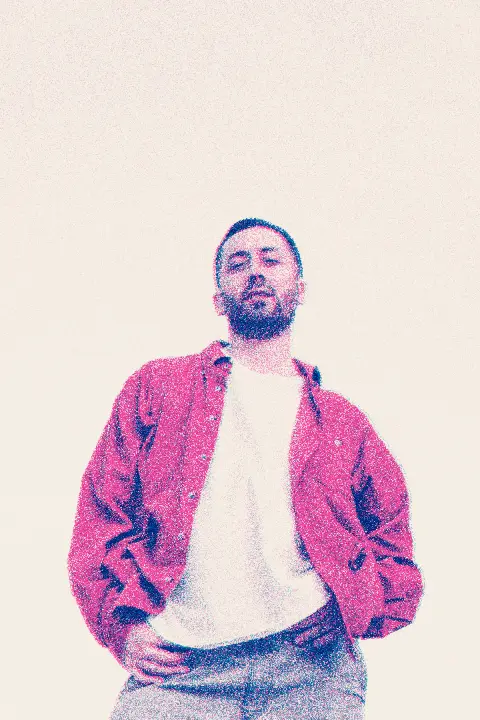
Risograph effect
Make a photo look printed on a riso duplicator: two spot inks, a grainy screen, the drums slightly out of register.
Duotone generator
Two colours, one photo: map the shadows and the highlights to colours of your choice and download a PNG.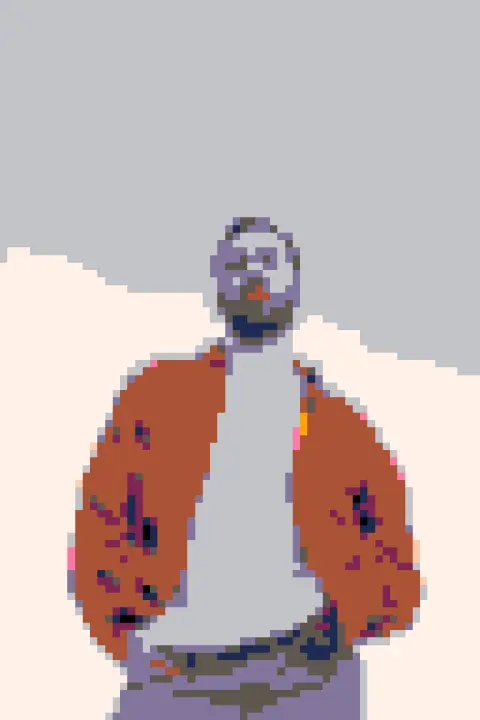
Photo to pixel art
Turn a photo into 8-bit pixel art: big square pixels, a retro palette, checkerboard dithering.