Glitch text generator
Type a word and tear it like a broken signal: red and cyan split apart, bands slid sideways, scan lines.
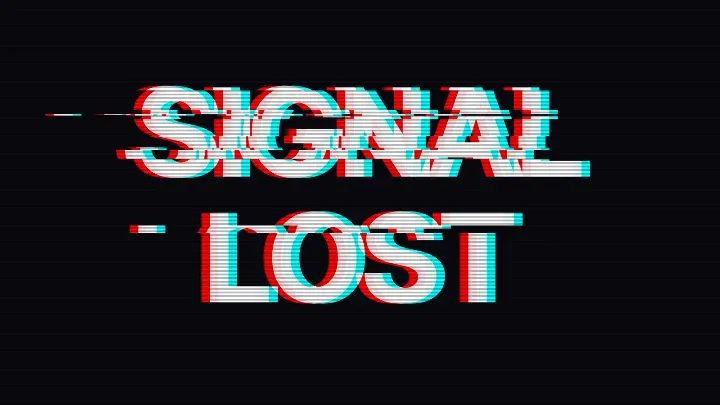
Type your own words; the picture follows as you type.
Settings
opens this effect as a ready document in the editor, every step editable
Nothing is uploaded: the picture is made in this browser tab.
How to use the glitch text generator
Type your words
Up to six lines; the text is set as large as it fits. Pick a Font: every one of them has Latin and Cyrillic.
Break the signal
Colour split pulls the red and cyan copies apart; Tears is how many bands slide sideways. Not happy with where it tore? Press Shuffle.
Download the PNG
It is drawn at 3200 × 1800 px, sharp enough for a cover or a poster headline.
Made in Paletoo with the same effect
Real designs from our Learn guides. Open a guide to see how each one was made.
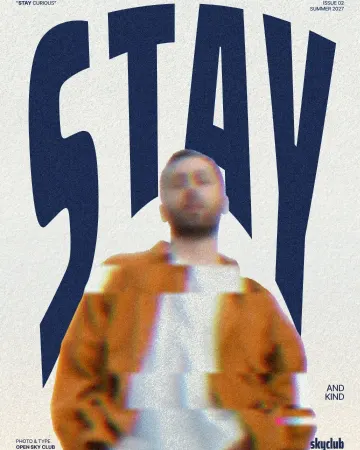
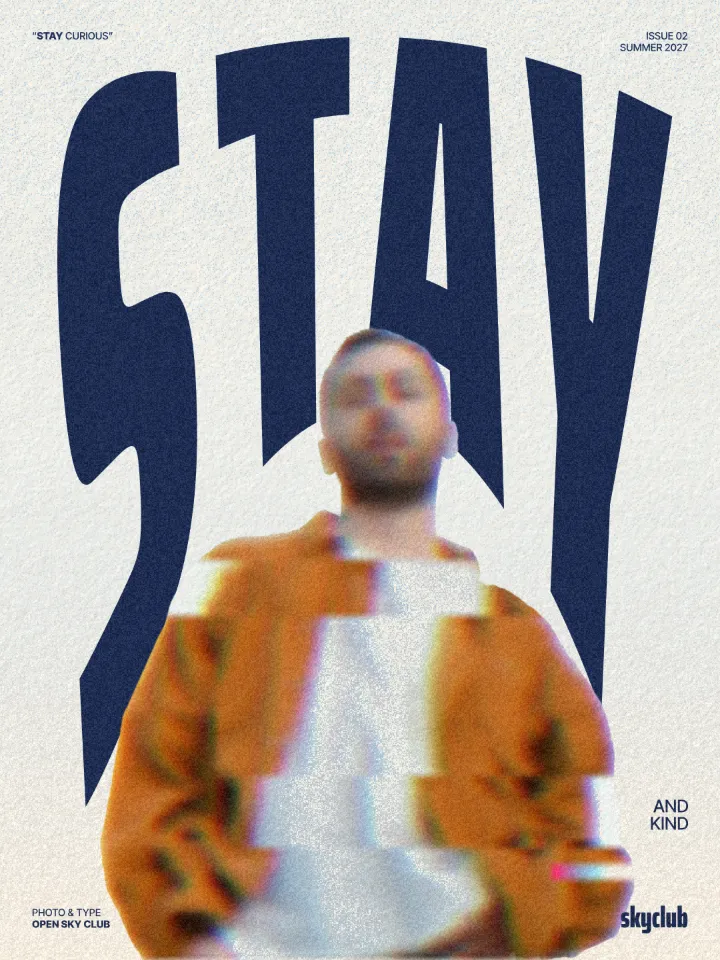 A magazine cover: the man in the orange jacket torn into shifted slices with a pink-and-cyan trail, in front of STAY.
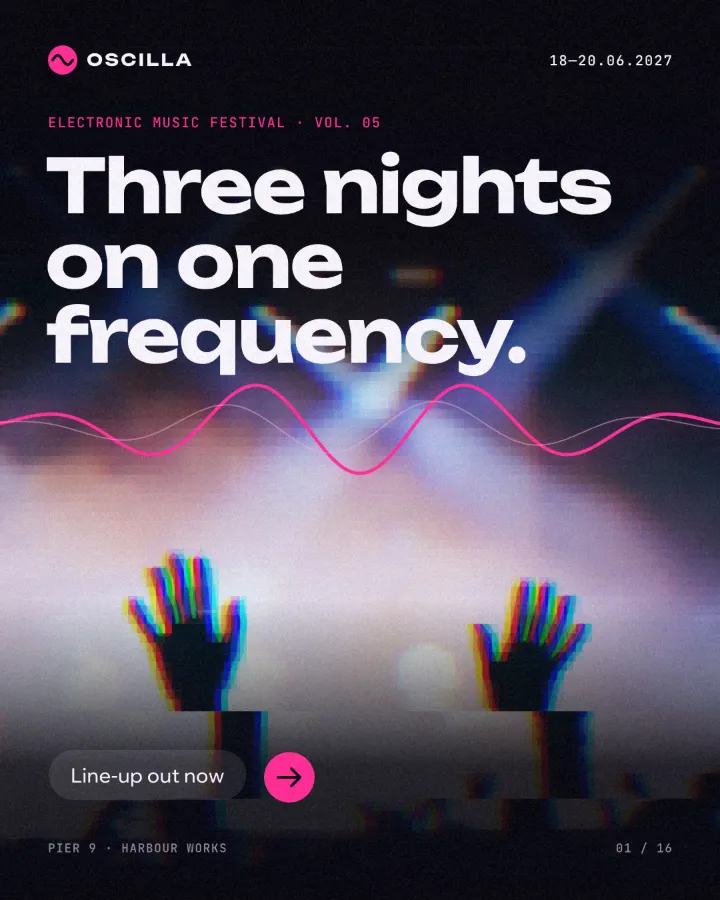 A festival cover: the raised hands and the pink stage light broken into blocks under “Three nights on one frequency.”
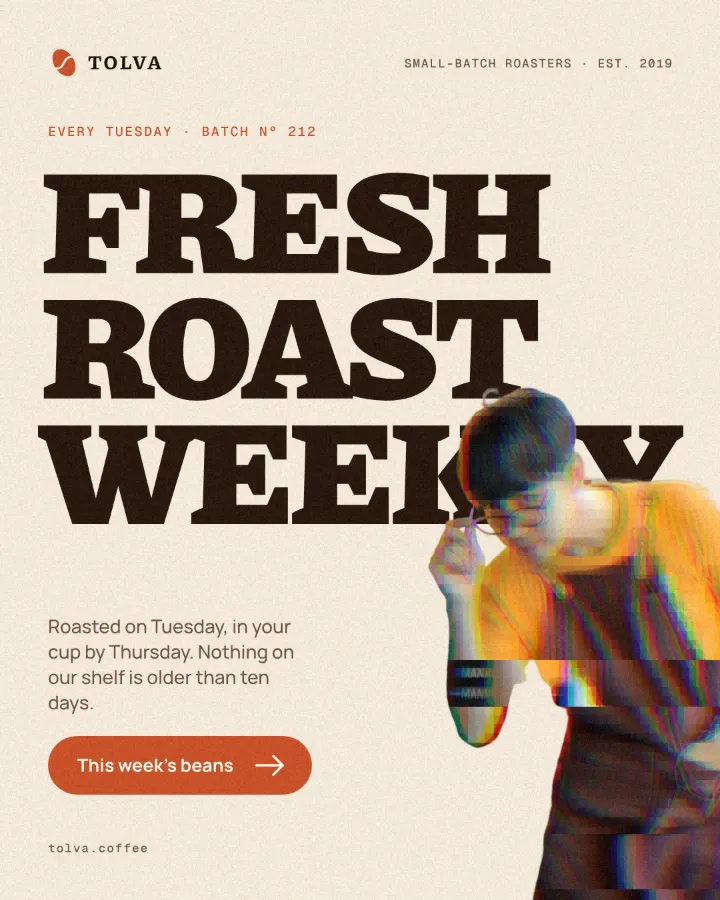 A coffee roaster post: the barista cut-out glitched sideways beside the FRESH ROAST WEEKLY headline.
Questions
Is this a glitch font?
No, and that is the point: a glitch font is the same torn shapes on every letter. Here the tear is made on your words, with the font you choose, and it is different every time you press Shuffle.
Can I copy and paste the glitch text into Instagram?
This tool makes a picture, not Unicode «zalgo» characters, so you post it as an image. Pictures keep their look everywhere; zalgo text breaks in many apps and screen readers read it as noise.
How do I glitch a photo instead of text?
Open the glitch recipe in Paletoo with «Open in Paletoo for more»: drop your photo on it, and the same split and tears apply to the picture.
Is it free? Is there a watermark?
Yes, it is free, and the PNG has no watermark. You do not need an account either.
Does anything I type leave my browser?
No. The words are drawn by your browser on your device; nothing is sent anywhere.
Can I get a transparent background?
The glitch needs a ground to tear against, so this page keeps one. In Paletoo the same effect works on a text layer over any picture.
Go further
More free tools
Text effect generator
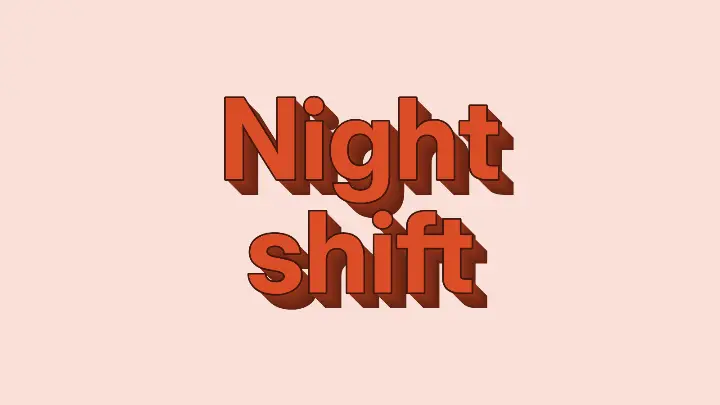
Five text effects on your own words — 3D block, neon, chrome, retro long shadow, outline echo — as a PNG, free.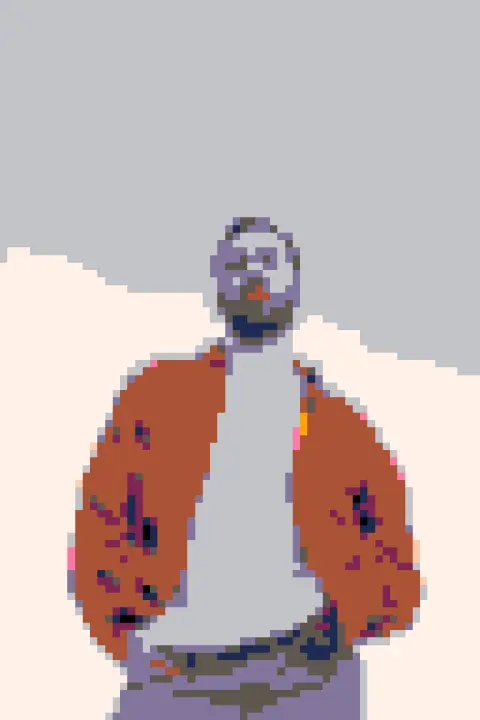
Photo to pixel art
Turn a photo into 8-bit pixel art: big square pixels, a retro palette, checkerboard dithering.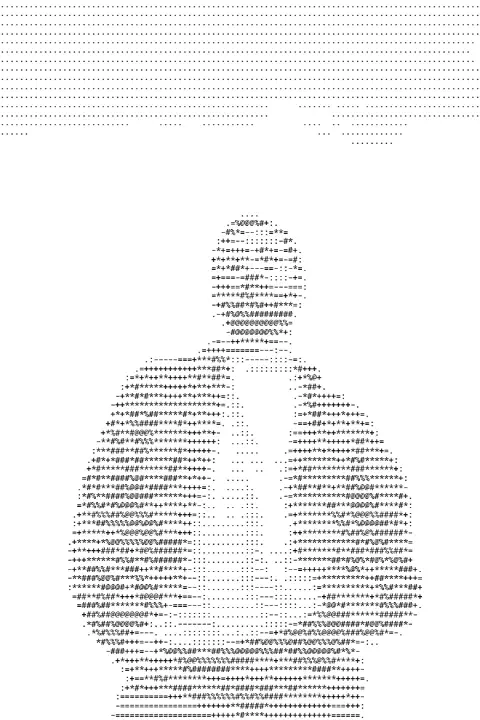
Image to ASCII
Turn a photo into ASCII art: rows of characters as dense as the tones under them. Download a PNG or copy the text.