Image to ASCII
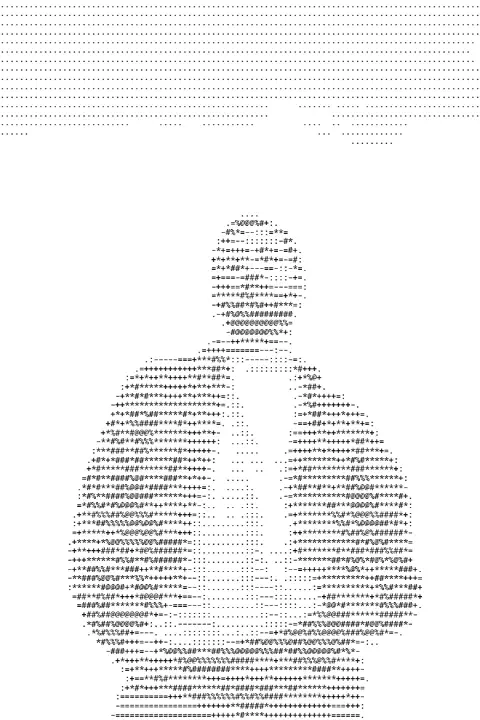
Turn a photo into ASCII art: rows of characters as dense as the tones under them. Download a PNG or copy the text.
Drop a photo here, paste it with Ctrl+V or
Settings
opens the editor: ASCII is one of its effects, with a picture, text and layout around it
Nothing is uploaded: the picture is made in this browser tab.
How to use the image to ascii
Add your photo
Drop it on the picture, paste it with Ctrl+V (⌘V on a Mac) or choose a file. Photos with strong light and shadow read best in characters.
Choose the width and the characters
Characters across is the resolution: 60–100 for a recognisable face, 150 and more for detail. Classic is the old-school ramp; Detailed has 70 tones; Blocks look like a terminal graphic.
Download or copy
Download PNG keeps the look anywhere. Copy text gives you the characters themselves, for a code comment, a README or a chat (use a monospace font where you paste it).
Made in Paletoo with the same effect
Real designs from our Learn guides. Open a guide to see how each one was made.
 A portrait in classic characters on light paper, 120 across.
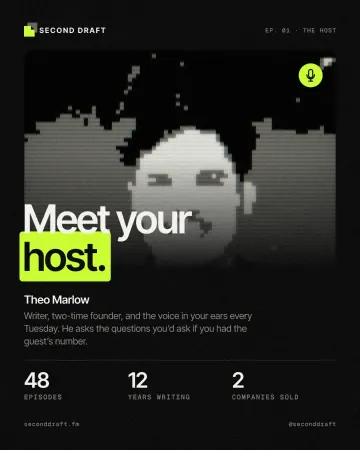
 The same idea on a dark terminal, in zeros and ones.
 A colour portrait in blocks, its own colours kept.
Questions
What is ASCII art?
Pictures made of text characters. Each character covers a different share of its box: a space almost none, @ or █ almost all. Put the right character in each place and rows of text become a picture.
Why does the pasted text look stretched?
It needs a monospace font, where every character is as wide as the next. In a proportional font the columns drift. Paste it in a code block, or use the PNG.
Can I keep the photo’s colours?
Yes: switch on «Keep the colours» and every character takes the colour of the spot it stands for. The copied text stays plain, as text has no colour.
Is it free? Is there a watermark?
Yes, it is free, and the PNG has no watermark. You do not need an account either.
Is my photo uploaded anywhere?
No. The photo is read and drawn by your browser on your own device; it never leaves this tab. Close the tab and it is gone.
What size is the download?
The PNG is as wide as your photo (up to 4096 px), and as tall as the rows of characters need. The copied text has as many columns as «Characters across».
Go further
More free tools
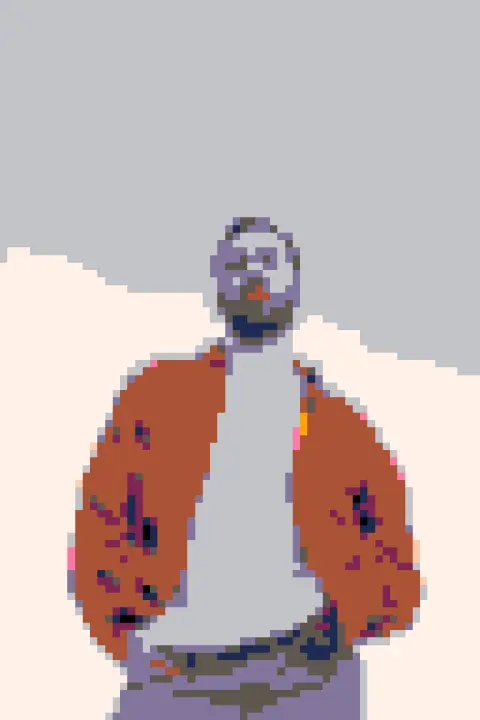
Photo to pixel art
Turn a photo into 8-bit pixel art: big square pixels, a retro palette, checkerboard dithering.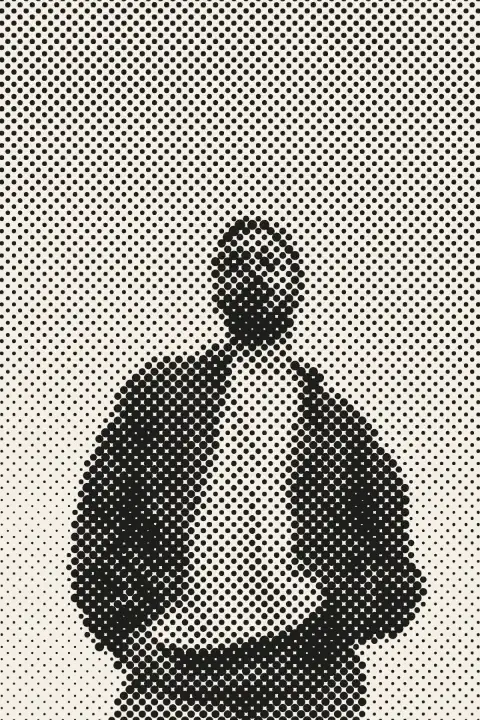
Halftone generator
Turn a photo into printer’s dots, lines or squares in a second — right here, free, no sign-in.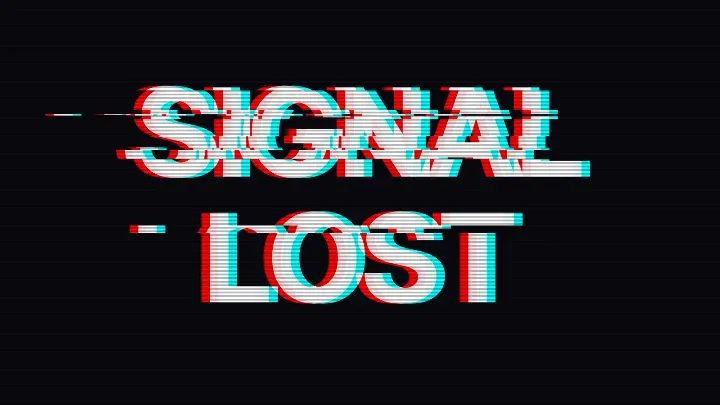
Glitch text generator
Type a word and tear it like a broken signal: red and cyan split apart, bands slid sideways, scan lines.