Text effects online
Chrome, gold foil, emboss, cut-out letters, outlines and warps — and the words stay editable text.
Start freeOpens in your browser · no sign-up · no watermark
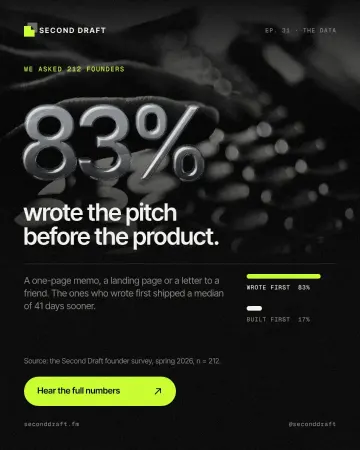
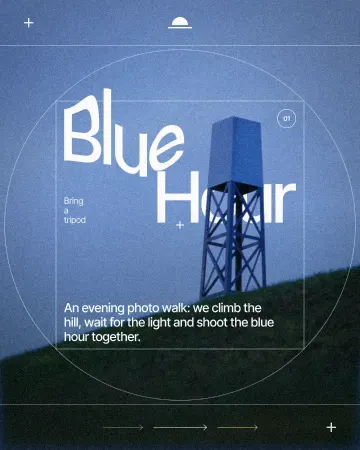
Start from one of these
Real Paletoo documents and results — open one and change everything.
How it works
-
Select your headline
The example opens a festival cover with its headline ready. In your own design, select a text — heavy, wide type gives effects the most room — and open the Effects tab at Mixes.
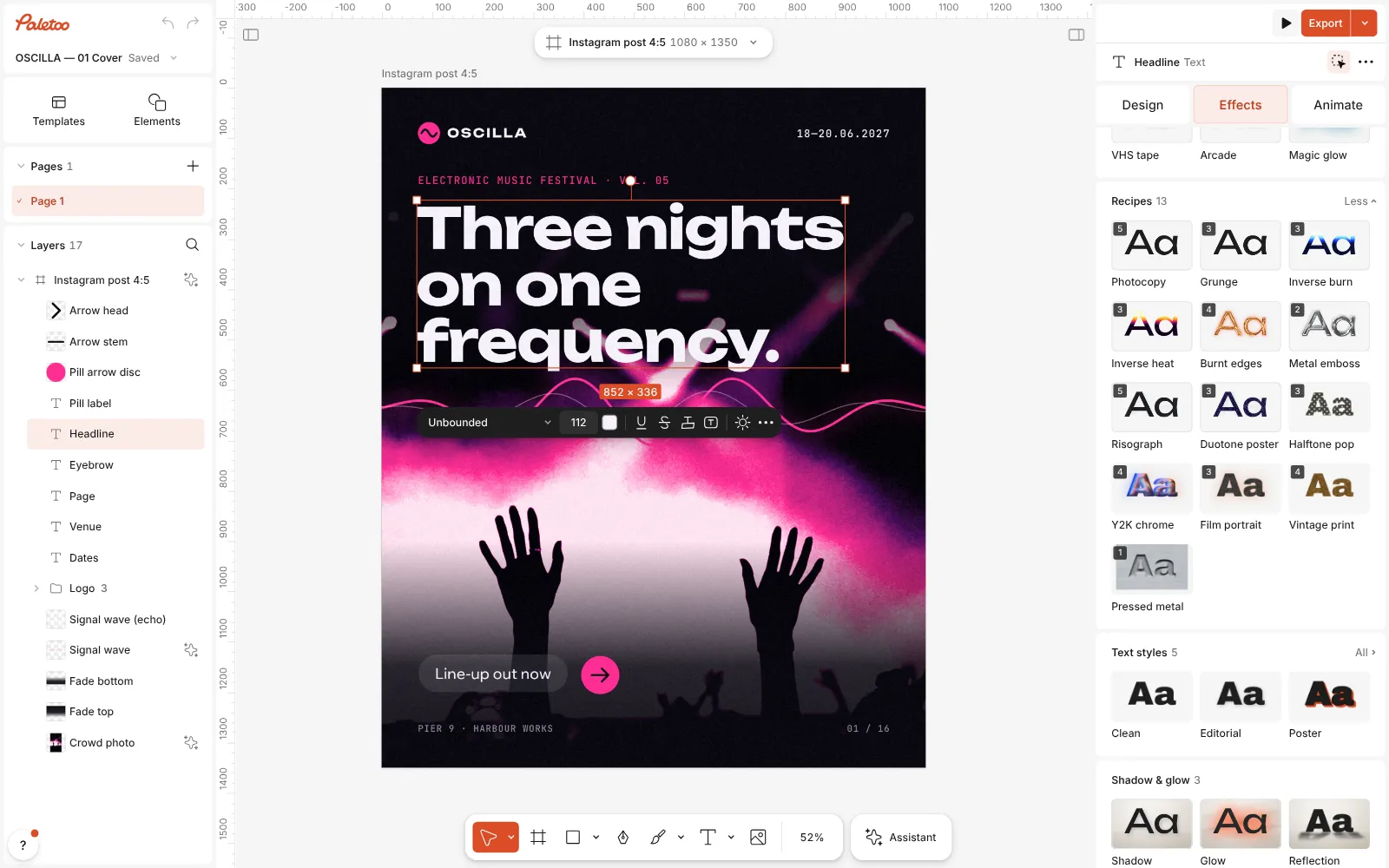
A festival cover open in Paletoo, the headline selected and the Mixes open -
Press a look
Press Y2K chrome, or gold foil, emboss, cutout and more. The steps go on under Applied; the letters stay text.
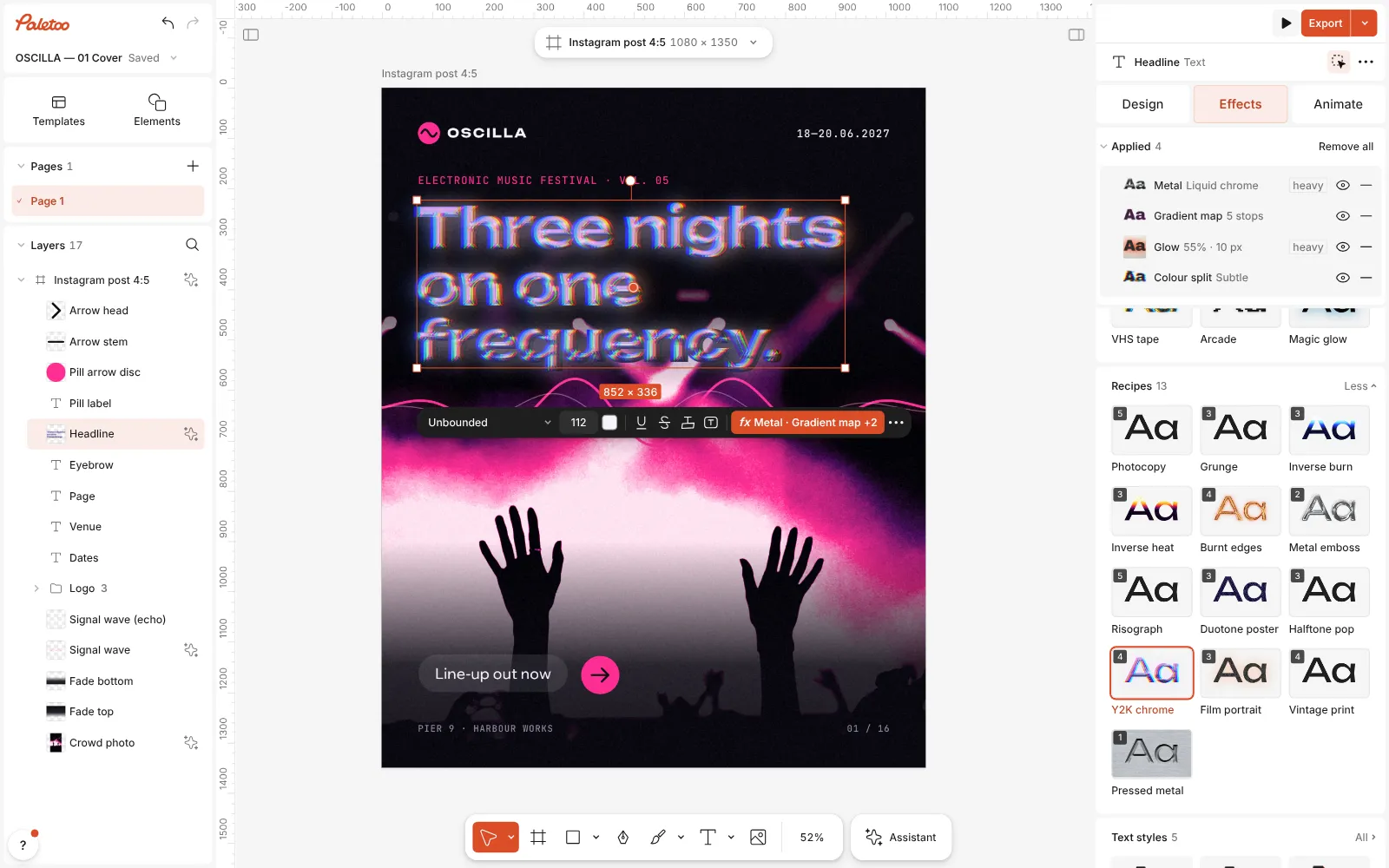
Y2K chrome pressed: four steps under Applied, the headline in iridescent liquid chrome -
Tune it and export
Open a step to adjust it — Metal offers Chrome, Gold and Liquid chrome. Double-click to change the words; the effect follows. Then Export.
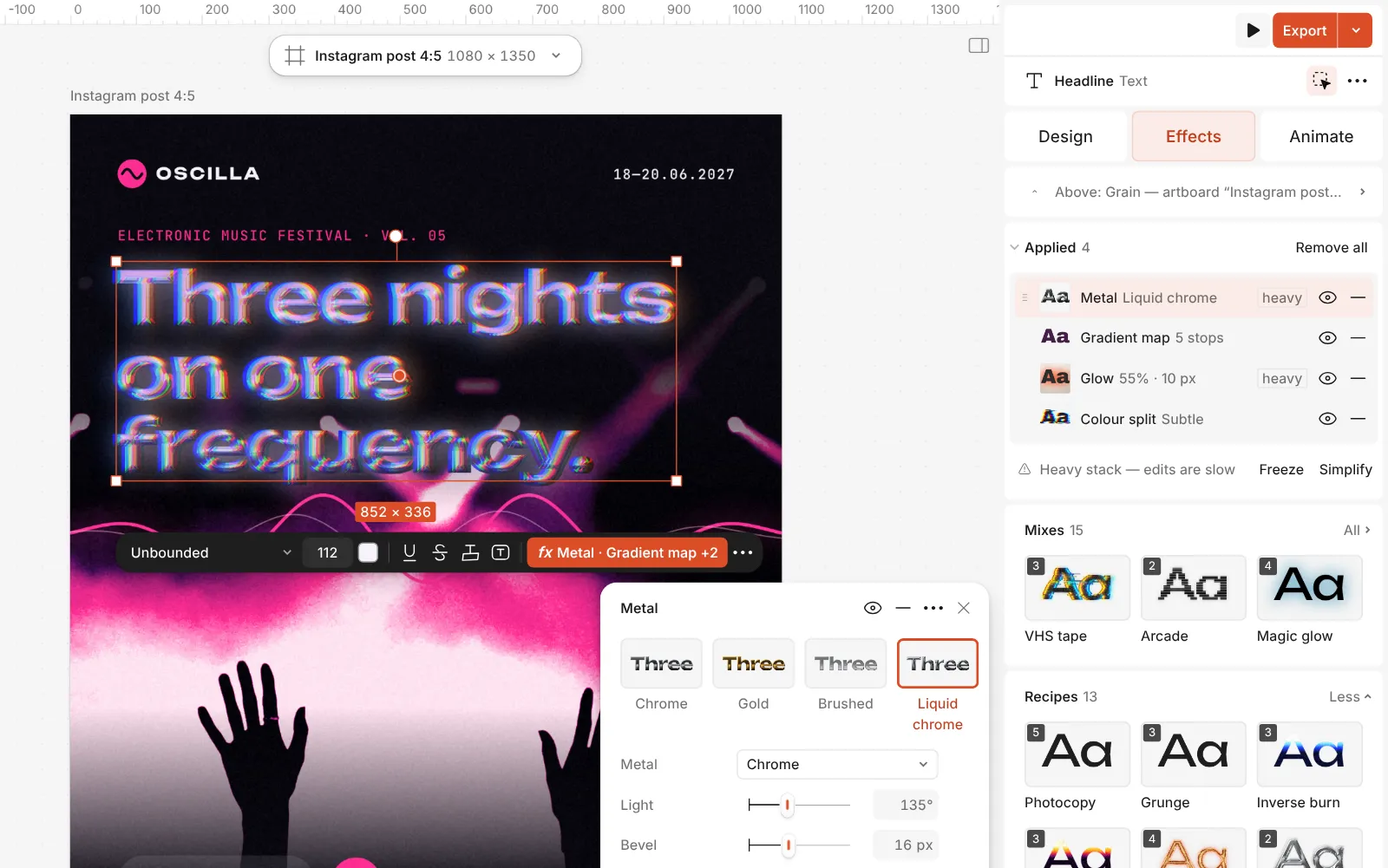
The Metal step open: Chrome, Gold, Brushed and Liquid chrome, with its controls
What you get
Shine and texture
Chrome, liquid chrome, gold foil, clear glass with a bright rim, embossed and pressed metal, glow, halftone and photocopy on your letters.
Letters that stay text
Change a word, the font or the spacing and every effect redraws. Nothing is flattened into a picture.
Several strokes and knockouts
Stack outlines on a word, each with its own colour and weight, or let a band cut through the photo behind it.
Warps and paths
Arc, wave, perspective, a mesh, or any curve — the letters bend and stay sharp at any size.
Your own fonts
Upload your fonts, use variable axes and OpenType features, and every effect works on them.
Moving type
Make the letters rise, type themselves or pop in, and export MP4, GIF or WebM with a transparent background.
Questions
Are the text effects free?
Yes. Every effect, mix, stroke and warp is free to use and export, with no watermark.
Can I still edit the text after adding an effect?
Yes. Effects sit on live text: retype the words, change the font, the size or the spacing, and the chrome, foil or outline redraws around the new letters.
Which fonts work best?
Heavy, wide or rounded typefaces give chrome and emboss room for their bevel; light weights turn thin and wiry. Outlines and cut-out letters suit almost anything.
Can I use my own font?
Yes. Upload your fonts in the font list under My fonts; every effect works on them just like on the library fonts.
How do I put text on a curve or in a circle?
Select the text and choose On path in the Warp section, then drag the curve’s points. For a full circle, use the Arc warp at 360°.
How do I export the lettering on its own?
Export a PNG with the Background set to Transparent: only the letters and their effects are in the file, ready for a video, a slide or a website.
Does it work on a logo?
Yes, on anything with clear edges. A flat logo or a shape takes chrome, foil and emboss well; a detailed photo turns into a textured plate instead.
Can the text move?
Yes. Select the text and open the Animate tab: letters can rise, type themselves or pop in, and the effects move with them. Export MP4, GIF, WebM or Lottie.
Learn more
Step-by-step guides
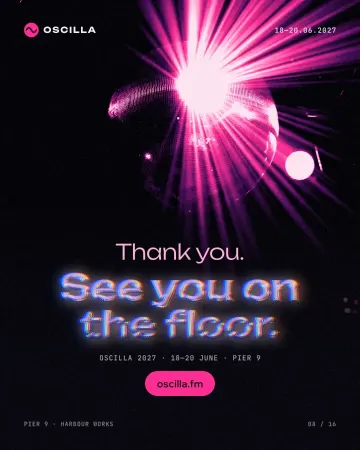
How to make a Y2K chrome text effect
Fat liquid chrome in pearly pastels, with a soft glow.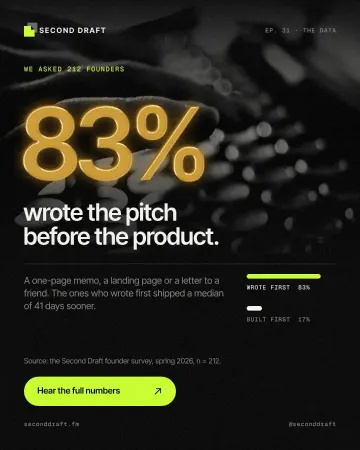
How to make a gold foil text effect
Stamped gold leaf: a pressed edge, warm metal bands and a soft shine.
How to put text on a path that stays editable
Type along a curve you shape on the canvas; the words stay live.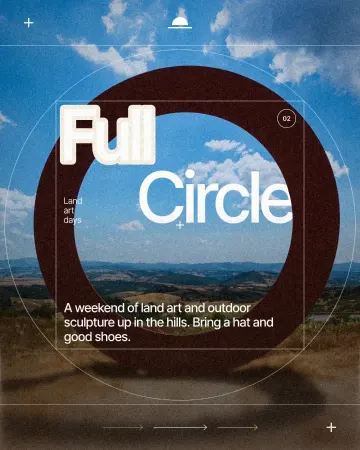
How to make a knockout outline that cuts through
A stroke that cuts through the layers under the text.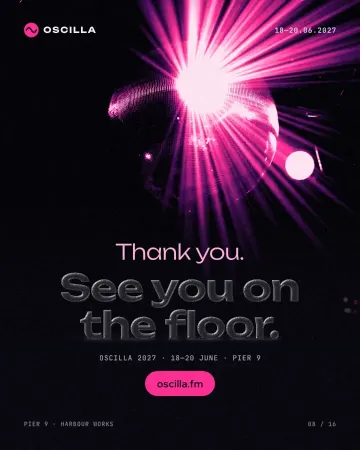
How to make a glassmorphism effect, like liquid glass
Thick, clear glass that bends the picture behind it, lit on one rim and shaded on the other.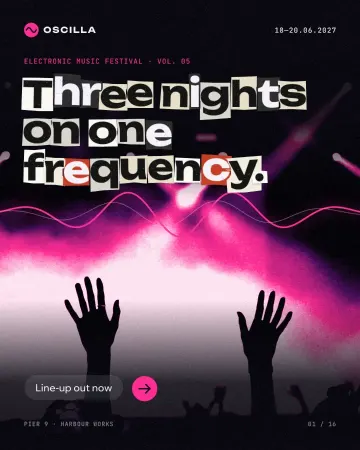
How to make newspaper cutout letters (ransom note text)
Every letter on its own scrap of paper, turned and nudged.
In the help centre
More tools
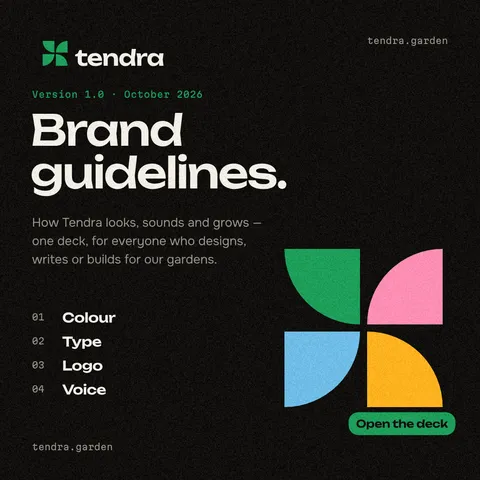
Logo maker
Build a wordmark or a badge from real type and shapes, and take it away as a sharp SVG or PDF.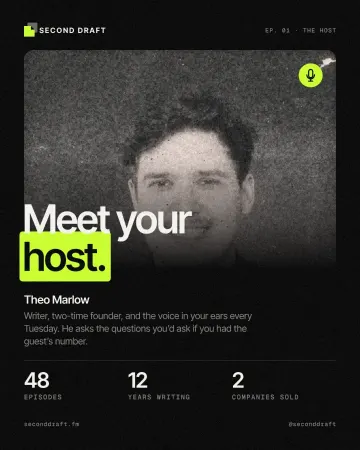
Photo effects online
Give a photo a film, print or glitch look in one click — and keep every step editable afterwards.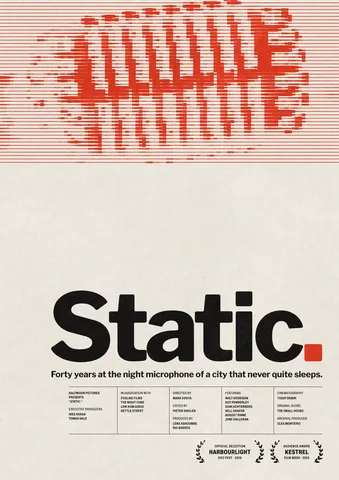
Poster maker
Make a poster from a template that already has the layout right, then export a print-ready PDF or an image for screens.
Make it now
Paletoo opens in your browser. Start from the template above or a blank page, and export when you are happy.
Start free