Photo to pixel art
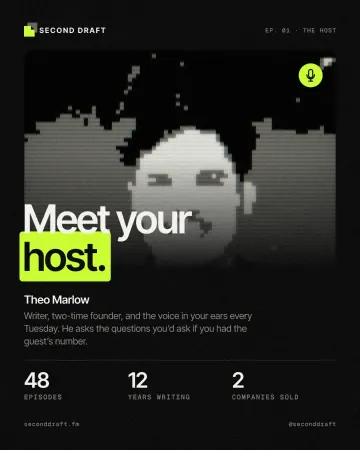
Turn a photo into 8-bit pixel art: big square pixels, a retro palette, checkerboard dithering.
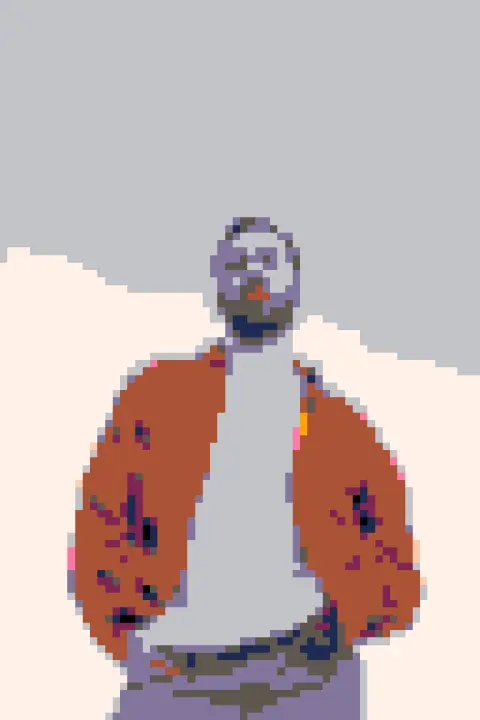
Drop a photo here, paste it with Ctrl+V or
Settings
opens this effect as a ready document in the editor, every step editable
Nothing is uploaded: the picture is made in this browser tab.
How to use the photo to pixel art
Add your photo
Drop it on the picture, paste it with Ctrl+V (⌘V on a Mac) or choose a file. A face or an object on a plain background reads best.
Choose the resolution and palette
Pixels across 32–64 is the sweet spot for portraits; under 32 is an icon, over 100 a detailed sprite. Pick a Palette: our arcade 16, four handheld greens, a sunset or one bit.
Dither and download
Dithering mixes neighbouring colours in a checkerboard so gradients survive a small palette. Download the PNG: the pixels stay crisp at full size.
Made in Paletoo with the same effect
Real designs from our Learn guides. Open a guide to see how each one was made.
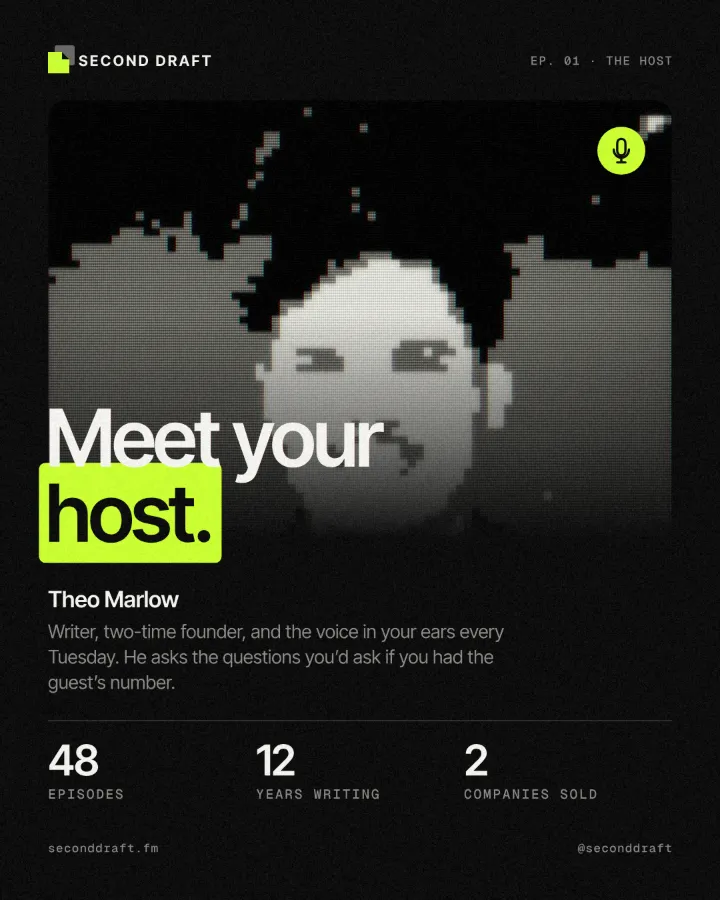
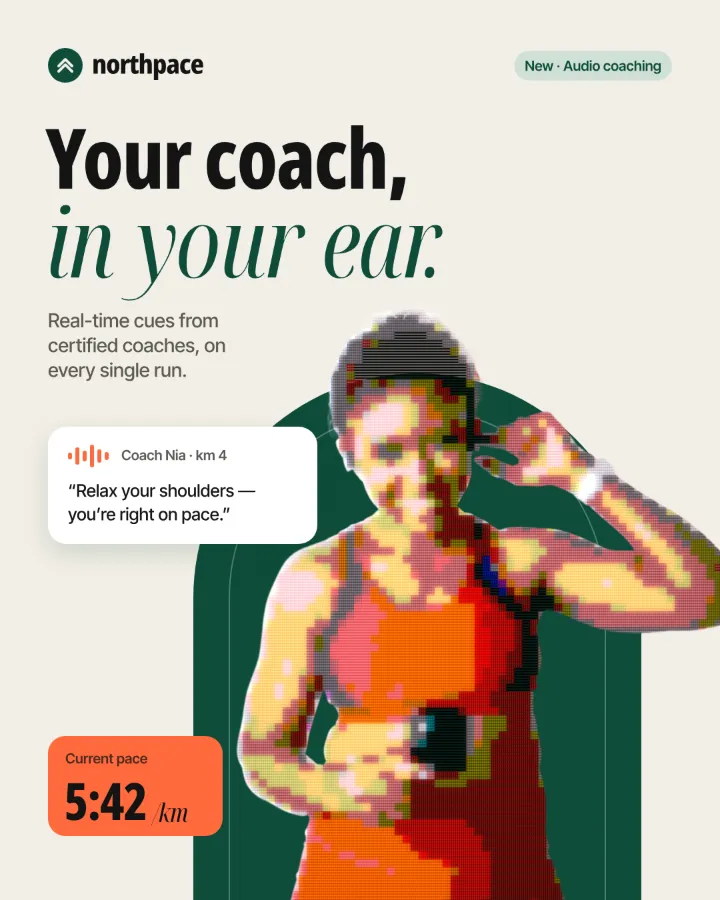
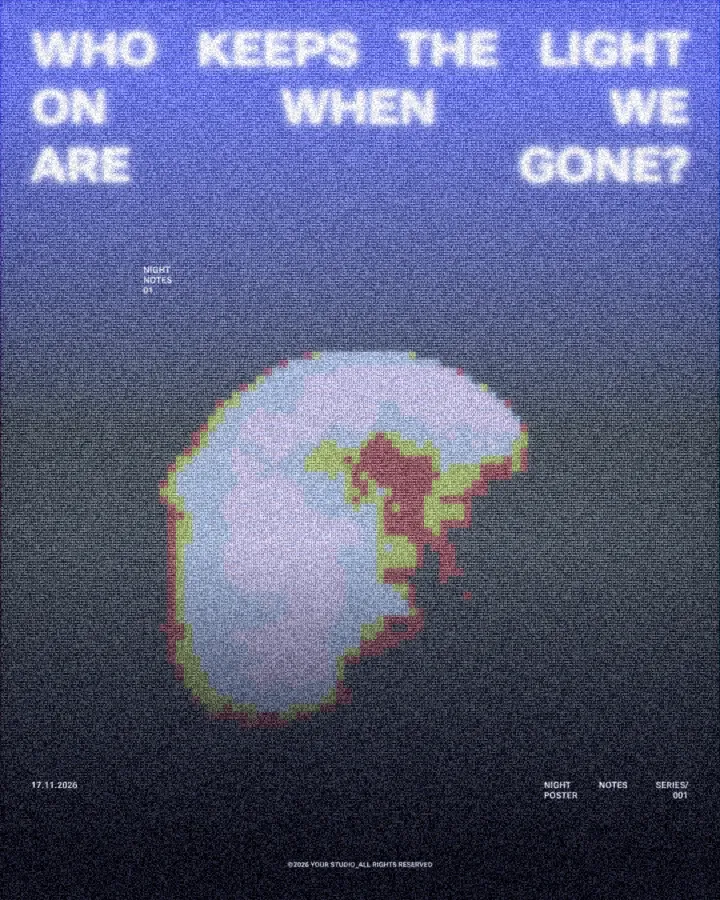
Questions
How does the converter work?
It averages the photo down to a small grid, moves every cell to the nearest colour of the palette (optionally with an ordered dither), and draws the grid back at your photo’s size with hard edges, so every pixel stays a clean square.
Can I use the result in a game?
Yes, it is your picture. For a sprite, set the pixels across to the sprite’s size (32 or 64), turn the grid off and scale the PNG down by the same factor in your game engine with nearest-neighbour filtering.
Why does my portrait look noisy?
Too few pixels or a busy background. Raise the pixels across, try the photo’s own colours, or crop the photo closer to the face first.
Is it free? Is there a watermark?
Yes, it is free, and the PNG has no watermark. You do not need an account either.
Is my photo uploaded anywhere?
No. The photo is read and drawn by your browser on your own device; it never leaves this tab. Close the tab and it is gone.
What size is the download?
The PNG is your photo’s own size, up to 4096 px on the long side (a bigger photo is scaled down to that). The preview is smaller so it stays instant; the download is drawn again at full size.
Go further
More free tools
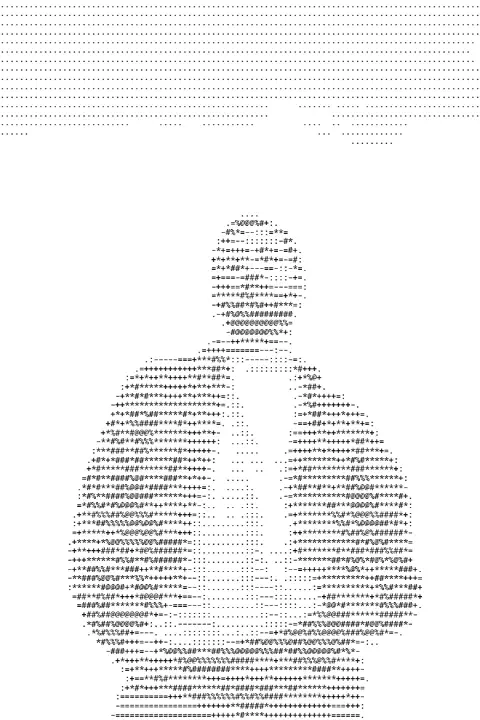
Image to ASCII
Turn a photo into ASCII art: rows of characters as dense as the tones under them. Download a PNG or copy the text.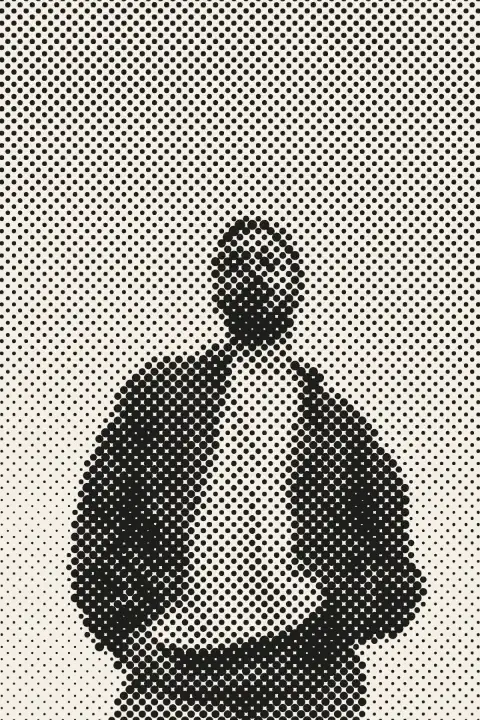
Halftone generator
Turn a photo into printer’s dots, lines or squares in a second — right here, free, no sign-in.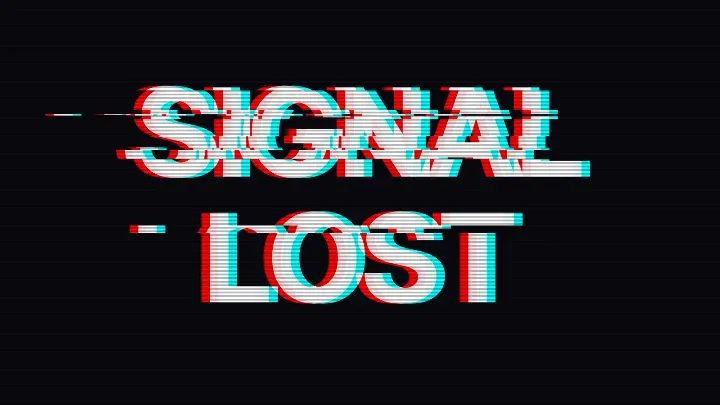
Glitch text generator
Type a word and tear it like a broken signal: red and cyan split apart, bands slid sideways, scan lines.