QR code generator with logo
A QR code with your logo in the middle that still scans: rounded or dot modules, your colour, a crisp PNG.
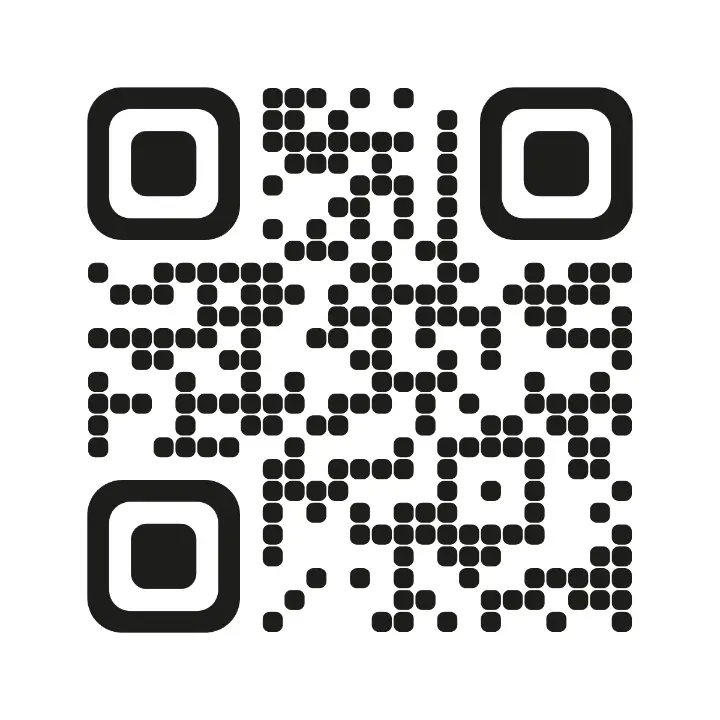
Paste your link; the code is made as you type.
Settings
opens a business card with a QR code in the editor, every part editable
Nothing is uploaded: the picture is made in this browser tab.
How to use the qr code generator with logo
Paste your link
Or any text: a phone number, a Wi-Fi line, an email. The code is made as you type.
Add a logo and a style
Choose a Logo (a square PNG or SVG with a transparent background works best). With a logo the code switches to the highest error correction, so the covered middle is repaired when it is scanned.
Check and download
Scan it with your phone from the screen before you print. A dark colour on the white ground scans best. The PNG is 2400 × 2400 px.
Made in Paletoo with the same effect
Real designs from our Learn guides. Open a guide to see how each one was made.
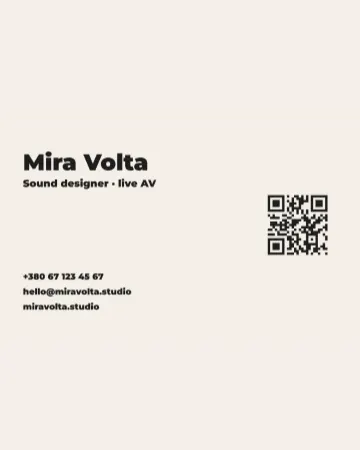
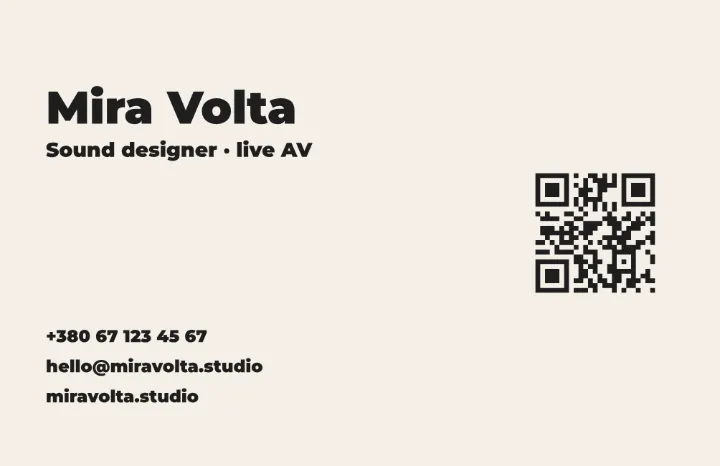 Cream, black and orange: the name in near-black, the role in orange, and a dark code straight on the cream.
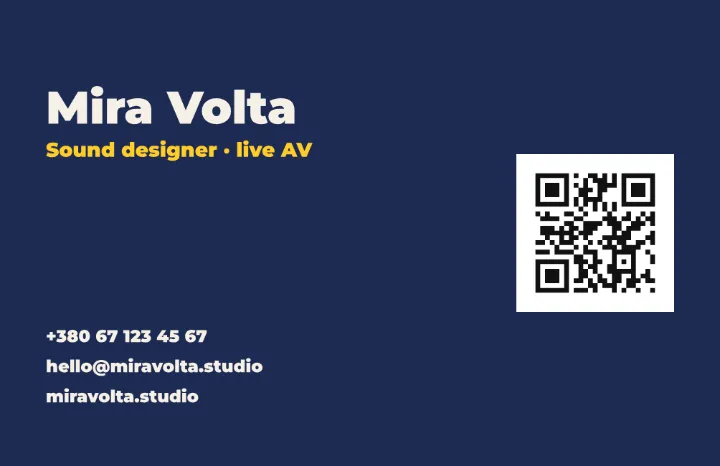 Navy, cream and yellow: light type, the role in yellow, and the code dark on a white tile, so it reads the right way round.
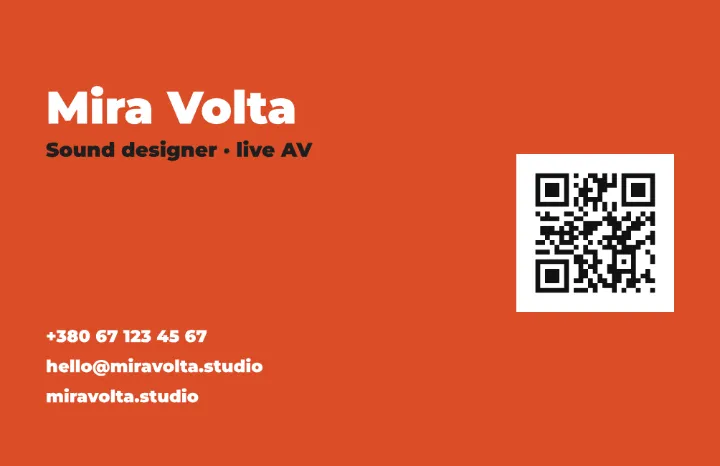 Orange, white and black: white type on a bright field, the role in black, and the code on the right of the card.
Questions
Does a QR code with a logo still scan?
Yes, within limits. QR codes carry up to 30 % spare data (error correction level H). The logo here covers about a fifth of the side, well inside that, and the three corner squares are never covered. Always test with a phone before printing.
Does my QR code expire?
No. The link is written into the code itself; there is no redirect through our server, so it works as long as your link does, and nobody counts your scans.
Which colours can I use?
Dark modules on a light ground, with strong contrast. Light codes on dark grounds and pale colours fail on many phones. Your brand’s darkest colour is usually a safe choice.
Is it free? Is there a watermark?
Yes, it is free, and the PNG has no watermark. You do not need an account either.
Is my link or logo uploaded?
No. The code is computed and drawn by your browser, and the logo is read from your device; nothing is sent anywhere.
Can I get it as a vector for print?
In Paletoo, yes: the QR code element exports to SVG and PDF, and you can design the whole card or poster around it. Use «Open in Paletoo for more».
Go further
More free tools

Round the corners of an image
Round the corners of a photo, or cut it to a circle, and download a PNG with transparent corners.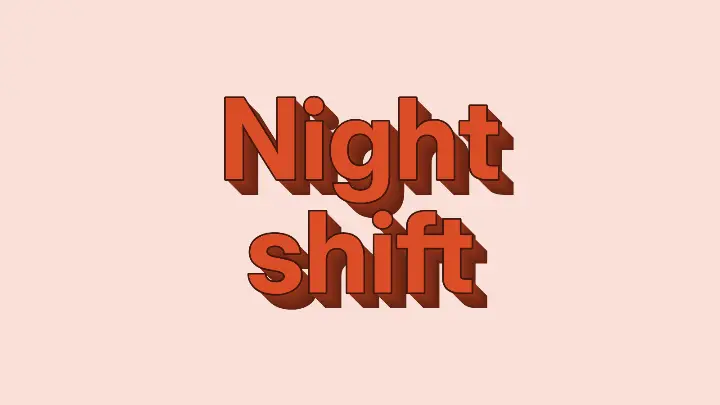
Text effect generator
Five text effects on your own words — 3D block, neon, chrome, retro long shadow, outline echo — as a PNG, free.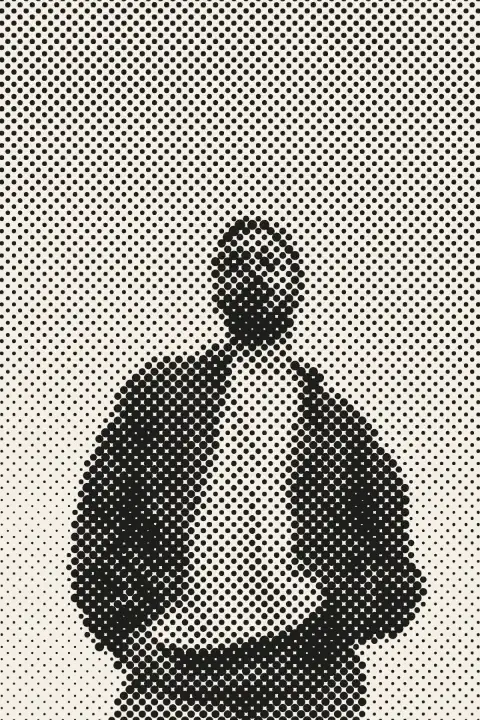
Halftone generator
Turn a photo into printer’s dots, lines or squares in a second — right here, free, no sign-in.