QR code generator
Make a QR code in your own colours and shapes, with a logo in the middle, and see that it scans before you print.
Start freeOpens in your browser · no sign-up · no watermark
Start from one of these
Real Paletoo documents and results — open one and change everything.
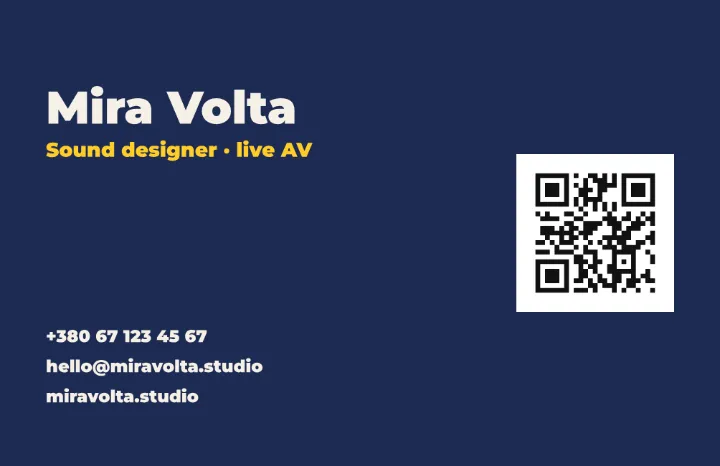 The card in navy: light type, the role in yellow and the code on a white tile of its own.
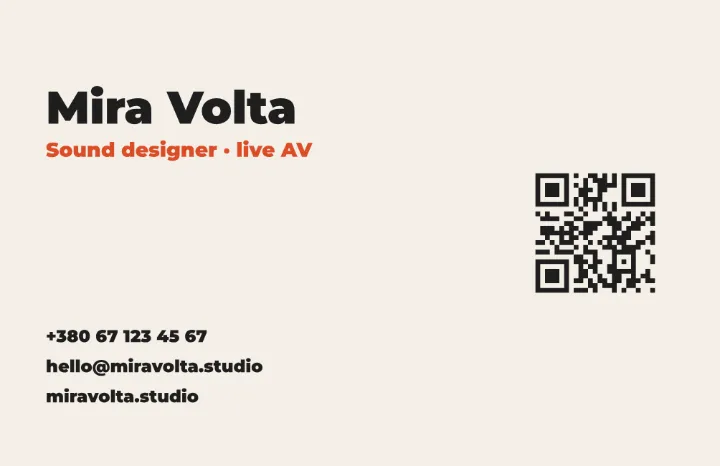 The card in light: dark type on off-white, the role in orange and the code beside it.
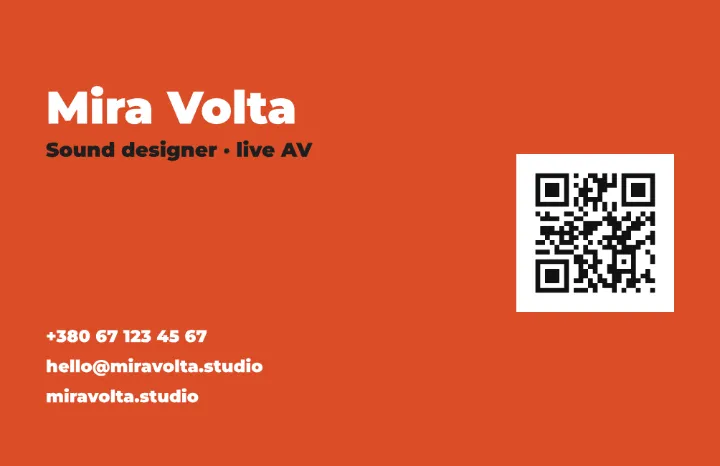 The card in the accent orange: white type on a bright field, the code on white.
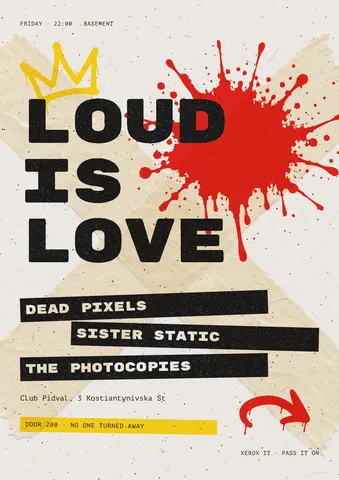 Poster: gig flyer
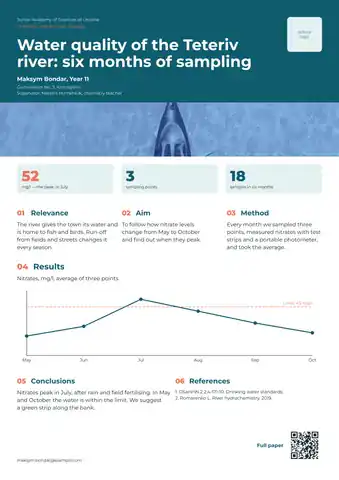 Poster: ecology research, a photo strip and a line chart
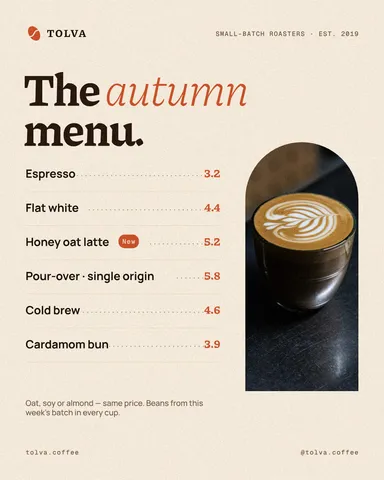 Post: menu and prices
How it works
-
Add a code
The example opens a business card with a code on it. In your own design, press Ctrl K and run QR code, or open Elements and pick one from Codes. The Design tab opens on its section.
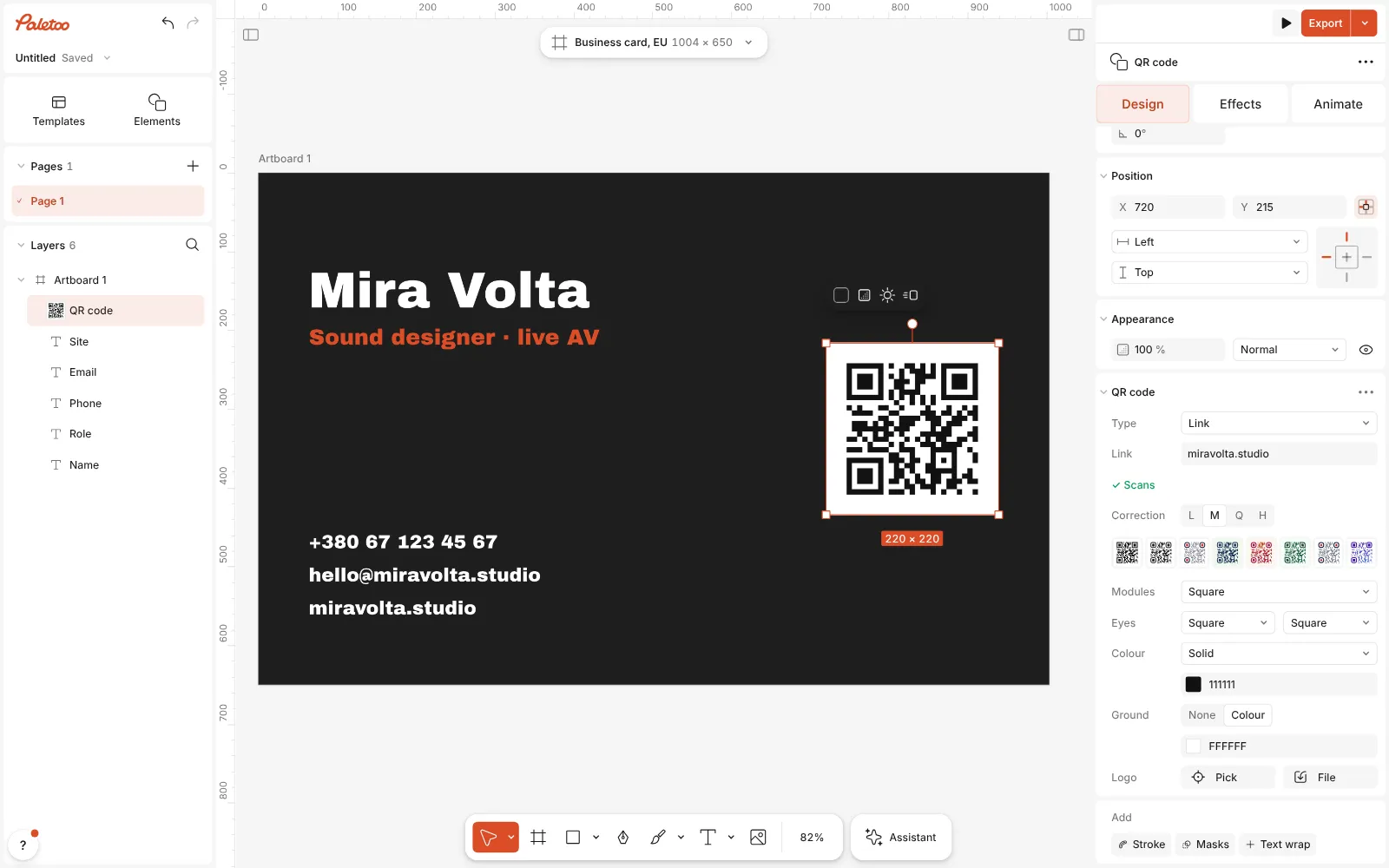
The QR code placed on the card and selected, its QR code section open in the Design tab -
Say what it holds
Choose the Type — a Link, Wi-Fi, a Contact card and more — and fill in its fields. The code is read back as you type: ✓ Scans, or a warning with the reason.
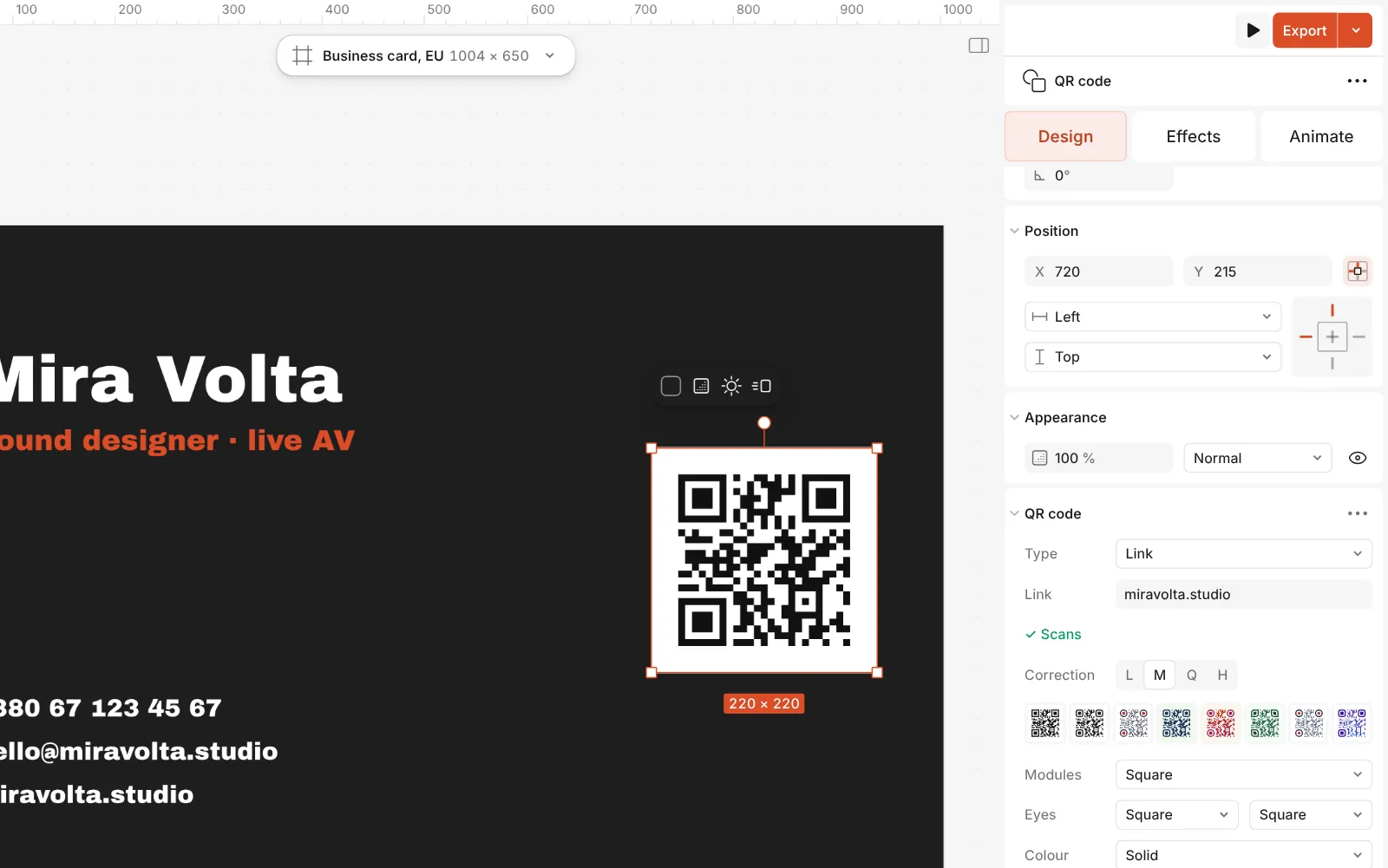
Close up: the QR code section — its Type set to Link, the address and the scan check -
Style it and export
Pick a Style, set the Colour and the Ground, add a Logo if you like. Then Export it on its own or with the whole design — SVG and PDF keep it sharp at any size.
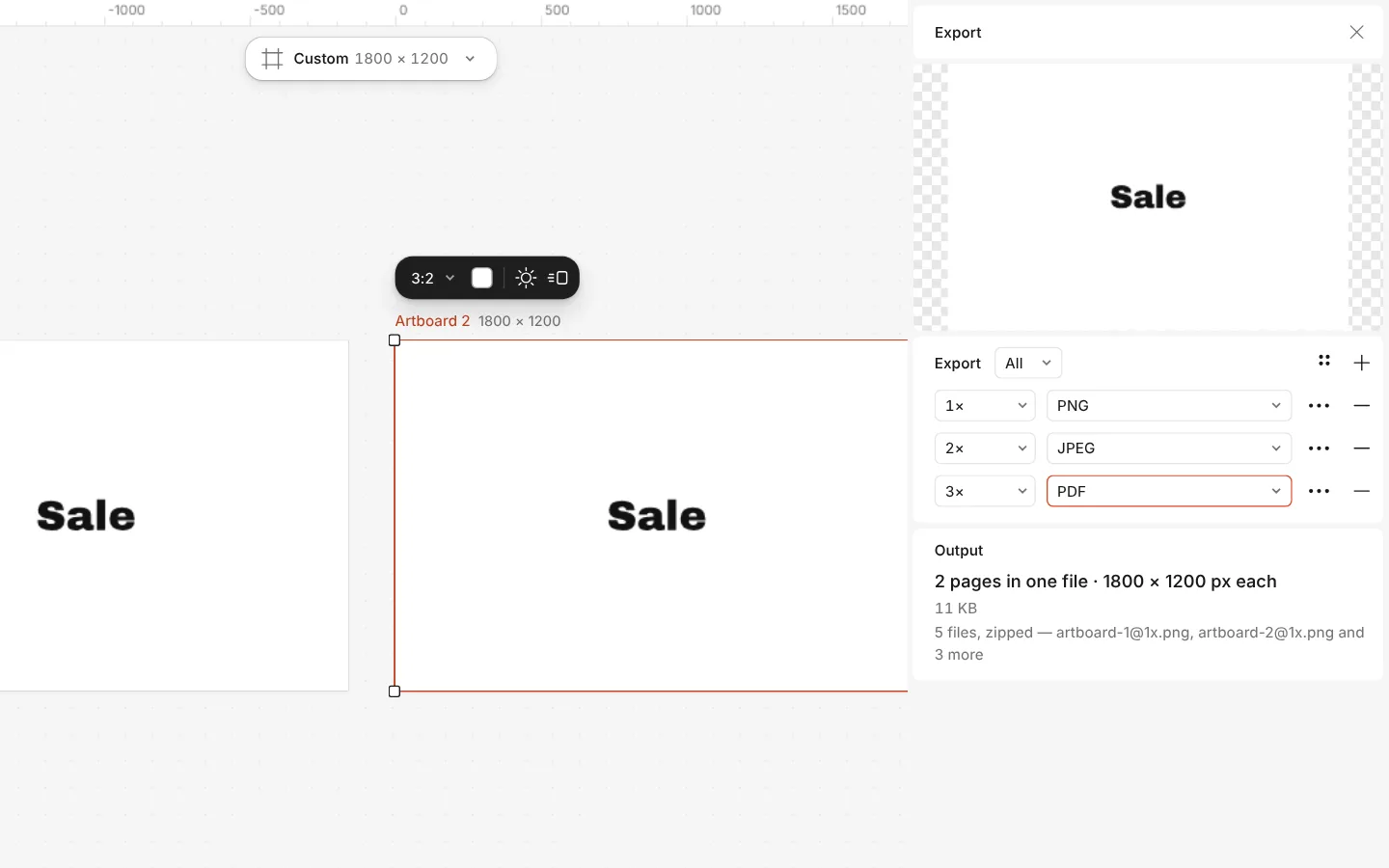
The Export window with all artboards and three files at once
What you get
Nine kinds of content
A link, plain text, Wi-Fi details, an email, a phone number, an SMS, a contact card, a place on the map or an event.
Shapes and colours of your own
Square, rounded, dotted, diamond, bar or fluid modules, separate shapes for the eyes, solid or gradient colour.
A logo in the middle
Pick any layer or upload a file and it becomes part of the code, in a square or a round space.
A scan check as you design
Every change is read back by a phone-like reader, with a plain reason when contrast, the logo or the shapes get in the way.
Sharp for print
The code is drawn as shapes, so a PDF for the printer or an SVG stays crisp at any size.
Questions
Is the QR code generator free?
Yes. Making, styling and exporting codes costs nothing, needs no account and adds no watermark.
Will my QR code stop working one day?
No. The code holds your link or details itself; scans are not routed through our servers, so there is nothing to expire. The flip side: a printed code cannot be pointed somewhere else later, so encode a page you can update.
Will a styled code still scan?
The scan check tells you. It reads the code back after every change and says “May not scan” with the reason — usually low contrast, a light code on a dark ground, a logo that is too big or shapes too fancy for a reader. Plainer modules or a darker colour fix most of it.
How do I put my logo in the middle?
In the code’s Logo row, pick a layer from your design or upload a file. Raise Correction to its highest level first: it lets up to 30 % of the code be covered and still scan.
Can I make a Wi-Fi QR code for guests?
Yes. Choose Wi-Fi as the type and fill in the network name, the password and the security; a phone that scans it joins the network without typing anything.
Which file should I download?
SVG or PDF for print and for anything that will be scaled — they stay sharp at any size. PNG for a website, a slide or a chat. To export the code without its tile, set the Ground to None.
How big should a printed QR code be?
A short link scans at about 2 × 2 cm. A contact card holds much more data, so give it 2.5–3 cm. Keep the empty margin round the code — the quiet zone, 4 modules by default — clear of text and of the paper’s edge.
Can I add a code to a menu, a poster or a story?
Yes. A code is an ordinary layer: put it on any design, move and resize it, and it exports with the rest — as PNG or JPG for screens, or as a print PDF.
Learn more
Step-by-step guides
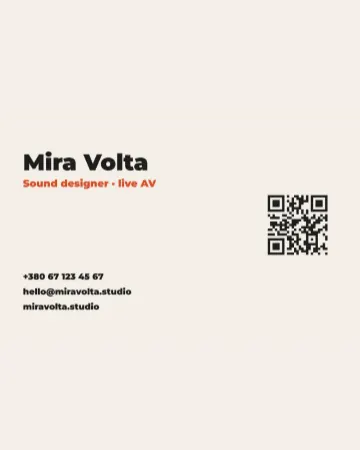
How to make a business card with a QR code
The right size, your details, a QR code that scans and a PDF for the printer.
How to make a concert poster from a template
A ready-made gig flyer, your bands and your date, a file for print and one for social.
In the help centre
More tools
Business card maker
Design a business card at the exact print size, add a QR code that really scans, and export a PDF the printer accepts.Flyer maker
Turn a ready flyer template into yours in minutes and send the printer a PDF with bleed and crop marks.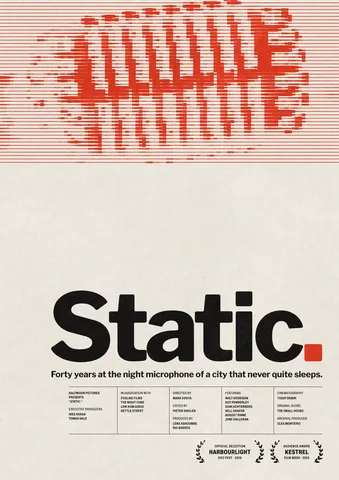
Poster maker
Make a poster from a template that already has the layout right, then export a print-ready PDF or an image for screens.
Make it now
Paletoo opens in your browser. Start from the template above or a blank page, and export when you are happy.
Start free