Round the corners of an image
Round the corners of a photo, or cut it to a circle, and download a PNG with transparent corners.
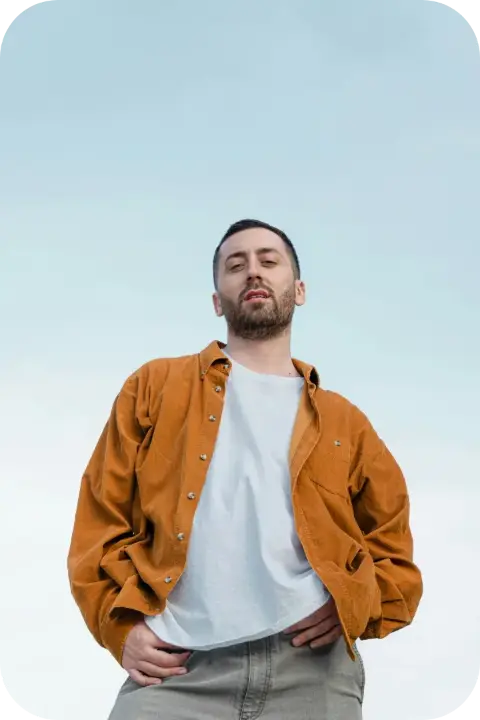
Drop a photo here, paste it with Ctrl+V or
Settings
opens the editor, to set the picture in a post, a card or a slide
Nothing is uploaded: the picture is made in this browser tab.
How to use the round the corners of an image
Add your photo
Drop it on the picture, paste it with Ctrl+V (⌘V on a Mac) or choose a file.
Set the corners
Corner radius is a share of the shorter side, so it looks the same on any size: 4–8 % is a subtle app-like corner, 50 % makes a pill. Circle crops the middle square for an avatar.
Background and download
Keep Transparent so the corners show whatever is behind them, or pick a colour and a Margin for a framed print look. The PNG keeps the transparency.
Made in Paletoo with the same effect
Real designs from our Learn guides. Open a guide to see how each one was made.
 A portrait with soft 12 % corners, for a profile card.
 The same photo cut to a circle, an avatar ready to upload.
 A wide margin on paper colour, like a print with a border.
Questions
Why PNG and not JPG?
JPG cannot be transparent: rounded corners would come back filled with white or black. PNG keeps the corners see-through, so the picture sits cleanly on any background.
How do I make a circle avatar?
Pick «Circle». The tool takes the middle square of your photo; if the face is off-centre, crop the photo first so the face is in the middle.
Is the radius the same on a big and a small photo?
Yes, it is a share of the shorter side, so a 12 % corner looks the same on a 600 px and a 4000 px photo.
Is it free? Is there a watermark?
Yes, it is free, and the PNG has no watermark. You do not need an account either.
Is my photo uploaded anywhere?
No. The photo is read and drawn by your browser on your own device; it never leaves this tab. Close the tab and it is gone.
What size is the download?
The PNG is your photo’s own size, up to 4096 px on the long side (a bigger photo is scaled down to that). The preview is smaller so it stays instant; the download is drawn again at full size.
Go further
More free tools
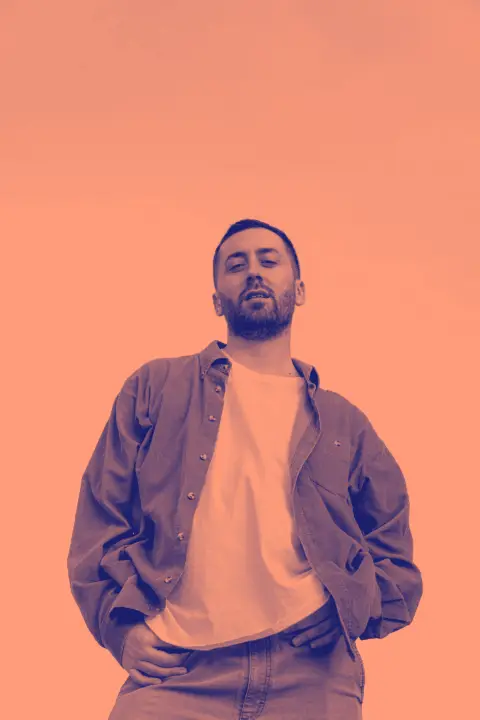
Duotone generator
Two colours, one photo: map the shadows and the highlights to colours of your choice and download a PNG.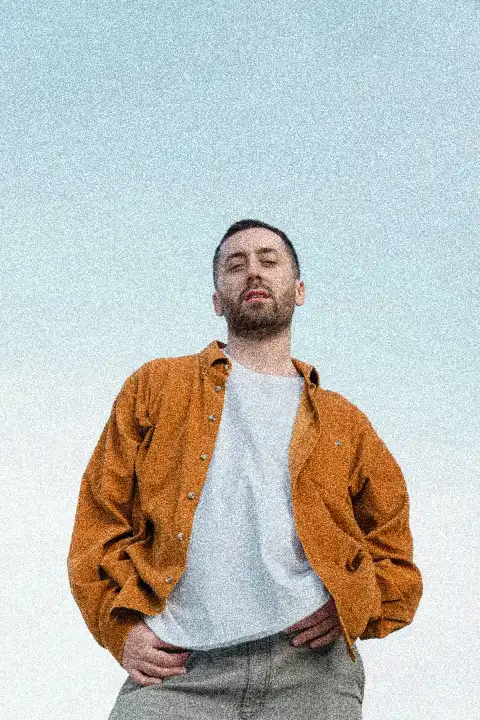
Add grain to a photo
Film grain in one move: strongest in the mid-tones, soft in the shadows, fine or coarse, mono or colour.
QR code generator with logo
A QR code with your logo in the middle that still scans: rounded or dot modules, your colour, a crisp PNG.