How to make a glassmorphism effect, like liquid glass
Thick, clear glass that bends the picture behind it, lit on one rim and shaded on the other.
What it is
Glassmorphism makes an object look like a thick piece of clear glass laid over the design. The picture behind shows through it a little frosted and magnified, pulled hard across the rim where the glass curves away, with a thin rainbow fringe. The rim facing the light catches a bright line, the far rim darkens, and a soft shadow sits under it, so it reads as a solid thing on the design.
Frosted panels have been around since the operating systems of the 2000s, but Apple’s liquid glass in 2025 made the glass thick and physical — a lens that drags the background across its edge — and designers took it straight to posters, app promos and social feeds. It reads as modern and light, and lets text sit over a busy photo without a heavy box.
Where it is used
Glassmorphism suits app launches, tech and fintech promos, event cards over a photo, music and podcast covers, price tags and badges. It works best on a simple shape — a rounded card, a pill, a big heavy word — over a colourful or high-contrast photo or gradient, because the glass shows what is behind it: over a flat colour there is nothing to bend.
Made in Paletoo with this mix:
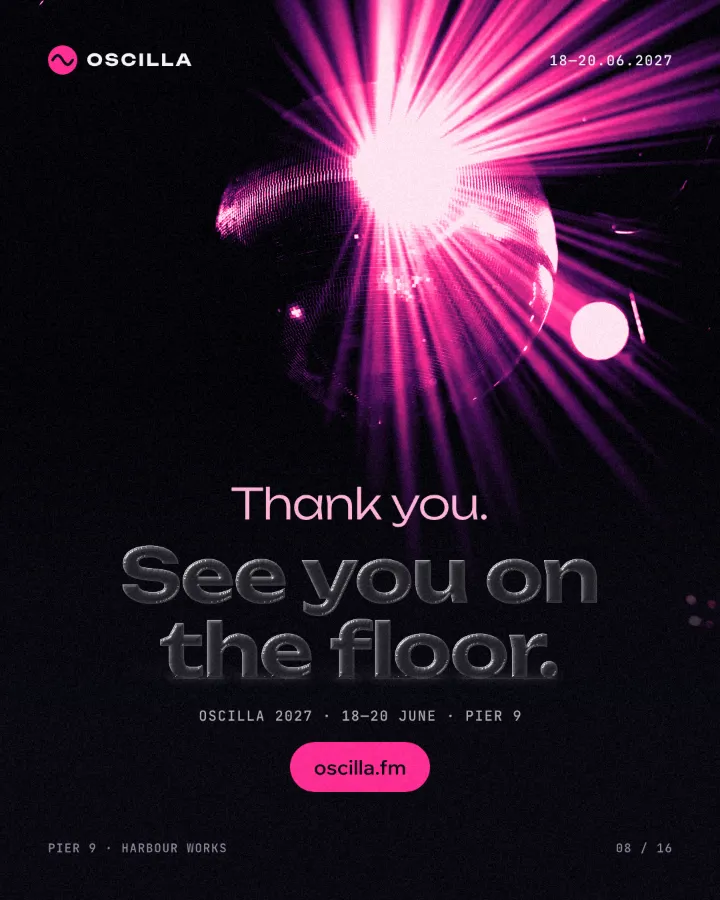
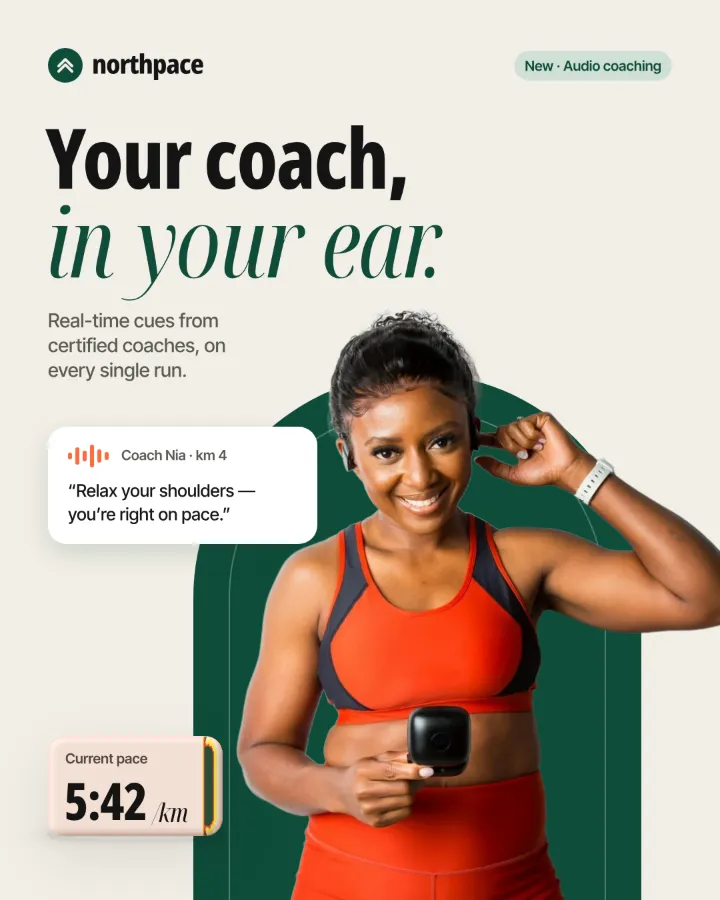
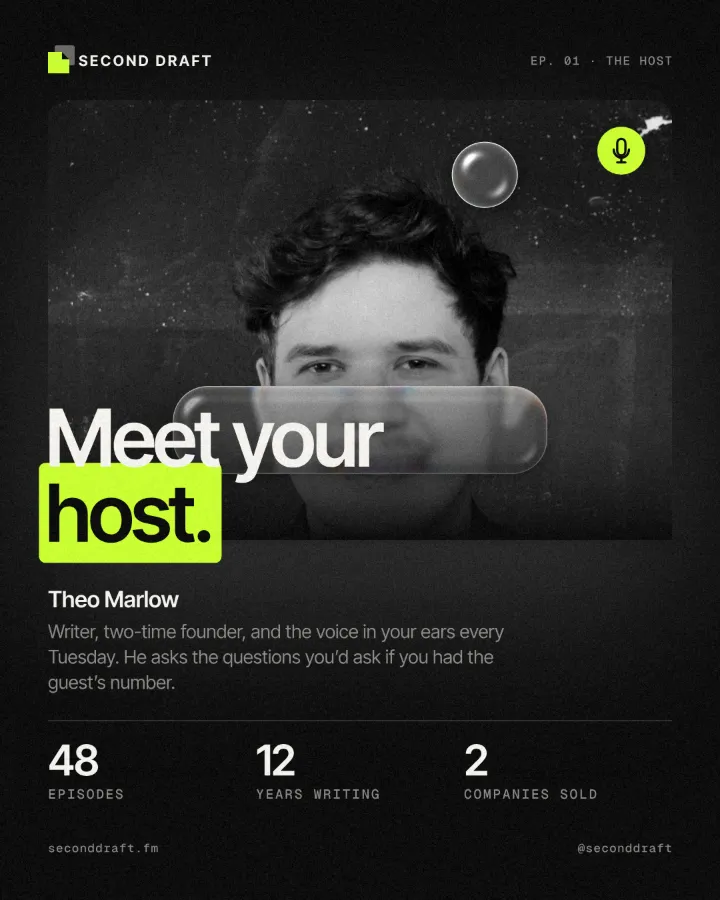
How to make it, step by step
Open your design and pick what should become glass: a card, a button, a label or a heavy word. It needs a picture or a gradient behind it. Here it is the cue card floating over the coach on a running-app post.
Select the card, open the Effects tab in the right panel and look under Mixes. If Glassmorphism is not in the first row, press All.
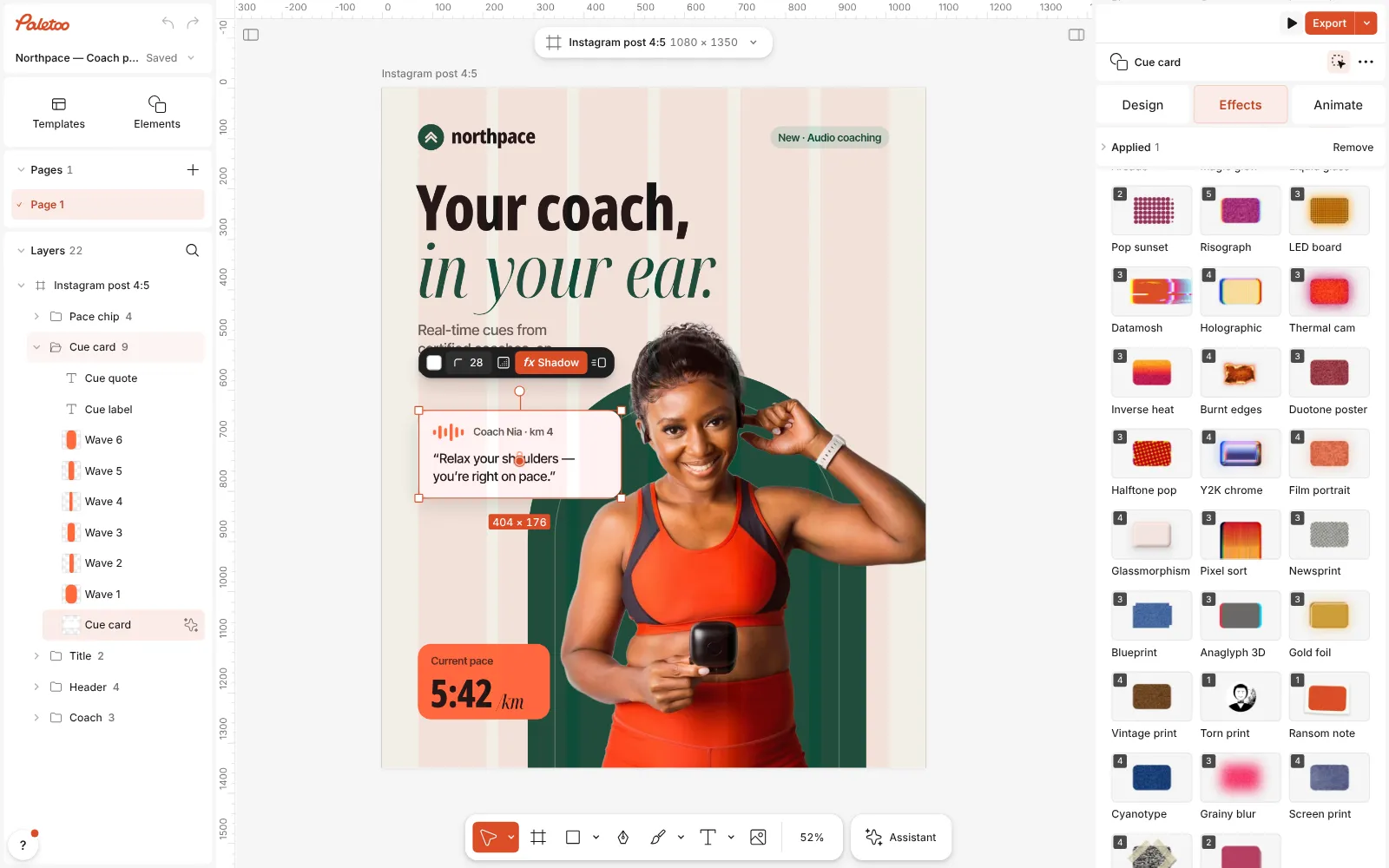
The running-app post open in Paletoo, the cue card selected and the Mixes open in the Effects tab Press Glassmorphism. Four steps go on under Applied: a soft Shadow that lifts the card, a Ground shadow where it touches the page, Glass behind, which shows what lies under the card through thick, bent glass, and Glass rim, which adds the glints along the card’s own edge.
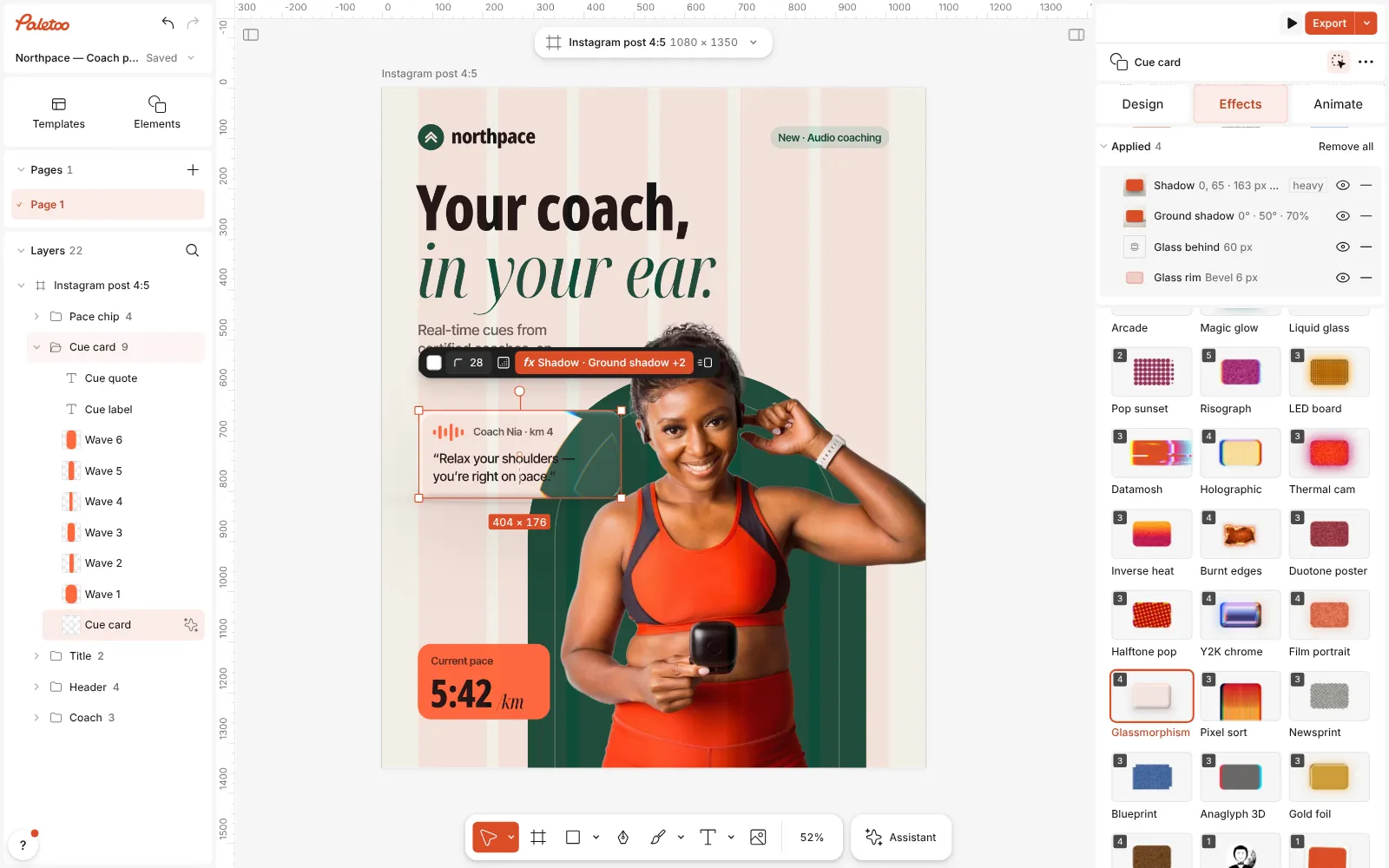
Glassmorphism pressed: Shadow, Ground shadow, Glass behind and Glass rim under Applied, the card turned into thick glass over the coach Click the Glass behind row to open it. Thickness is how deep the glass is — the thicker, the harder it pulls the picture across the rim; Refraction how strongly it bends; Magnify how much bigger the picture looks through the middle; Frost how soft it is.
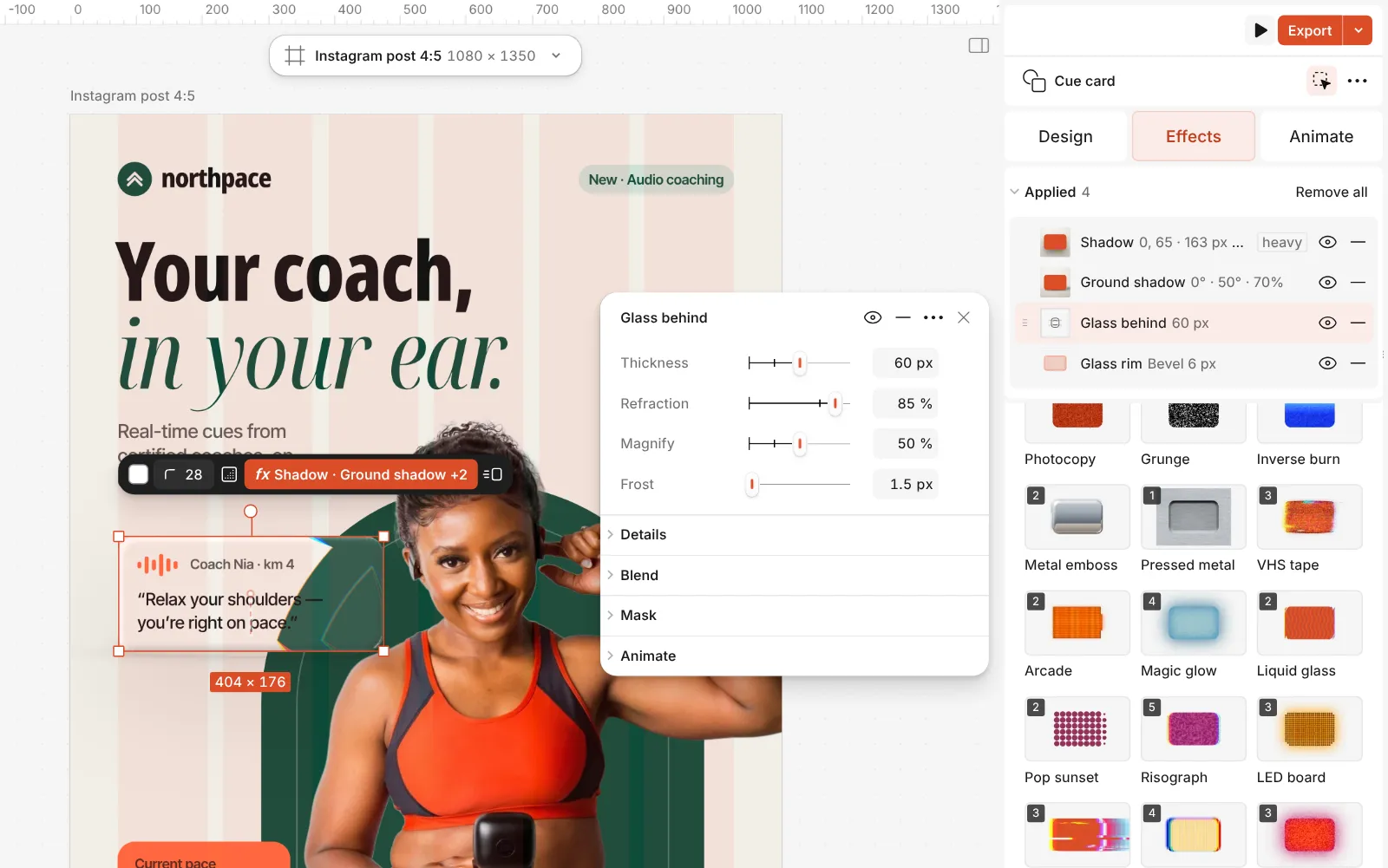
The Glass behind step open: Thickness, Refraction, Magnify and Frost Open Details under them for the light: Bevel, the width of the curved rim, Light angle, Highlight for the lit edge, Shade for the far one, and Dispersion for the rainbow fringe.
Press Export. The glass is drawn from the real pixels behind it, so move the card and the picture inside it follows.
The one-click mix
In Paletoo the whole stack is one mix, Glassmorphism. One click puts every step on the selected object, one undo takes them all off, and each step stays an ordinary effect you can change, reorder or remove.
Its steps: Shadow Ground shadow Glass behind · Liquid Glass rim · Liquid
Open this mix in PaletooMake it your own
Start with the thickness. In Glass behind, a Thickness around 30 gives a thin pane that bends only at the very edge, 60 (the mix) a slab that pulls the picture across its rim, and 100 or more a lens. Keep Magnify low on a busy photo, or the middle of the card turns into a zoomed-in crop.
Then the light. Turn Light angle until the bright rim lands at the top left, where people expect light to come from; lower Highlight on a light photo, where a white line disappears anyway, and raise Shade on a dark one to give the far rim weight. Glass rim adds the glints on the object’s own edge: its Clear decides how much of the card’s own colour still shows (90 % in the mix, nearly clear), and its Edge how much of that colour the rim keeps.
On a photo the mix works the other way round: the picture stays as it is and Glass rim lays panes of glass over it (its Panels shape), the photo seen through them frosted and bent. On a word there is no drop shadow; the Ground shadow sits under the letters instead, so the glass word still stands on the page. For tinted glass, set Tint in the Glass rim step to a colour from the photo and Tint amount to 10–20 %, and keep any text on the pane white or very dark.
Questions
Is this the same as Apple’s liquid glass?
It follows the same idea: a thick, clear body that magnifies and bends what is behind it, a rim that catches the light on one side and darkens on the other, and a soft shadow under it. It is a still look for posters and posts, and every part of it is a slider.
Why does my glass look flat?
Glass behind shows only what is behind the object. On an empty or one-colour background there is nothing to bend or magnify, so the glass shows only by its rim and its shadow. Move it over a photo, a gradient or other shapes, or raise Thickness and Highlight in the Glass behind step.
Does it work on text?
Yes. On a word the mix bends the picture behind each letter, lights the letters’ rims and puts a ground shadow under them, and the words stay editable. Heavy, rounded fonts give the glass the most room.
How is it different from the Liquid glass mix?
The older Liquid glass mix is fluted glass — ribbed panes that slice the picture into strips. Glassmorphism is one thick, smooth piece of glass that magnifies what is behind it and lights its rim, the 2025 look.
More effects
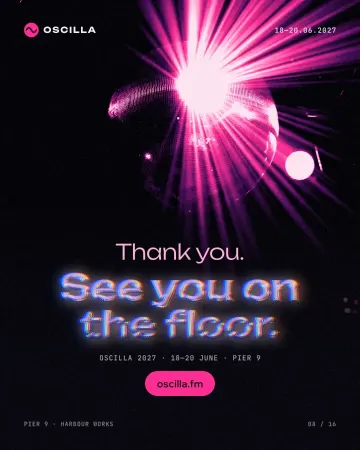
How to make a Y2K chrome text effect
Fat liquid chrome in pearly pastels, with a soft glow.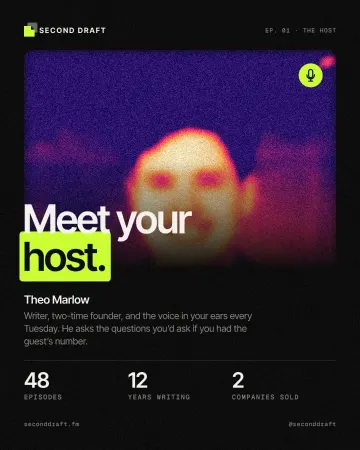
How to make a grainy gradient, the grainy blur look
Melted into a violet-to-peach gradient under heavy grain.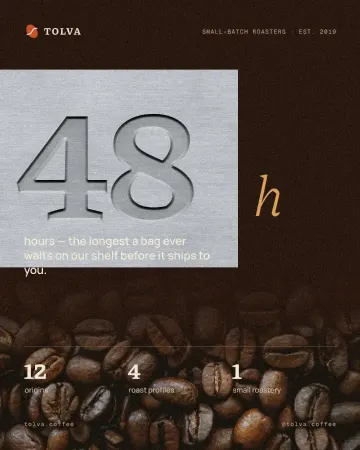
How to make an emboss effect: press text into metal or stone
The design pressed into a plate of metal or stone, its own colour gone.
Read the overview: graphic design trends 2026
Make it online: Text effects online · Social media post templates
Try it on your own design
Paletoo opens in your browser, with no sign-up. Every effect here is live: change the picture or the words and the effect follows.
Open in Paletoo