Free tools5 min readFreeUpdated 2026-11-22
Merry Christmas images: make your own HD picture, free
A Christmas picture worth sending: your own words on it, the size each chat wants, and a card with baubles that is yours in five minutes.
By the Paletoo team · steps tested in Paletoo on
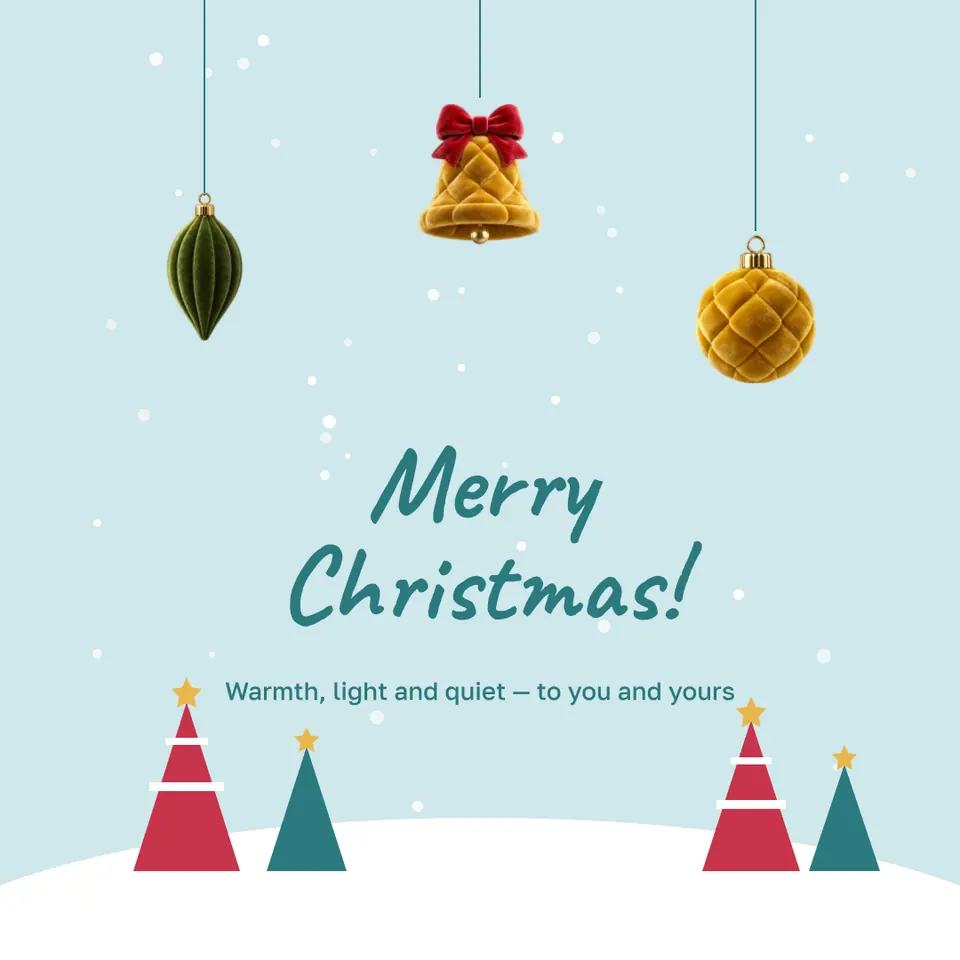
The best Merry Christmas image is one you make yourself: open a ready Christmas picture, write your own wish and name on it, and export an HD PNG or JPG — 1080 × 1080 for WhatsApp, Telegram and Viber, 1080 × 1920 for a story or a status, 1080 × 1350 for a post. In Paletoo it takes about five minutes, it is free, with no sign-up and no watermark, and nobody else in the family chat will send the same picture.
Below: why your own beats a download, eight Christmas picture ideas with the shape each suits, what to write on the picture and what to leave for the message, the sizes and when to send, and one picture made start to finish — «Merry Christmas!» with three baubles over snowy trees, a 1080 × 1080 square for chats.
Why make your own instead of downloading
Search for «merry christmas images» and you get the same few hundred pictures as everyone else; by the evening of 24 December the family chat holds several copies of each. Free picture sites often add a watermark, shrink the file, or allow personal use only, and the terms differ from site to site — a picture for a shop’s page may need a licence.
A picture you make is yours: your words, your names, your photo if you want one, at full size, and you can post it on a business page without asking anyone. It also says more than a download: a line written for the person you send it to is the part they remember.
Eight Christmas picture ideas
Each of these works as a still picture, and any of them can also be exported as a short MP4 if you want it to move. Whatever the idea, keep the words to about a dozen: in a chat the picture first appears as a small thumbnail, so the greeting must be readable at that size.
| Idea | What it looks like | Best shape |
|---|---|---|
| Baubles | Three baubles on threads over a greeting and snowy trees | Square 1:1 |
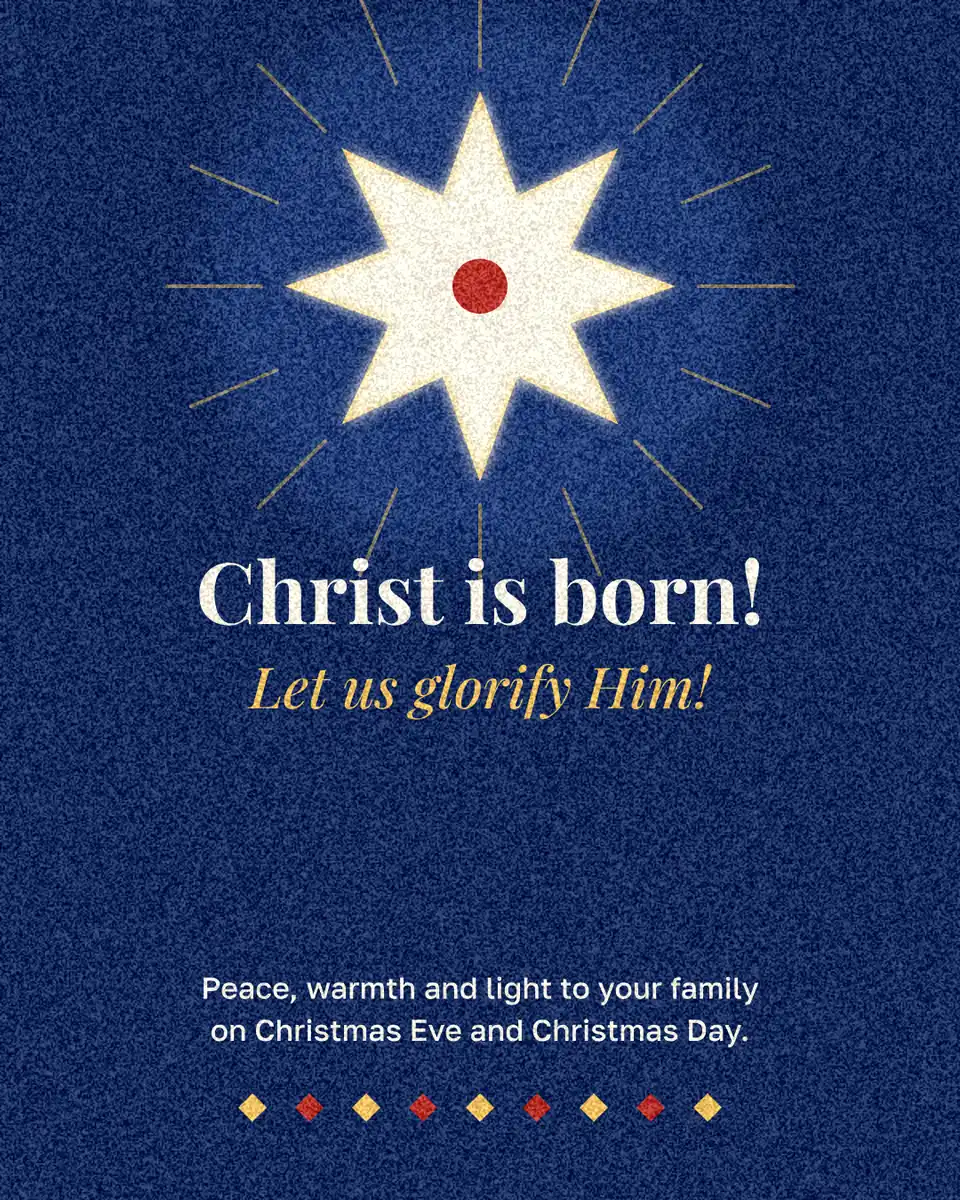
| The Christmas star | One gold star over a dark sky and a short wish | Post 4:5 |
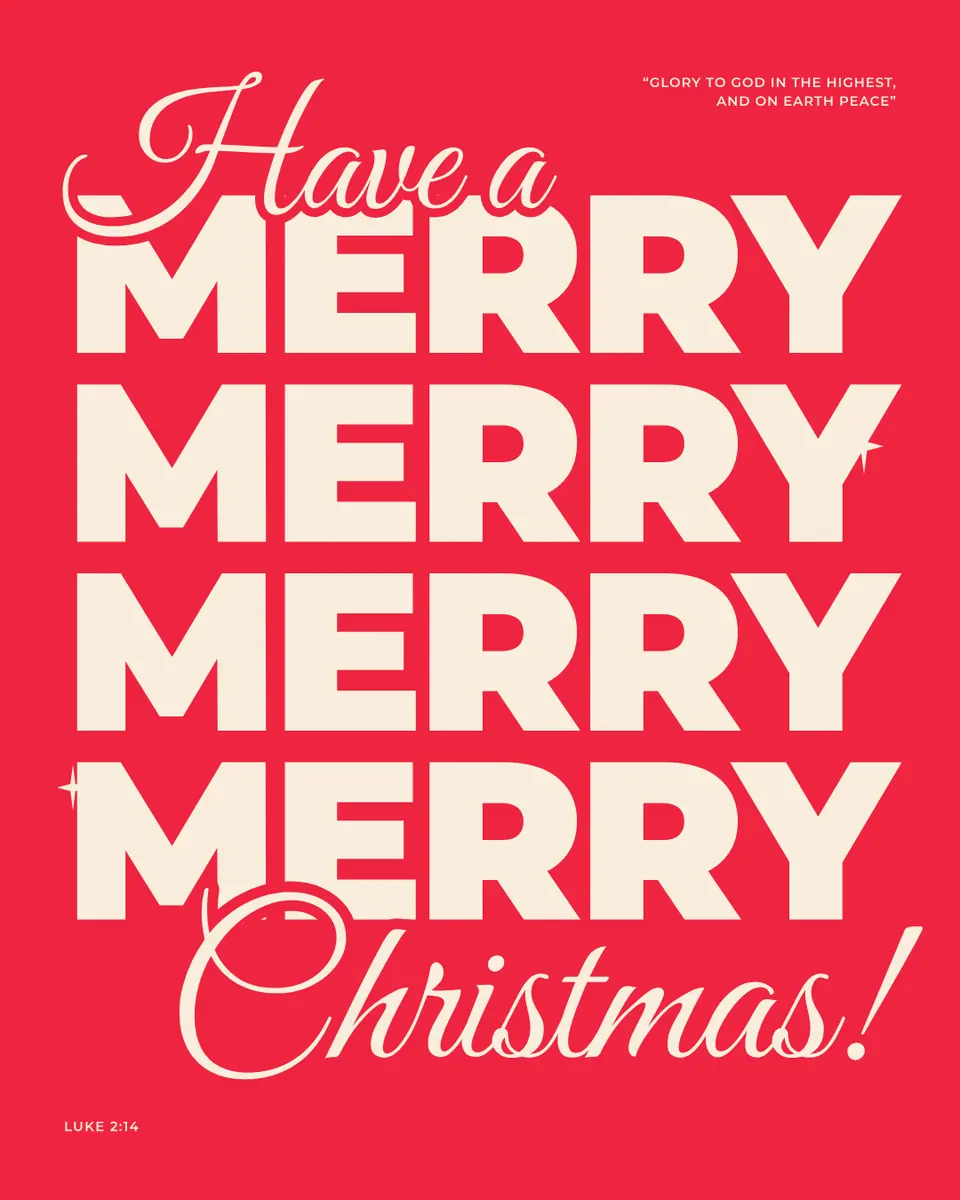
| A word that fills the frame | «MERRY» repeated four times, «Christmas!» under it | Post 4:5 |
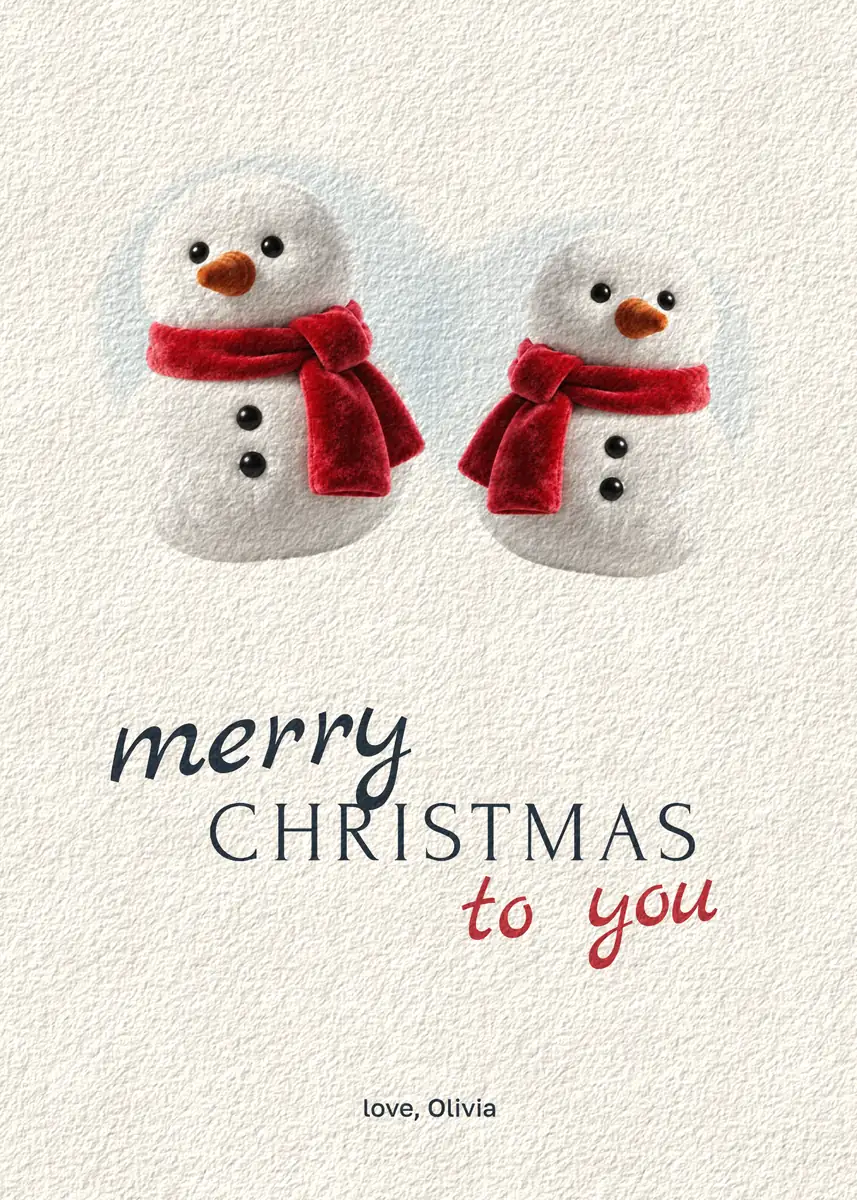
| Snowmen | A drawn card with a handwritten signature | Post 4:5 |
| Your photo | The family by the tree with the greeting on a calm corner | Post 4:5 |
| A carol line | «Silent night, holy night» or «Joy to the world» in big type | Square 1:1 |
| A tree of words | Wishes stacked into the shape of a tree | Story 9:16 |
| A Christmas Eve table | Candles and the evening’s menu, for the people who come | Story 9:16 |
What to write on a Christmas picture
Three things, in this order: the greeting, one line of your own, and who it is from. «Merry Christmas!» in big type; under it «Warmth, light and quiet — to you and yours» or a line about the year you shared; at the bottom your name or «the Kovalenkos». A longer wish, a verse or news of the family goes in the message you send with the picture, not on it.
For a Christian greeting, a verse works well as the only words — «Glory to God in the highest, and on earth peace» (Luke 2:14). For clients and colleagues, keep it warm and short: «Thank you for this year. Merry Christmas and a calm New Year.» The guide to Christmas card messages has more, for family, friends and work.
Sizes, quality and when to send
Chats compress the pictures you send. Export PNG for a picture that is mostly lettering and JPG for one built on a photo, at full size; in Telegram, «Send as file» skips the compression, and in WhatsApp you can attach it as a document. Light lettering on a dark background reads best on a phone in the evening, when most of these pictures are opened.
Christmas Day 2026 is a Friday, 25 December; most people send their pictures on the evening of the 24th or the morning of the 25th, so have yours ready by the 23rd. In Ukraine Christmas has been on 25 December since 2023; some families also greet each other on 7 January, so a second picture then is welcome.
| Where | Size in pixels | Shape |
|---|---|---|
| WhatsApp, Telegram, Viber, Messages | 1080 × 1080 | Square 1:1 |
| A story or a WhatsApp status | 1080 × 1920 | Vertical 9:16 |
| An Instagram or Facebook post | 1080 × 1350 | Portrait 4:5 |
| A link preview or an email | 1200 × 630 | Landscape, about 1.9:1 |
Made in Paletoo
Every picture on this page was made in Paletoo — these three with the same steps on other templates:
Make it free in Paletoo
Press “Open in Paletoo” on this page, on a phone or any computer. «Merry Christmas!» opens as your own 1080 × 1080 picture, with no account and no app: three baubles on threads, the greeting, a line under it and snowy trees.
Double-click «Merry Christmas!» — the layer «Wish» — and type your greeting: «Merry Christmas, Grandma!», «Happy Holidays». Under Typography on the Design tab you can change its Font and size.
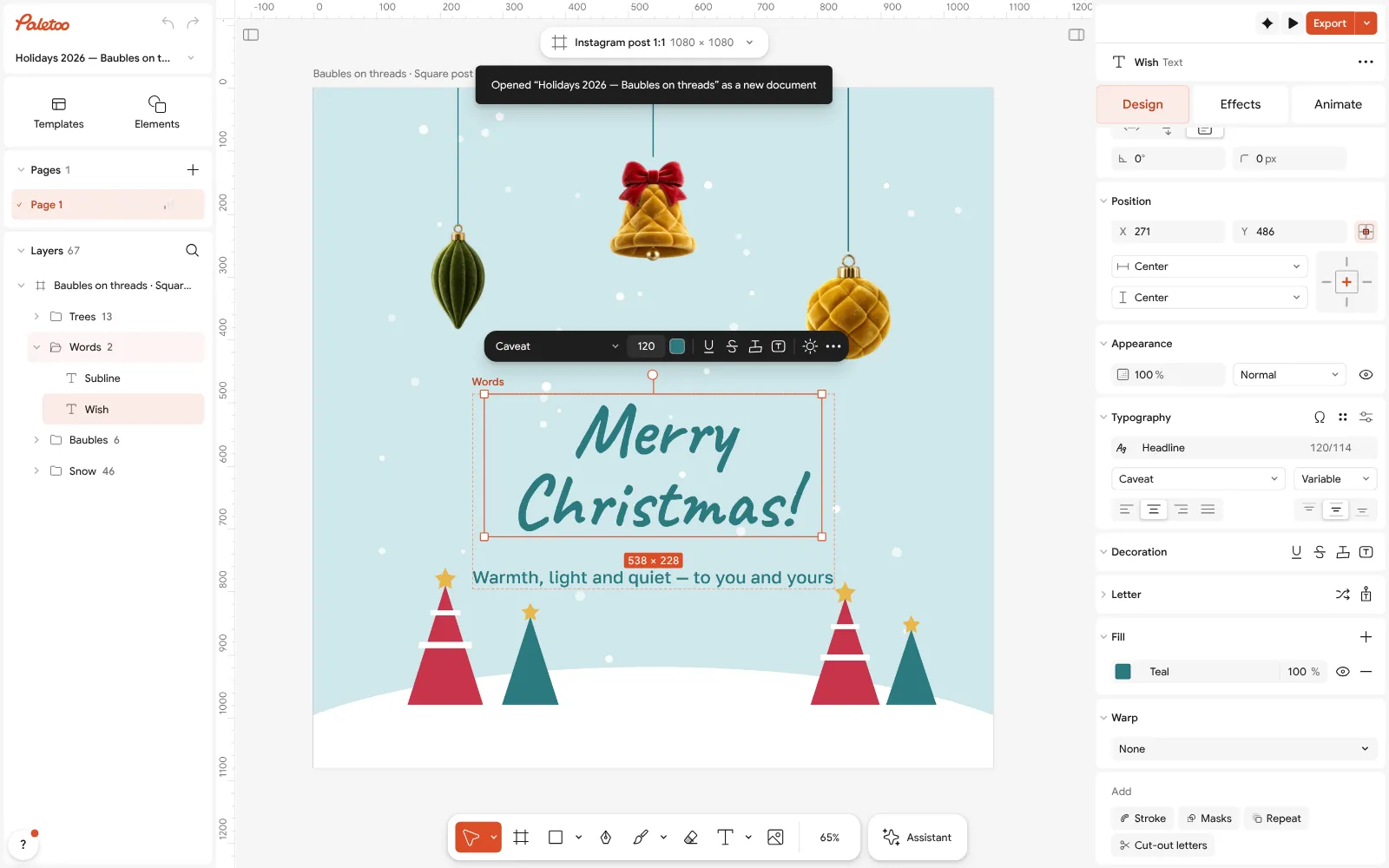
The «Merry Christmas!» picture open in Paletoo: the greeting selected, its font and size under Typography in the Design tab Double-click the line under it and write your own wish and your name. One or two lines: the rest goes in the message.
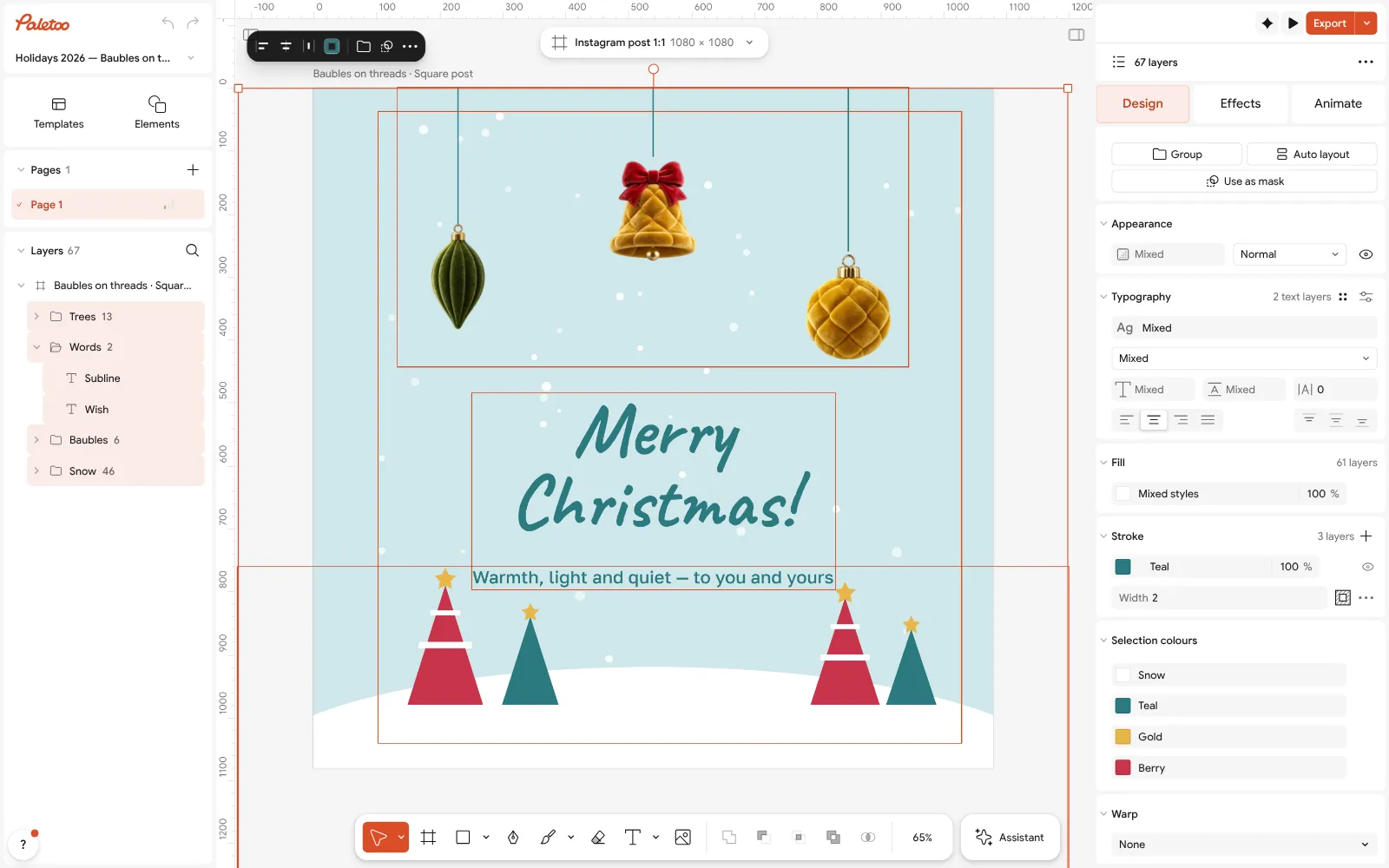
Everything selected: Ice blue, Teal, Berry, Snow and Gold under Selection colours Want other colours? Select all (Ctrl A on a computer) and open Selection colours: Ice blue, Teal, Berry, Snow and Gold are listed; change one and everything that uses it follows.
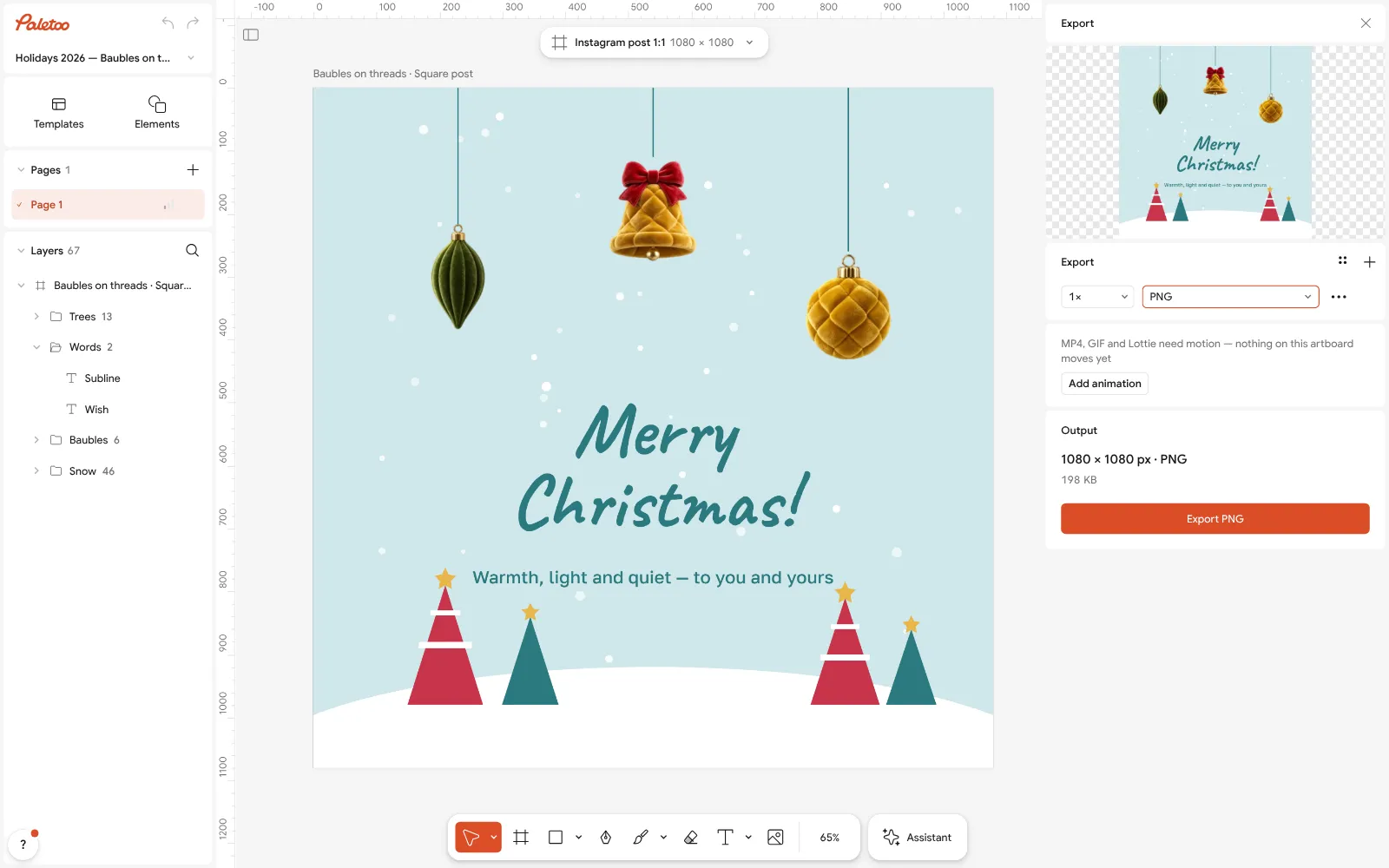
The Export window with PNG chosen for the 1080 × 1080 picture Press Export (Ctrl Shift E on a computer), choose PNG and save it. Send it to a chat or post it — free, with no watermark.
For a story, use Duplicate artboard, set the copy to 1080 × 1920 with Resize this artboard, move the greeting to the middle and export it too.
Make it your own
Make the baubles shine with Glow from the Effects tab, or press Add animation when you export and send a short MP4 instead of a still picture.
Swap the ice blue for night navy in Colour styles: the background and everything that uses it change together.
One picture for each friend: make copies with Duplicate artboard and change only the name.
Sources
Questions
Where can I get free Merry Christmas images?
Make your own in a few minutes: open a free Christmas picture in Paletoo, add your wish and name, and export an HD PNG or JPG — no watermark, no sign-up, and nobody else sends the same one.
What size should a Christmas image be for WhatsApp?
1080 × 1080 pixels for a chat and 1080 × 1920 for a WhatsApp status or a story.
How do I send a Christmas picture in HD?
Export it at full size as PNG or JPG and send it as a file — «Send as file» in Telegram, a document in WhatsApp — so the chat does not compress it.
What should I write on a Christmas picture?
The greeting in big type, one line of your own and your name. Longer wishes go in the message you send with it.
Can I make a moving Christmas picture?
Yes. Press Add animation in the Export window and send a short MP4 instead of a still picture; chats play it like a video.
Make it online
- Christmas and New Year cardsPick a card, write your own wish, add a family photo and send it as a picture, a story or a short animation — free.
- Instagram post makerDesign a post at the right size from a real template, then export a sharp PNG or JPG — free, in your browser.
Free design templates for posts, stories and posters: Holiday card templates · Social media post templates
Try it on your own design
Paletoo opens in your browser, with no sign-up. Every effect here is live: change the picture or the words and the effect follows.
Open in PaletooOpens this design as your own copy — every layer and effect editable, free.
 How to make a Christmas card online for free, with your photo