Instagram post maker
Design a post at the right size from a real template, then export a sharp PNG or JPG — free, in your browser.
Start freeOpens in your browser · no sign-up · no watermark
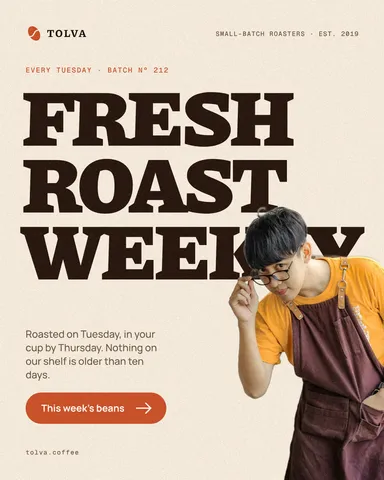
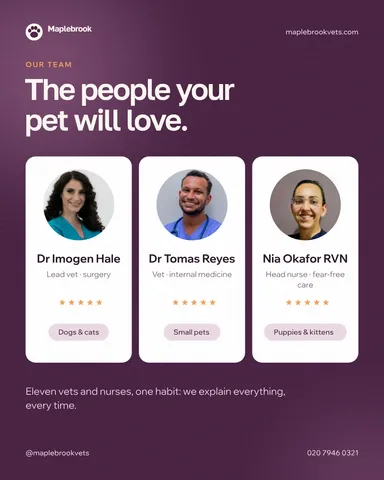
Start from one of these
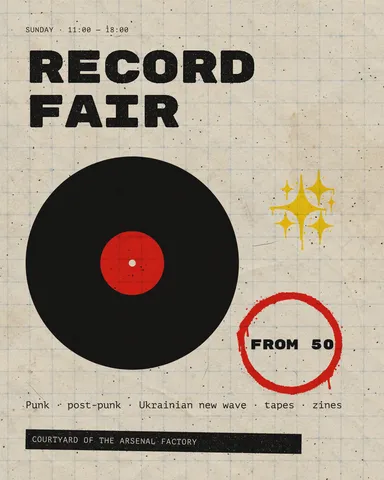
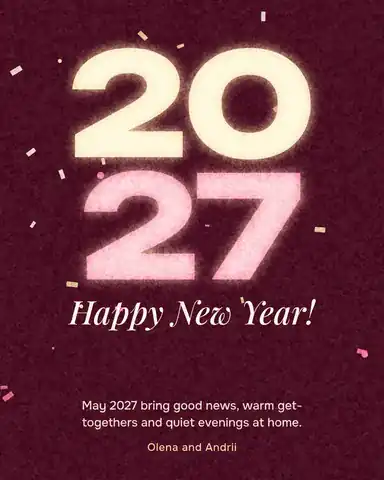
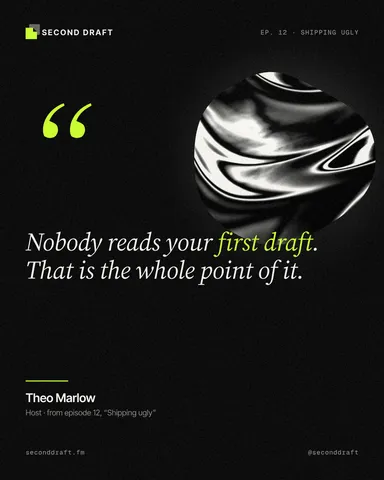
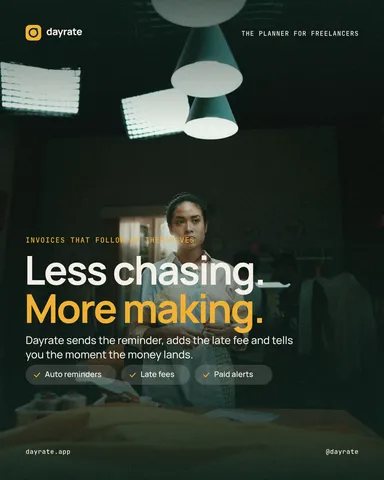
Real Paletoo documents and results — open one and change everything.
How it works
-
Open a template
«Start free» opens a ready 4:5 post as a new document of your own. To pick another, press Templates at the top of the left panel and choose a post.
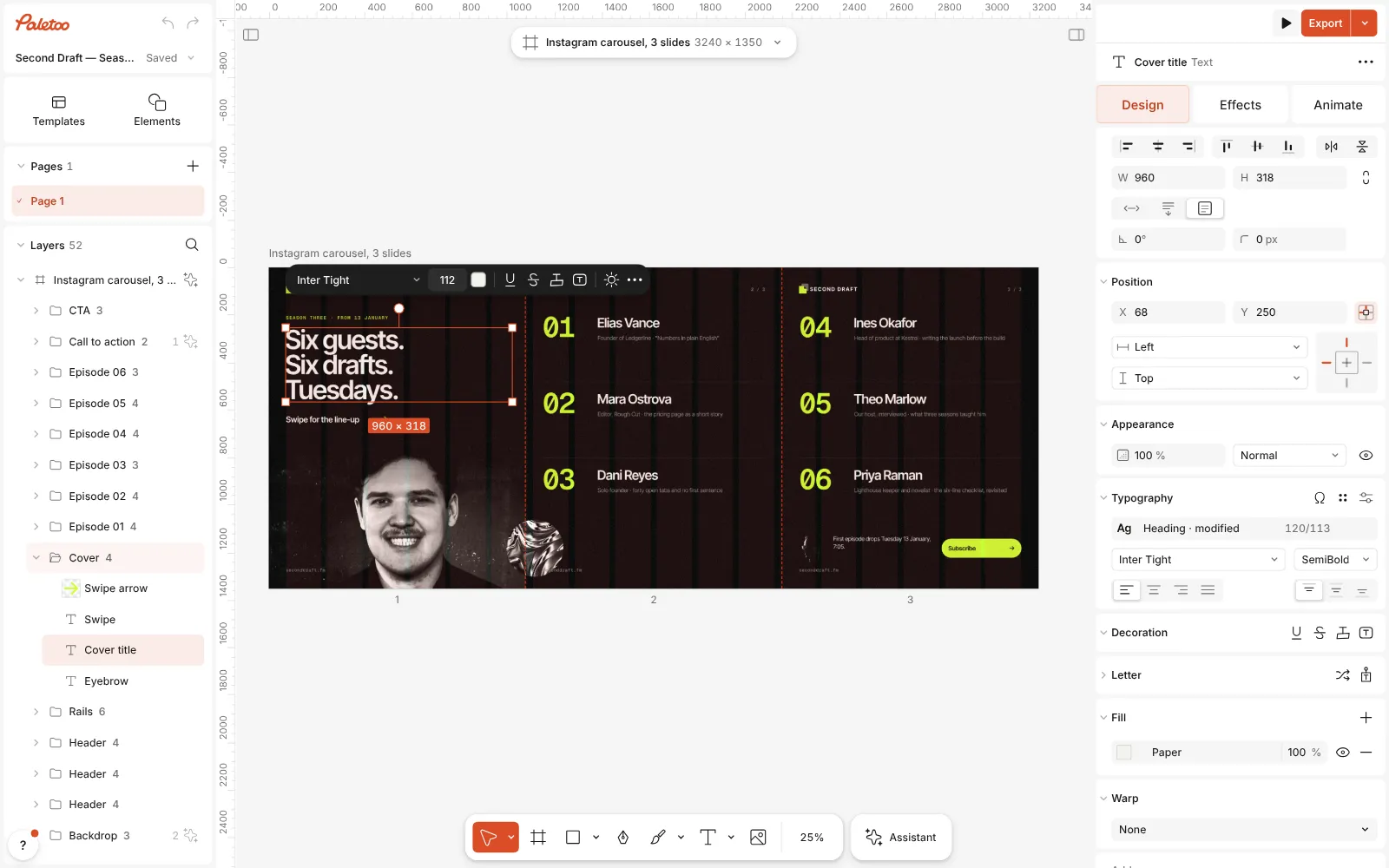
The carousel template open in Paletoo, all three slides in view, the cover title selected -
Make it yours
Double-click any text to rewrite it; the layout keeps its spacing. Select the photo and press Replace picture to put in yours — the crop and the effects on it stay.
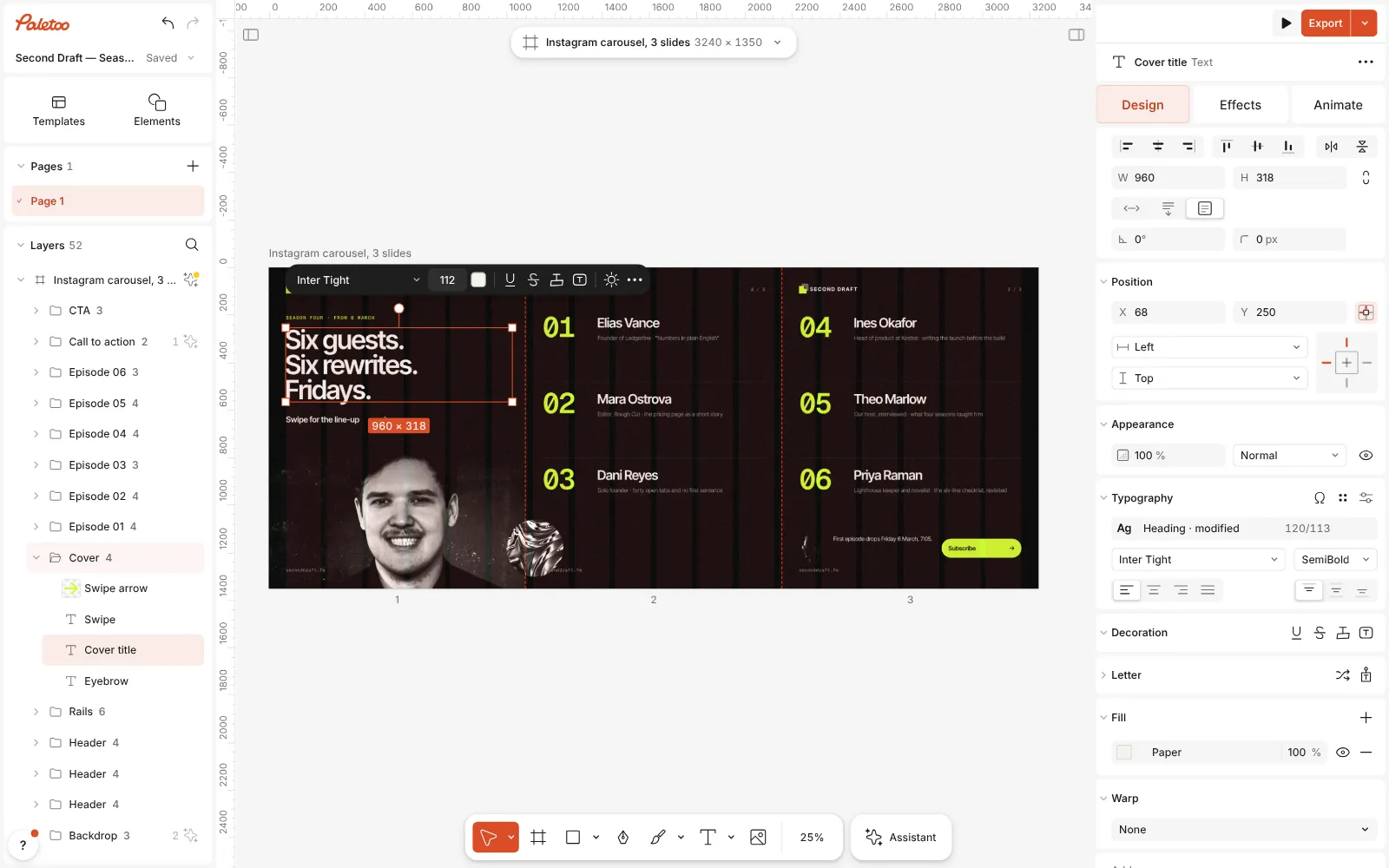
The words changed on the slides — a new title and new guest names — and the layout across the seams unchanged -
Export
Press Export (Ctrl Shift E), choose PNG or JPG and save. The file is exactly the post’s size, ready to upload from your phone or computer.
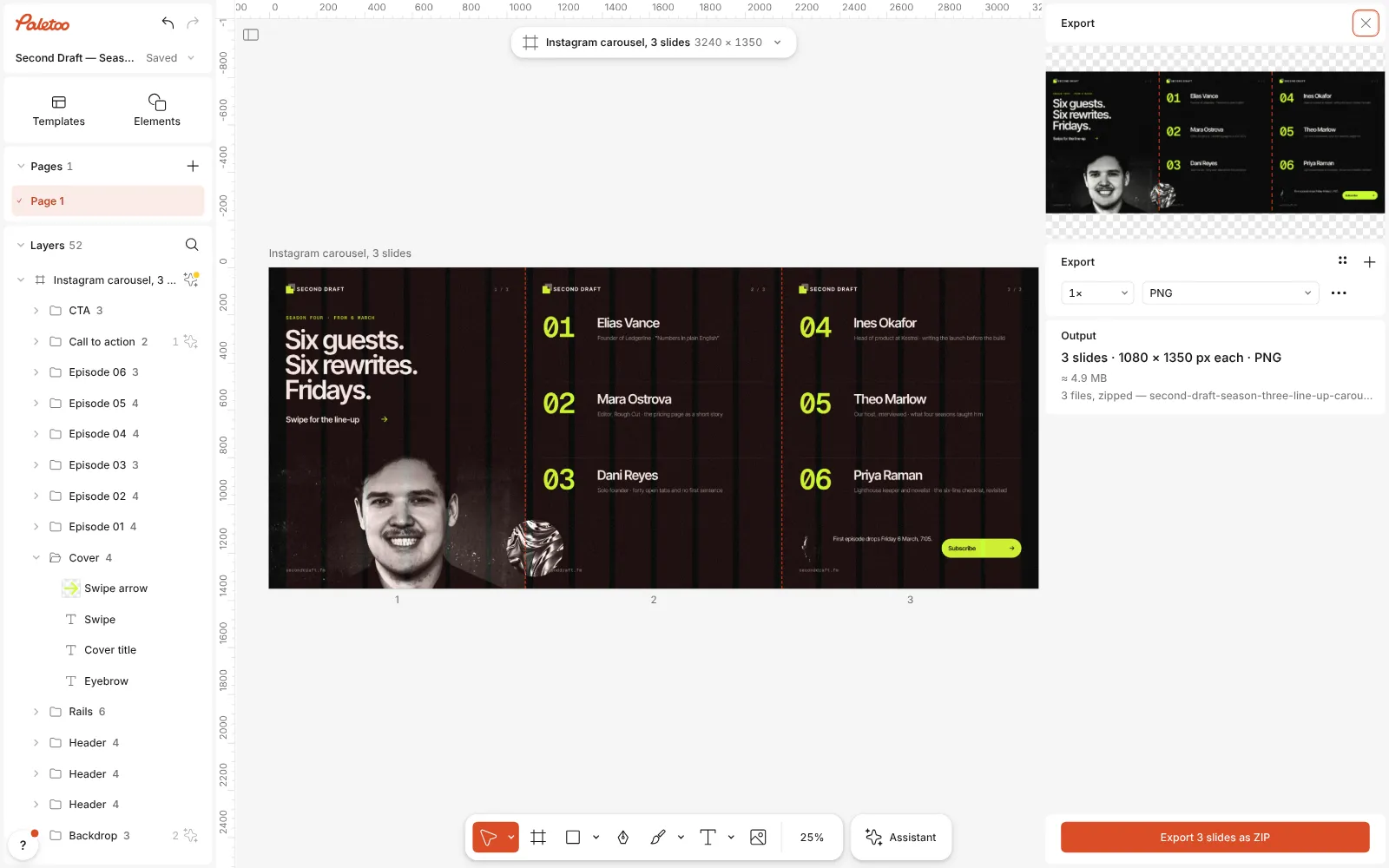
The Export window open: the slide cuts marked on the preview, three files ready to export
What you get
Every Instagram size
Square 1:1, portrait 4:5 and 3:4, stories and carousels of up to ten slides — all one click in the artboard’s format menu.
Templates that are real documents
Live text, editable effects and photos you can swap. Nothing is a flat picture you have to work around.
Effects people stop for
Duotone, halftone, risograph, glitch, chrome letters and more, each a click away and changeable afterwards.
Your fonts and colours
Upload your own fonts, keep your brand colours as styles, and every new post starts on brand.
No watermark
Exports are clean on the free plan too: PNG, JPG, WebP, PDF, and MP4 or GIF when the post moves.
Questions
Is the Instagram post maker free?
Yes. Designing, the templates and exporting PNG or JPG cost nothing and carry no watermark. Only AI image generation and materials use credits, and you never need them to make a post.
What size is an Instagram post?
Instagram shows feed posts at 1080 px wide. The tallest portrait post, 4:5, is 1080 × 1350 px and takes the most room in the feed; a square is 1080 × 1080, and the newer 3:4 is 1080 × 1440. Paletoo has all three in the format menu.
Do I need to sign up?
No. Paletoo opens in your browser and you can design and export straight away. Your work is saved in the browser as you go; a free account adds cloud storage, share links and comments.
Can I post straight to Instagram from Paletoo?
Not yet. Export the file and upload it in the Instagram app or in Meta Business Suite; on a phone, open Paletoo in the browser and the export lands in your downloads.
Can I use my own photos?
Yes. Drag a photo onto the canvas or onto a template’s photo, or select the photo and use Replace picture. Your photos stay in your browser unless you save the document to the cloud.
How do I make a carousel instead?
Pick a carousel template, or choose an Instagram carousel format: it is one wide artboard, so a photo or a line can run across the slides, and Export writes one file per slide.
Can I animate the post?
Yes. Select text or a shape and open the Animate tab: letters can rise, type themselves or pop in. Export the post as MP4 for Instagram, or as a GIF.
PNG or JPG for Instagram?
JPG for photos — the file stays small and Instagram recompresses it anyway; PNG for flat colour, type and graphics, where it keeps edges crisp. Exporting at 1× gives exactly 1080 px, the width Instagram shows.
Learn more
Step-by-step guides
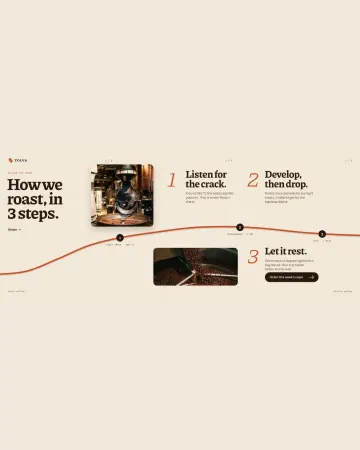
How to make an Instagram carousel from a template
One wide artboard, a design that runs across the cuts, a file for every slide.
How to make a duotone effect
Two bold inks, punchy contrast and a fine poster grain.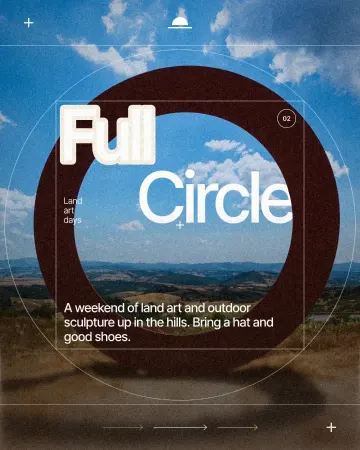
How to make a knockout outline that cuts through
A stroke that cuts through the layers under the text.
In the help centre
More tools
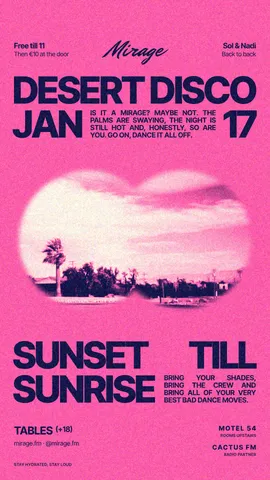
Instagram story maker
Make a full-screen 9:16 story from a template, add motion if you like, and export it as an image or a video.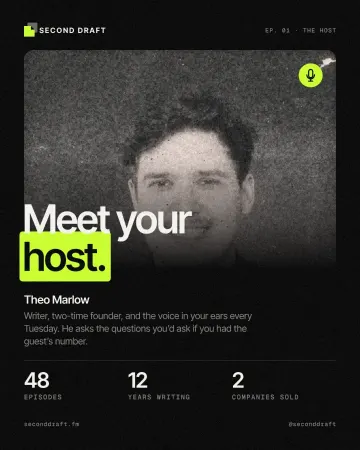
Photo effects online
Give a photo a film, print or glitch look in one click — and keep every step editable afterwards.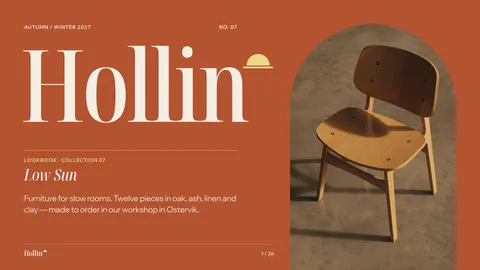
Mockup generator
Show your design on a phone, a poster, a T-shirt or a bag — free, with real light and folds, and no watermark.
Make it now
Paletoo opens in your browser. Start from the template above or a blank page, and export when you are happy.
Start free