Free tools8 min readFreeUpdated 2026-11-20
How to make a Christmas card online for free, with your photo
From a ready card to one with your family on it in about ten minutes, with nothing to pay and no account.
By the Paletoo team · steps tested in Paletoo on

To make a Christmas card online for free, open a ready card in a browser editor such as Paletoo, drop your own photo onto its frame, rewrite the wish and the signature, and export it: a PNG or a short MP4 to send in a messenger, or a PDF to print at home. In Paletoo all of it is free, with no watermark and no sign-up.
This guide does it on «Shine on in the new year!», the photo card of our holiday set: a dark field, a soft fade over the photo and a small date chip. It also covers what to write, which photo survives a phone screen, which size suits a chat, a feed or a printer, and how to make the card move. Every step below was run in Paletoo on 9 November 2026; the pictures are the editor itself.
Decide first: will you send it or print it?
Most Christmas cards now travel as pictures in a chat, so start there. A portrait card of 1080 × 1350 pixels shows whole in Telegram, Viber, WhatsApp and the Instagram feed; a story is 1080 × 1920. Every card in the holiday set comes in both. If the card should move, export a short MP4: messengers play it inline, and it stays sharp where a GIF turns grainy.
For paper, work backwards from the envelope. A flat 5 × 7 inch card fits the common A7 envelope in the US; in Europe and Ukraine the A6 card (105 × 148 mm) goes into a C6 envelope. Print files need 300 pixels per inch and a few millimetres of bleed. The table below is the short version; every size, envelope and postage limit is in Christmas card sizes.
Two looks for this season: whimsical Christmas cards — hand-drawn, pastel and one red — and bow Christmas designs with ribbons and gift tags.
| Where it goes | Size | File |
|---|---|---|
| A chat or the feed | 1080 × 1350 px (4:5) | PNG or JPG; MP4 if it moves |
| Stories | 1080 × 1920 px (9:16) | PNG or MP4 |
| An email | up to 1200 px wide | JPG |
| A printed card, US | 5 × 7 in = 1500 × 2100 px at 300 dpi | PDF with bleed |
| A printed card, Europe and Ukraine | A6, 105 × 148 mm = 1240 × 1748 px | PDF with bleed |
Choosing a photo that works on a card
A card is seen small, usually on a phone, so the photo has to read at the size of a thumb. One or two faces close to the camera beat a group of twelve on a staircase. Look for soft light on the faces and a plain background; a window behind the family turns everyone into silhouettes. A vertical photo fills a portrait card without cutting heads off.
Phone photos taken indoors in December are often dark and noisy. The photo card already lays a fine grain over its picture, which hides most of that noise and makes a phone snapshot look printed. If the photo is small, ×2 Upscale runs on your device for free; if the room behind the family is busy, the background can be cut away so the card’s dark field shows instead.
What to write on a Christmas card
The best card messages are short and specific: a greeting, one line that could only be written to this person, and a signature. «Merry Christmas! Thank you for every Sunday call this year — see you in spring. Love, Olena and Andrii» says more than four lines of rhyme. For colleagues and clients keep it warm and brief: «Thank you for a year of good work together. Peace and rest to you and your family.»
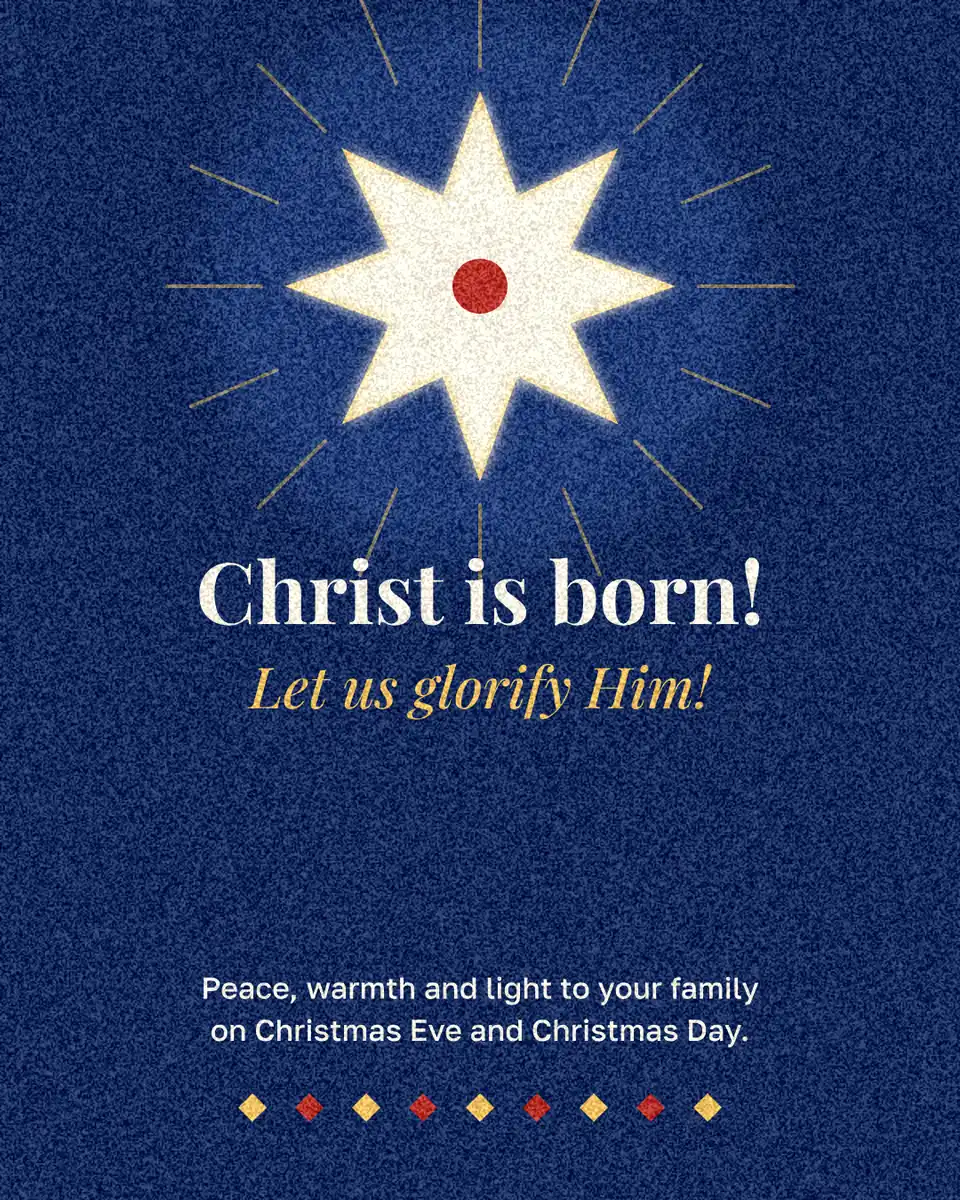
If you send one card to both Christmas and the New Year, put the year in: «A happy 2027 — from our crew to yours» is what the photo card says out of the box. Ukrainian families often greet with «Христос народився!» and answer «Славімо Його!»; our «Christ is born!» card carries both lines. Read the wish aloud once before you export: a card with a typo travels further than you think.
A card that moves, without a video editor
A still card is enough, but a few seconds of movement — the headline rising, the wish fading in — makes it feel made for the moment. In Paletoo that is a choice in the export window, not a timeline: pick a movement for the words and export MP4. It loops quietly in a chat; a GIF is there for the rare app that will not play video.
Plaid Christmas cards: the tartan trend of December 2026
Plaid is one of Pinterest’s rising Christmas searches this season: red and green tartan, black-and-red buffalo check, soft gingham — the pattern as the card’s ground, with one plain panel left for the words so they stay easy to read.
You do not have to draw a tartan from nothing. The Café Christmas ticket voucher, tartan template is a red ground crossed by 15 wide bands, 15 thin lines and 15 dark stripes at 50–60 % opacity — where they cross, the colours mix into a real plaid. Recolour the bands (green and cream on red for a classic tartan, black on red for buffalo check), then copy the tartan layers (Ctrl C) and paste them into your card (Ctrl V) and put a cream panel over the middle for the greeting. For stripes rather than checks, start from Orange stripes greeting.
Keep it to two or three colours plus the paper colour, and set the words in one serif or one bold sans. A6 (105 × 148 mm) prints four to a sheet of A4; export a PDF to print or a PNG to send.
Made in Paletoo
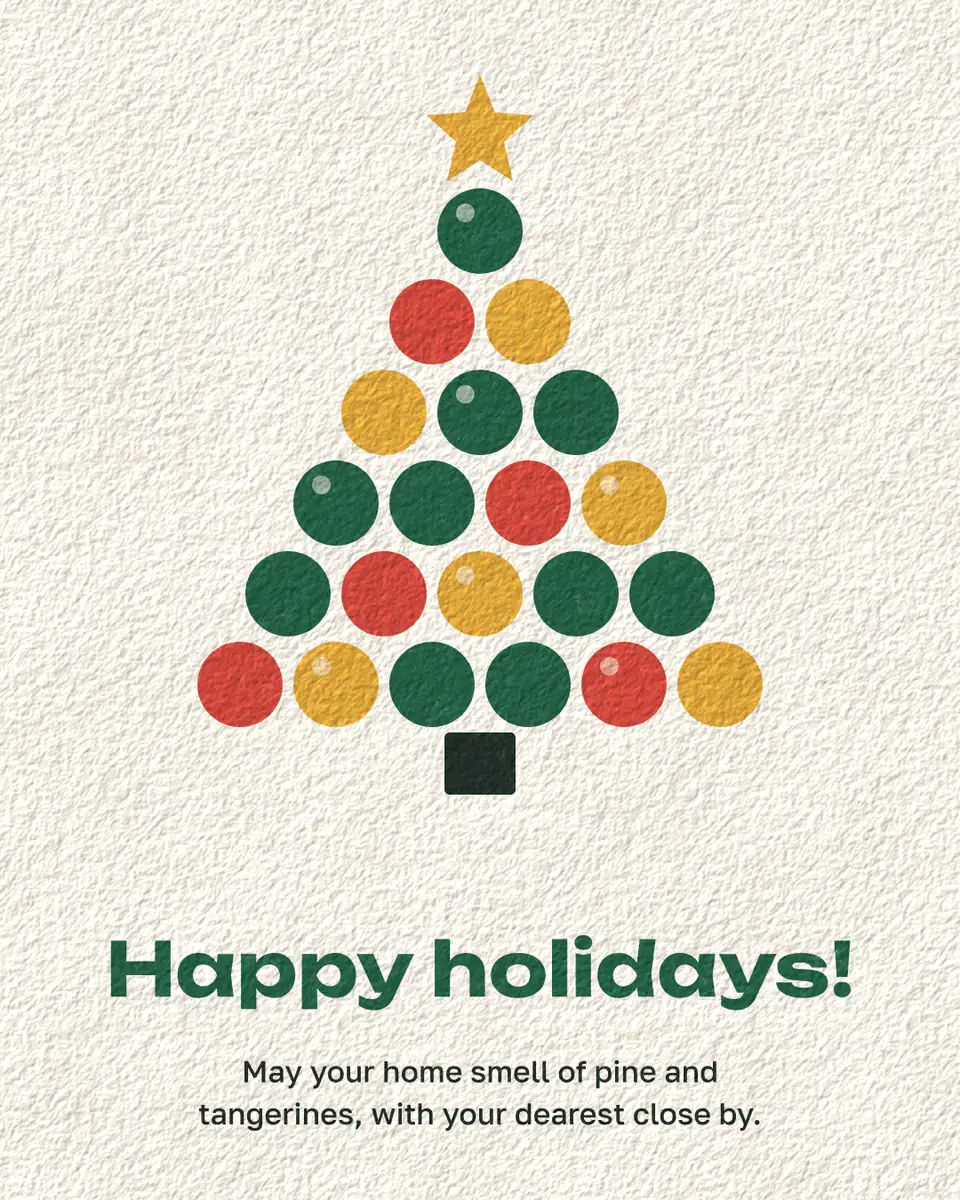
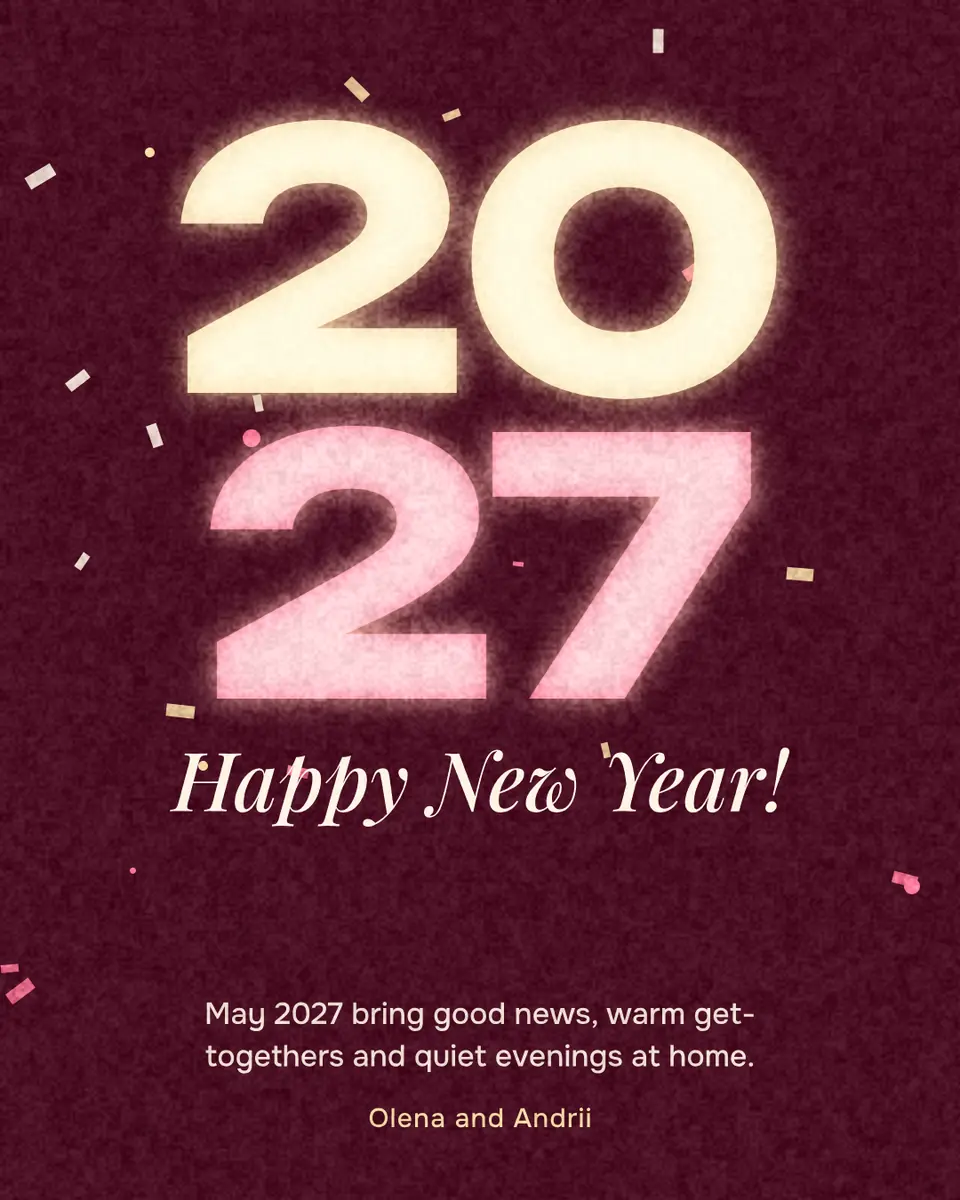
Every picture on this page was made in Paletoo — these three with the same steps on other templates:
Make it free in Paletoo
Open the card: press “Open in Paletoo” on this page, or go to the Christmas card maker and press “Start free”. It opens as your own document. The Layers panel lists the photo, the date chip, the fade, the headline and the wish.
Click the photo. The Design tab shows Replace picture in the photo’s section: press it and pick your own photo, or drop a file from your computer onto the frame. Double-click the frame to slide the photo inside it until the faces sit in the light.
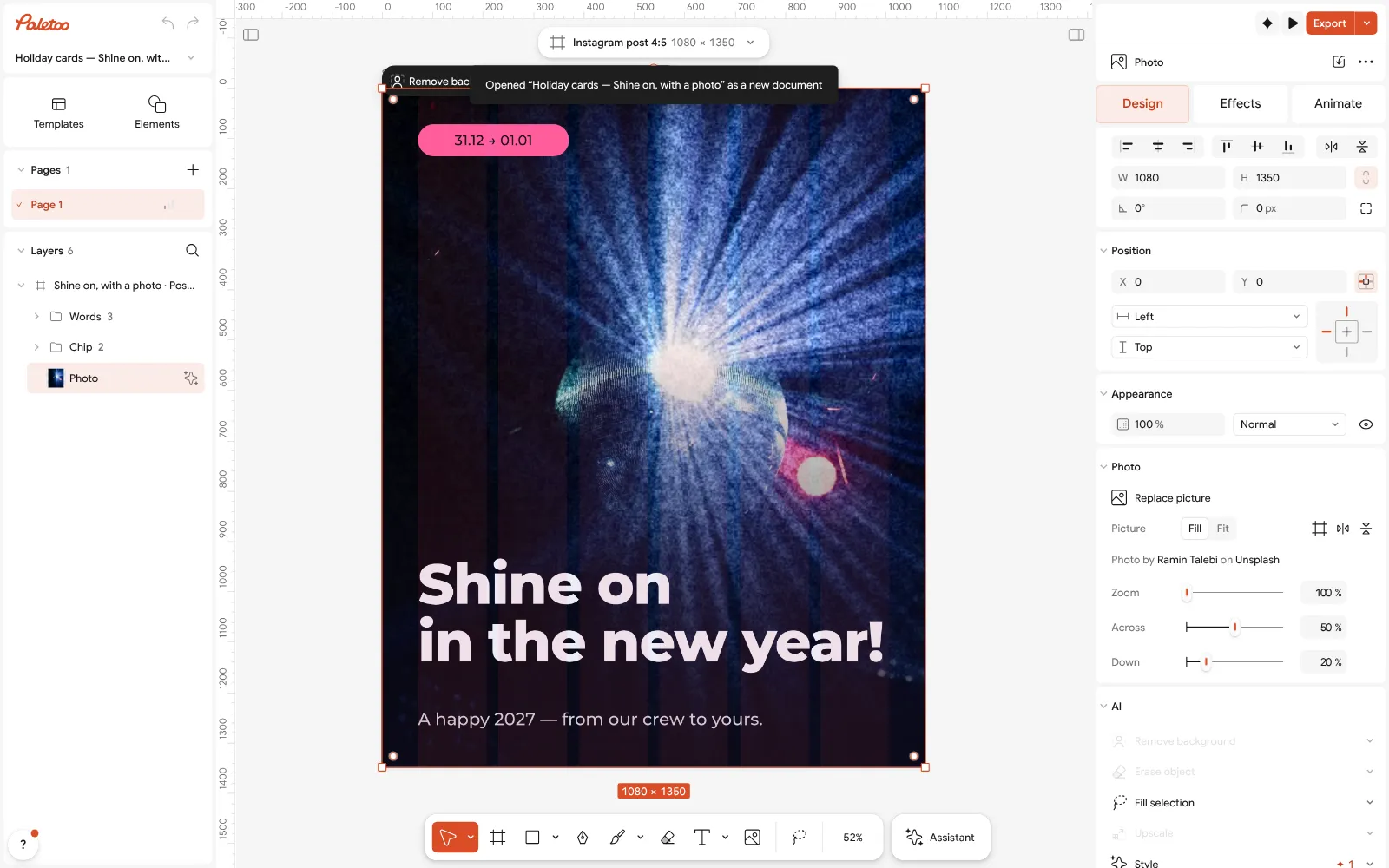
The photo card open in Paletoo: the photo selected, Replace picture in the Design tab Double-click the wish and type your own words, then the headline if you want another greeting. Font, size and line spacing are under Typography; the words stay live text, so a typo can be fixed the day before you send it.
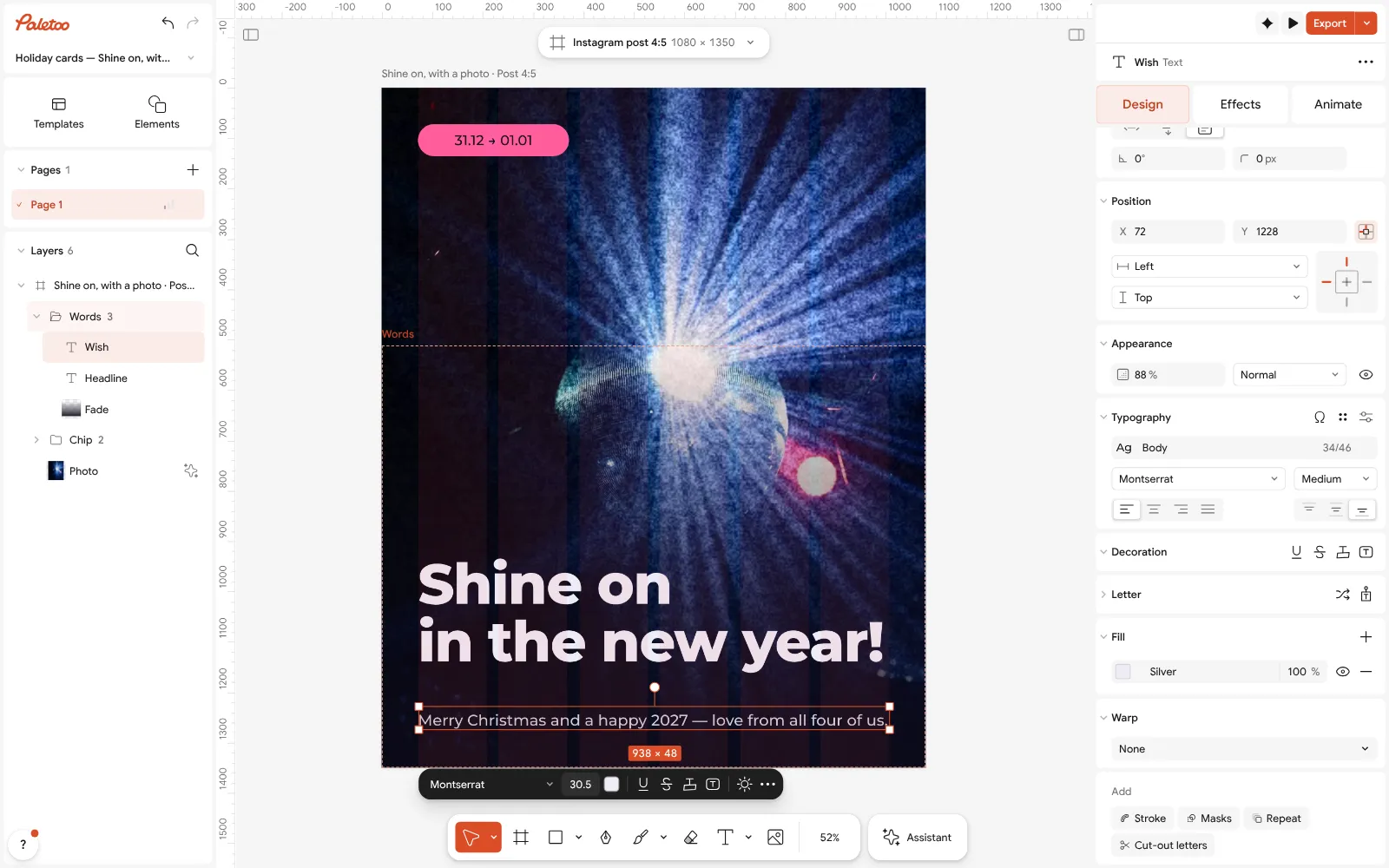
The wish rewritten and selected: its font, size and spacing under Typography Press Export (Ctrl Shift E) and keep PNG for a messenger or the feed. The file is the card’s full size and carries no watermark.
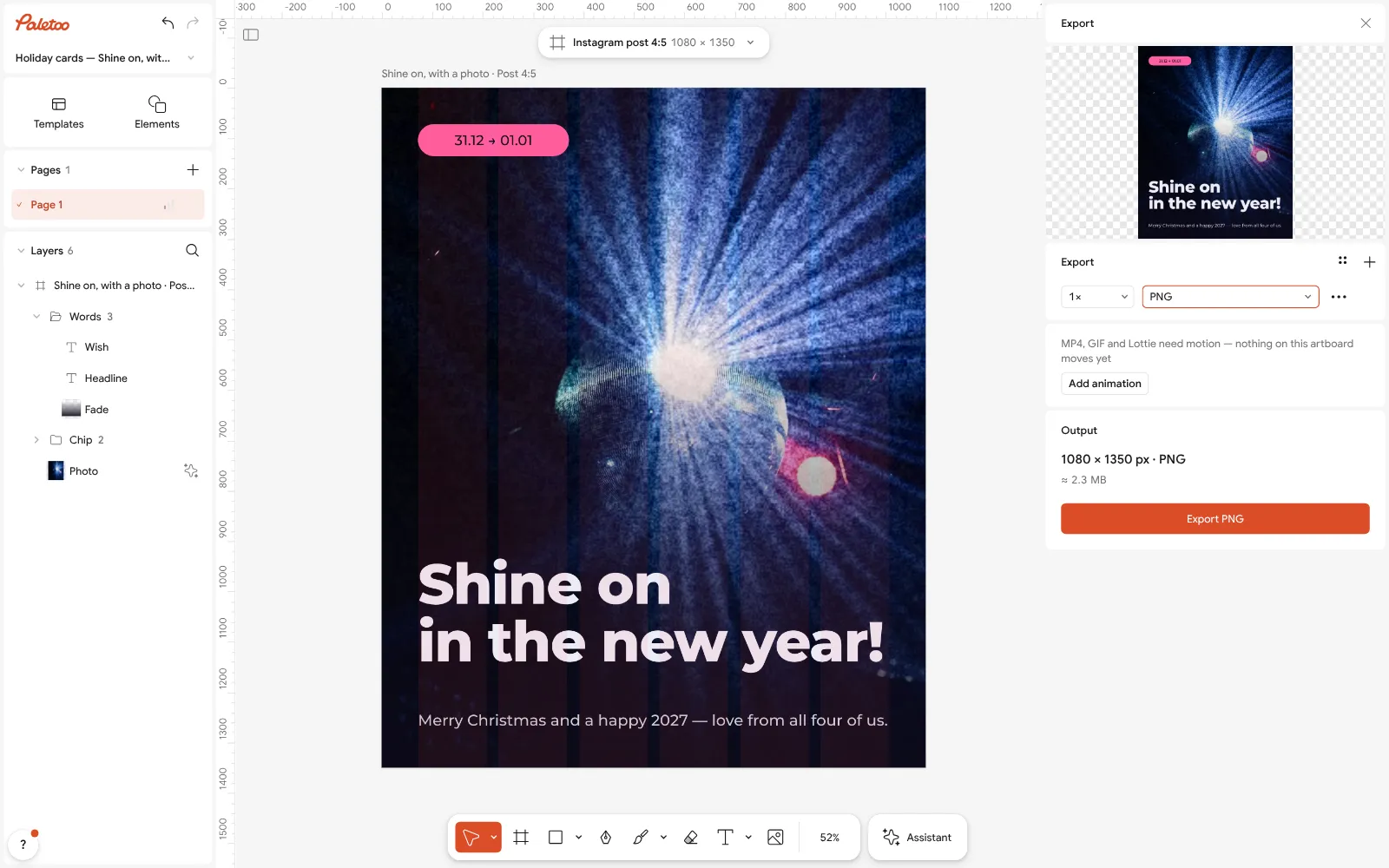
The Export window with PNG chosen for a messenger For a moving card, press Add animation in the same window, choose how the words come in, and export MP4. It plays inline in Telegram, Viber and WhatsApp.
For paper, choose PDF instead, turn on Include bleed and Crop marks under Export settings, and print at 100 %. Trim along the marks for a clean edge.
Make it your own
A busy room behind the family? Select the photo and run Remove background: it works on your device, the photo is not uploaded, and the card’s dark field shows behind the people.
To match the card to your photo, change one colour in Colour styles: the chip, the fade and the headline that use it all follow. Keep the text light on dark so it still reads on a phone in a dark room.
Sending to a whole family chat and to a printer? Make the PNG first, then the PDF from the same document: the photo, the wish and the colours stay identical in both.
Sources
Questions
Can I make a Christmas card online for free, without a watermark?
Yes. In Paletoo the holiday cards, your photo, the effects and export to PNG, JPG, PDF, MP4 and GIF are free, and no file carries a watermark. Credits are only for AI image generation and materials, which a card does not need.
Do I need to sign up?
No. The editor opens in your browser, and you can make and download the card straight away. A free account only adds cloud storage and share links.
How do I put my own photo on the card?
Select the photo and press Replace picture, or drop your file onto the frame. Double-click the frame to move the photo inside it. Remove background can cut the people out first.
What size should a Christmas card be?
For a messenger or the feed, 1080 × 1350 pixels; for stories, 1080 × 1920. For print, 5 × 7 inches (1500 × 2100 px at 300 dpi) in the US and A6 (105 × 148 mm) in Europe and Ukraine. All sizes are in our Christmas card size guide.
Can I make the card on my phone?
Yes. Paletoo runs in a phone’s browser with no app to install; you can change the words, swap the photo and export there. Fine print layout is easier on a computer.
Can I send it as a video?
Yes. In the Export window press Add animation, pick a movement for the words and export MP4. Use GIF only where video does not play.
What is the plaid Christmas trend?
One of Pinterest’s rising Christmas searches (December 2026): cards, tags and posts on a plaid ground — red and green tartan, black-and-red buffalo check or gingham — with one plain panel for the words.
How do I make a plaid Christmas card for free?
Open the «Café Christmas ticket voucher, tartan» template in Paletoo: its tartan is made of see-through bands and lines you can recolour. Copy those layers onto an A6 card, add a plain panel with your greeting and export a PDF to print or a PNG to send. Free, no sign-up.
Make it online
- Christmas and New Year cardsPick a card, write your own wish, add a family photo and send it as a picture, a story or a short animation — free.
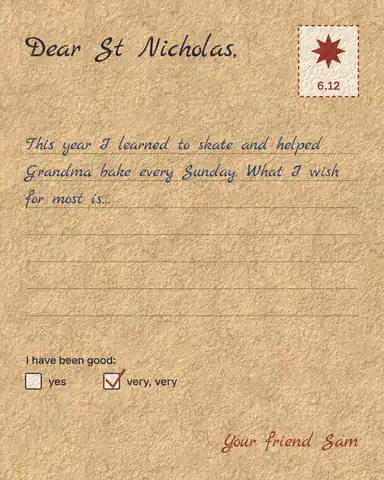
- St Nicholas Day cardsFour cards for 6 December — a night sky, a gift tag, a family photo and a child’s letter — ready for your own words.
- Cards for Ukrainian soldiersSix ready cards for Ukraine’s defenders — a child’s letter, a thank-you, a 6 December greeting and three for Christmas and New Year. Print them as a PDF and write by hand, or tap one, write your own words and send it.
Free design templates for posts, stories and posters: Holiday card templates
Try it on your own design
Paletoo opens in your browser, with no sign-up. Every effect here is live: change the picture or the words and the effect follows.
Open in PaletooOpens this design as your own copy — every layer and effect editable, free.
Read next
- 01
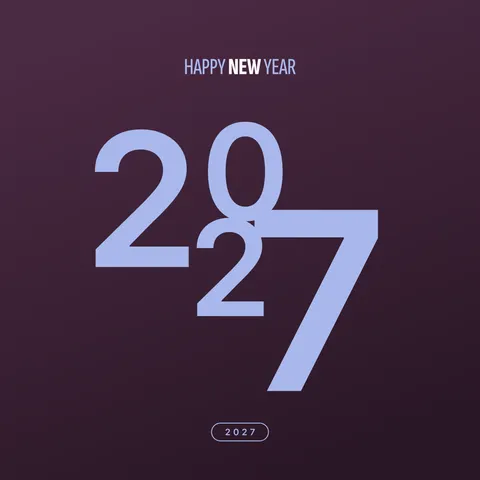 New Year wishes 2027: short messages and a picture with your wordsShort wishes for family, friends, colleagues and defenders that you can sign as your own, and a greeting picture made with them in five minutes.
- 02
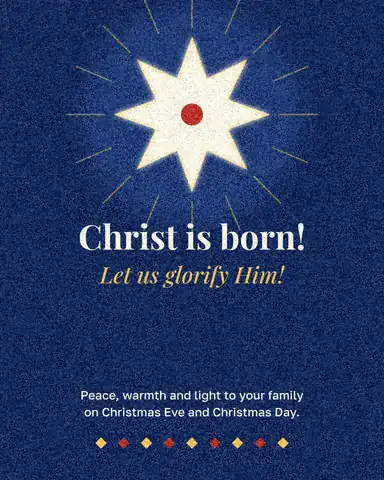 Christmas card size: inches, millimetres, pixels and postageEvery common card size in one table, the envelope it fits, and the file you need to print it.
- 03
 Letter to St Nicholas: a printable template and what to writeA ready letter on kraft paper, your child’s own words in it, printed and under the pillow by the evening of 5 December.