Add a shadow to an image
Give a cut-out a ground, drop, cast or floating shadow so it stands on the page — transparent or on white.
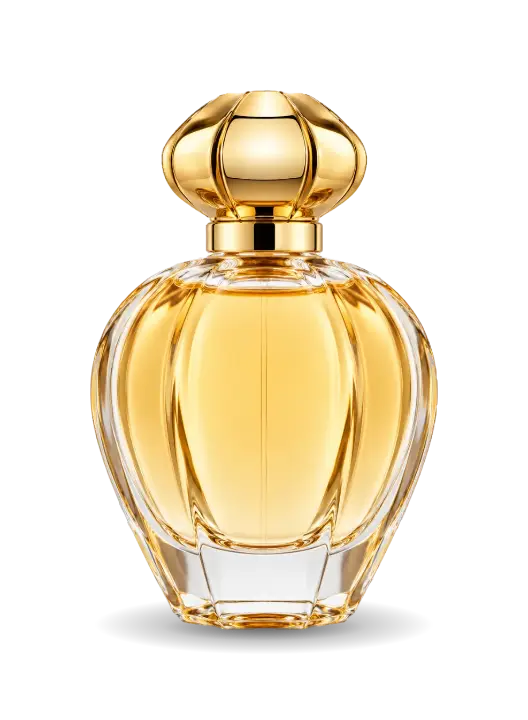
Or drop a photo here, or paste it with Ctrl+V
Settings
opens your product with its shadow in the editor, on a backdrop, a mockup or a post
Nothing is uploaded: the picture is made in this browser tab.
How to use the add a shadow to an image
Add your cut-out
Drop a PNG with a transparent background, or a product on a plain backdrop (cut out here from its edges) — or tap a sample.
Pick the shadow
Ground sits under the base, the product photo staple; Drop falls behind, like a sticker on paper; Cast lies back on the floor from a light in front; Floating lifts it above a soft spot.
Soften and download
Softness blurs the shadow’s edge, Strength darkens it. Download on a transparent or a white Background; the transparent PNG keeps its shadow see-through, for any backdrop.
Made in Paletoo with the same effect
Real designs from our Learn guides. Open a guide to see how each one was made.
 A lemon with a cast shadow laid back on a white floor.
 A documentary one-sheet: the statue’s face above “Night watch.” as a hard grey copy, cream tape holding it down at the corners.
 A late-opening gallery poster: Sargent’s Madame X copied to grey inside the “AFTER DARK PORTRAITS” lettering, taped at its corners.
Questions
How do I add a shadow to an image?
Drop a PNG cut-out (or a product on a plain backdrop) on the preview above, pick the shadow — Ground under the base, Drop behind, Cast on the floor or Floating — set Softness and Strength, and download it on a transparent or a white background. Free, no watermark; the photo stays in your browser.
Does my photo need a transparent background?
It works best with one: a PNG cut-out, like the samples. A photo of a product on a plain, even backdrop (a white sheet, a grey wall) is cut out here from its edges. For a person, a pet or a product on a busy background, take it through Remove background first: it finds the subject itself, on your device.
Which shadow suits a product photo?
Ground: a soft, dark contact shadow right under the base, the way a product stands on a table in a studio. Cast adds a longer shadow for a lit-from-the-front look.
Is the shadow kept in a transparent PNG?
Yes. With Background: Transparent the shadow is half-transparent black in the PNG, so it darkens whatever backdrop you put the product on.
Can I put it on a coloured backdrop?
«Open in Paletoo» carries it into the editor with its shadow: any backdrop colour, a gradient, a photo, a mockup, text. Or use White background for a square on pure white.
Is it free? Is there a watermark?
Yes, it is free, and the PNG has no watermark. You do not need an account either.
Is my photo uploaded anywhere?
No. The photo is read and drawn by your browser on your own device; it never leaves this tab. Close the tab and it is gone.
Go further
More free tools
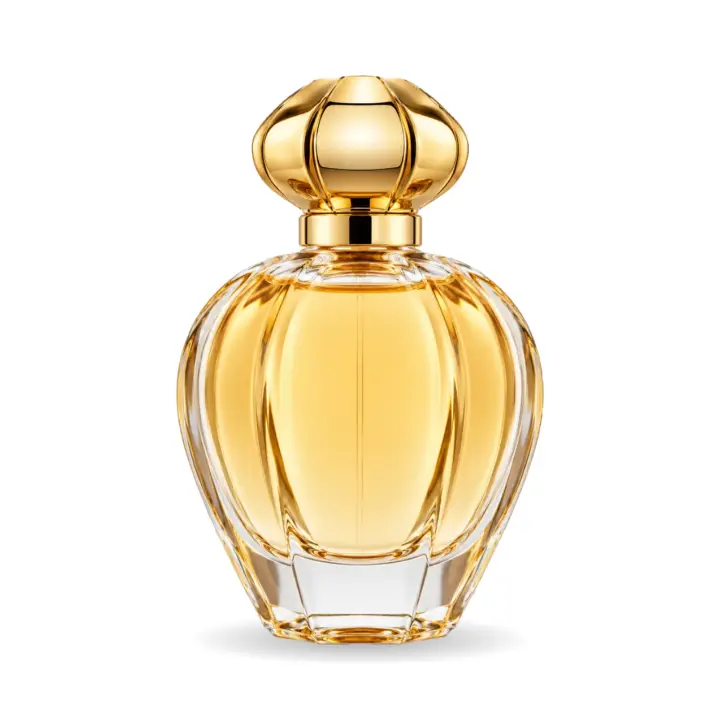
Add a white background to a photo
Put a product cut-out or a photo on a plain backdrop onto pure white, square for a shop, with a soft shadow — and download it.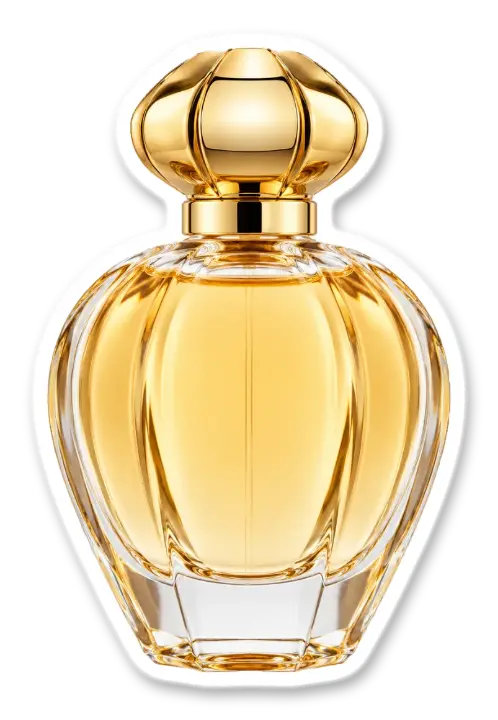
Add an outline to an image
Put a white (or any colour) outline around a cut-out — the sticker look — and download a transparent PNG.
Make an image background transparent
Turn the white or flat background of a logo, signature, icon or screenshot into transparency and download a PNG.