Remove background online
Cut the subject out of any photo in one click — on your own device, with no upload and no credits.
Start freeOpens in your browser · no sign-up · no watermark
Start from one of these
Real Paletoo documents and results — open one and change everything.
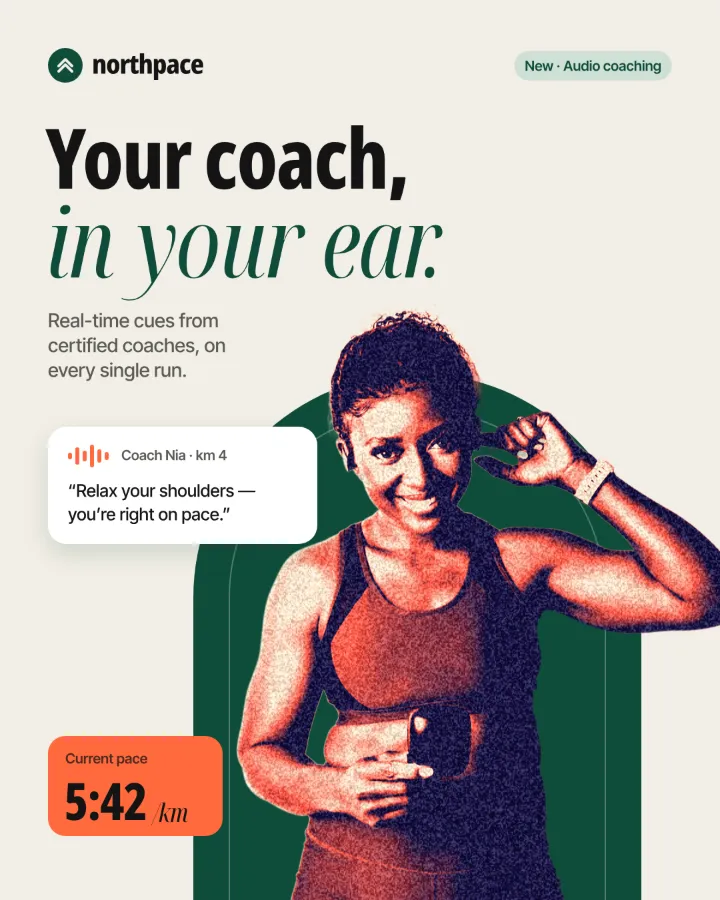 A running club post: the runner cut-out in navy and coral.
 A festival post: the cut-out dancer printed in two out-of-register inks.
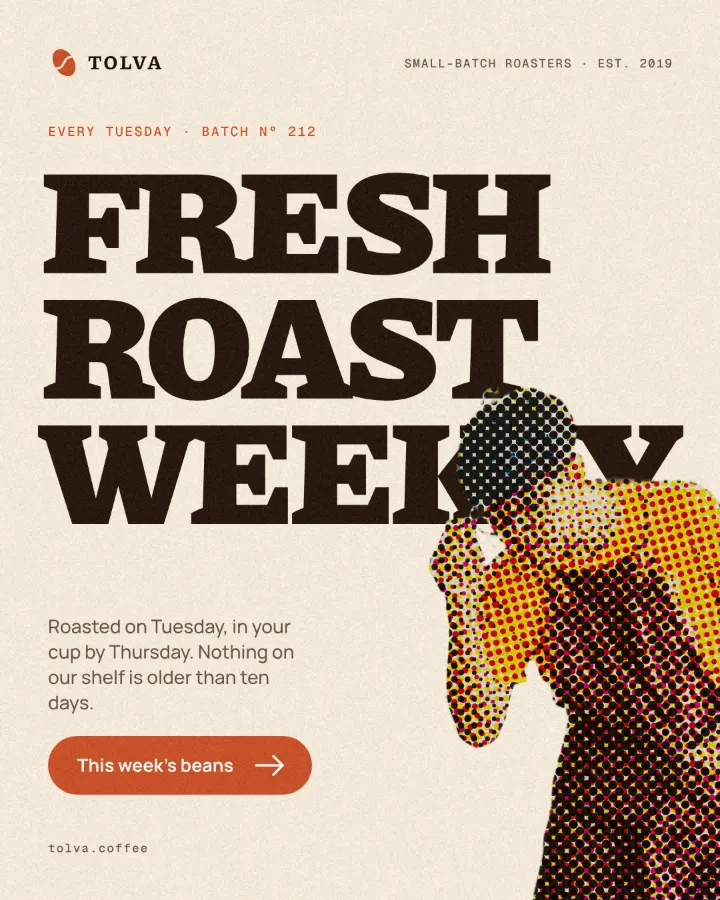 A coffee roaster post: the barista cut-out printed in comic-book dots.
 A festival post: the dancer cut-out broken into blocks and colour trails.
 An electronic festival post: the cut-out dancer burnt into a fire negative with a glowing rim.
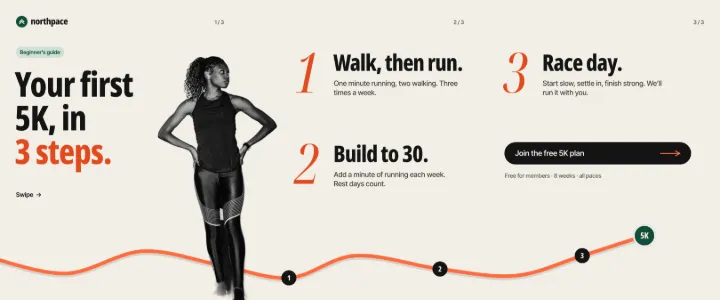 A running club’s carousel: “Your first 5K”, a cut-out runner crossing from the cover into the steps.
How it works
-
Bring in your photo
«Start free» opens Home, where Cut out a photo starts with a photo of yours. In a design, drag the photo onto the canvas and select it: the Design tab shows its AI section.
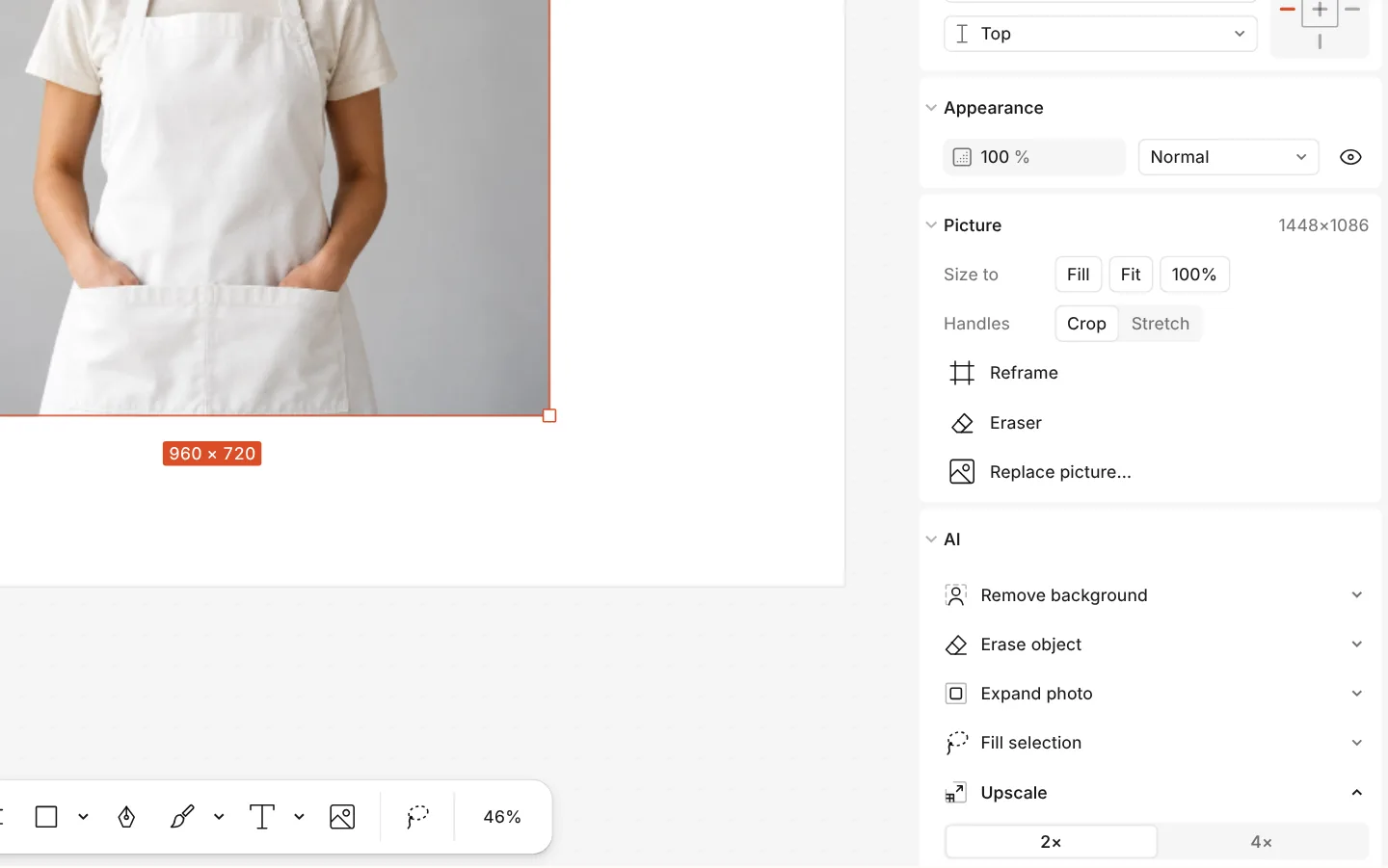
The AI section of a photo with Upscale and Erase object -
Remove the background
Press Remove background. The first time the model downloads once; after that the cut-out takes a moment and stays a picture you can move, shadow and stroke.
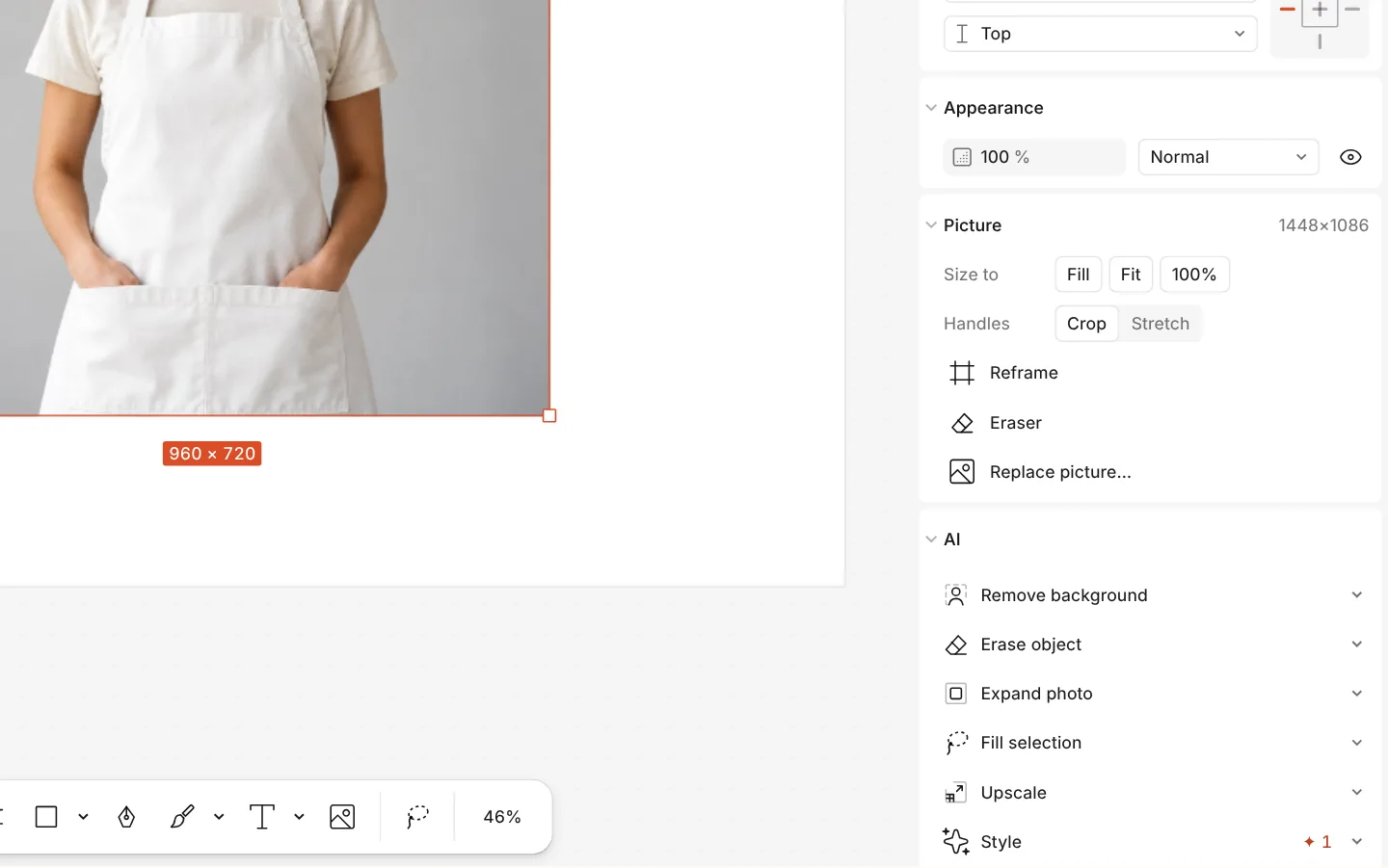
The AI section of a photo with Remove background -
Use the cut-out
Put it on a new colour or photo, or drop it into a mockup from Elements → Mockups. For a file of its own, Export a PNG with Background set to Transparent.
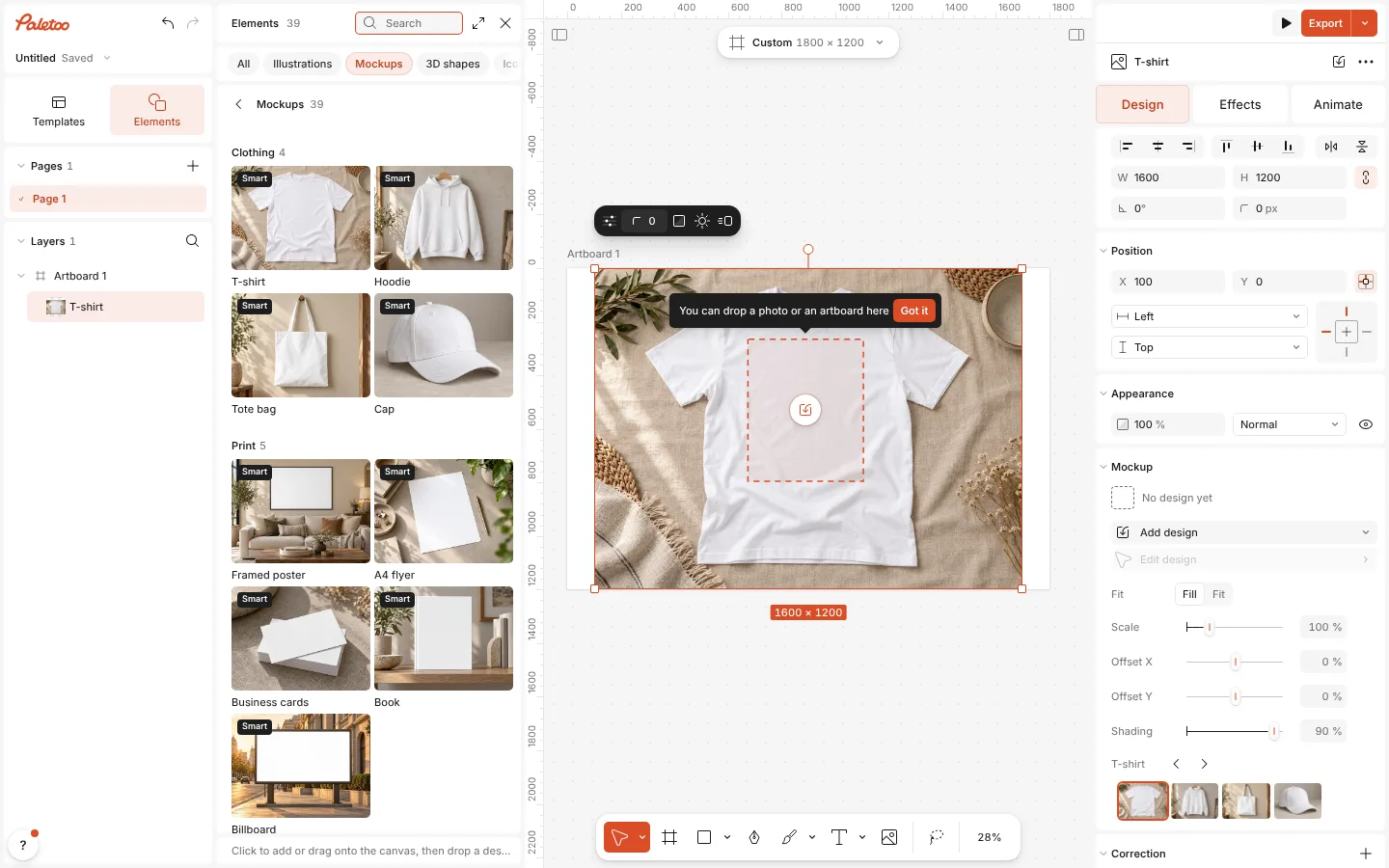
The Mockups group in Elements with a mockup placed on the canvas
What you get
Private by design
The model runs on your device. Your photo is never uploaded, so it works for portraits, documents and client work alike.
Free, however many
No credits and no daily limit: cut out one photo or a hundred.
Nothing is thrown away
The background is hidden with a mask, not deleted. Restore background brings it back at any time.
A clean edge
Refine subject smooths, feathers and shifts the edge of the mask for hair, fur and soft outlines.
More on the same photo
Blur the background instead, upscale the photo or erase a stray object — all on your device too.
Questions
Is it really free?
Yes. Background removal runs on your own device, so it costs us nothing to serve and costs you no credits, however many photos you cut out. There is no watermark on the export.
Is my photo uploaded anywhere?
No. The photo stays in your browser and the model runs on your computer or phone. Nothing is sent to a server.
Why is the first cut-out slower?
The first time, the editor downloads the model — about 44 MB — and the browser keeps it. After that it starts at once and works offline too.
The edge is rough around hair. Can I fix it?
Yes. Run Refine subject: it smooths, feathers and shifts the edge of the mask, with view modes to check it against light and dark.
Can I get the background back?
Yes. The background is hidden by a mask rather than deleted: press Restore background in the same section, or Ctrl Z straight after.
How do I save a transparent PNG?
Press Export, choose PNG and set Background to Transparent. Anything outside the cut-out is left empty, ready to drop onto another design, a slide or a website.
Can I remove the background from several photos at once?
Yes. Select all of them before you press Remove background, and each one is cut out in turn.
I do not see the button. Why?
Select a photo first: the button is in its AI section on the Design tab. If you have hidden on-device AI in the ? menu, the button is hidden too; turn it back on there.
Learn more
Step-by-step guides
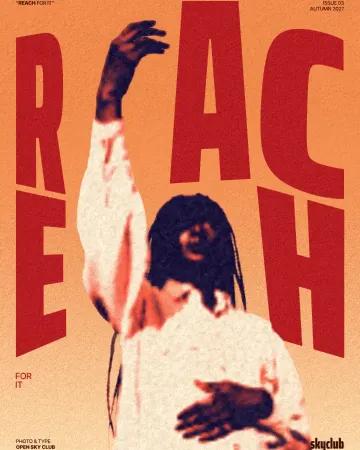
How to make a duotone effect
Two bold inks, punchy contrast and a fine poster grain.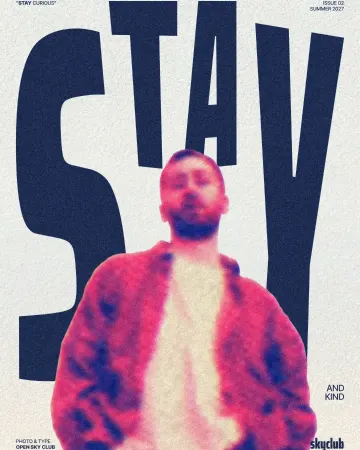
How to make a risograph effect
Two riso inks out of register, a coarse screen, riso paper.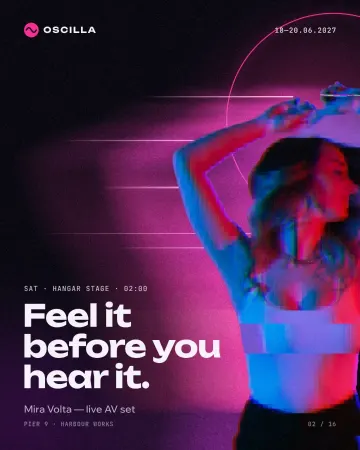
How to make a glitch effect
Blocky pixels, torn colour channels and a smeared trail.
In the help centre
More tools
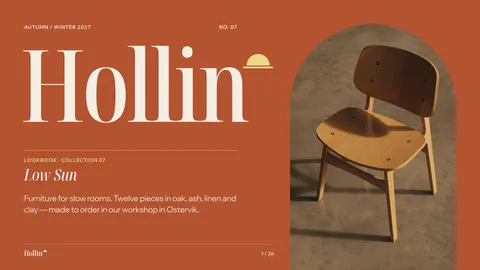
Mockup generator
Show your design on a phone, a poster, a T-shirt or a bag — free, with real light and folds, and no watermark.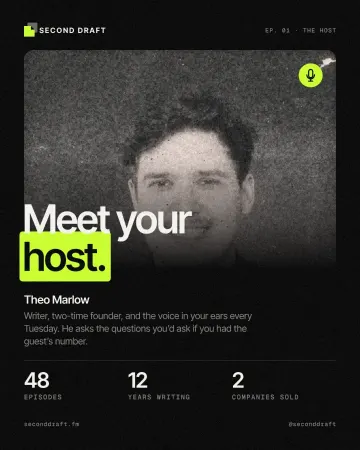
Photo effects online
Give a photo a film, print or glitch look in one click — and keep every step editable afterwards.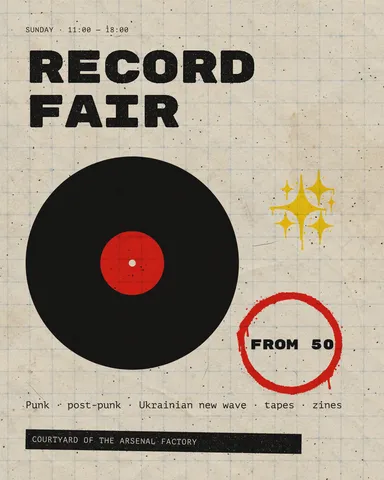
Instagram post maker
Design a post at the right size from a real template, then export a sharp PNG or JPG — free, in your browser.
Make it now
Paletoo opens in your browser. Start from the template above or a blank page, and export when you are happy.
Start free