Mockup generator
Show your design on a phone, a poster, a T-shirt or a bag — free, with real light and folds, and no watermark.
Start freeOpens in your browser · no sign-up · no watermark
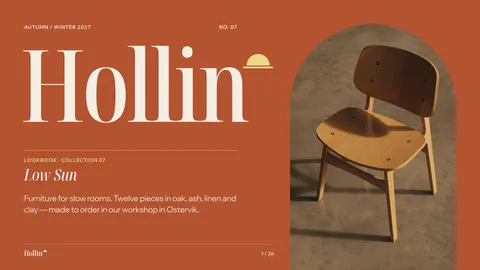
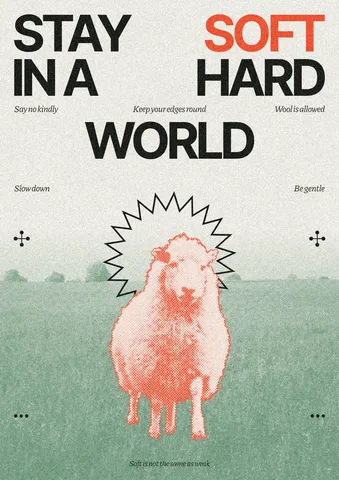
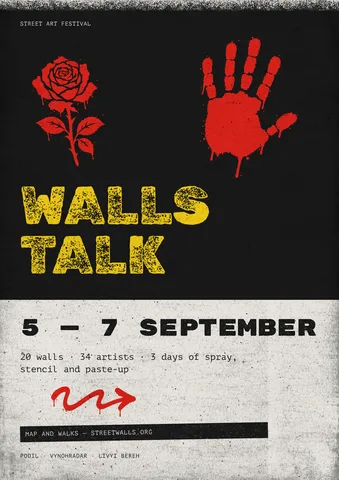
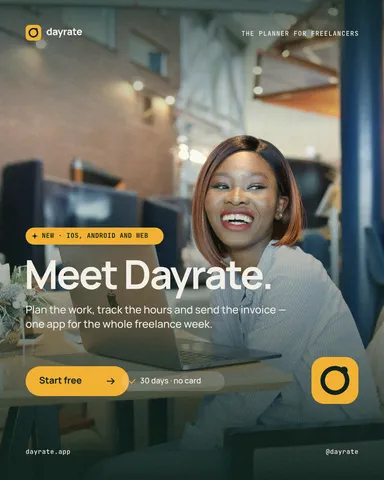
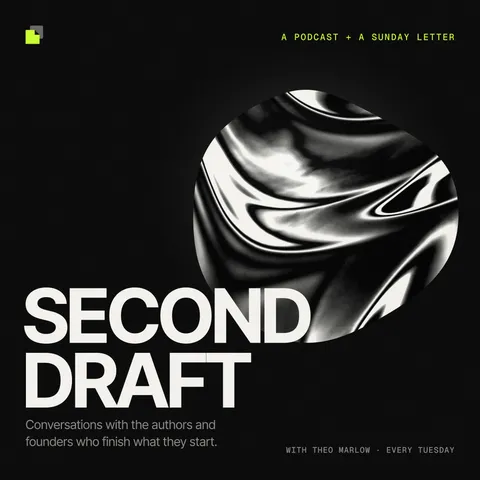
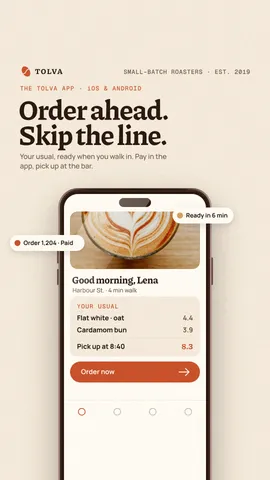
Start from one of these
Real Paletoo documents and results — open one and change everything.
How it works
-
Open your design
«Start free» opens an app screen to show off. Your own design works the same: a template from Templates, a photo, or any artboard you made.
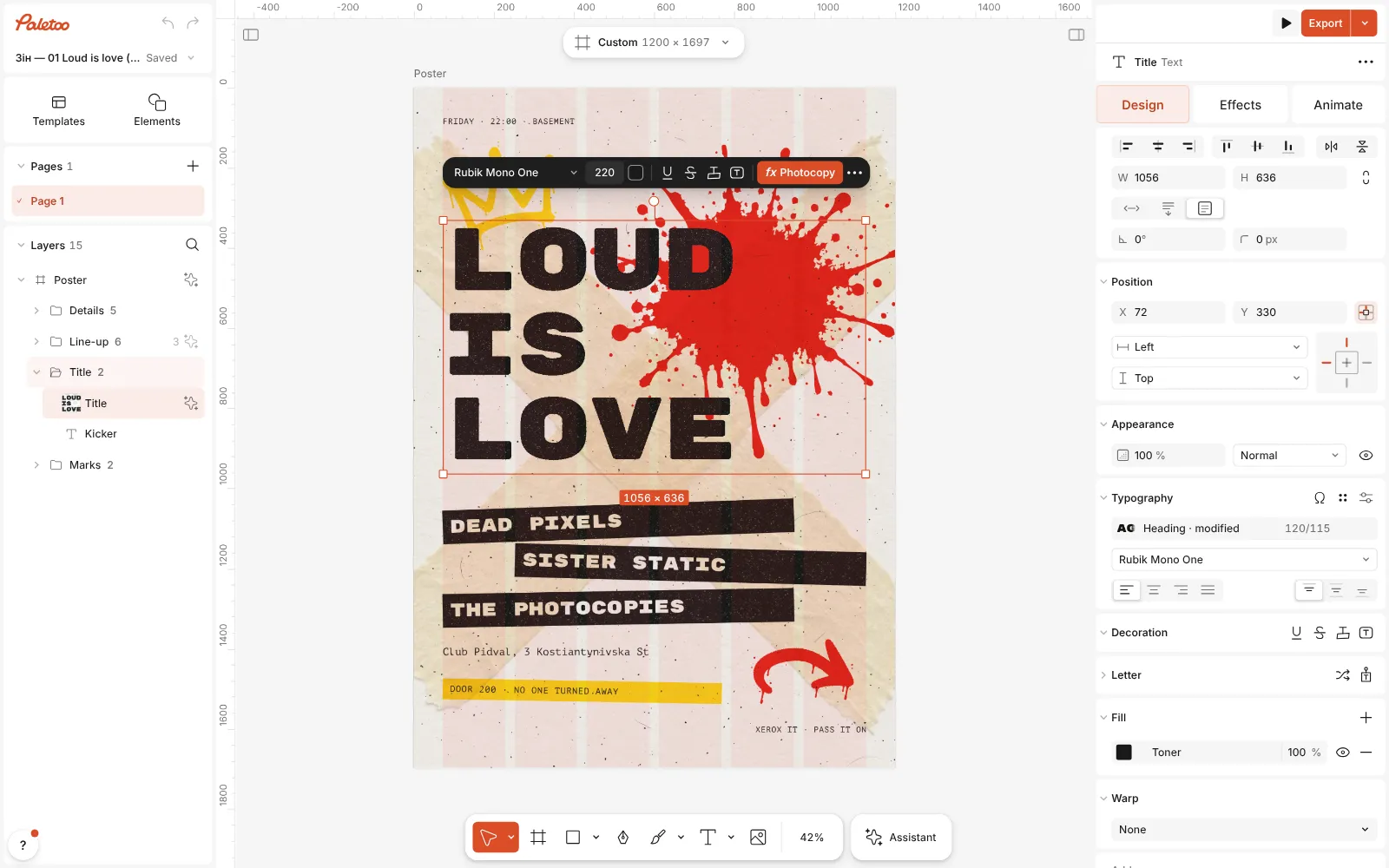
The gig flyer template open in Paletoo, its title selected, the Design tab on the right -
Pick a mockup
Open Elements (E) and go to Mockups. Click a mockup or drag it onto the canvas, then drop your artboard or a photo onto it — or click it and choose from Design for the mockup.
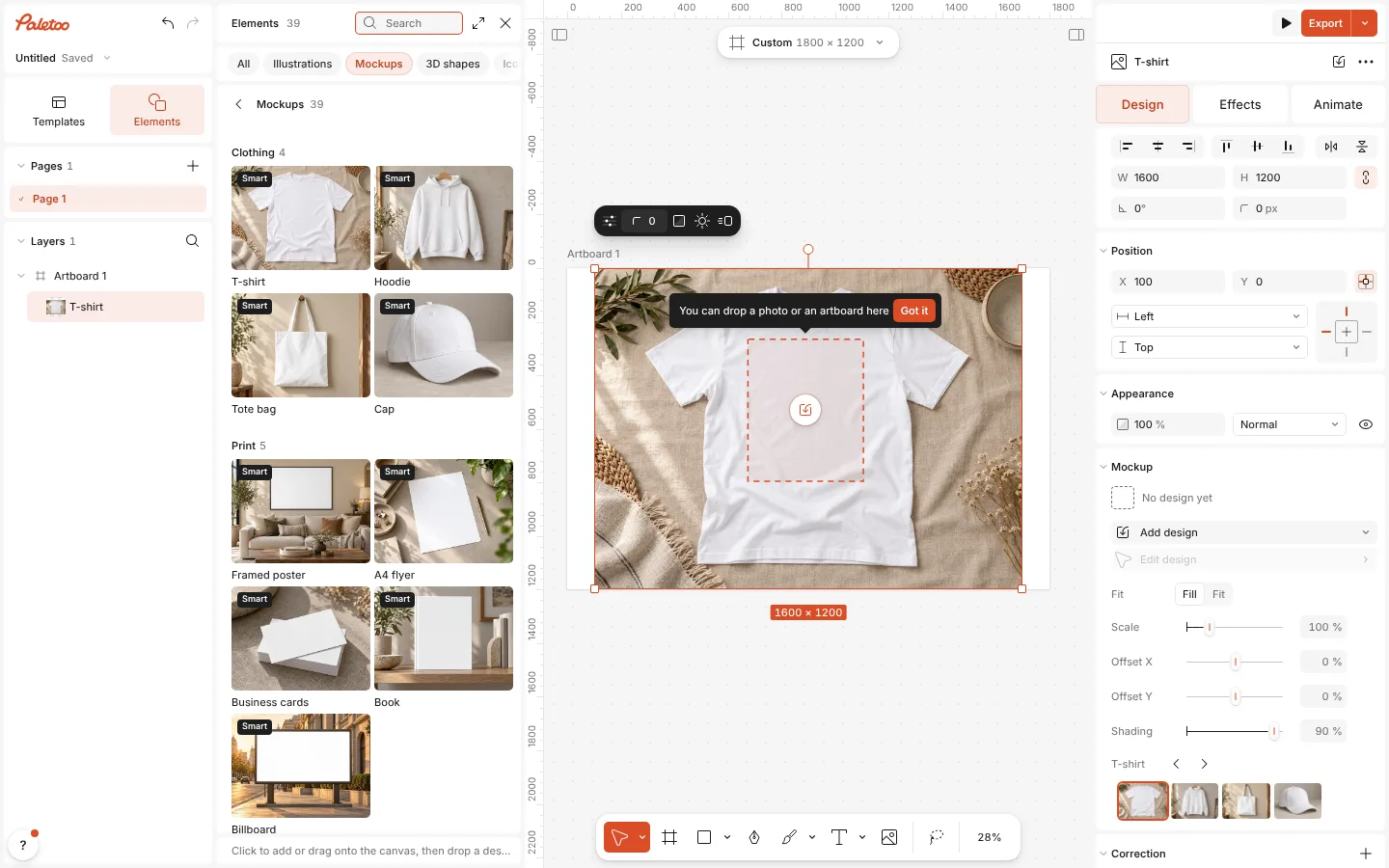
The Mockups group in Elements with a mockup placed on the canvas -
Fine-tune and export
In the Mockup section, set the Placement and how much Shading the design takes from the photo. Then Export as usual.
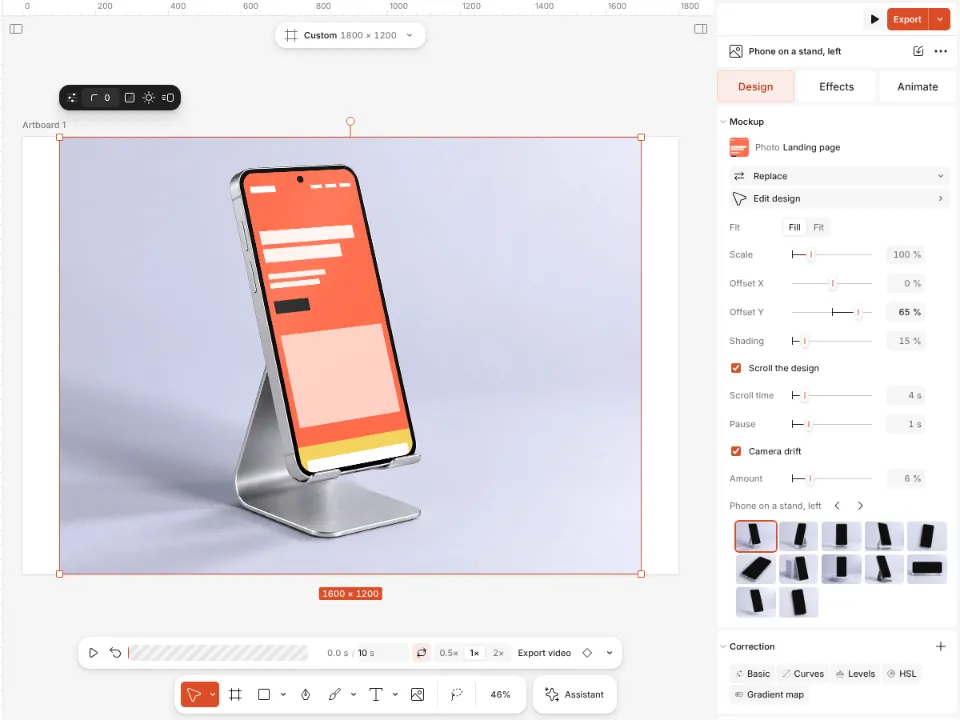
A phone mockup on a stand showing a design, the Mockup section open
What you get
Ten kinds of scene
Devices, a phone in hand, floating and foldable phones, a phone studio, print, street posters, clothing, objects and packaging, a coffee shop.
Linked to your artboard
Put an artboard in a mockup and it stays linked: change the design and every mockup showing it changes with it.
Real light and folds
Shading lets the design take on the photo’s creases, shadows and highlights, so it looks printed, not pasted.
Mockups that move
A tall design can scroll inside a phone screen, and the camera can drift slowly in and out.
Swap without starting over
Previous and next mockup keep the design in place, so you can try it on a poster, then a bag, then a phone.
Questions
Are the mockups free?
Yes. Every mockup in Elements is free to use and to export, and nothing you export carries a watermark.
What can I put into a mockup?
An artboard from your document, a photo from your computer or Unsplash, a photo already in the document, or something from Elements.
Does the mockup update when I change my design?
Yes, when it shows an artboard. The link is live: edit the words or colours on the artboard and the mockup follows at once.
Do I need Photoshop or smart objects?
No. Everything happens in the browser: no PSD files, no smart objects to open and save.
How do I make the design look printed?
Raise Shading in the Mockup section: the design takes more of the photo’s folds and light. Lower it for a flat, clean screen.
My design is cropped. What do I do?
Switch Placement: one option covers the print area and crops the design, the other fits the whole design inside it.
Can I show a long web page or a feed in a phone?
Yes. Make the design taller than the screen and turn on Scroll the design: it scrolls to its end and back, with its own timing and pauses. Export it as a video like any animation.
Can I use a cut-out product photo?
Yes. Remove the background first — it is free and runs on your device — and the cut-out goes into a mockup or onto a new scene like any picture.
Learn more
Step-by-step guides
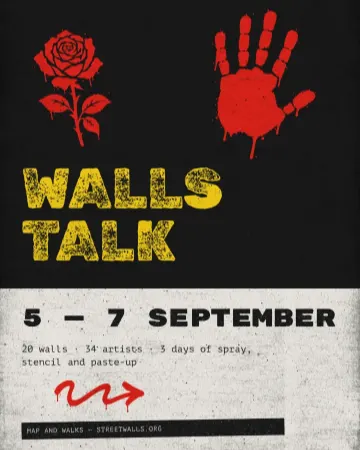
How to make a concert poster from a template
A ready-made gig flyer, your bands and your date, a file for print and one for social.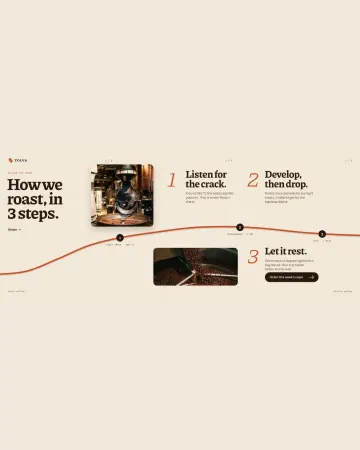
How to make an Instagram carousel from a template
One wide artboard, a design that runs across the cuts, a file for every slide.
In the help centre
More tools
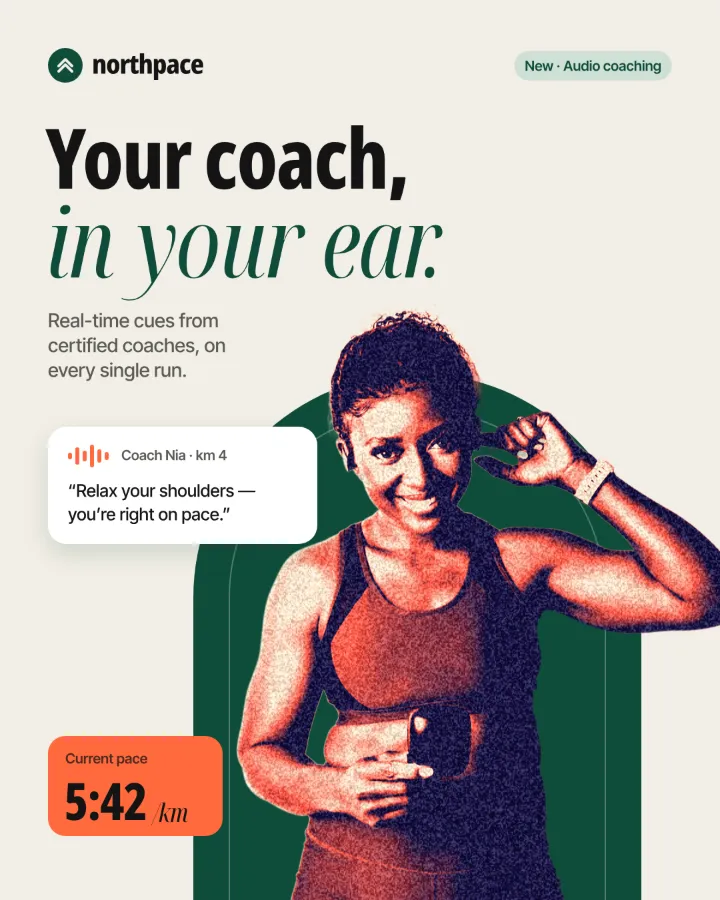
Remove background online
Cut the subject out of any photo in one click — on your own device, with no upload and no credits.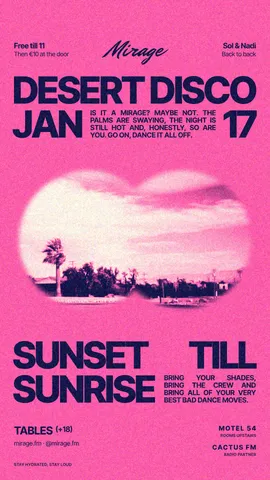
Instagram story maker
Make a full-screen 9:16 story from a template, add motion if you like, and export it as an image or a video.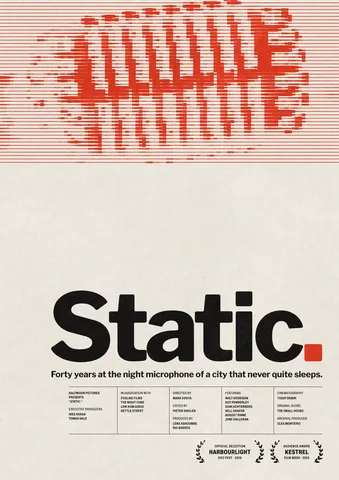
Poster maker
Make a poster from a template that already has the layout right, then export a print-ready PDF or an image for screens.
Make it now
Paletoo opens in your browser. Start from the template above or a blank page, and export when you are happy.
Start free