Add text to a photo
Put your words on your photo — a caption, a meme, a quote — and download it at the photo’s full size.
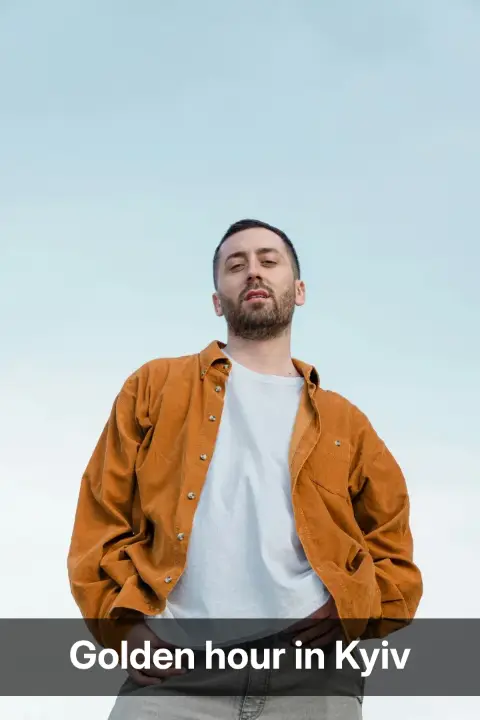
Or drop a photo here, or paste it with Ctrl+V
Settings
opens your photo with its words in the editor, for other fonts, colours and layers
Nothing is uploaded: the picture is made in this browser tab.
How to use the add text to a photo
Add your photo
Press Choose a photo, drop it on the preview or paste it with Ctrl+V (⌘V on a Mac). The photo stays in this tab.
Type your words
Write in Your words; press Enter for a new line, and long lines wrap by themselves. Pick a look — Caption, Meme, Soft shadow or Quote — and the Position.
Size and download
Text size is a share of the photo’s shorter side, so the download looks exactly like the preview. Download the PNG at the photo’s own size, or open it in the editor for other fonts, colours and more text.
Made in Paletoo with the same effect
Real designs from our Learn guides. Open a guide to see how each one was made.
 Meme letters: white, bold, a black outline, at the top.
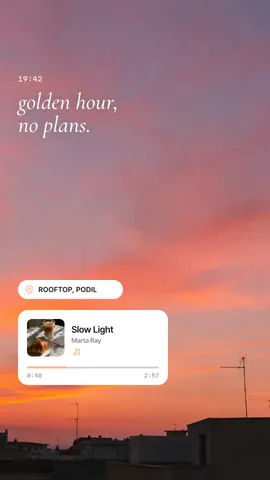
 A quote over the dimmed photo, set in a serif.
 A short line in white with a soft shadow, in the middle.
Questions
Can I write in Ukrainian or other alphabets?
Yes. All four looks have Latin and Cyrillic letters; the meme and quote faces are the editor’s own fonts, fetched once when you pick them.
Can I choose another font or colour?
Here there are four ready looks, to be quick. «Open in Paletoo» carries your photo with its words into the editor, where you have hundreds of fonts, any colour, effects and as many text layers as you like.
Will the text be blurry on a big photo?
No. The preview is drawn small to be fast, but the download is drawn again at the photo’s own size (up to 4096 px on the longer side), with the text set at that size.
How do I make a meme?
Press the Meme look: bold white capitals with a black outline at the top. Press Enter between the lines for a two-line meme, or set the position to Bottom for a punchline.
Is it free? Is there a watermark?
Yes, it is free, and the PNG has no watermark. You do not need an account either.
Is my photo uploaded anywhere?
No. The photo is read and drawn by your browser on your own device; it never leaves this tab. Close the tab and it is gone.
Go further
More free tools
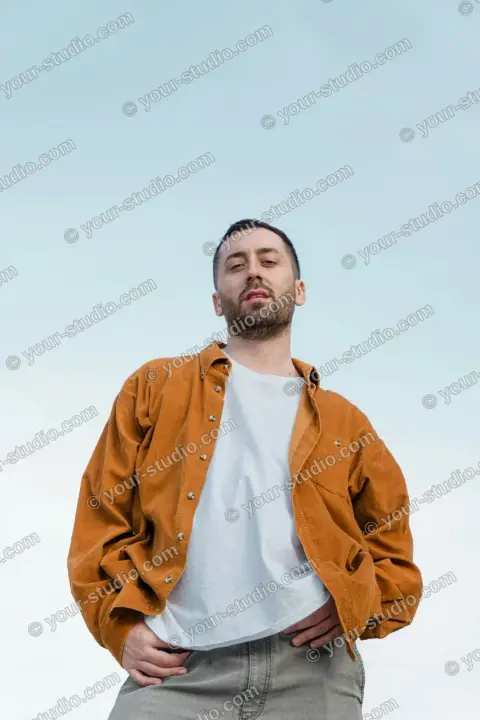
Add a watermark to a photo
Put your name or website on your photo — tiled across it, in a corner or in the middle — at the opacity you want.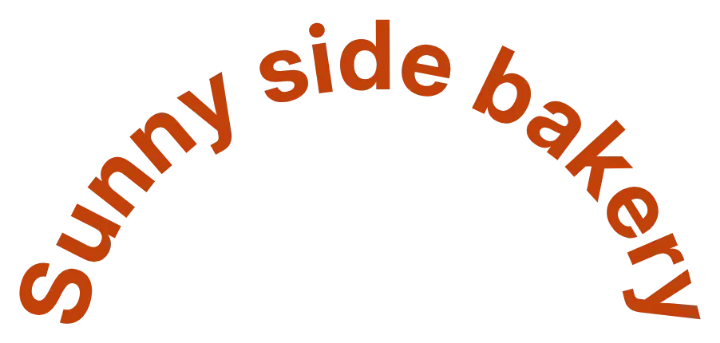
Curved text generator
Bend your words into an arch, a smile or a full circle, pick a font and a colour, and download a transparent PNG.
Make an image background transparent
Turn the white or flat background of a logo, signature, icon or screenshot into transparency and download a PNG.