Free tools5 min readFreeUpdated 2026-11-23
Christmas cards for kids to make: easy ideas and a printable
A card a child really makes: a printed front with their name, then crayons, paper snow and glue — ideas by age, from five to twelve.
By the Paletoo team · steps tested in Paletoo on
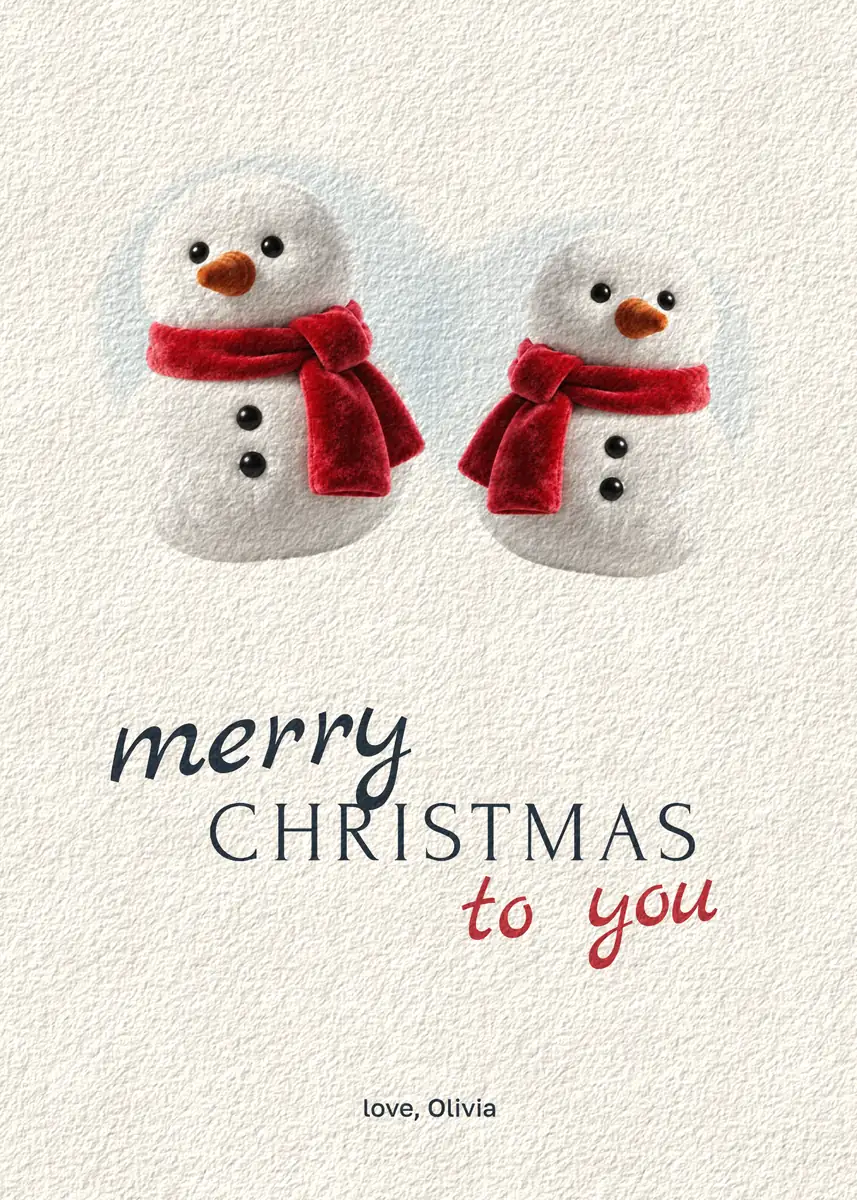
The easiest Christmas card for kids to make is half printed, half handmade: print a ready card with the child’s name on it, then let them colour it, glue on paper snow or buttons, and write the wish inside by hand. In Paletoo the printable takes five minutes, it is free, with no sign-up and no watermark, and it prints on ordinary A4 or Letter paper.
Below: card ideas by age, what you need on the table, what a child can write, how to print and fold, and one card made start to finish — «Two snowmen», a 5 × 7 in card that says «Merry Christmas to you» with a space for the child’s name.
Card ideas by age
Match the card to the hands that make it. Little children enjoy big shapes they can colour and stick; older ones want to cut, fold and write on their own. A printed front gives every child the same good start, and the handmade part is what makes the card theirs.
| Age | Idea | What they do |
|---|---|---|
| 4–6 | Fingerprint snowmen or baubles | Press a painted fingertip on the printed card, add eyes and hats with a felt-tip |
| 4–6 | Cotton-wool snow | Glue small pieces of cotton wool on the ground and the hats |
| 6–8 | Buttons and stickers | Glue buttons as baubles, add star stickers to the sky |
| 6–8 | Torn-paper tree | Tear green paper into strips and glue them in a triangle |
| 8–10 | Pop-up star | Cut two slits on the fold inside the card and push out a paper star |
| 8–12 | Their own words | Write a wish in their best handwriting, or type it on the front before printing |
What you need on the table
Plain printer paper is fine for colouring; for a card that stands up, use card of 200–250 g/m², which most home printers take one sheet at a time. Add safety scissors, a glue stick (it does not soak through like liquid glue), crayons or felt-tips, and whatever is in the drawer: cotton wool, buttons, ribbon, coloured paper, a hole punch for confetti.
Cover the table, and keep glitter for the very end or leave it out: it travels. For a class of twenty-five, print the fronts in advance and let each child finish one; it takes a lesson of 45 minutes with time to tidy up.
What a child can write
Short and real beats long and copied. «Merry Christmas, Grandma! I love making pancakes with you» says more than a poem. Give younger children a model to copy: «Merry Christmas!» and their name. Older ones can add one line: what they wish the person, or what they liked doing together this year.
For a card to a teacher, a soldier, a hospital or a care home, one warm sentence and a first name are enough; leave out surnames and addresses. If the card is for the New Year, «Happy New Year 2027!» and a wish for the year work the same way.
Printing and folding
The snowmen card is 5 × 7 in (127 × 178 mm), a common size for greeting cards and envelopes. Export it as a PDF and print at 100 %: it fits on A4 or Letter with room to cut around it. Glue it onto a folded sheet of coloured card for a card that opens, or print it on card stock and write on the back.
For a class, print a test copy first and check the colours and the size, then print the rest. If the printer leaves a white margin, cut along the card’s own edge. Let glued cards dry flat for an hour before they go into envelopes.
Made in Paletoo
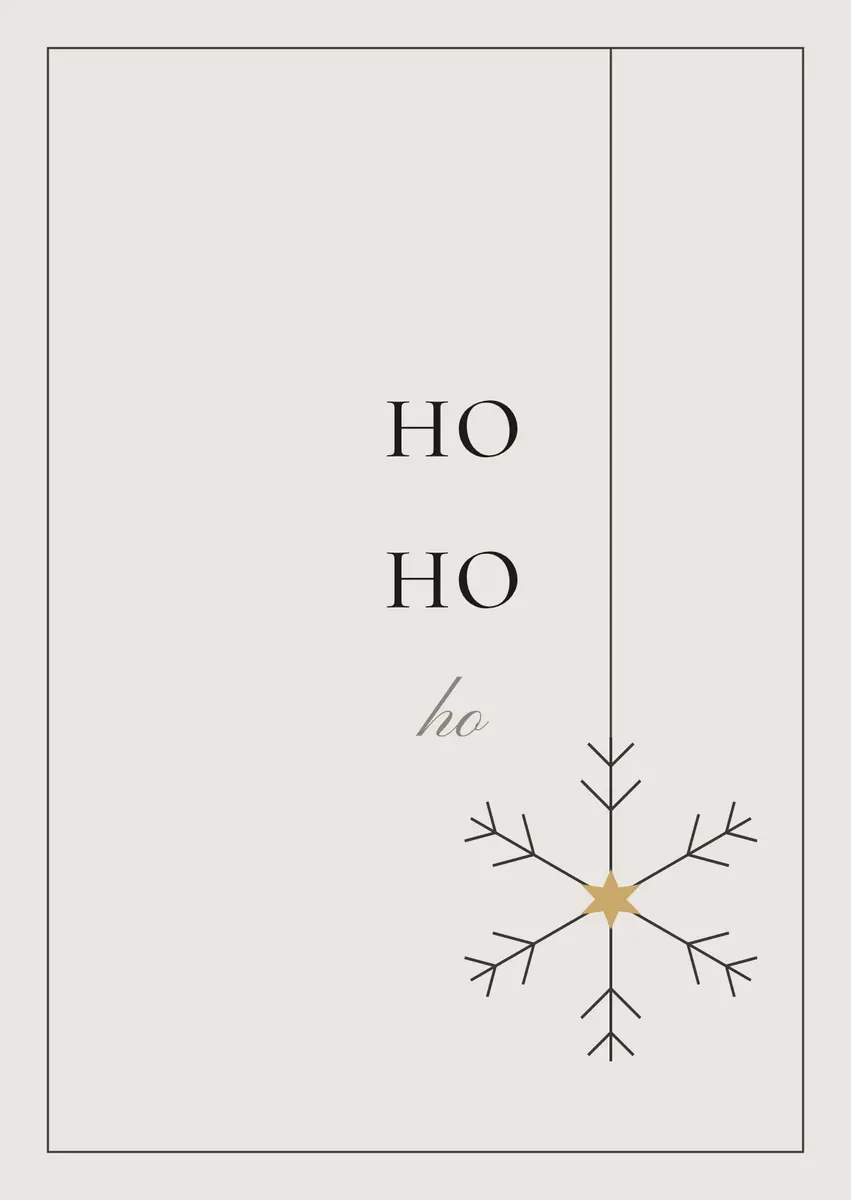
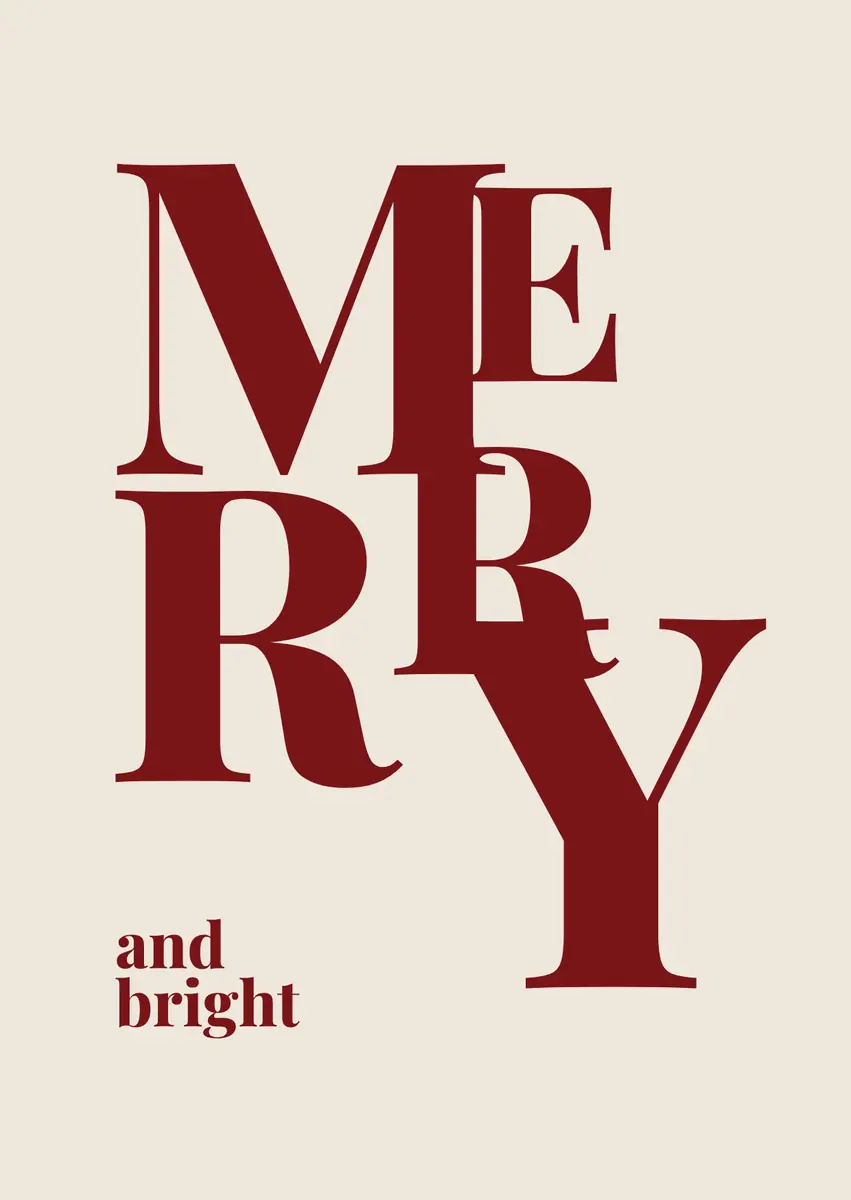
Every picture on this page was made in Paletoo — these three with the same steps on other templates:

Make it free in Paletoo
Press “Open in Paletoo” on this page, on a computer or a tablet. «Two snowmen» opens as your own 5 × 7 in document, with no account: two snowmen in red scarves, «merry CHRISTMAS to you» and a signature.
Double-click the signature — the layer «Signature» — and type the child’s name, or let them type it. Under Typography on the Design tab you can make it larger with Size.
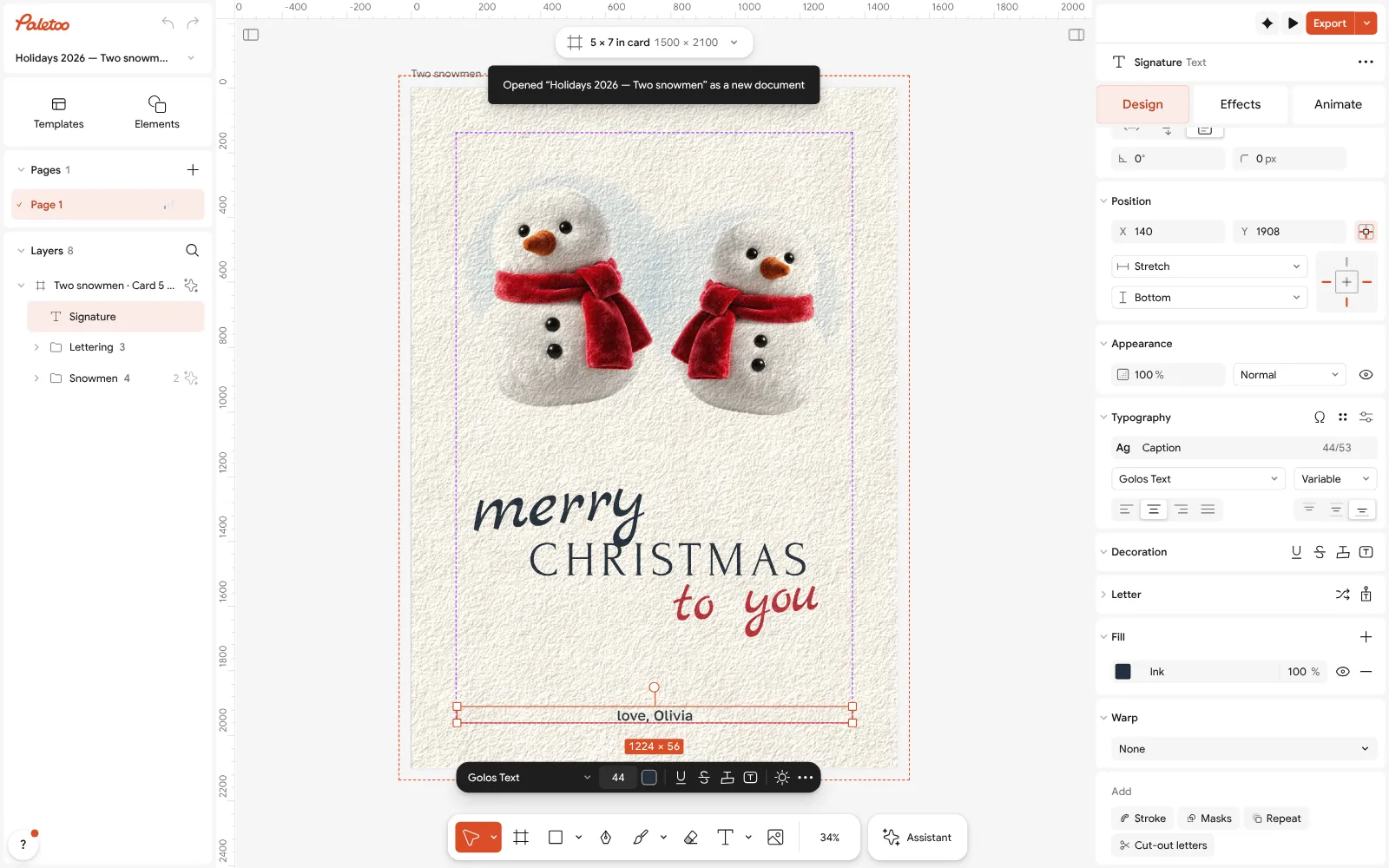
The «Two snowmen» card open in Paletoo: the signature selected, its size under Typography in the Design tab For a New Year card, double-click «merry» and type «happy», then change «CHRISTMAS» to «NEW YEAR»; the snowmen stay as they are.
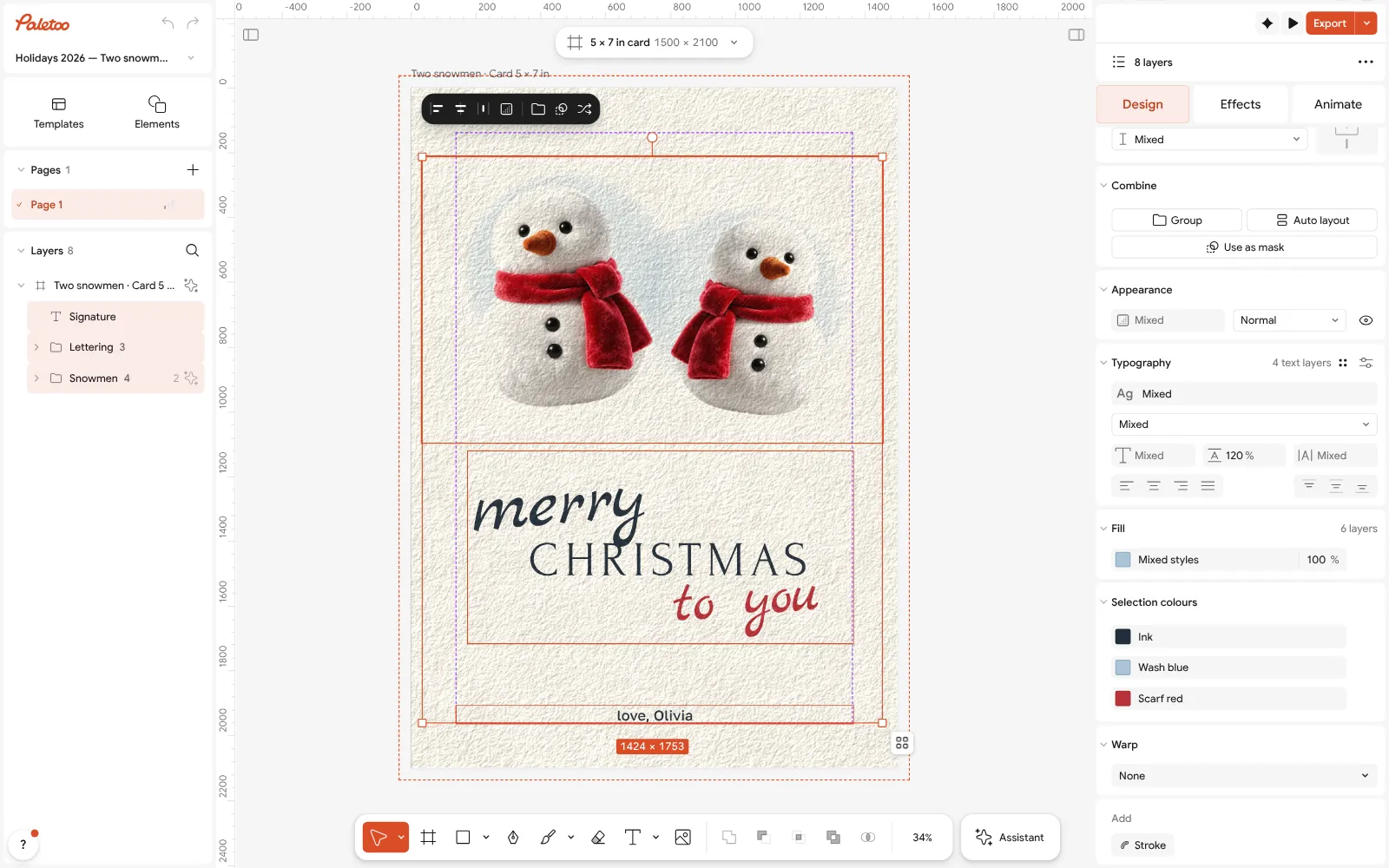
Everything selected: the card’s colours under Selection colours Want the child’s favourite colours? Select all (Ctrl A) and open Selection colours: change a colour, and every word and shape that uses it follows.
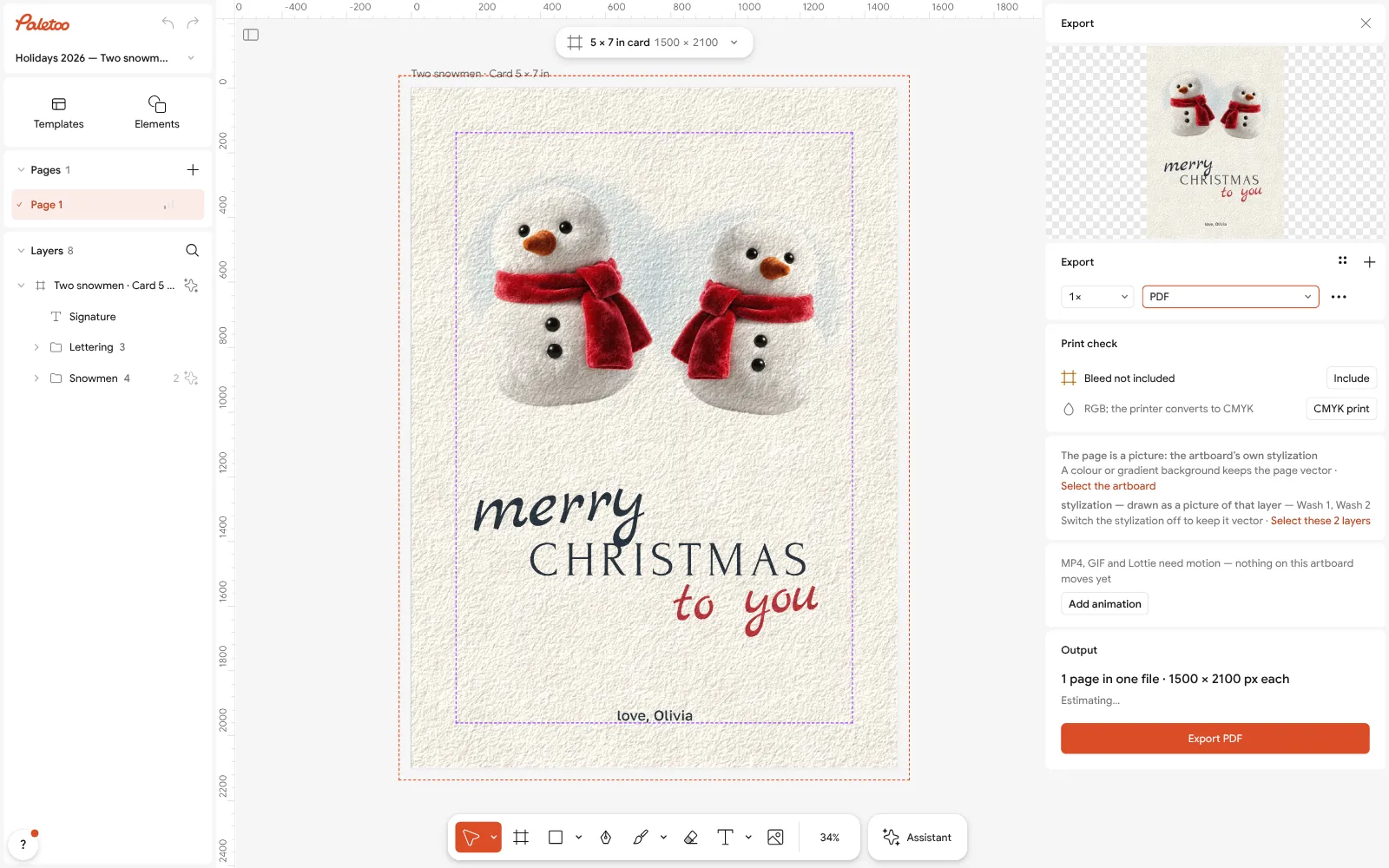
The Export window with PDF chosen for printing the card Press Export (Ctrl Shift E), choose PDF and print at 100 %. Nothing you export carries a watermark.
Making one for each child in a class? Use Duplicate artboard for every name, change only the signature, and export them together.
Make it your own
If the printer is low on colour ink, make the red a step lighter in Selection colours and print one test page first.
For small hands, make the child’s name bigger with Size — they will want to see it.
Keep one copy on screen and export it as PNG too: a picture of the card can go to a grandparent far away in a chat.
Sources
Questions
What is the easiest Christmas card for kids to make?
A printed front they finish by hand: print a ready card with their name, then let them colour it, glue on cotton-wool snow or buttons and write the wish inside.
What can a child write in a Christmas card?
A greeting, one real line and their name: «Merry Christmas, Grandma! I love making pancakes with you. Mia».
What paper is best for kids’ Christmas cards?
Card of 200–250 g/m² stands up and takes glue; plain printer paper is fine for colouring and can be glued onto folded coloured card.
Is there a free printable Christmas card for kids?
Yes. Open «Two snowmen» from this page, type the child’s name and export a PDF — free, no sign-up and no watermark, 5 × 7 in on A4 or Letter.
How long does a card take in a class?
With the fronts printed in advance, one lesson of about 45 minutes, including tidying up.
Can I turn it into a New Year card?
Yes: change «merry» to «happy» and «CHRISTMAS» to «NEW YEAR» on the card, or write «Happy New Year 2027!» inside.
Make it online
- Christmas and New Year cardsPick a card, write your own wish, add a family photo and send it as a picture, a story or a short animation — free.
- Make a greeting card onlineBirthday, thank-you, love or holiday: pick a card, write your own words, add a photo and send it as a picture or print it — free, no sign-up, no watermark.
Free design templates for posts, stories and posters: Holiday card templates
Try it on your own design
Paletoo opens in your browser, with no sign-up. Every effect here is live: change the picture or the words and the effect follows.
Open in PaletooOpens this design as your own copy — every layer and effect editable, free.
Read next
- 01
 How to make a New Year card on your phone, free (2027)A New Year card made on your phone in five minutes — your photo, your words, a picture ready to send at midnight.
- 02How to make a Christmas card online for free, with your photoFrom a ready card to one with your family on it in about ten minutes, with nothing to pay and no account.