Make a greeting card online
Updated
How do I make a greeting card online for free?
Press «Start free»: a birthday card opens as your own document (Templates holds thank-you, Valentine, Christmas, New Year and St Nicholas cards too, as a 105 × 148 mm card or a 1080 × 1350 post). Double-click any line to write your wish and name, drop a photo onto the card, then Export a PNG or JPG to send or a PDF to print — free, no sign-up, no watermark.
Birthday, thank-you, love or holiday: pick a card, write your own words, add a photo and send it as a picture or print it — free, no sign-up, no watermark.
Start freeFree · in your browser · no sign-up · no watermark
Start from one of these
Real Paletoo documents and results — open one and change everything.

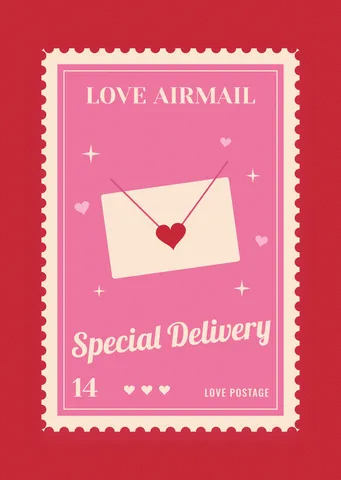
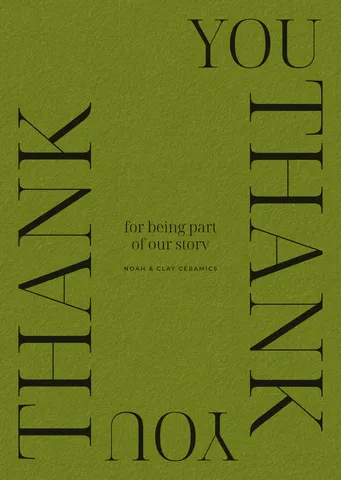

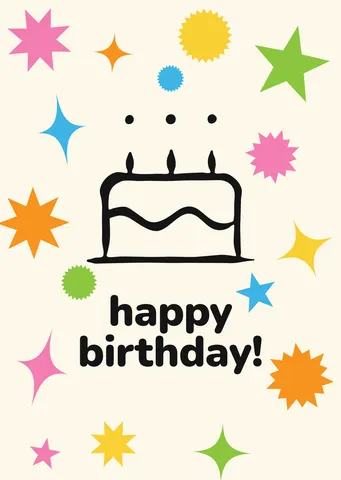
How it works
-
Pick a card
«Start free» opens a birthday card with stars and a cake as your own document. In Templates there are more: birthday cards, thank-you cards, Valentines, Christmas, New Year and St Nicholas cards — as a 105 × 148 mm card to print or a 1080 × 1350 post.
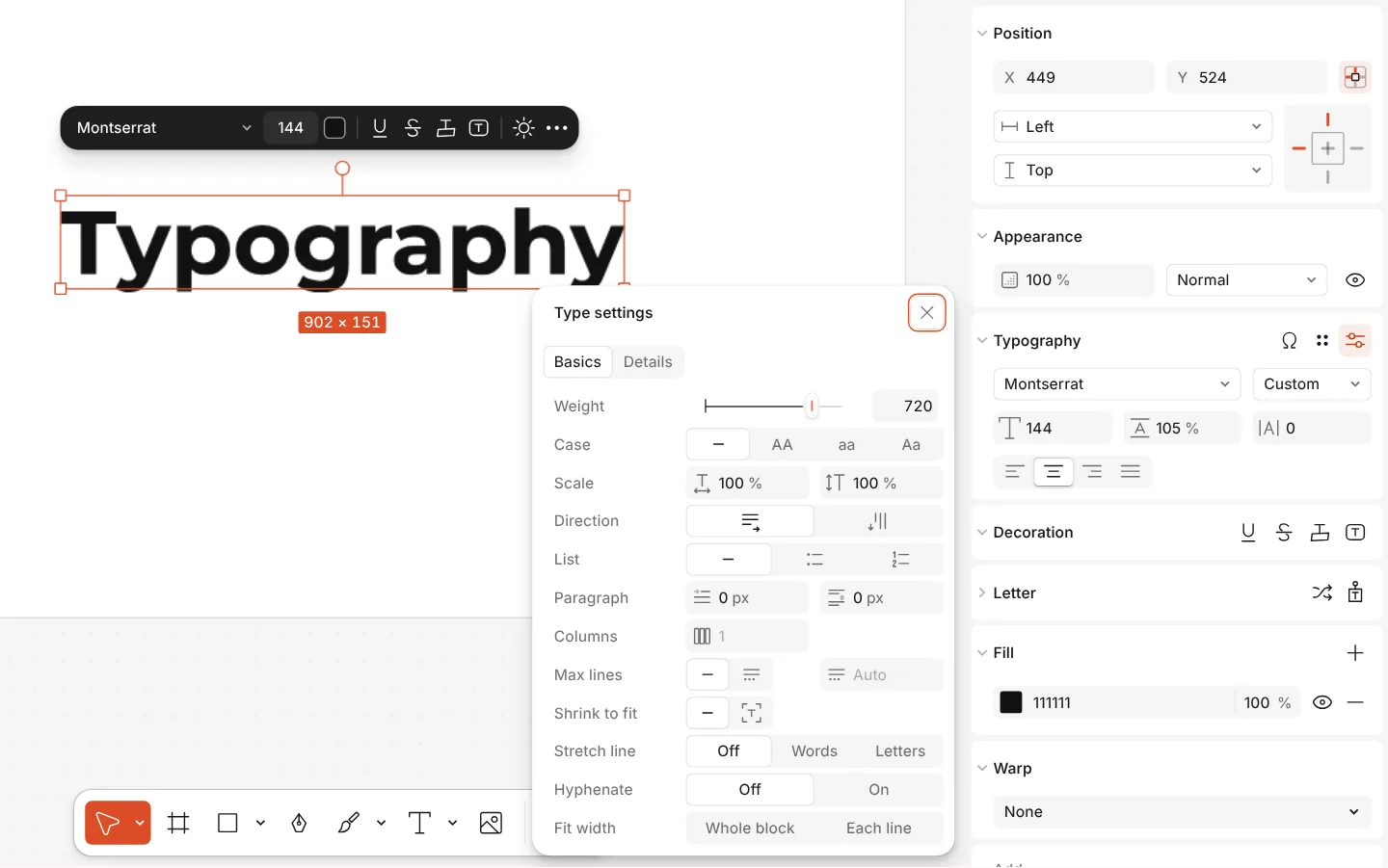
The Type settings window of a text, with variable axes -
Write your words
Double-click any line to write your own wish, name and signature. Drop a photo onto the card, or select a picture and press Replace picture; Remove background cuts a person out of a busy photo.
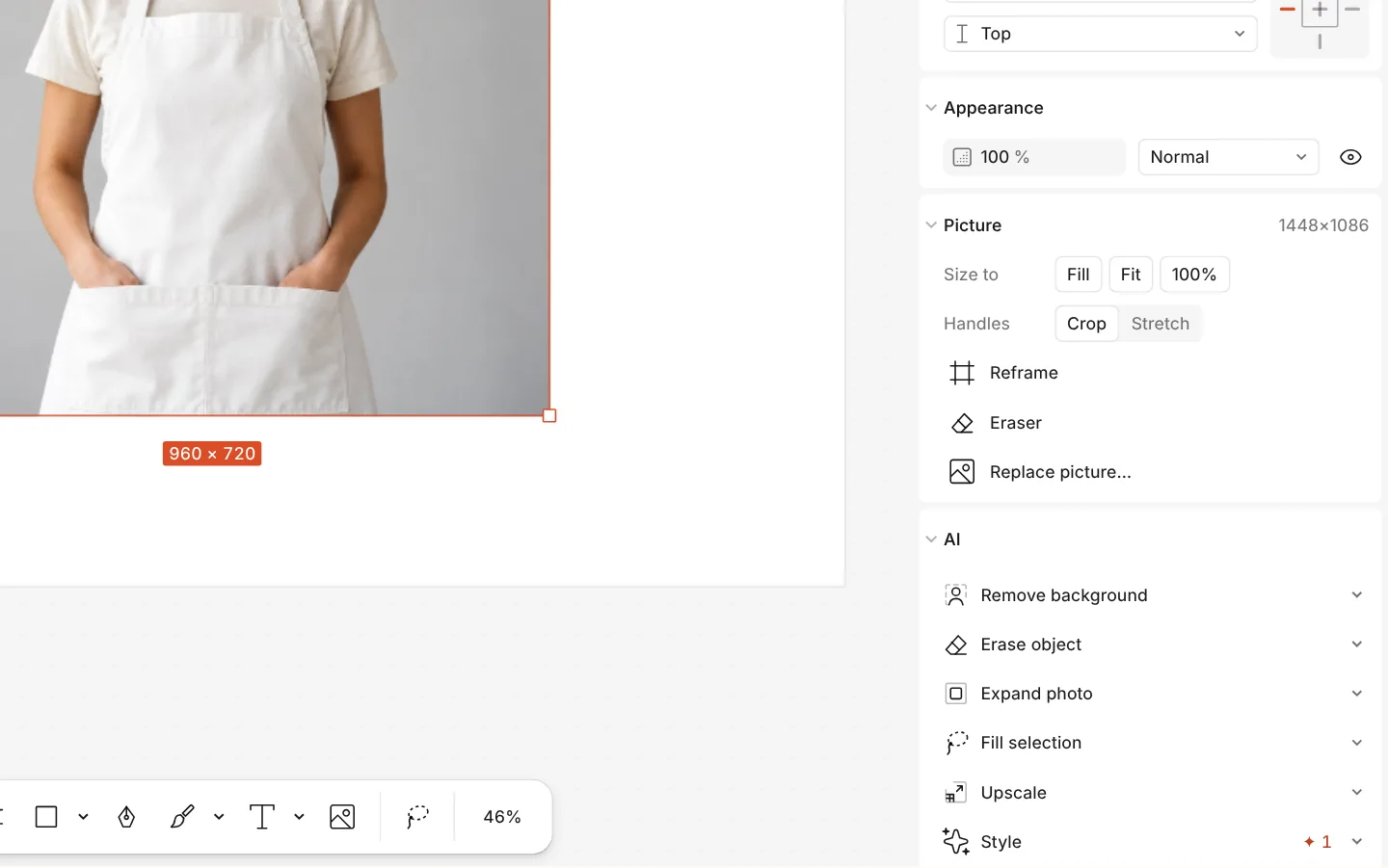
The AI section of a photo with Remove background -
Send or print it
Press Export (Ctrl Shift E): PNG or JPG for a messenger, a PDF to print at home. Add animation in the same window makes a short MP4 or GIF.
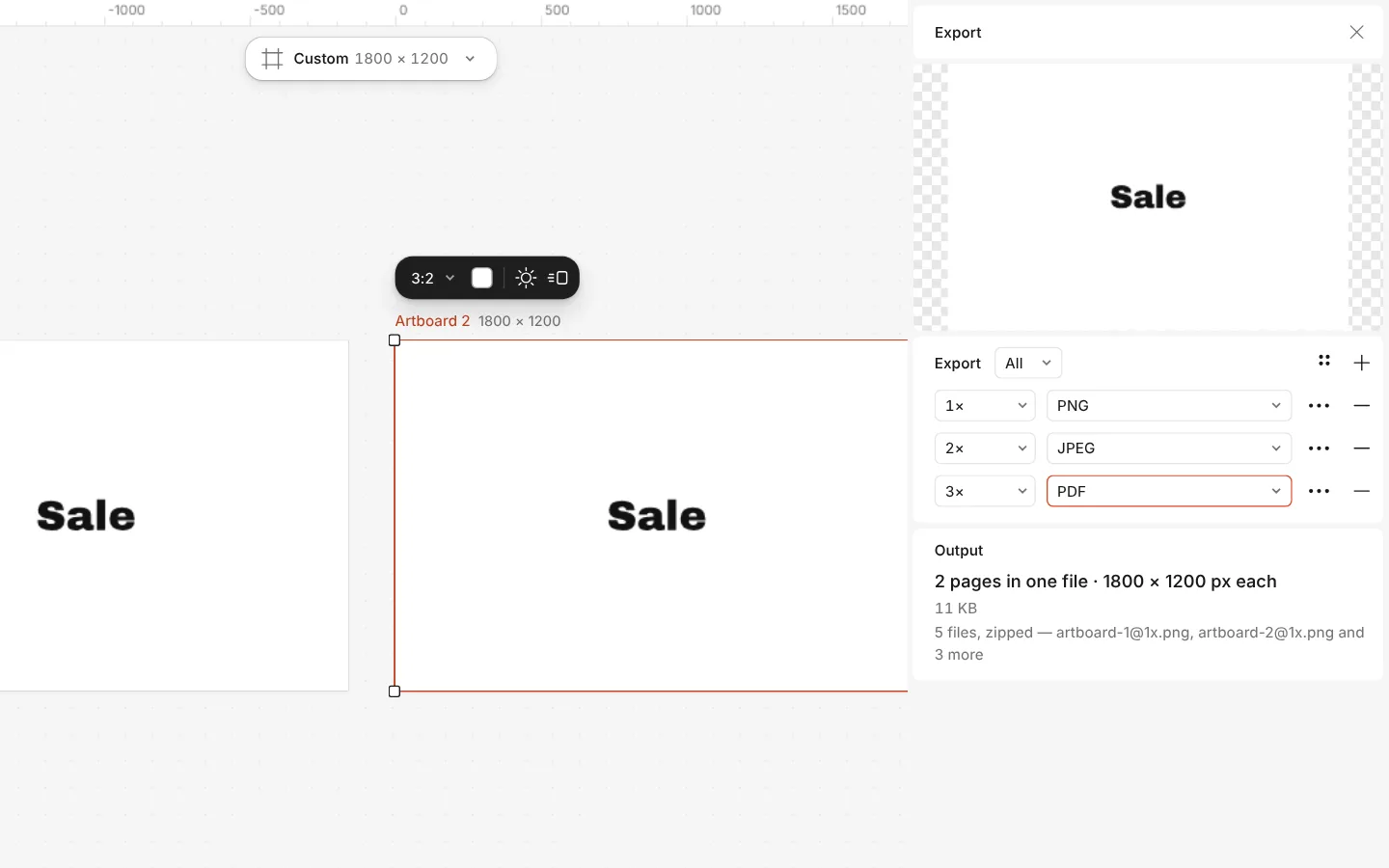
The Export window with all artboards and three files at once
What you get
A card for every occasion
Birthday, thank-you, love, Christmas, New Year, St Nicholas Day and cards for the defenders — each written for the day, in English and in Ukrainian.
To send or to print
Cards come as an A6 card (105 × 148 mm) to print and fold into an envelope, or as a 1080 × 1350 post that shows whole in a chat or a feed.
Your words and photo
Every line is live text: change the wish, the font and the colours. Add your own photo, or cut a person out of the background and set them on the card.
A card that moves
Add a gentle rise or a fade to the words and export an MP4 or a GIF that plays right in Telegram, Viber or WhatsApp.
Free, without a watermark
The cards and every export are free, with no watermark and no account needed to download.
Questions
How do I make a greeting card online for free?
Open a card here, double-click its words and write your own, add a photo if you like, then press Export and download a PNG to send or a PDF to print. It is free, needs no account and leaves no watermark.
Is it really free?
Yes. Every card template, your photo, the effects and the export to PNG, JPG, PDF, MP4 and GIF are free and carry no watermark. Only AI image generation and materials use credits, and a card needs neither.
Do I need to sign up?
No. Paletoo opens in your browser and you can make and download a card straight away. A free account only adds cloud storage and share links.
What size should a card be?
To print, A6 (105 × 148 mm) fits a standard C6 envelope; the A6 cards here are made at that size. To send in a messenger or post on Instagram, use the 1080 × 1350 post.
Can I add my own photo?
Yes. Drop a photo onto the card, or select a picture on it and press Replace picture. Double-click a frame to move the photo inside it; Remove background can cut a person out first.
Can I make a card on my phone?
Yes. Paletoo opens in a phone’s browser with no app to install: change the words, add a photo and export there. Laying out a card for print is easier on a computer.
Are the cards in Ukrainian?
Each card has an English and a Ukrainian version, written for the occasion rather than translated word for word. The editor opens the one in your interface language.
Can I print the card at home?
Yes. Export a PDF and print it on A4: the A6 card keeps its size, so cut along its edge and fold it into an envelope. For a copy shop, the PDF can carry bleed and crop marks.
Learn more
Step-by-step guides
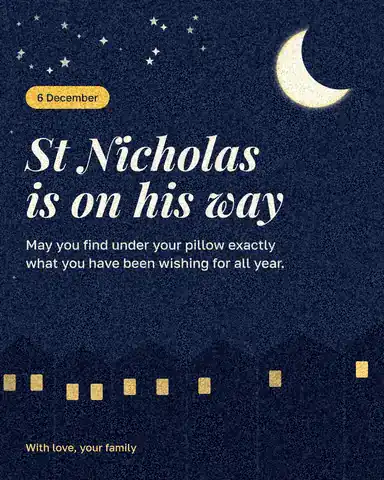
St Nicholas Day wishes: short messages for 6 December and a card to send them on
A few warm lines for 6 December, in your own words, on a picture you can send before breakfast.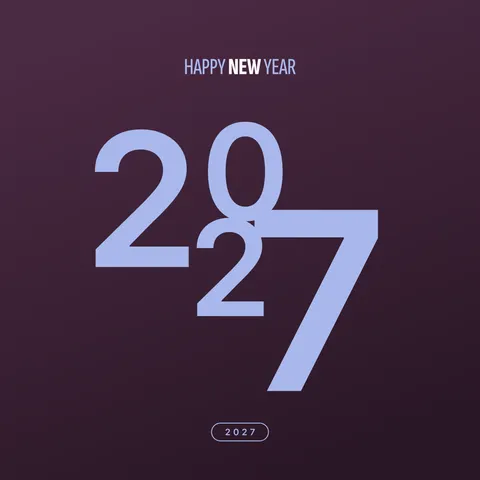
New Year wishes 2027: short messages and a picture with your words
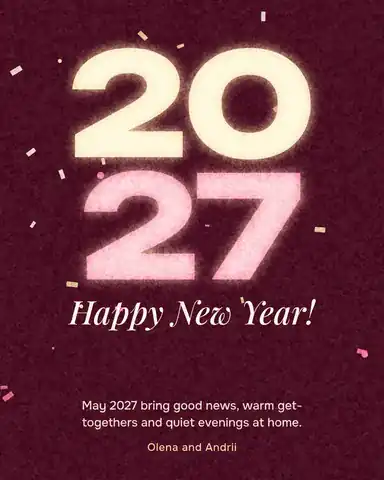
Short wishes for family, friends, colleagues and defenders that you can sign as your own, and a greeting picture made with them in five minutes.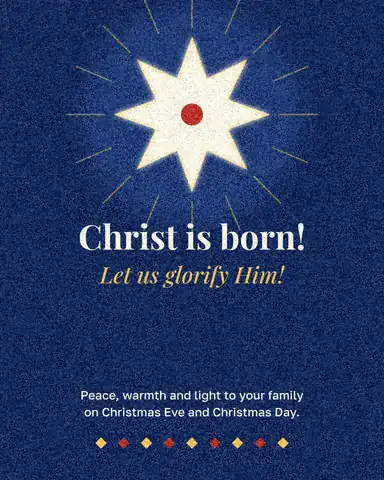
Christmas card size: inches, millimetres, pixels and postage
Every common card size in one table, the envelope it fits, and the file you need to print it.
How to make a Christmas card online for free, with your photo
From a ready card to one with your family on it in about ten minutes, with nothing to pay and no account.
In the help centre
More tools
Christmas and New Year cards
Pick a card, write your own wish, add a family photo and send it as a picture, a story or a short animation — free.St Nicholas Day cards
Four cards for 6 December — a night sky, a gift tag, a family photo and a child’s letter — ready for your own words.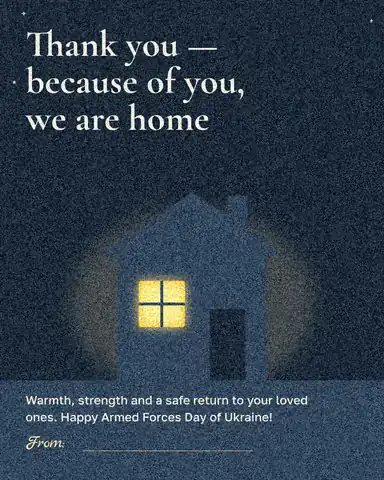
Cards for Ukrainian soldiers
Six ready cards for Ukraine’s defenders — a child’s letter, a thank-you, a 6 December greeting and three for Christmas and New Year. Print them as a PDF and write by hand, or tap one, write your own words and send it.
Invitation maker
Tap an invitation below and it opens ready to edit: write who, when and where, then send it as a picture or print it on A5. Free, with no watermark and no sign-up.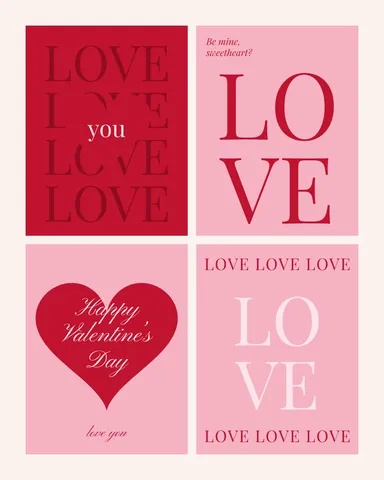
Make a Valentine card online
Pick a Valentine, write your own words, add a photo of the two of you and send it as a picture or a little animation, or print it — free, no sign-up, no watermark.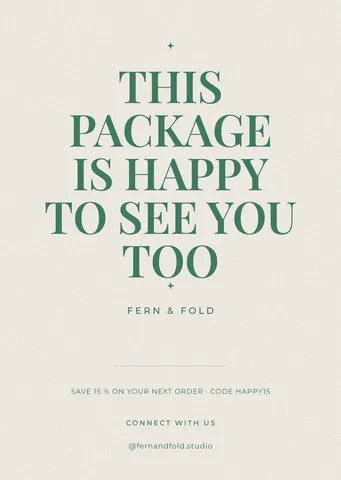
Make a thank-you card online
A card for every parcel, a wedding thank-you or a note to a client: pick a card, write your words, add your logo or a QR code and print it — free, no sign-up, no watermark.
Make it now
Paletoo opens in your browser. Start from the template above or a blank page, and export when you are happy.
Start free