Free tools6 min readFreeUpdated 2026-11-20
How to make a New Year card on your phone, free (2027)
A New Year card made on your phone in five minutes — your photo, your words, a picture ready to send at midnight.
By the Paletoo team · steps tested in Paletoo on

To make a New Year card on your phone, open a ready 2027 card in the browser, tap the photo to put in one of your own, tap the words to write yours, and export a PNG you can send to a chat or post. In Paletoo it takes about five minutes, it is free, there is no app to install and no sign-up, and the card has no watermark.
Below: what a New Year card needs (and what to leave out), which size to choose for a chat, a post, a story or print, how to pick the photo, how to send it so it stays sharp, and one card done start to finish on a phone — «Shine on in the new year!», a 1080 × 1350 card with a photo, the date chip «31.12 → 01.01» and a short wish.
What a New Year card needs
Three things, readable in a second on a small screen: the greeting, the year and who it is from. «Happy 2027!» in big type, one line of your own under it, and your name or your family’s name at the bottom. Everything else — a long poem, a list of wishes — goes in the message you send with the card, not on it.
A photo makes a card yours. One picture of the people who send it, the place you spent the year, or the dog in a paper hat beats any clip-art; people look at the faces first and read the words second. Without a photo, let the year itself be the picture: «2027» set huge, in gold or in neon, is the classic New Year card for a reason.
Write the words the way you talk. «Thank you for this year — see you in the next one» reads warmer than a borrowed verse; if you need a start, the guide to New Year wishes has short ones for family, friends, colleagues and clients.
New Year card sizes for a phone, a post and print
Most New Year cards are now sent as pictures, so the size follows where they go. One design can be made in all of them: duplicate it and change only the size.
| Where it goes | Size | Export |
|---|---|---|
| A chat (WhatsApp, Telegram, Viber, Messages) | 1080 × 1350 px (4:5) | PNG or JPG |
| An Instagram or Facebook post | 1080 × 1350 px (4:5) | PNG or JPG |
| A story or a status | 1080 × 1920 px (9:16) | PNG or JPG |
| A printed card, postcard size | A6, 105 × 148 mm | |
| A folded card | A5 folded to A6 |
Choosing the photo, on a phone
Pick a picture with one clear subject and some calm space: the card’s words need a place to sit. A portrait photo (taller than wide) fits a 4:5 card best; a wide one loses its sides. Light from a window or the lights of a tree beats the flash, which flattens faces and turns eyes red.
Do not worry about the crop: the new photo takes the old one’s place, size and crop, so the card keeps its shape, and Crop in the bar under the photo lets you move the picture inside its frame until the faces sit where you want. A dark photo works with light words, a bright one with dark words; the card’s fade at the bottom keeps the wish readable over almost any picture.
Sending the card so it stays sharp
Chats shrink pictures to save data, and a card with small words can arrive soft. Export at full size (1080 px wide is enough for every phone), and when it matters — a card for clients, a printed one — send it as a file instead of a photo: in Telegram choose «Send as file», in WhatsApp attach it as a document. The picture then arrives exactly as you made it.
Make one card and send it to many: duplicate the artboard, change the name or the line for your parents, your friends and your team, and export each one. On New Year’s Eve the networks are busy; send the cards in the afternoon of 31 December, or schedule a post for midnight.
Made in Paletoo
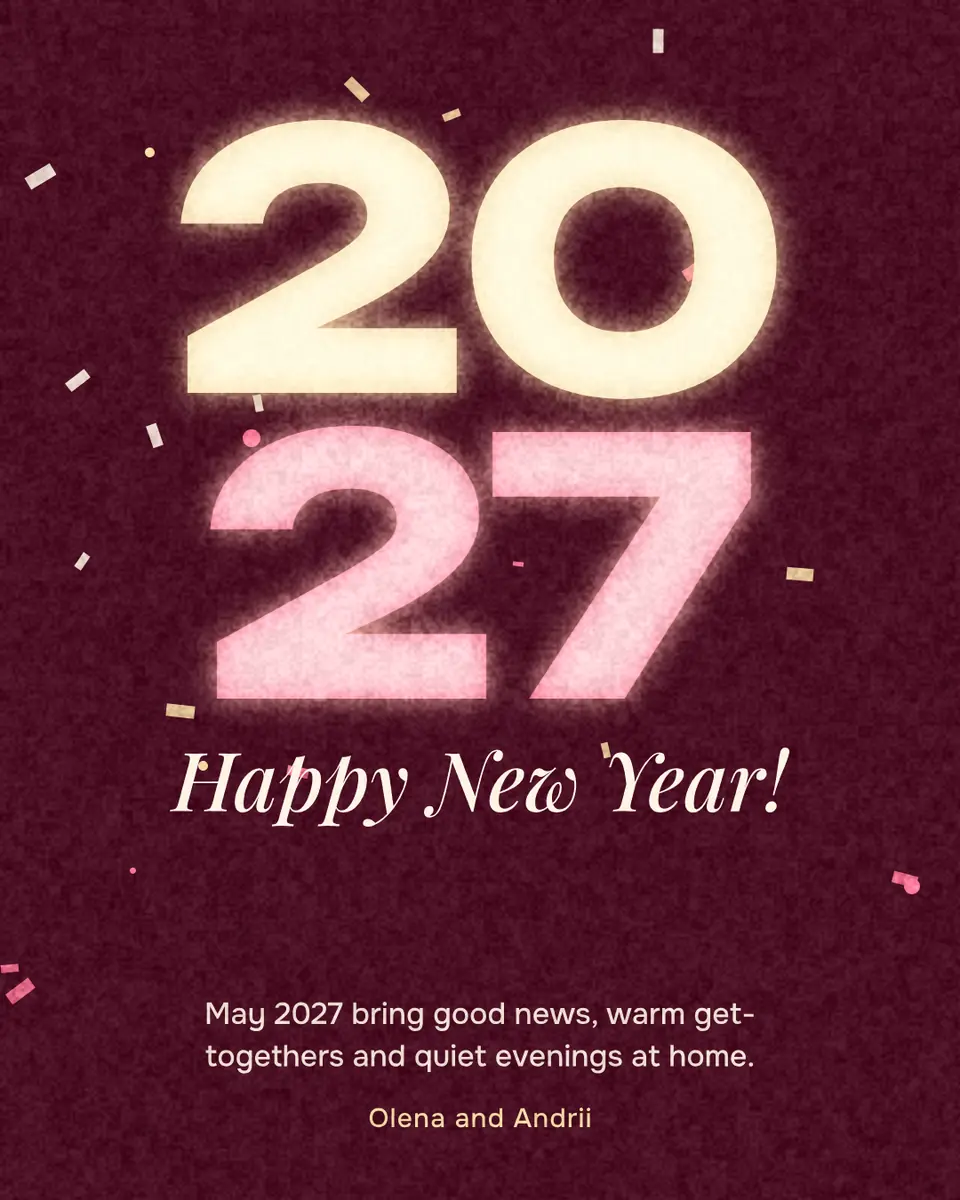
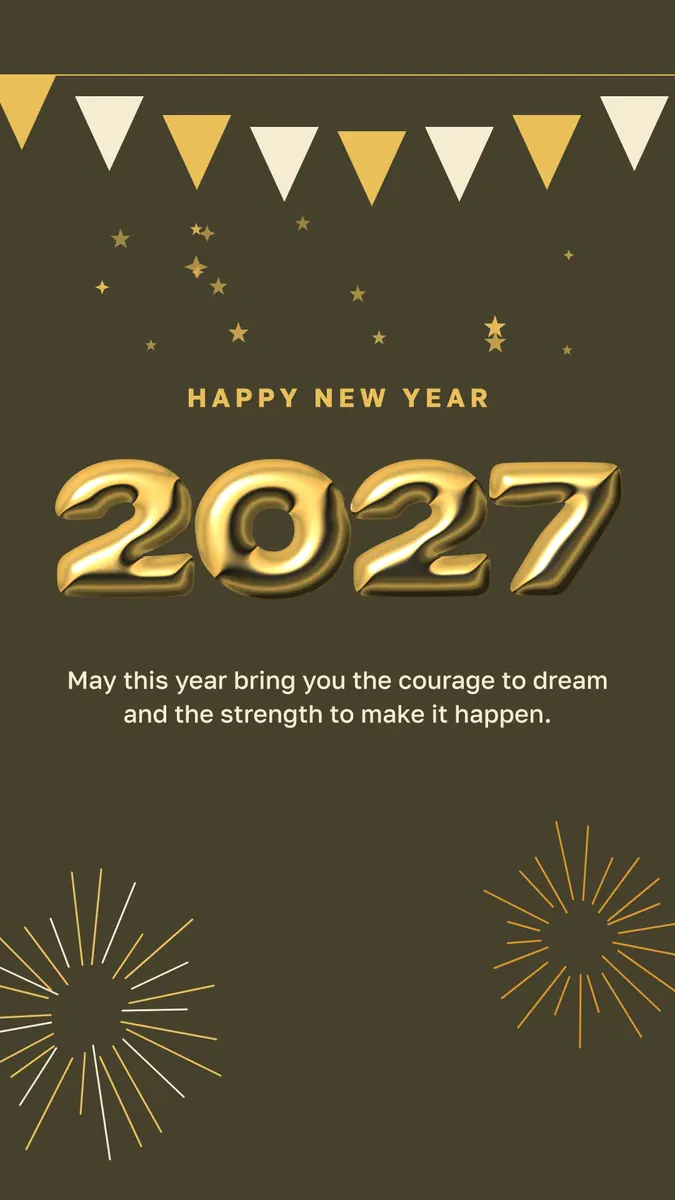
Every picture on this page was made in Paletoo — these three with the same steps on other templates:

Make it free in Paletoo
Press “Open in Paletoo” on this page, on your phone or any computer. «Shine on in the new year!» opens as your own 1080 × 1350 card, with no account and no app: a photo, the chip «31.12 → 01.01», the headline and a short wish at the bottom.
Tap the photo and press Replace in the bar under it (Replace picture on a computer): pick one from your camera roll. It keeps the old photo’s place, size and crop; Crop in the same bar moves it inside the frame.
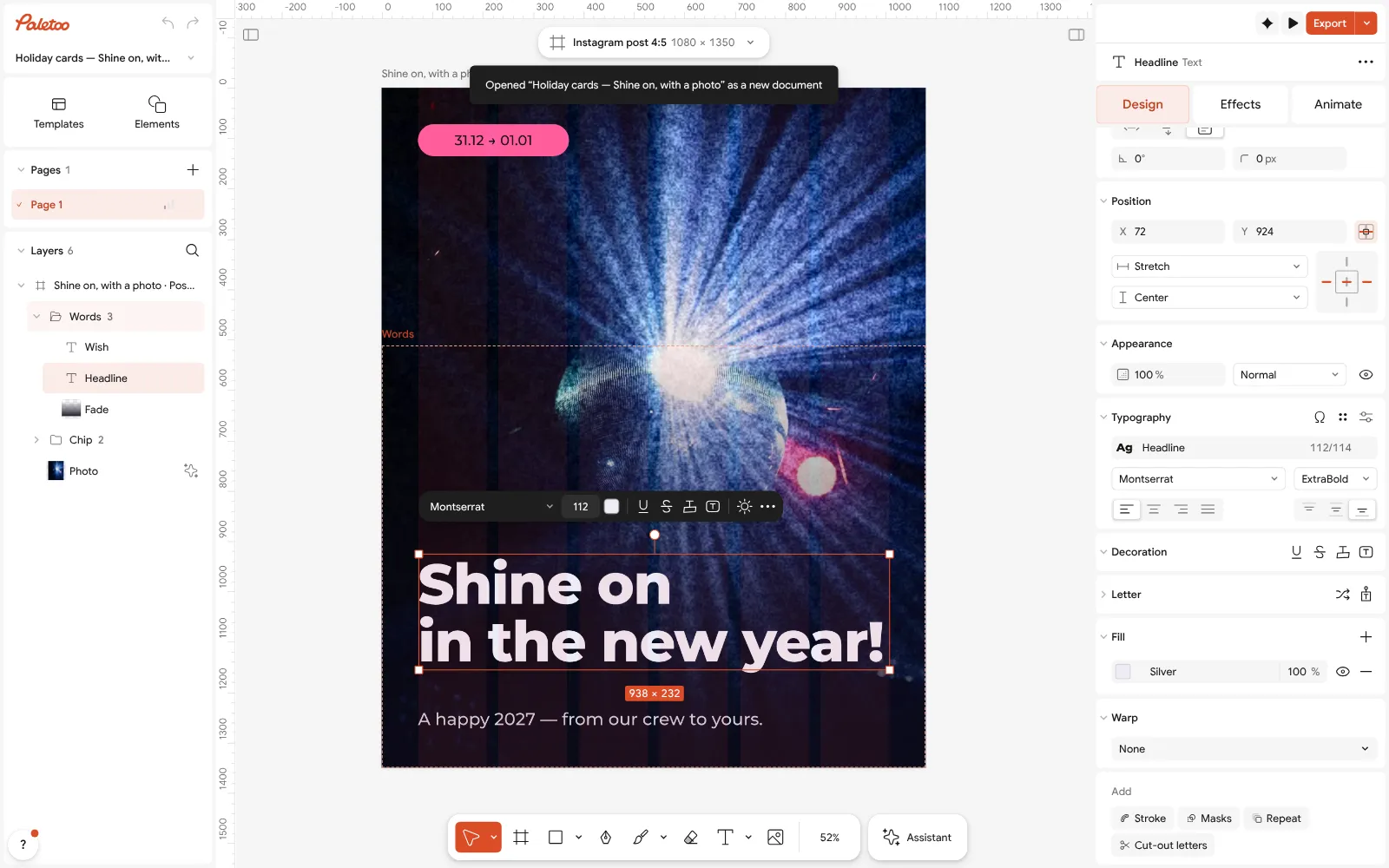
The «Shine on» New Year card open in Paletoo: the headline selected, its font and size under Typography in the Design tab Double-tap «Shine on in the new year!» — the layer «Headline» — and type your greeting: «Happy 2027!», «Happy New Year, Mum!». Under Typography on the Design tab you can change its Font and size. Tap Done above the keyboard.
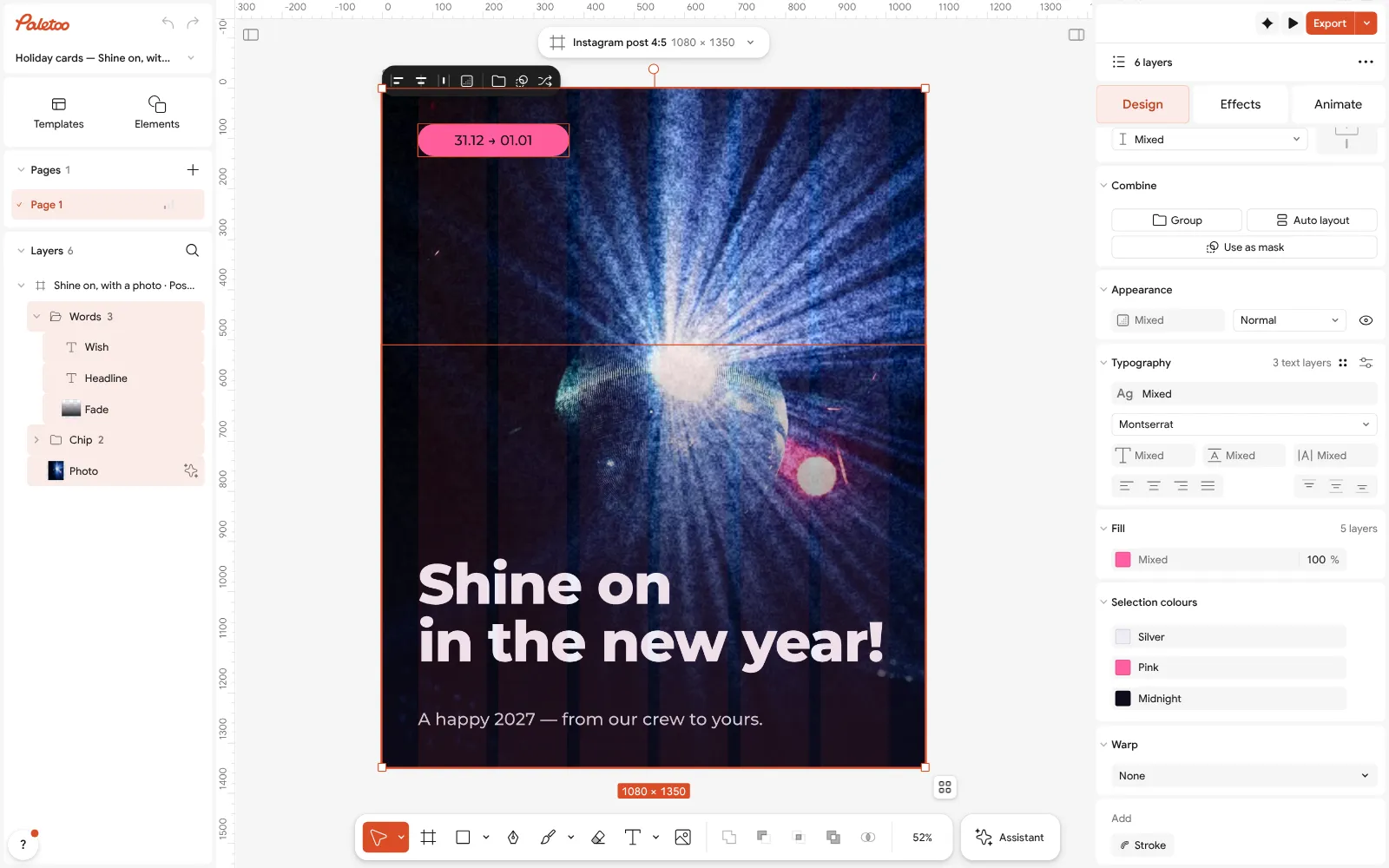
Everything selected: Silver, Pink and Midnight under Selection colours Double-tap the wish at the bottom and write your own line and your name. Keep it to one or two lines: the rest goes in the message.
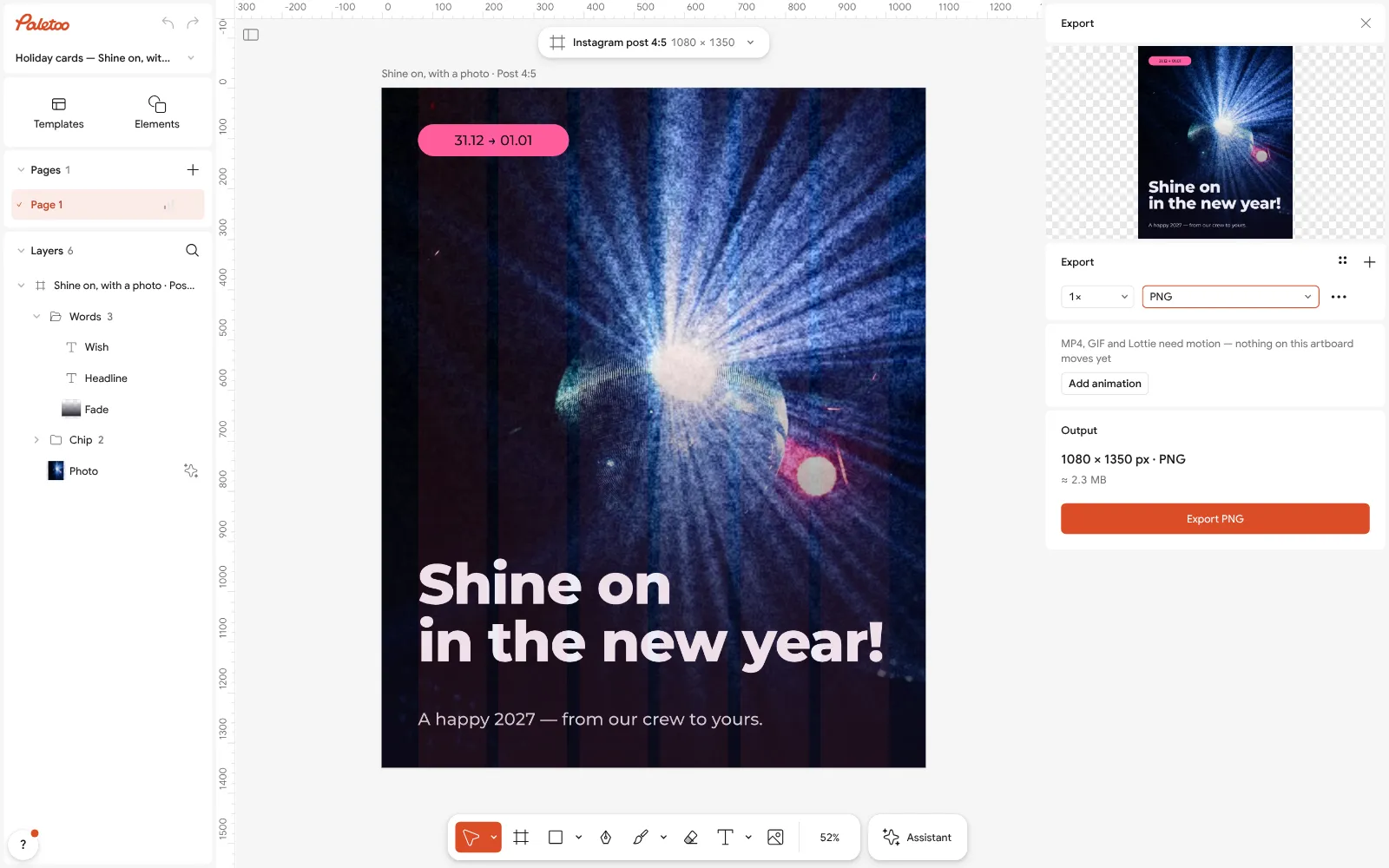
The Export window with PNG chosen for the 1080 × 1350 card Want other colours? Select all (Ctrl A on a computer) and open Selection colours: Silver, Pink and Midnight are listed; tap one and choose gold, red or your own.
Tap Export (Ctrl Shift E on a computer), choose PNG and save it: Photos or Files on an iPhone, Downloads on Android. Send it to a chat or post it — free, with no watermark. For a story, use Duplicate artboard and set the copy to 1080 × 1920 with Resize this artboard.
Make it your own
If the words get lost in the photo, tap the photo, press Crop and move the picture inside its frame until a calm, dark part sits under the text.
If the card looks busy, delete the chip and keep only the photo, the greeting and your name: a New Year card is read in a second.
If you send it to many people, use Duplicate artboard once per person and change only the name: one design, a card for each.
Sources
Questions
How do I make a New Year card on my phone?
Open a ready 2027 card in the browser — in Paletoo, «Open in Paletoo» on this page — tap the photo to put in yours, double-tap the words to write your own, and export a PNG to send or post. No app and no sign-up.
What size should a New Year card be?
1080 × 1350 px (4:5) for a chat or a post, 1080 × 1920 px for a story or a status, and A6 (105 × 148 mm) as a PDF for a printed postcard.
Can I make a New Year card with my own photo for free?
Yes. Open the «Shine on» card, tap its photo and choose Replace, write your words and export a PNG — free, in the browser, with no watermark.
What should I write on a New Year card?
The greeting and the year in big type, one line of your own, and your name. Long wishes go in the message you send with the card; the New Year wishes guide has short ones to start from.
How do I send a New Year card without losing quality?
Export at full size (1080 px wide) and send it as a file — «Send as file» in Telegram, a document in WhatsApp — so the chat does not shrink it.
Make it online
- Christmas and New Year cardsPick a card, write your own wish, add a family photo and send it as a picture, a story or a short animation — free.
- Make a greeting card onlineBirthday, thank-you, love or holiday: pick a card, write your own words, add a photo and send it as a picture or print it — free, no sign-up, no watermark.
Free design templates for posts, stories and posters: Holiday card templates
Try it on your own design
Paletoo opens in your browser, with no sign-up. Every effect here is live: change the picture or the words and the effect follows.
Open in PaletooOpens this design as your own copy — every layer and effect editable, free.
Read next
- 01
 New Year wishes 2027: short messages and a picture with your wordsShort wishes for family, friends, colleagues and defenders that you can sign as your own, and a greeting picture made with them in five minutes.
- 02
 How to make a Christmas card online for free, with your photoFrom a ready card to one with your family on it in about ten minutes, with nothing to pay and no account.