How to make a halftone effect
Comic-book CMYK dots, newspaper screens or one ink.
What it is
Halftone is how printing presses fake shades of grey with a single ink: they break the picture into a grid of dots, big where it is dark and small where it is light. From a distance your eye blends them back into tones; up close you see the pattern. Colour printing does the same with four screens — cyan, magenta, yellow and black — each at its own angle.
Designers use halftone on purpose because the dots carry a whole era with them: newspapers, comic books, pop art, screen-printed posters. Make the dots large and the picture becomes graphic, almost an illustration. Push the colours and you are in Roy Lichtenstein territory.
Where it is used
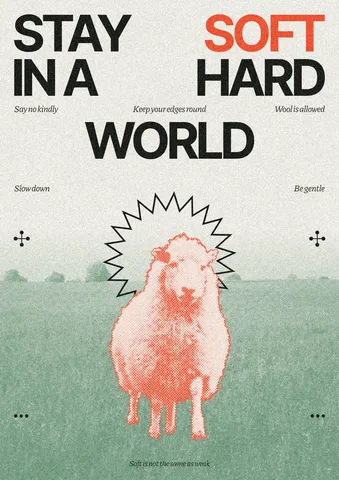
Halftone is everywhere in posters, editorial covers, comics-inspired social posts, merch and packaging, and it is one of the easiest ways to give stock photos a consistent, branded look: put the same screen on every picture in a campaign and they suddenly belong together.
Made in Paletoo with this mix:
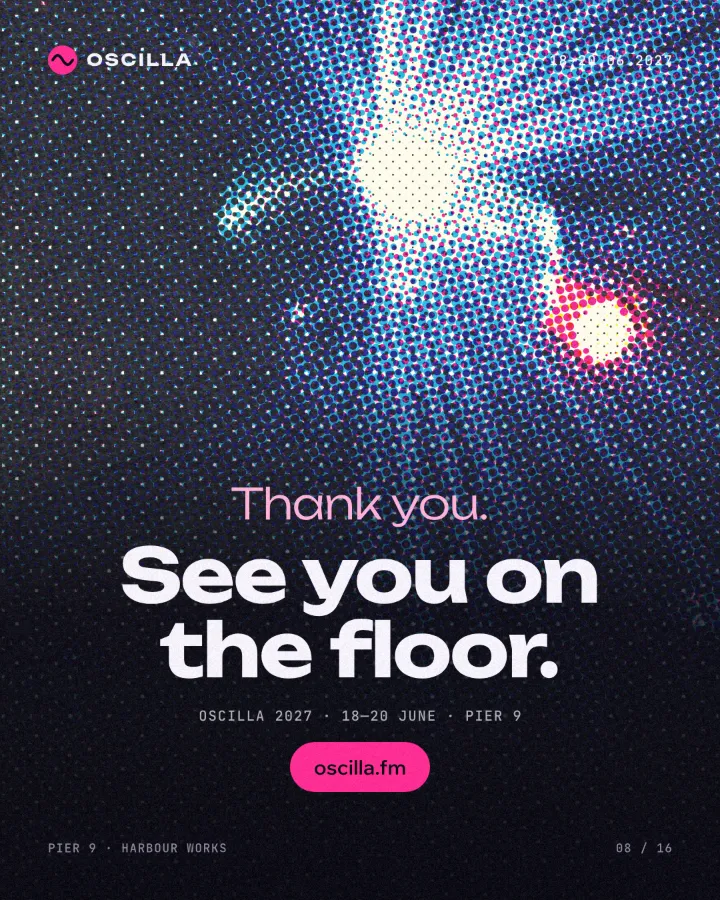
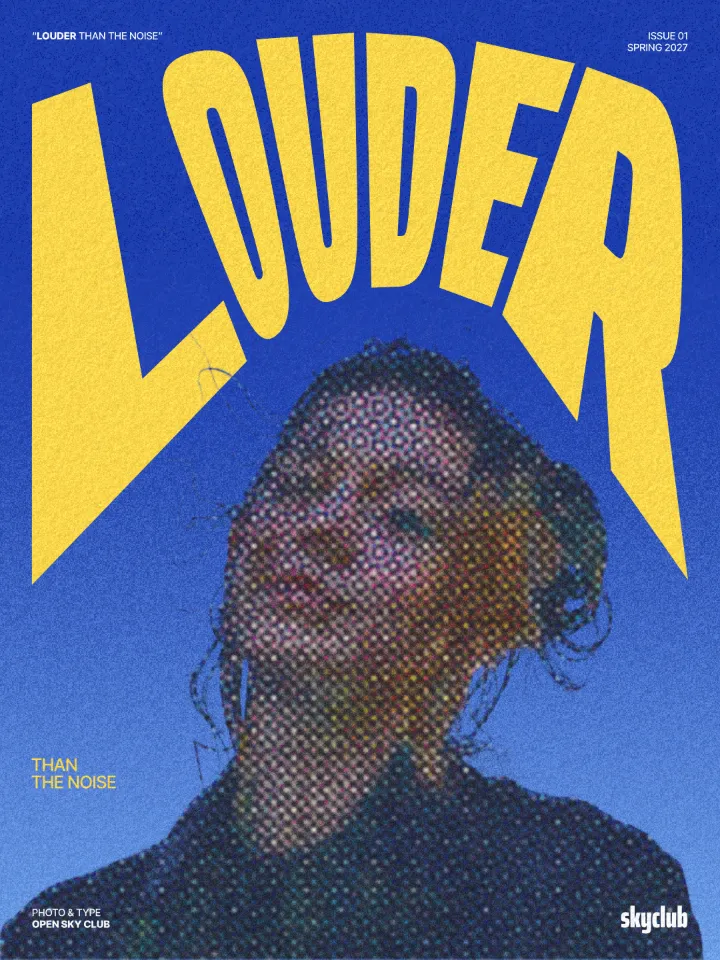
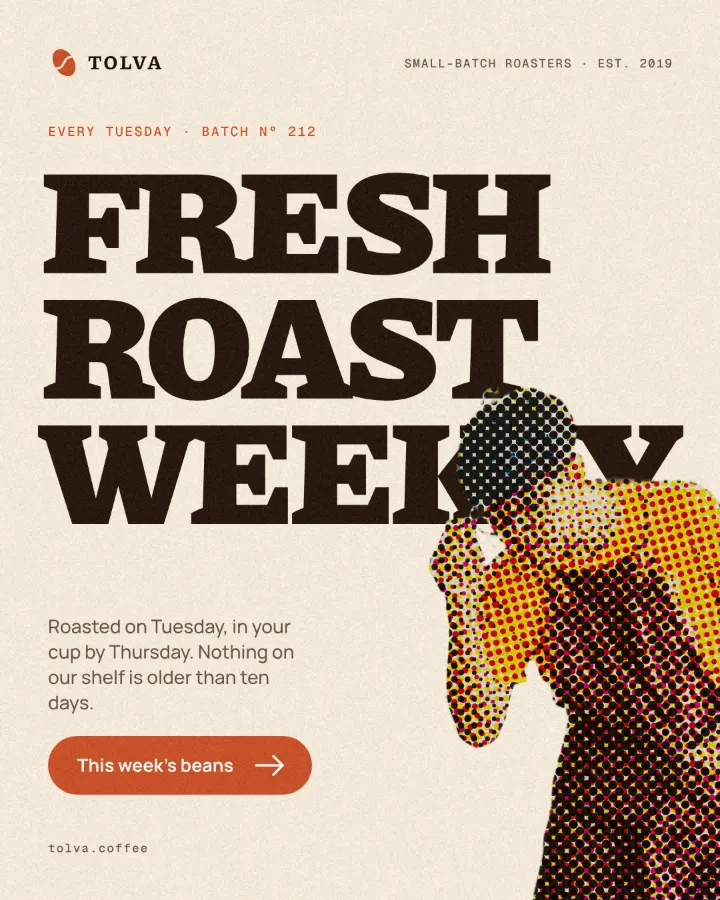
How to make it, step by step
Open your design and select the photo. Portraits and objects with clear light and shadow give the most readable dots.
Open the Effects tab and find Mixes; press All to see every one.
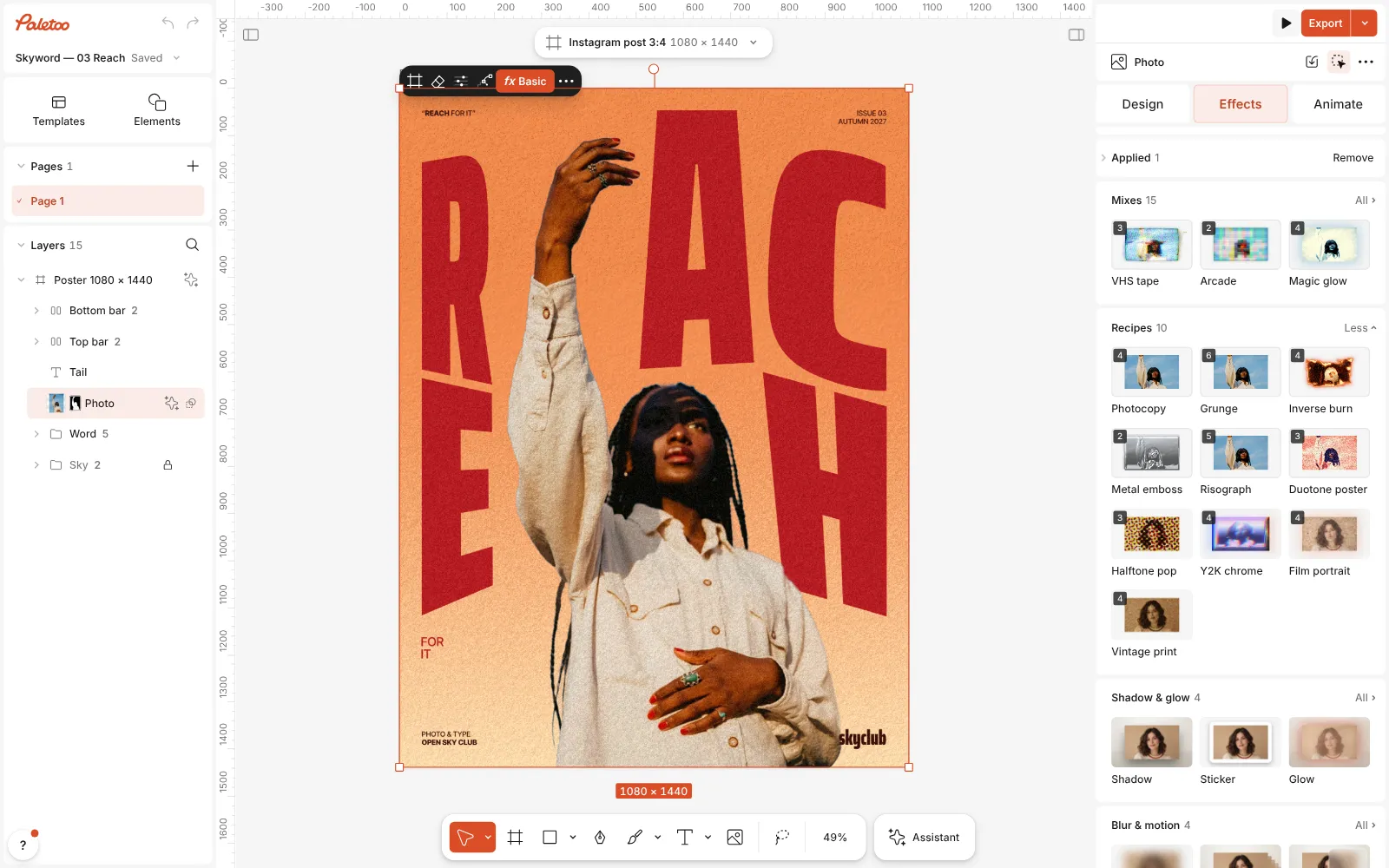
A magazine cover open in Paletoo, the portrait selected and the Mixes open Press Halftone pop. Three steps go on: Basic lifts contrast and saturation, Halftone prints the picture as four colour screens, and Texture lays newsprint under it.
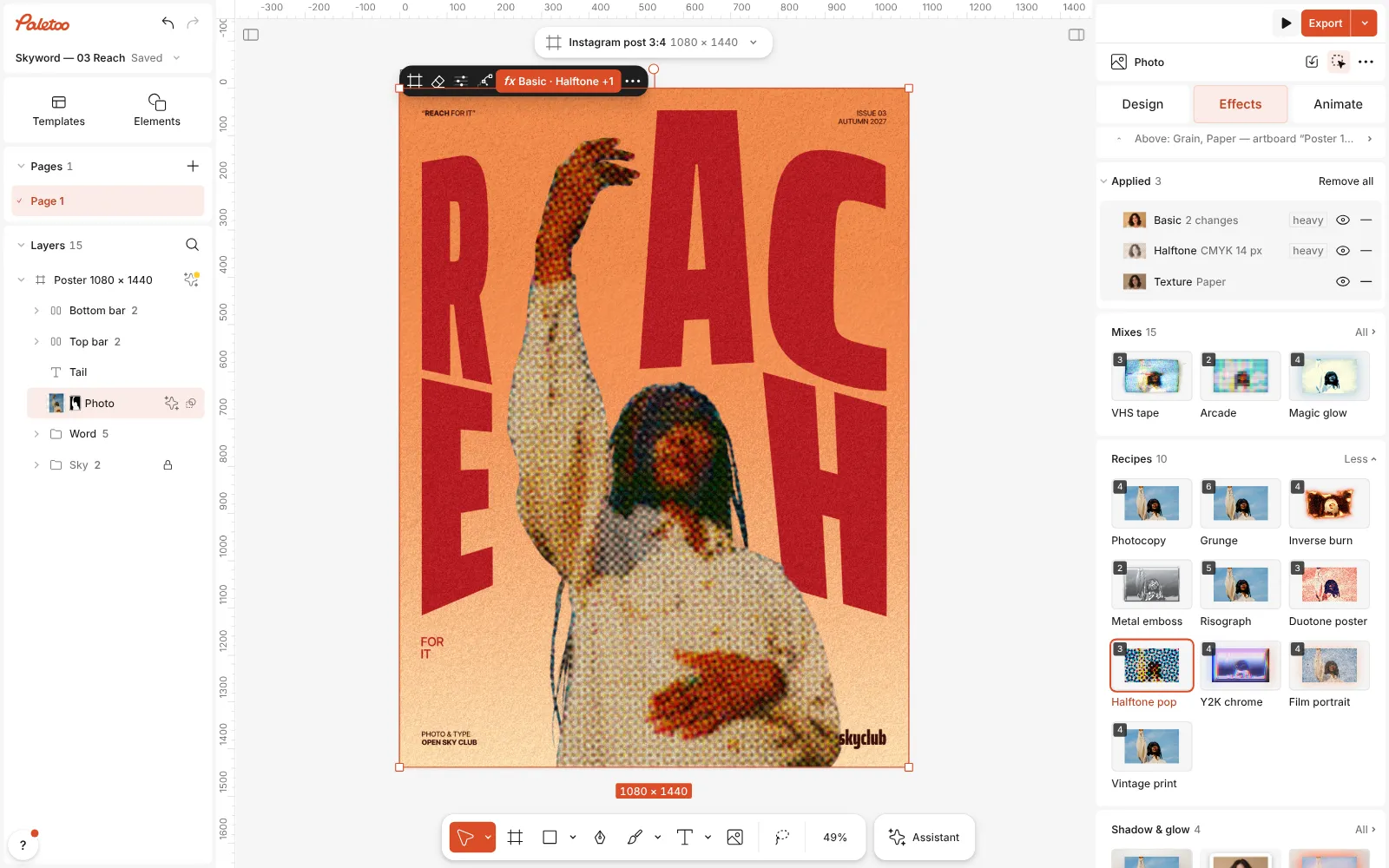
Halftone pop pressed: Basic, Halftone and Texture under Applied, the portrait printed in CMYK dots Open the Halftone step. Size sets the dots, Angle turns the screen, Shape switches between Dots, Lines and Grid, and Screen chooses CMYK or One ink.
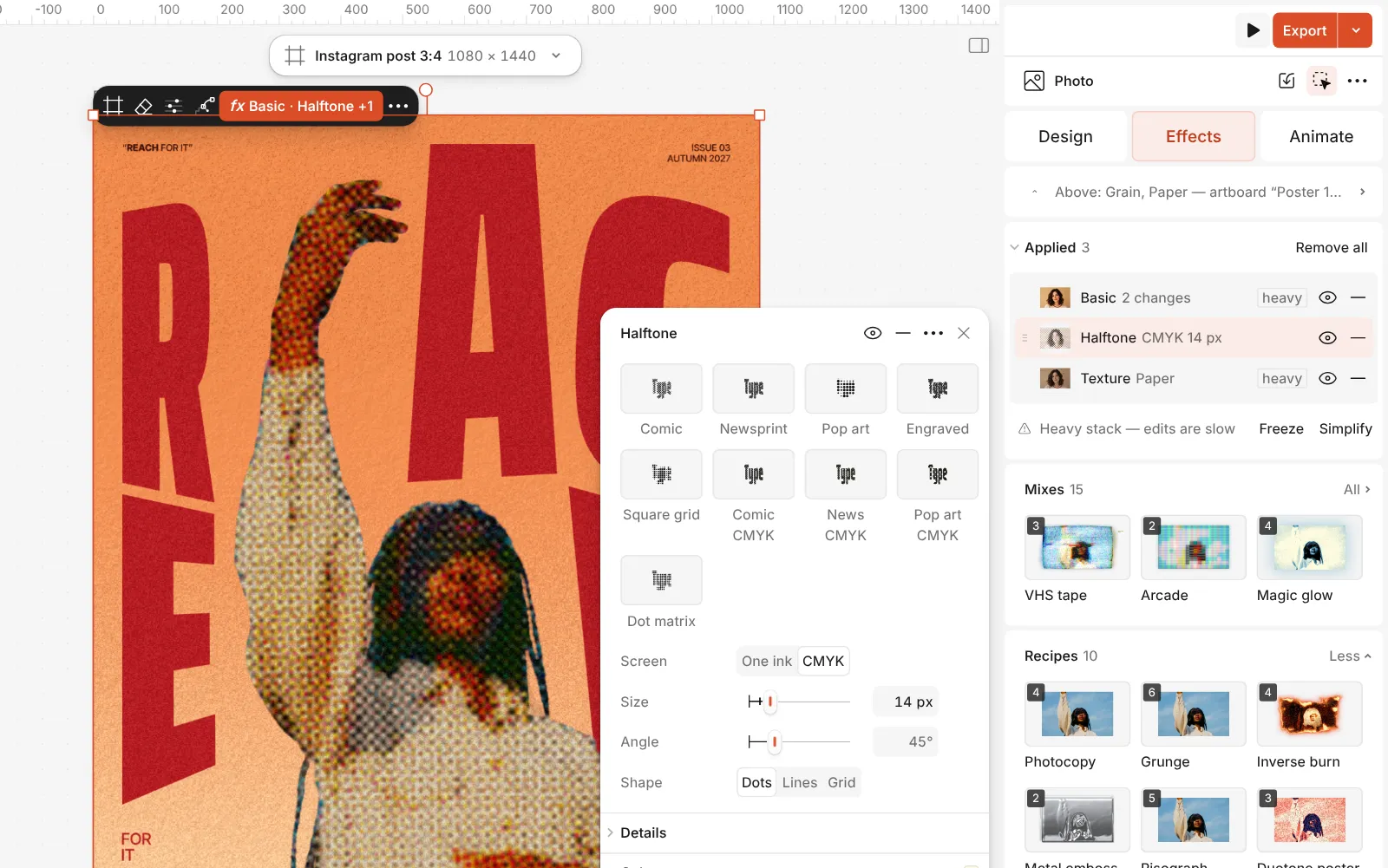
The Halftone step open: its presets and the Size, Angle, Shape and Screen controls Its presets are a quick tour: Comic, Newsprint, Pop art, Engraved lines and Dot matrix, each also in CMYK.
Press Export. The dots are drawn at the export size, so they stay round and crisp even in a large print file.
Watch it
The one-click mix
In Paletoo the whole stack is one mix, Halftone pop. One click puts every step on the selected object, one undo takes them all off, and each step stays an ordinary effect you can change, reorder or remove.
Its steps: Basic Halftone · Pop art CMYK Texture · Newsprint
Open this mix in PaletooMake it your own
Choose the dot size for the distance people will see the design from. A poster on a wall can take big, bold dots of 12–20 px; a post on a phone needs smaller ones, or the face stops reading. Check it at 100 % zoom before you export.
For a classic newspaper look, switch the screen to One ink, pick black, and turn the angle to 45° — that is the angle presses use because the eye notices it least. For a two-colour screen print, set one ink and put a coloured background behind the photo: the dots print over it like ink on coloured paper.
Use Misregistration in CMYK mode to shift the colour plates slightly apart, the way a cheap press does. A little gives life; a lot looks like a 3D image without the glasses.
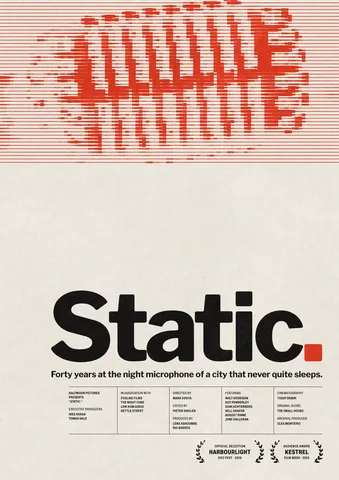
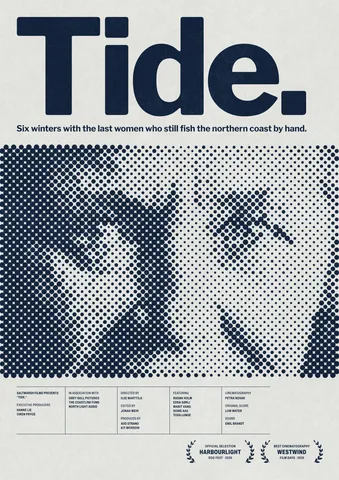
Templates with this look
Questions
Can I make halftone in a single colour?
Yes. In the Halftone step, set Screen to One ink and pick the ink colour. The background shows through where there are no dots.
Does halftone work on text?
It does — with the Follows control set to Shape, the dots fill the letters and fade towards their edges, a classic comic-title look.
Why does my face look noisy in halftone?
The dots are too small for the photo’s detail. Raise Size, or add contrast in the Basic step so the light and dark areas are bigger and calmer.
Is it vector?
The halftone is drawn as pixels at your export’s resolution. Export at the final size (or larger) and the dots will stay sharp.
More effects
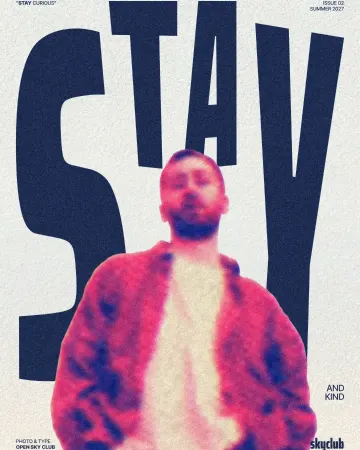
How to make a risograph effect
Two riso inks out of register, a coarse screen, riso paper.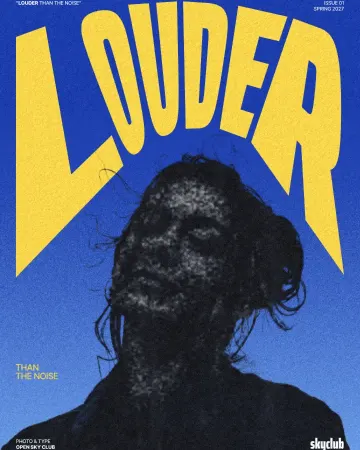
How to make a photocopy effect
Dense toner blacks, greys in scan lines and grey copier paper, from any photo.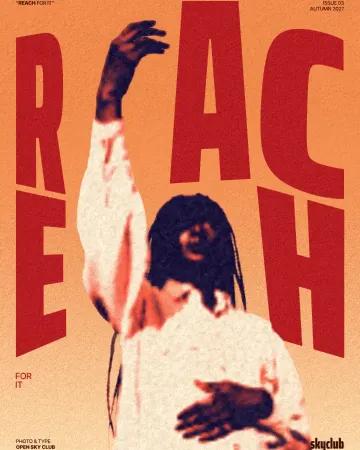
How to make a duotone effect
Two bold inks, punchy contrast and a fine poster grain.
Read the overview: graphic design trends 2026
Make it online: Poster maker · Duotone, halftone and glitch photo effects online · Poster templates
Try it on your own design
Paletoo opens in your browser, with no sign-up. Every effect here is live: change the picture or the words and the effect follows.
Open in Paletoo