Poster maker
Make a poster from a template that already has the layout right, then export a print-ready PDF or an image for screens.
Start freeOpens in your browser · no sign-up · no watermark
Start from one of these
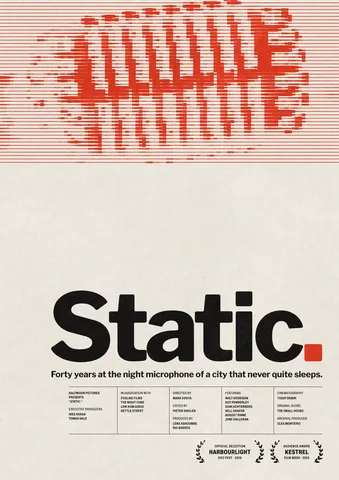
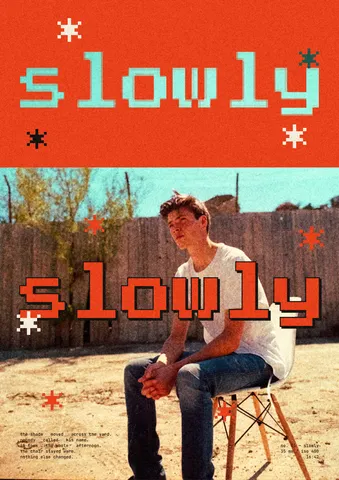
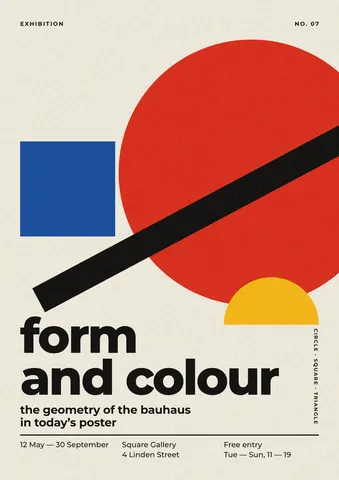
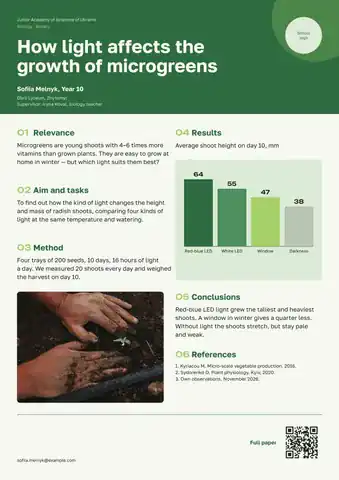
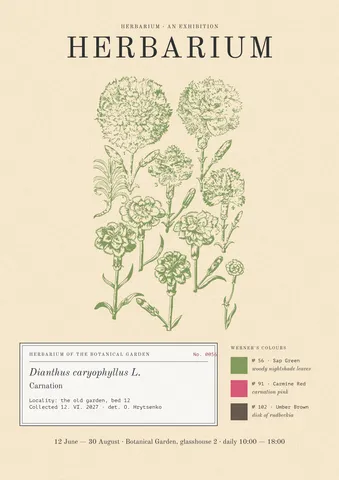
Real Paletoo documents and results — open one and change everything.
How it works
-
Open a poster template
«Start free» opens a gig poster as your own copy. For another, press Templates and look through the poster series, or type into Search templates.
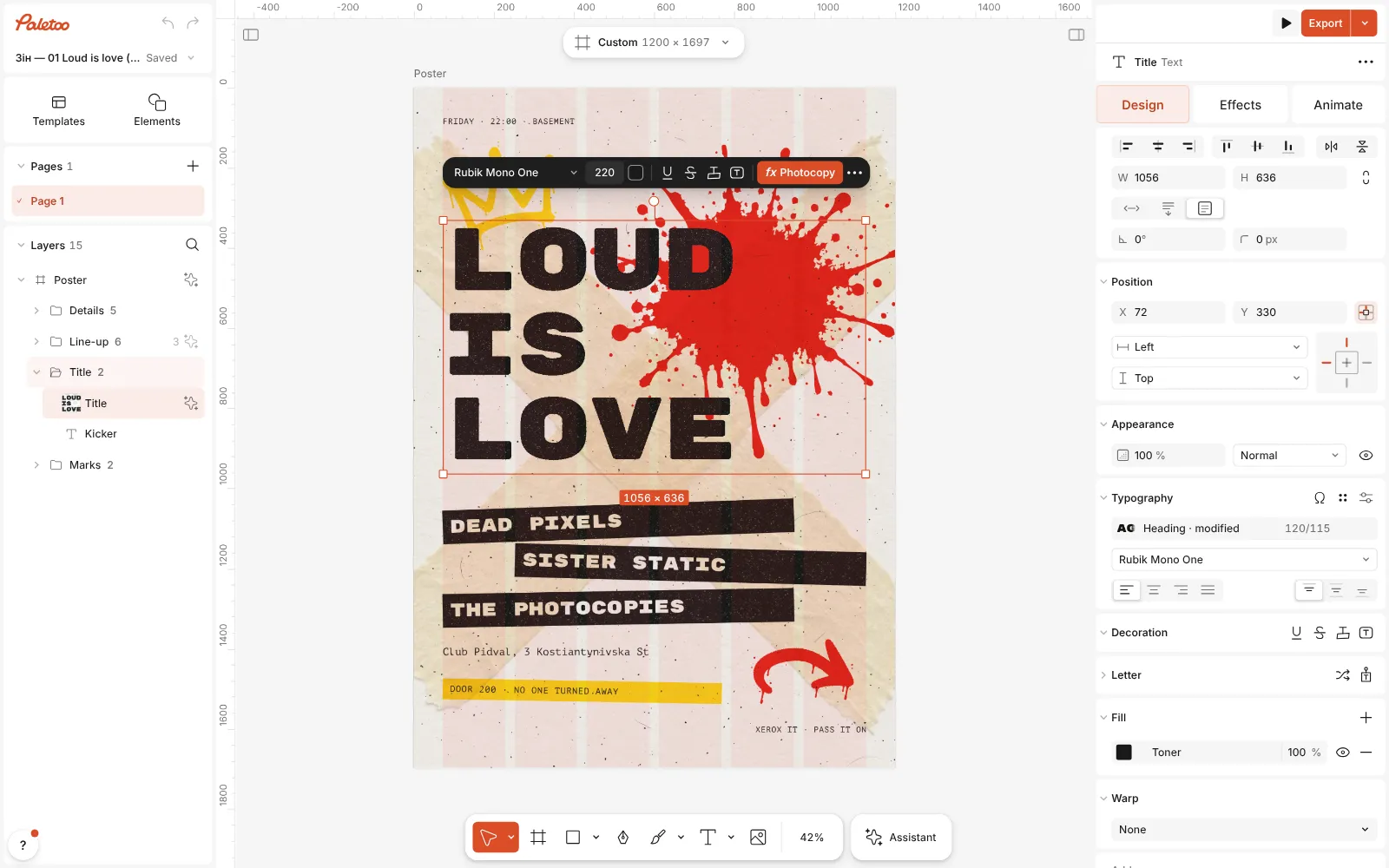
The gig flyer template open in Paletoo, its title selected, the Design tab on the right -
Set your words, big
Double-click the title and type your own; each line is its own text layer, so the layout holds. Text can bend into an arch or run along a path and still stays editable text.
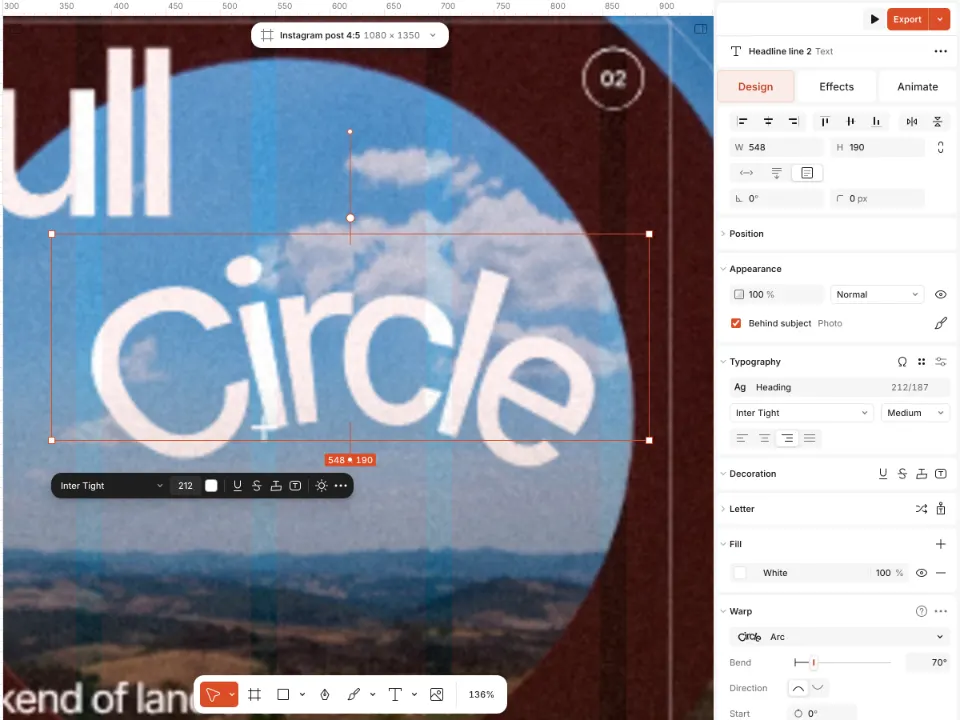
The word Circle bent into an arch on a poster, still selected as text -
Export for print or for screens
Press Export. Choose PDF for the printer — the PDF print with bleed preset adds the bleed and crop marks — or PNG and JPG for Instagram and the web.
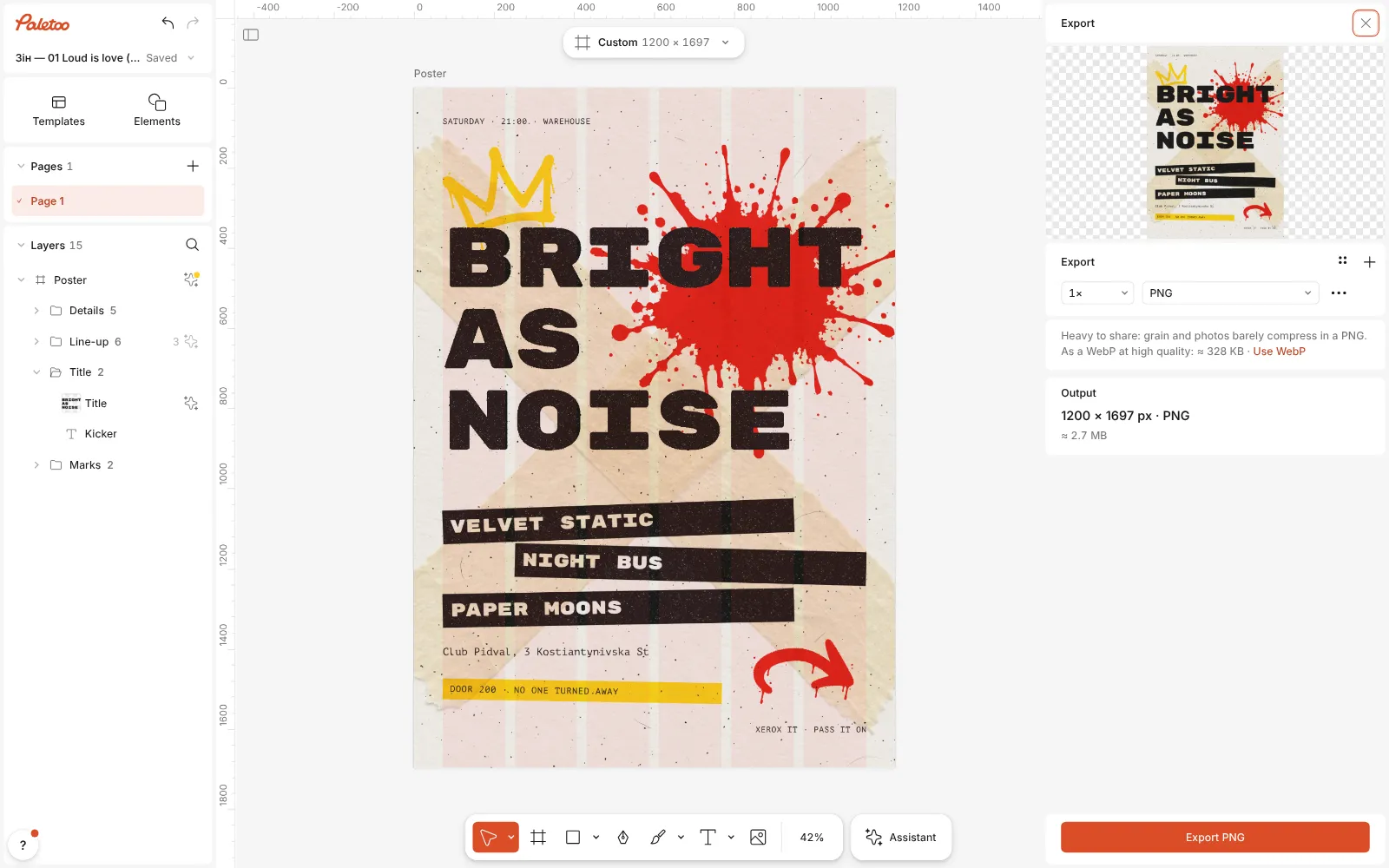
The Export window open: the poster’s preview, its PNG row and the size of the file
What you get
Print sizes built in
A3, A4, A5, 50 × 70 cm, 18 × 24 in, Letter and Tabloid in the Print formats, laid out at 300 dpi.
Print-ready PDF
Bleed, crop marks and embedded fonts in one preset, a CMYK PDF/X-4 when the printer asks for it, and a print check that warns about low-resolution photos.
Type that does more
Warp a word into an arch, a wave or a mesh, stack several strokes on a headline — and it stays live text you can retype.
Print looks, live
Halftone, risograph, photocopy and grain as effects you can change at any time, not baked into the picture.
Reuse it next time
The poster stays a document: change the date and the names next month and export again.
Questions
Is the poster maker free?
Yes. The templates, the editor and every export — PDF for print included — are free, with no watermark. Only AI image generation and materials use credits.
What size should my poster be?
Ask the print shop, but A3 (297 × 420 mm) and A2 are common for walls and shop windows, and 50 × 70 cm for gig and exhibition posters. Pick the format from the Print group, or set your own size in millimetres.
What is bleed and do I need it?
Bleed is the strip of design that runs past the edge, usually 3 mm, so no white line shows after cutting. If your poster has colour or a photo to the edge, yes: tick Include bleed when you export the PDF, or let the print check add it.
Does the printer need CMYK?
Many printers accept an RGB PDF and convert it themselves. If yours asks for CMYK, choose the PDF print CMYK (PDF/X-4) preset; its profile is approximate, so ask the printer for theirs when colour matters.
Will my photos print sharp?
The print check under the export row warns when a picture has too few pixels for its printed size. A photo for an A3 poster should be at least about 3500 px on its long side.
Can I make the same poster for Instagram?
Yes. Export the poster as PNG for a post, or click the format button above the canvas and make a copy at a social size to rearrange.
Can I use my own fonts?
Yes. Upload them and they appear in the font list; the PDF embeds them, so the printer sees exactly your type.
Can several people work on one poster?
Yes: share a link and design together, with everyone’s cursor on the canvas and comments where they belong.
Learn more
Step-by-step guides
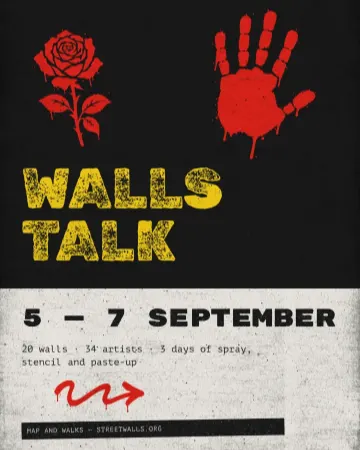
How to make a concert poster from a template
A ready-made gig flyer, your bands and your date, a file for print and one for social.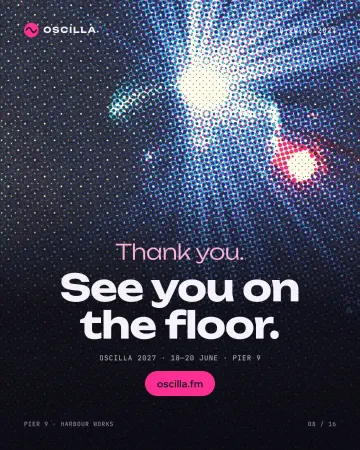
How to make a halftone effect
Comic-book CMYK dots, newspaper screens or one ink.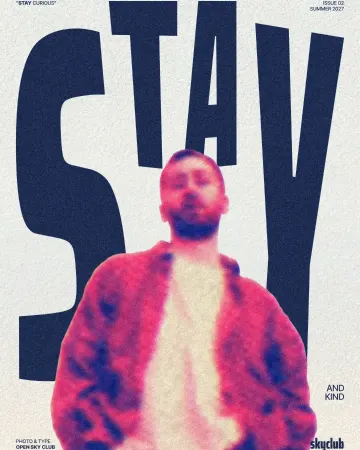
How to make a risograph effect
Two riso inks out of register, a coarse screen, riso paper.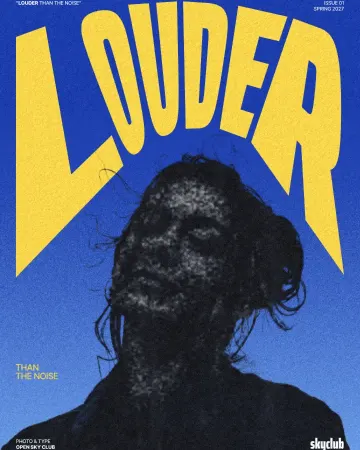
How to make a photocopy effect
Dense toner blacks, greys in scan lines and grey copier paper, from any photo.
In the help centre
More tools
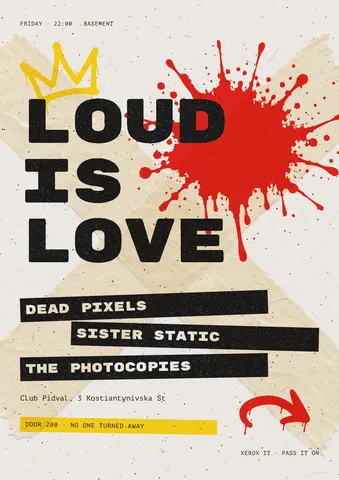
Flyer maker
Turn a ready flyer template into yours in minutes and send the printer a PDF with bleed and crop marks.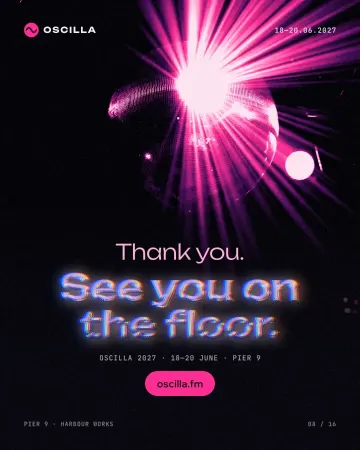
Text effects online
Chrome, gold foil, emboss, cut-out letters, outlines and warps — and the words stay editable text.
Duotone, halftone and glitch photo effects online
Three of the strongest looks for a photo, each one click away and every step still yours to tune.
Make it now
Paletoo opens in your browser. Start from the template above or a blank page, and export when you are happy.
Start free