Free tools5 min readFreeUpdated 2026-11-12
New Year wishes 2027: short messages and a picture with your words
Short wishes for family, friends, colleagues and defenders that you can sign as your own, and a greeting picture made with them in five minutes.
By the Paletoo team · steps tested in Paletoo on
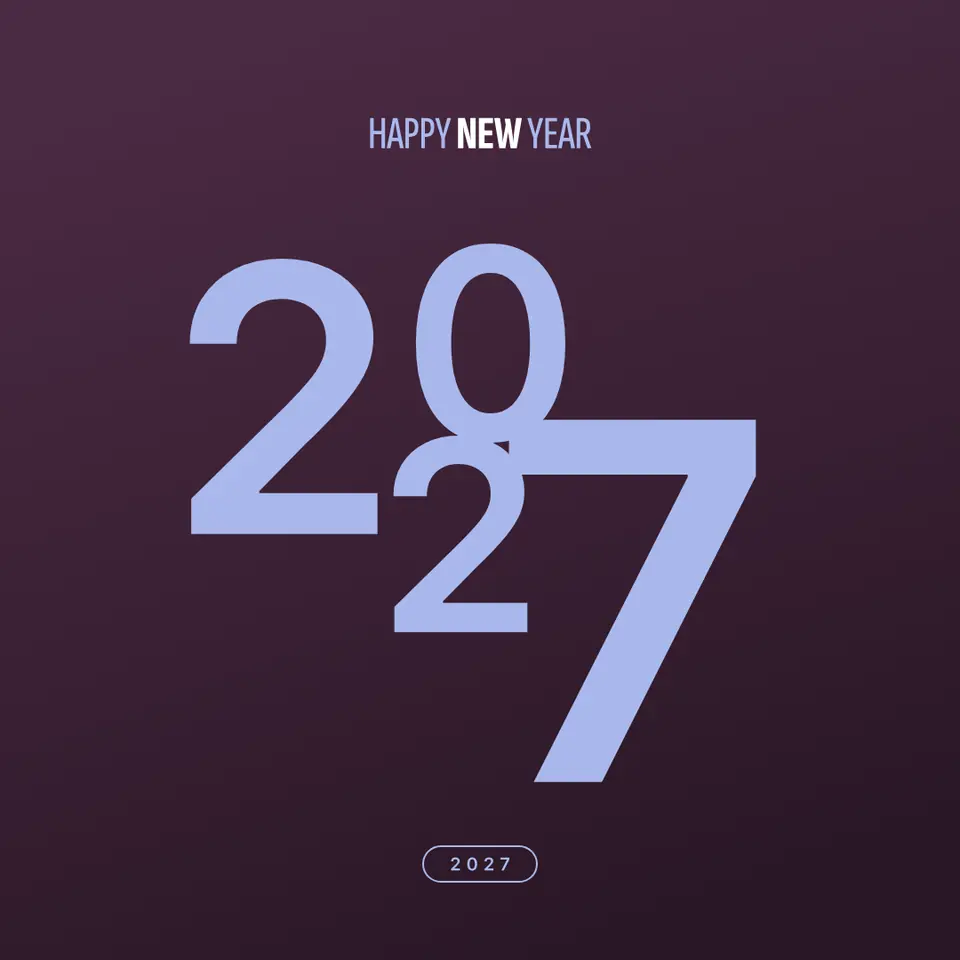
A good New Year wish is short and personal: the greeting, one line that fits this person, and your name — «Happy New Year! Thank you for every call this year; let 2027 be calmer and warmer. Olena». Write it in your own words, put it on a picture with the year in big type, and send it as a PNG in the chat before midnight.
Below are short wishes for 2027, sorted by who you send them to, the few rules that make a wish sound like you, and how to turn it into a greeting picture in Paletoo from our «Sparkler 2027» card: your words, the glowing year and fireworks, exported in a minute. All of it is free and carries no watermark. Every step was run in Paletoo on 10 November 2026.
Short New Year wishes for 2027
Family. «Happy New Year! Thank you for being the warmest place I know. Let 2027 bring us more evenings around one table.» · «To the best parents: health, rest, and good news every week of 2027.» · «Happy New Year, sis! Let this year finally be the one we take that trip.»
Friends. «Happy 2027! May your plans come true and your phone stay quiet on holidays.» · «Thank you for this year and all its long voice messages. More of both in 2027!» · «Happy New Year! Let the coffee be strong, the news be good and the Fridays be long.»
Colleagues and clients. «Thank you for a year of good work together. Peace and rest to you and your families — see you in 2027.» · «Happy New Year from all of us at the studio. It was a pleasure to build things with you.» · «Wishing your team a calm January and a strong year. Thank you for your trust.»
A defender. «Thank you for every day we can celebrate. We wait for you at home — healthy, safe and soon.» · «Happy New Year! Our whole family thanks you. Let 2027 be the year of peace.»
How to write a New Year wish in your own words
Mention one real thing from this year: a trip, a call, help with a move, a project you finished together. It turns a template into a message nobody else could have sent. Then wish one specific thing for next year instead of the whole list of health, happiness and love: «a quiet January», «the dog finally learning to walk on a lead». End with your name, even in a chat — it is what people read last.
Keep it to two or three sentences; a picture holds about twenty words before the type gets too small for a phone. Put the year in the greeting if you send it before midnight — «Happy 2027!» — and leave it out for a «Happy New Year» you send in January.
When to send a New Year greeting
Send to colleagues and clients on the last working day of December, when they still read work messages. Family and friends get theirs on 31 December, before midnight; a long greeting is better in the morning than lost in the midnight flood. In Ukraine the holidays run together: Christmas on 25 December since 2023, the Generous Evening (Malanka) on 31 December and New Year with St Basil’s Day on 1 January — one greeting picture can wish all of it.
| Where | Size | File |
|---|---|---|
| Telegram, Viber, WhatsApp | 1080 × 1350 px (4:5) | PNG or JPG |
| Stories | 1080 × 1920 px (9:16) | PNG, or MP4 if it moves |
| up to 1200 px wide | JPG | |
| A printed card | A6, 105 × 148 mm at 300 dpi | PDF with bleed |
Made in Paletoo
Every picture on this page was made in Paletoo — these three with the same steps on other templates:

Make it free in Paletoo
Open the greeting card: press “Open in Paletoo” on this page, or start from the Christmas and New Year card maker. It opens as your own document; the Layers panel lists the fireworks, the sparks, the greeting, the year and the wish.
Double-click the wish under the year and type your own words — two or three sentences and your name. Its font, size and line spacing are under Typography in the Design tab; make the text a little smaller rather than cutting a word you mean.
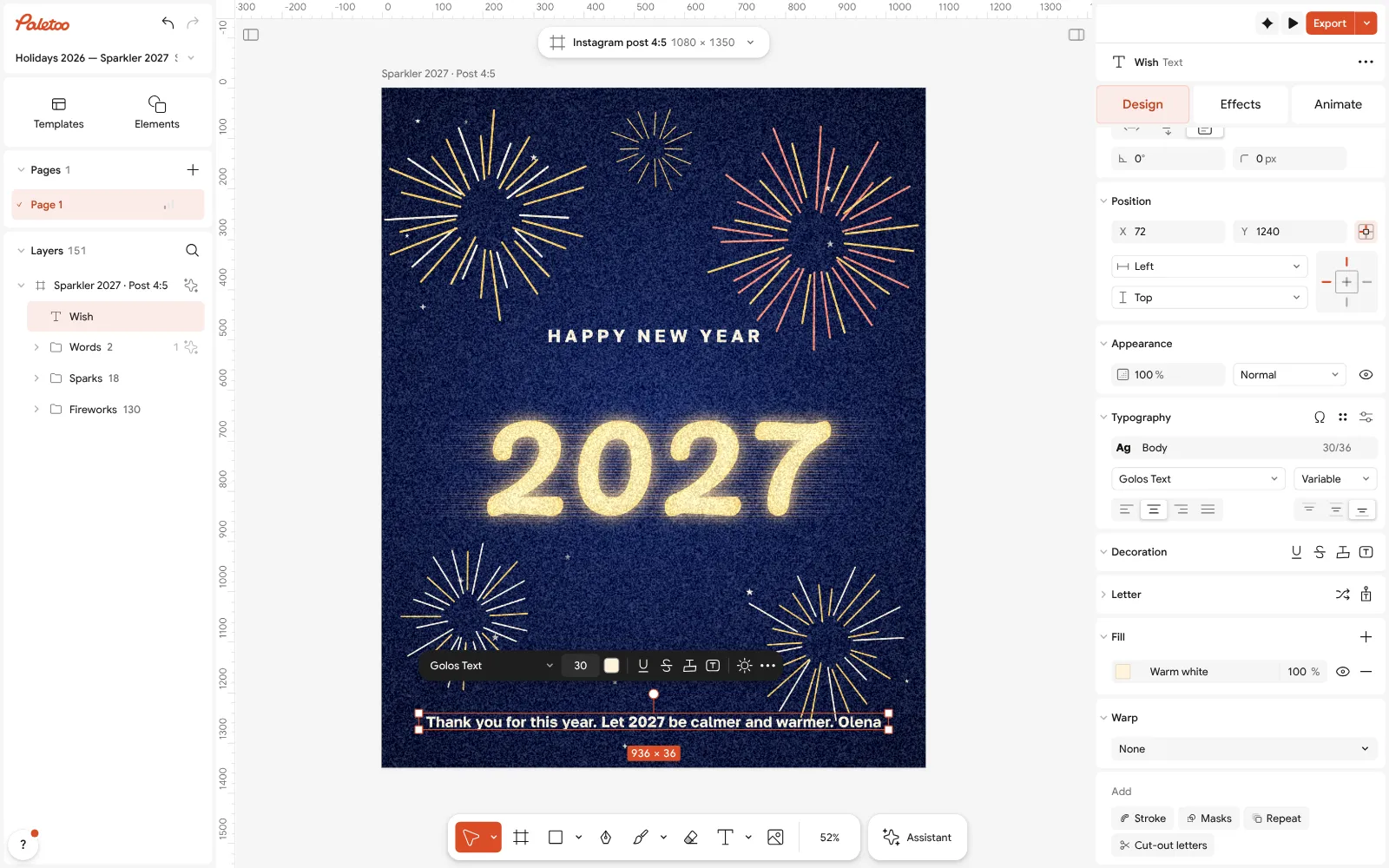
The Sparkler 2027 card open in Paletoo: the wish rewritten and selected under Typography Click the glowing year: in the Effects tab it carries a warm Glow and Light streaks. Change the year or the greeting above it and the light follows the new letters.
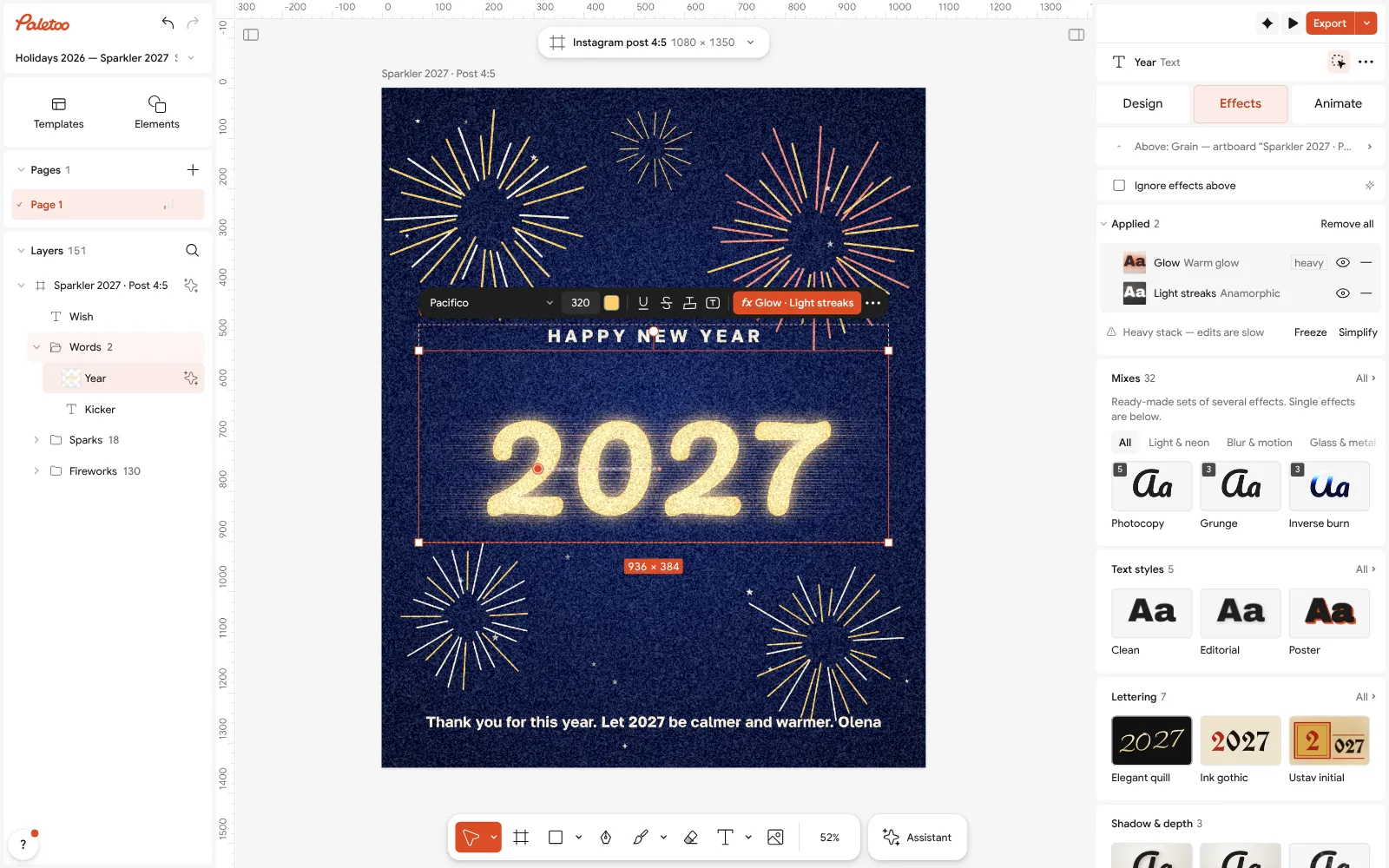
The glowing year under Effects: Glow and Light streaks applied to live text Want it in your family’s colours? Change the night blue in Colour styles, and keep the text light so it reads on a phone in a dark room.
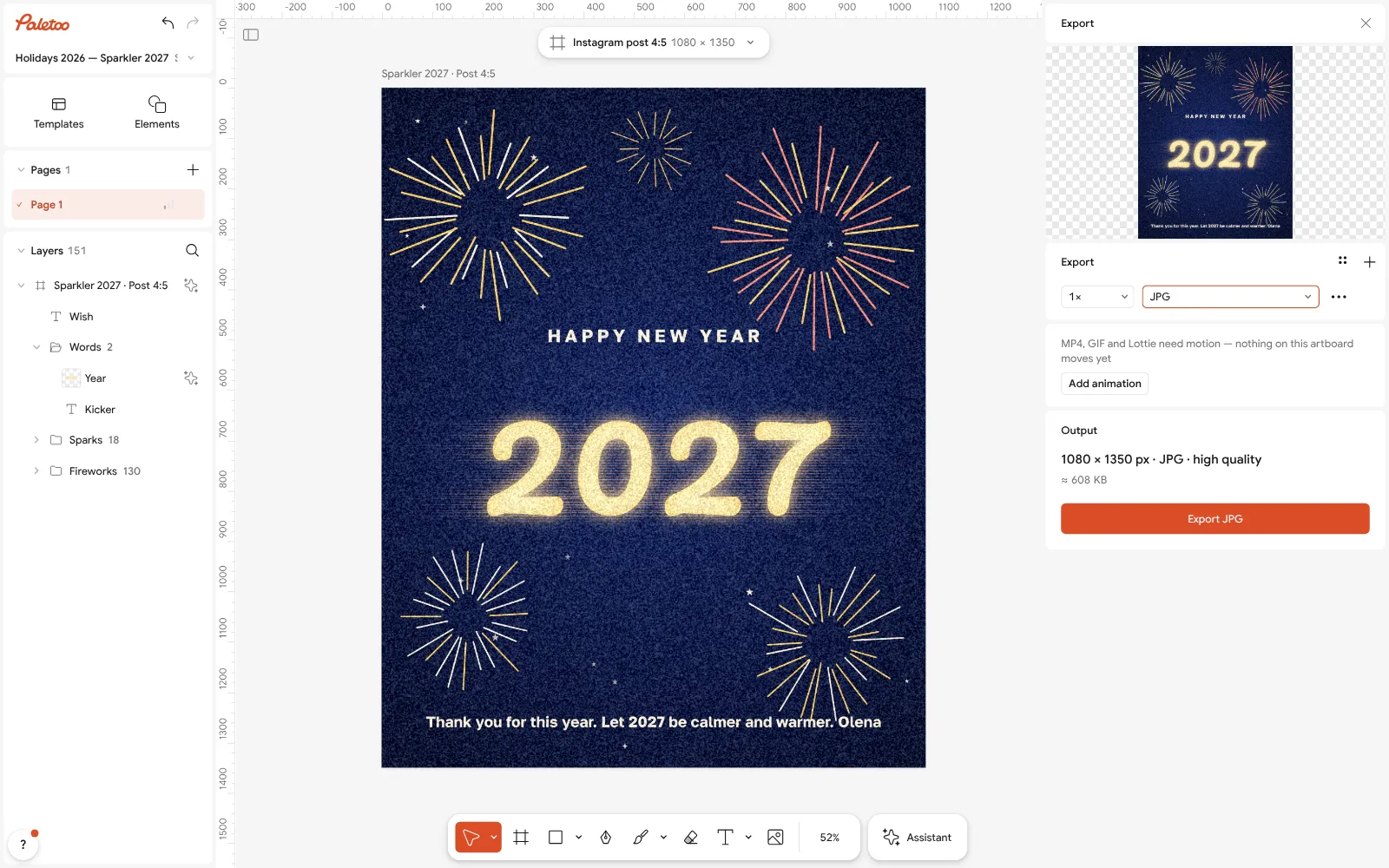
The Export window with JPG chosen for a messenger Press Export (Ctrl Shift E), choose JPG or PNG and save: the file is 1080 × 1350 px, sharp in any messenger, and has no watermark.
For a card that moves, press Add animation in the same window and export MP4: the wish fades in while the year glows. Make one picture per person by changing only the wish and exporting again.
Make it your own
Sending to twenty people? Duplicate the card with Duplicate artboard, change only the wish on each, and export them all in one go from the Export window.
Add a photo of your family: drop it in, run Remove background, and let the fireworks show behind you.
For a printed card, choose PDF and turn on Include bleed and Crop marks; trim along the marks.
Sources
Questions
What is a good short New Year wish?
A greeting, one line that fits the person and your name: «Happy New Year! Thank you for every call this year; let 2027 be calmer and warmer. Olena».
How do I make a New Year greeting picture with my own text?
Open a New Year card in Paletoo, double-click the wish and type your words, then export a PNG or JPG at 1080 × 1350 px and send it in the chat. It is free, with no watermark.
What should I write to colleagues for New Year?
Short and warm: thank them for the year’s work together and wish them rest. «Thank you for a year of good work together. Peace and rest to you and your families.»
When should I send New Year wishes?
Colleagues and clients on the last working day of December; family and friends on 31 December before midnight, or in the morning so the message is not lost.
Can I send the greeting as a video?
Yes. In the Export window press Add animation, choose how the words come in and export MP4; it plays in Telegram, Viber and WhatsApp.
Do I need to sign up?
No. The editor opens in your browser and the picture downloads straight away. A free account only adds cloud storage and share links.
Make it online
- Christmas and New Year cardsPick a card, write your own wish, add a family photo and send it as a picture, a story or a short animation — free.
- Cards for Ukrainian soldiersSix ready cards for Ukraine’s defenders — a child’s letter, a thank-you, a 6 December greeting and three for Christmas and New Year. Print them as a PDF and write by hand, or tap one, write your own words and send it.
- Instagram story makerPick a 9:16 template, change the words and the photo, add motion if you like, and export an image or a video in a couple of minutes.
Free design templates for posts, stories and posters: Holiday card templates · Story and Reels templates
Try it on your own design
Paletoo opens in your browser, with no sign-up. Every effect here is live: change the picture or the words and the effect follows.
Open in PaletooOpens this design as your own copy — every layer and effect editable, free.
Read next
- 01
 How to make a Christmas card online for free, with your photoFrom a ready card to one with your family on it in about ten minutes, with nothing to pay and no account.
- 02
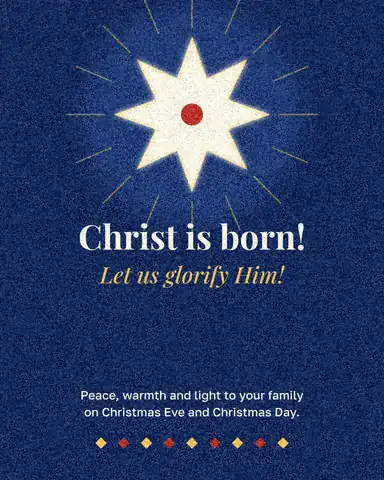 Christmas card size: inches, millimetres, pixels and postageEvery common card size in one table, the envelope it fits, and the file you need to print it.
- 03
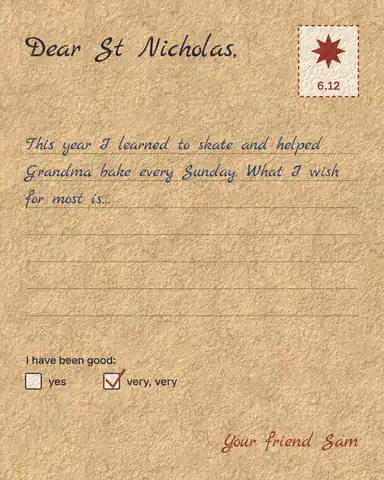 Letter to St Nicholas: a printable template and what to writeA ready letter on kraft paper, your child’s own words in it, printed and under the pillow by the evening of 5 December.