Lottie animation maker
Animate type and shapes in one click each and export a light Lottie file for websites and apps.
Start freeOpens in your browser · no sign-up · no watermark
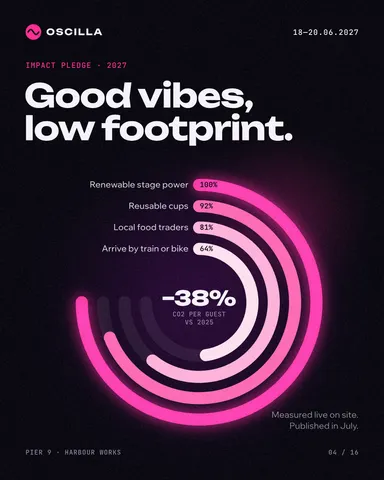
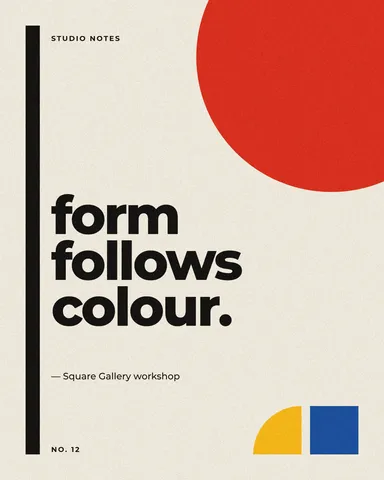
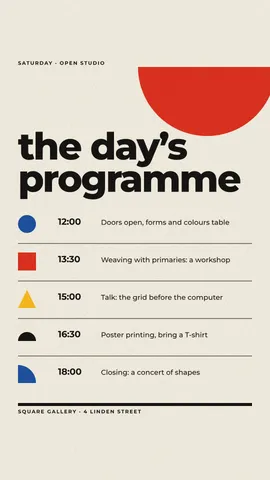
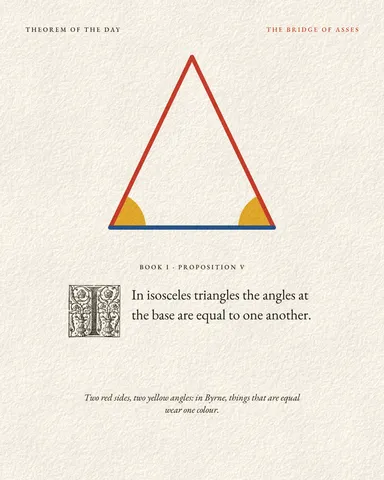
Start from one of these
Real Paletoo documents and results — open one and change everything.

How it works
-
Animate
Select a word or a shape and open the Animate tab. Pick how it comes in — Rise, Typing, Pop and more, by letter, word or line — and press Play to watch it.
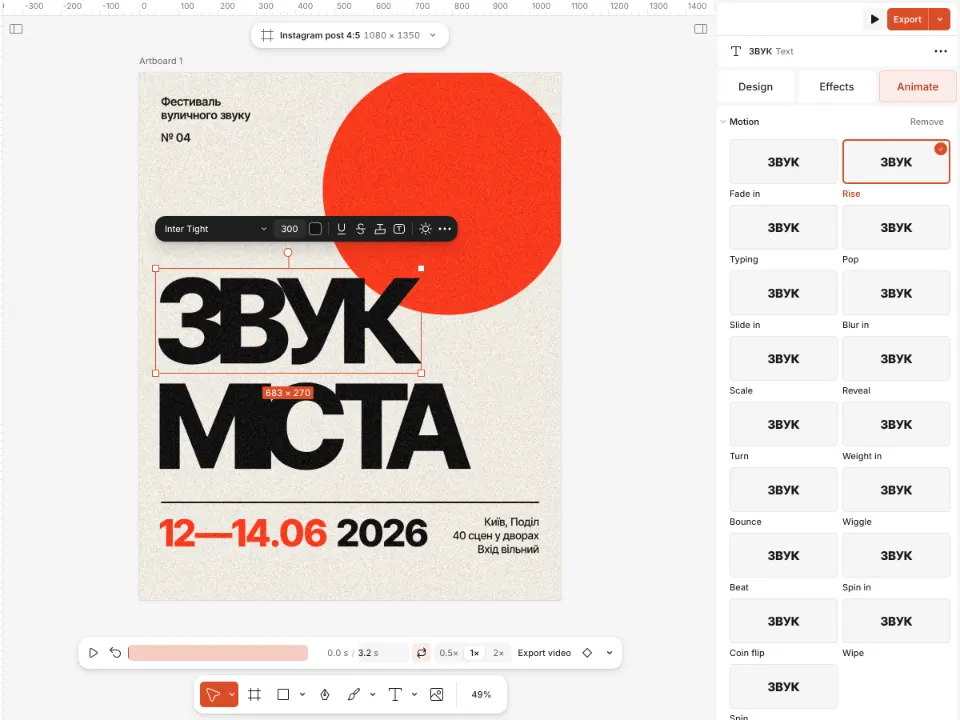
A poster with animated letters and the Animate tab open -
Export as Lottie
Press Export and choose Lottie, “Vector animation for apps and websites”. Choose Outlines or Text layers for the type, JSON or dotLottie for the file, and press Preview to see it play in lottie-web.
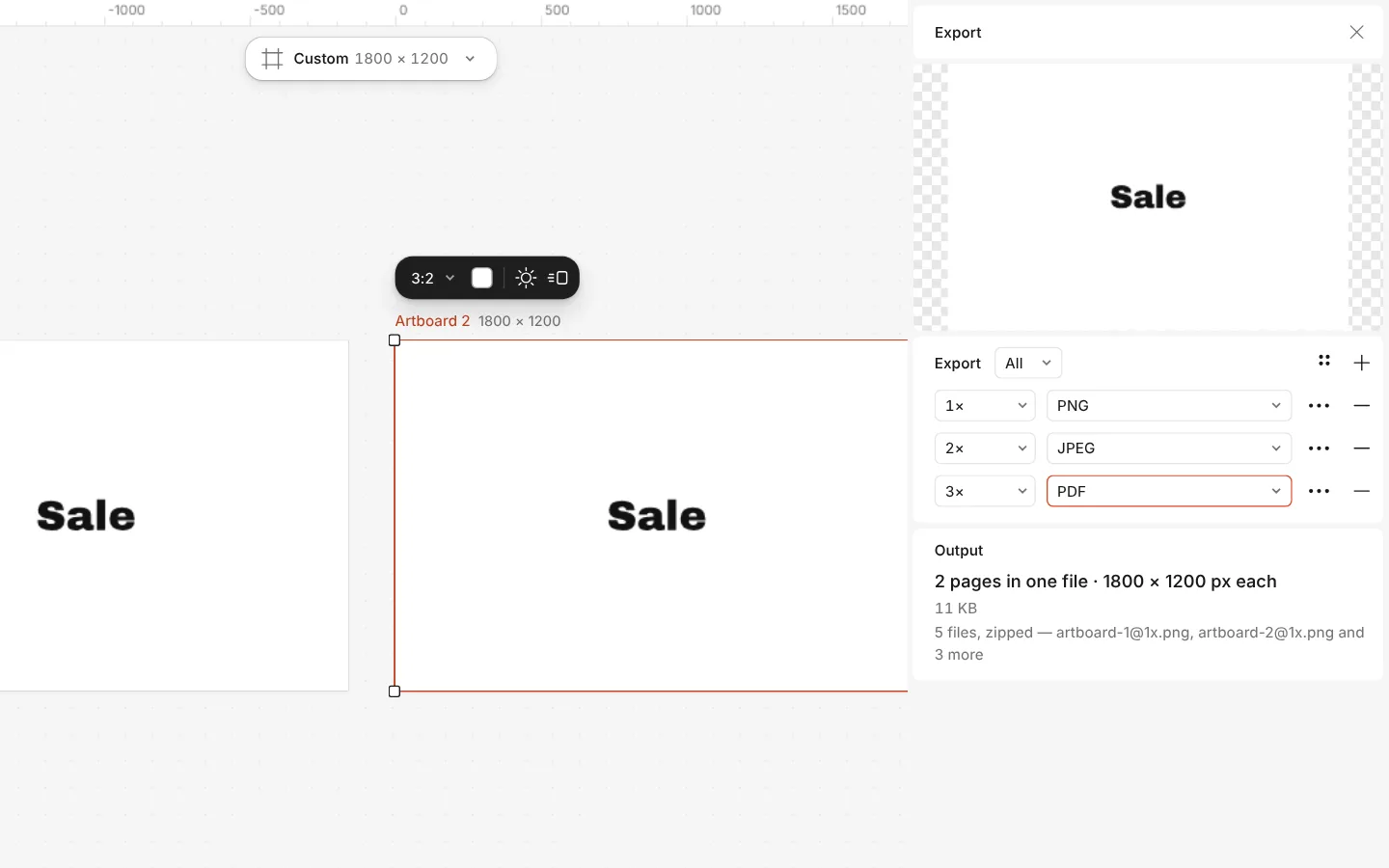
The Export window with all artboards and three files at once -
Video too
For social media or a video editor, export the same animation as MP4 or GIF, or as WebM with a Transparent background to lay over footage.
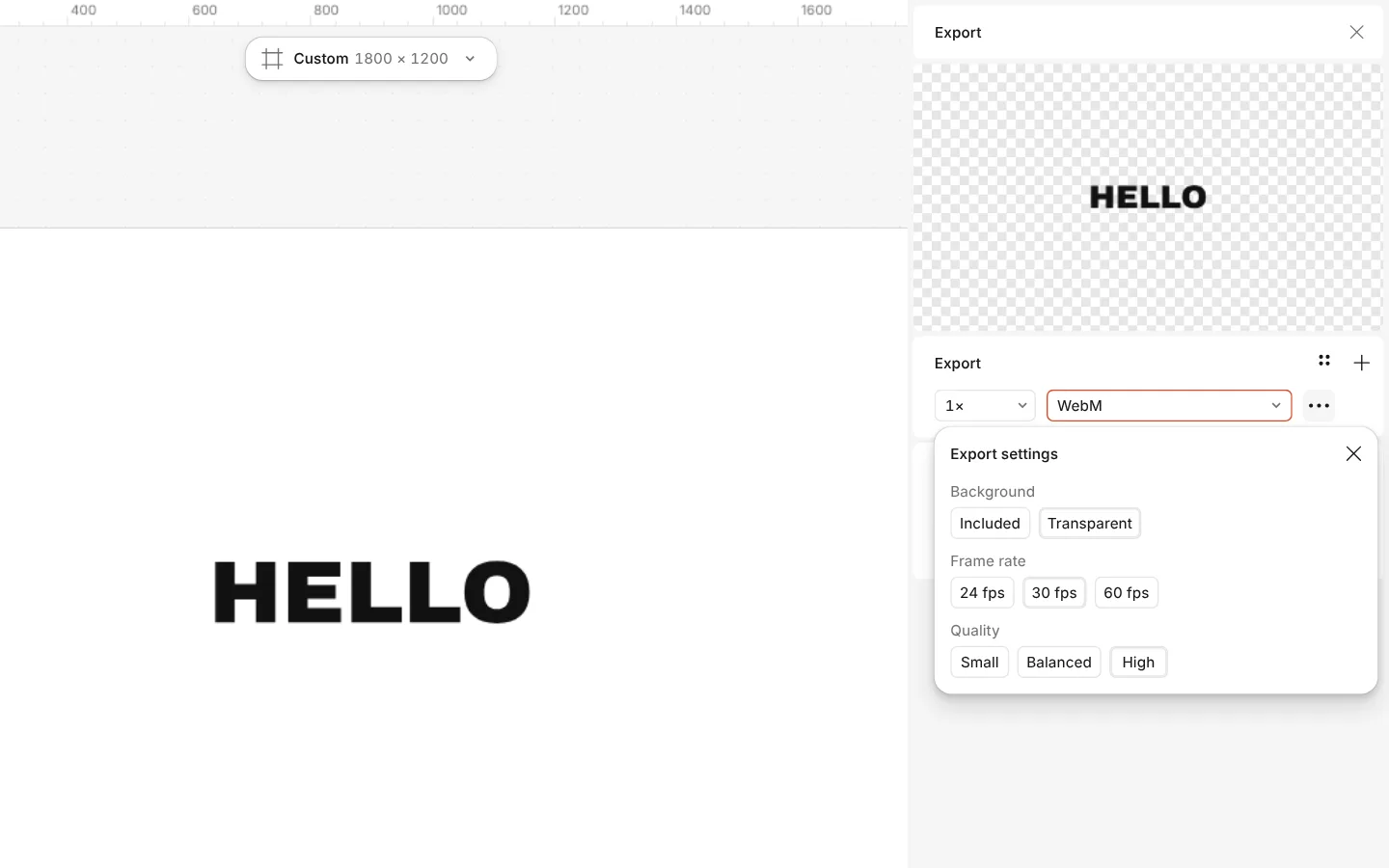
The Export window with WebM chosen and a transparent background
What you get
Animation in a click
Fade, Rise, Slide, Scale, Pop, Typing, Reveal and more, by letter, word or line, with easing and stagger already set.
Real vectors in the file
Plain text becomes outlined letters, shapes become Lottie shapes with their gradients, and moves become eased keyframes — small files that stay sharp.
Honest about pictures
Where Lottie has no way to say something — a photo, an effect, a style — that layer goes in as a picture, and the Export window lists each one with why.
JSON or dotLottie
Lottie JSON with its pictures inside, or dotLottie — the JSON and its pictures in one smaller file.
Plays where Lottie plays
lottie-web on websites, lottie-android and lottie-ios in apps, LottieFiles and After Effects importers.
Video from the same work
MP4, GIF, and WebM with a transparent background, without remaking a thing.
Questions
Is the Lottie maker free?
Yes. Animating and exporting Lottie, MP4, GIF and WebM cost nothing and carry no watermark. Credits are only for AI image generation and materials.
What is a Lottie file?
A small JSON file that describes an animation as vector shapes and keyframes. Websites and apps play it with a Lottie player, so it stays sharp at any size and weighs far less than a video.
JSON or dotLottie — which should I choose?
Choose JSON when a developer asks for “a Lottie file” or for lottie-web; it carries its pictures inside. dotLottie packs the JSON and its pictures into one smaller file that LottieFiles and the newer players read.
Outlines or Text layers — what is the difference?
Outlines turns letters into shapes: they look the same everywhere and need no fonts. Text layers keep the words editable in the viewer’s copy of the font; letters that move individually stay outlines either way.
Why did some layers become pictures?
Lottie has no way to describe some things, such as photos, effects, styles or certain strokes. Those layers are embedded as pictures and still move with keyframes; the Export window lists each one and the reason before you export.
Can I open the file in After Effects?
Yes, with a Lottie importer for After Effects. The file is standard Lottie: transforms, shapes, gradient fills, masks for wipes and reveals, and Gaussian blur.
How do I check the file before I hand it over?
Press Preview in the Export window: the file plays in lottie-web, the player most websites use, exactly as it will be written.
Can I loop the animation?
Yes. Set the loop on the Animate tab; the exported file runs for the artboard’s duration at its frame rate, and Lottie players loop it by default.
Learn more
Step-by-step guides
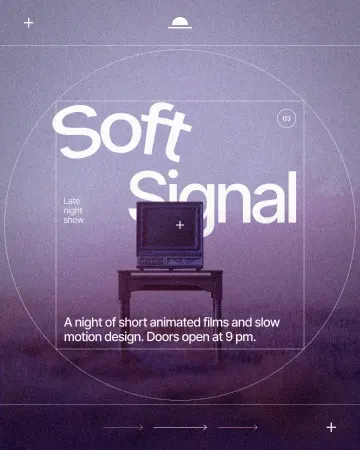
How to put text on a path that stays editable
Type along a curve you shape on the canvas; the words stay live.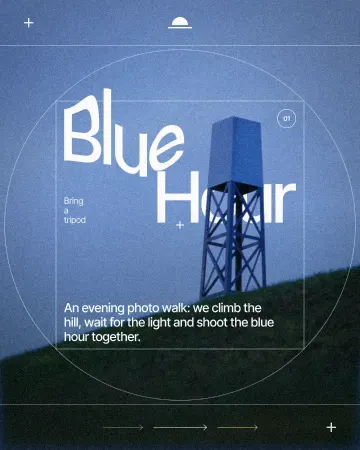
How to warp text on a mesh without rasterising it
Pull a grid over a headline; the words stay editable.
In the help centre
More tools

Instagram story maker
Make a full-screen 9:16 story from a template, add motion if you like, and export it as an image or a video.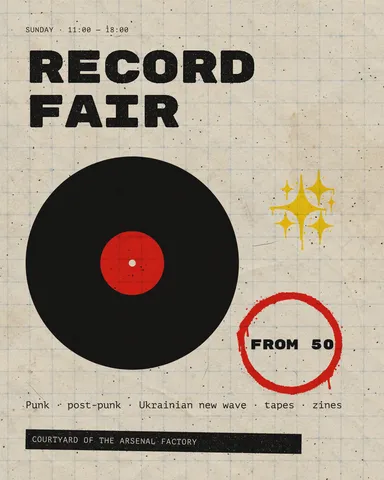
Instagram post maker
Design a post at the right size from a real template, then export a sharp PNG or JPG — free, in your browser.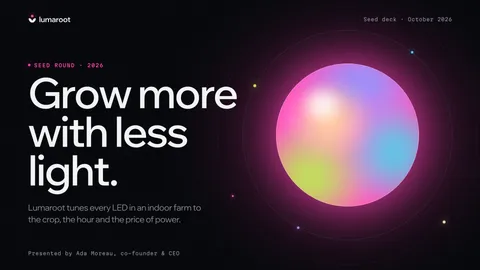
Presentation maker
Start from a designed deck, change the words, and send it as PowerPoint with editable text or as a PDF.
Make it now
Paletoo opens in your browser. Start from the template above or a blank page, and export when you are happy.
Start free