Animated text maker
Make words move in one click — rise, typing, pop, wave — and export a video for Reels, a GIF for chats or a Lottie file for the web.
Start freeOpens in your browser · no sign-up · no watermark
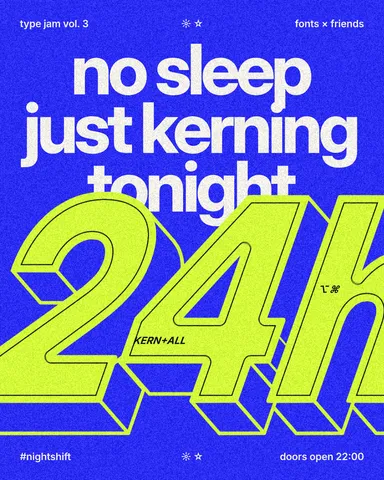
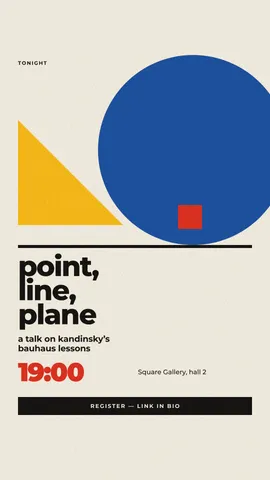
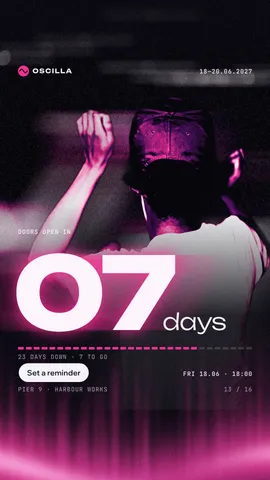
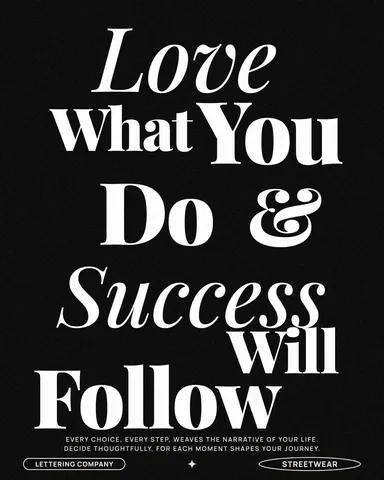
Start from one of these
Real Paletoo documents and results — open one and change everything.

How it works
-
Select the words
«Start free» opens a poster with big type as your own document. Double-click to write your own words, then select the text — a whole line, or a word you want to stand out.
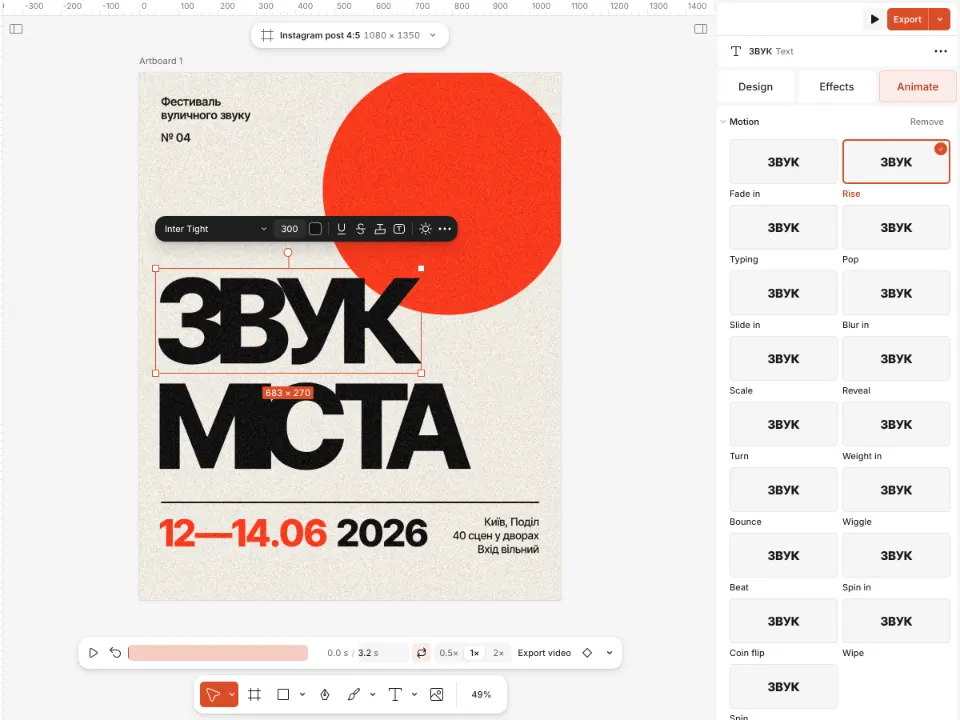
A poster with animated letters and the Animate tab open -
Pick a motion
Open the Animate tab and click a preset: letters can rise, type themselves out, pop in with a bounce, wave or sweep through weights. The text stays text — change a word and the motion follows.
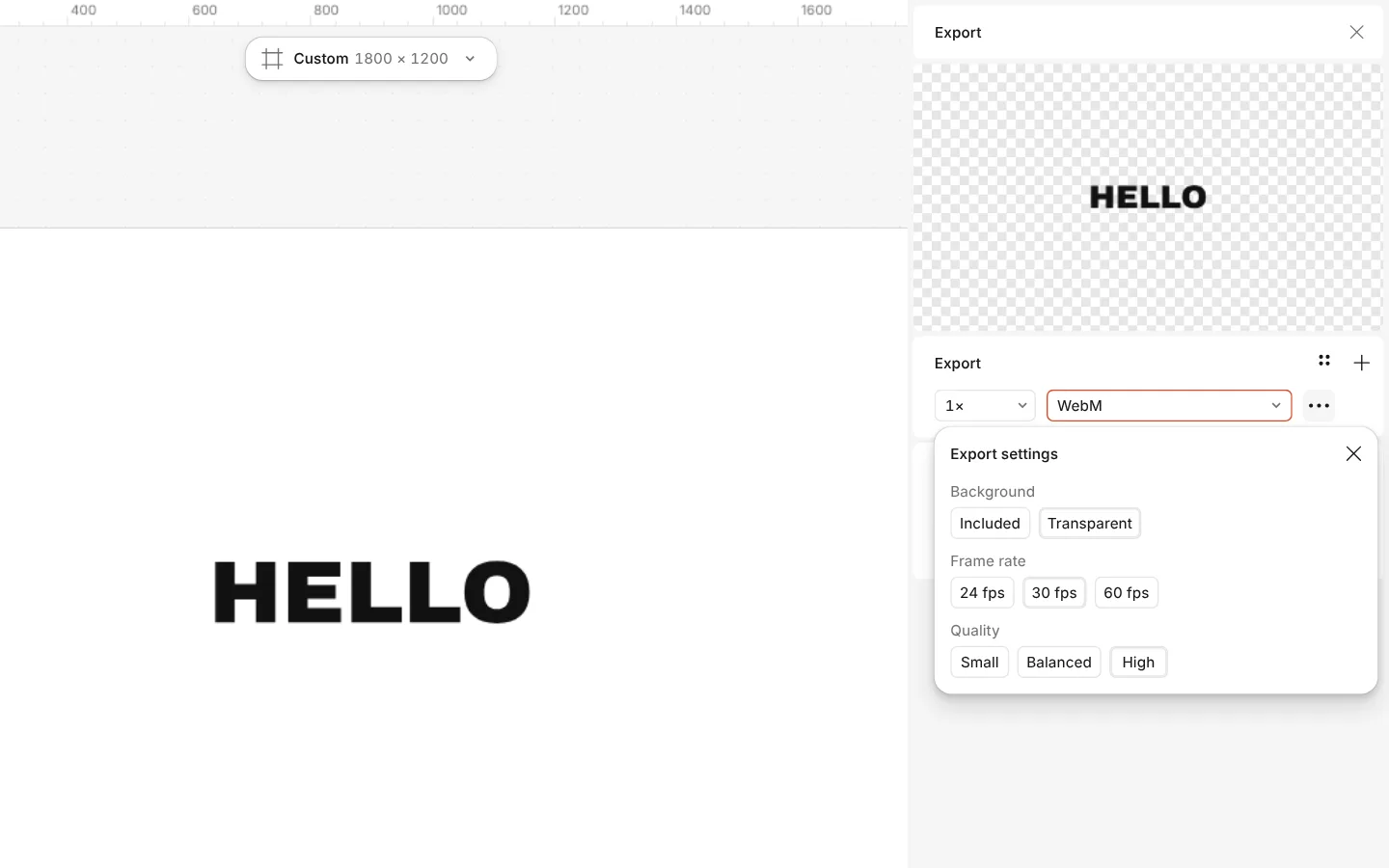
The Export window with WebM chosen and a transparent background -
Export the motion
Press Export (Ctrl Shift E) and choose MP4 for Reels and stories, GIF for messengers, WebM with a transparent background for video editors, or Lottie for a website or an app.
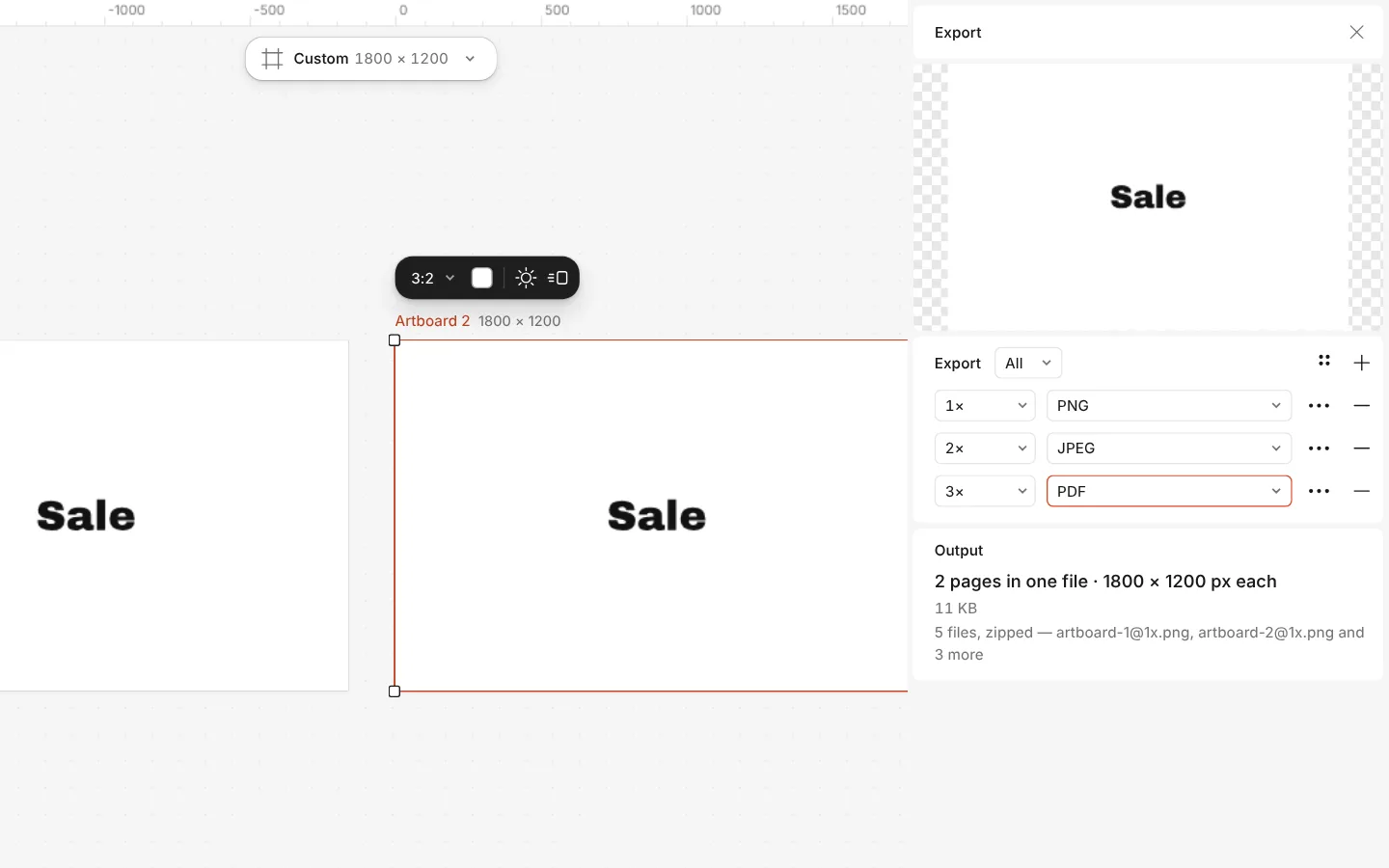
The Export window with all artboards and three files at once
What you get
Fifteen motions, one click each
Fade, rise, slide, scale, pop, blur in, reveal, typing, weight in, along a path, spread, turn, weight sweep, drift and wave.
Real, editable type
Your own fonts, variable weights and text on a path — and the animation stays on the words when you rewrite them.
Every motion format
MP4 for Reels, TikTok and stories, GIF for chats, WebM with transparency for a video editor, Lottie JSON or dotLottie for the web.
With the effects
Chrome, glitch, knockout outlines and warps keep working while the letters move, so the motion and the look are one design.
Free, without a watermark
Animating and every export cost nothing. Credits on paid plans are only for AI image generation and materials.
Questions
Is the animated text maker free?
Yes. Every motion preset and every export — MP4, GIF, WebM and Lottie — is free and carries no watermark. You can start without an account.
Which file should I export for Instagram Reels or TikTok?
MP4. Make the artboard 1080 × 1920 with the Reels and TikTok format, which shows the safe area for the app’s buttons, animate the text and export MP4.
Can I make an animated GIF of text?
Yes. Choose GIF in the Export window. GIFs are best kept short and small for messengers; for anything longer or with photos, MP4 is lighter and sharper.
Can the animated text have a transparent background?
Yes: export WebM with a transparent background and lay it over any video in an editor such as Premiere, DaVinci Resolve or CapCut. Lottie is transparent too.
What is Lottie, and when do I need it?
Lottie is a small vector animation file that websites and apps play at any size. Choose it when a developer asks for an animation for a site or an app; for social media, MP4 is simpler.
Can I animate just one word?
Yes. Put the word in its own text layer, or select the layer you want, and give it a preset of its own. Several layers can move one after another, each with its own timing.
Can I use my own font?
Yes. Upload a TTF, OTF, WOFF or WOFF2 file and use it like any other font; the font stays in your browser, and the animation works on it the same way.
How long can the animation be?
Long enough for a story or a title card. Each motion has a Duration and a Delay you can change, so several layers can play one after another; a looping motion repeats for as long as the clip runs.
Learn more
Step-by-step guides
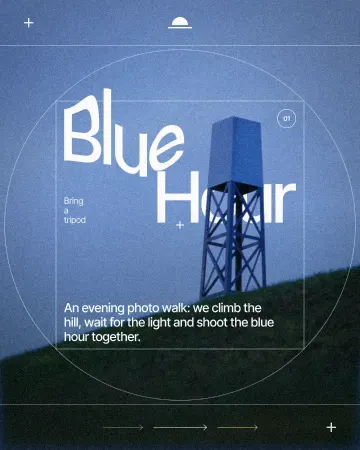
How to warp text on a mesh without rasterising it
Pull a grid over a headline; the words stay editable.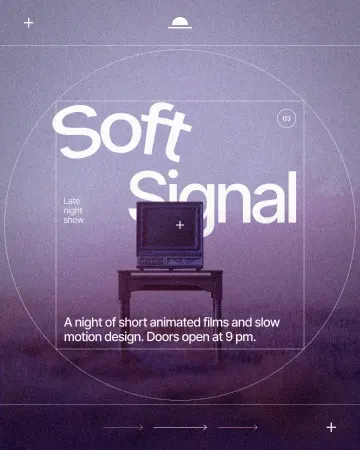
How to put text on a path that stays editable
Type along a curve you shape on the canvas; the words stay live.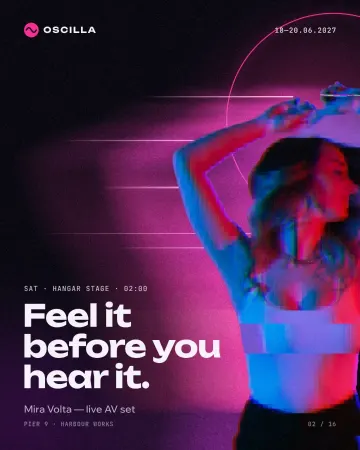
How to make a glitch effect
Blocky pixels, torn colour channels and a smeared trail.
In the help centre
More tools
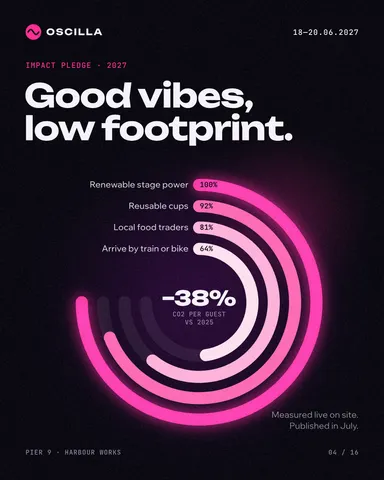
Lottie animation maker
Animate type and shapes in one click each and export a light Lottie file for websites and apps.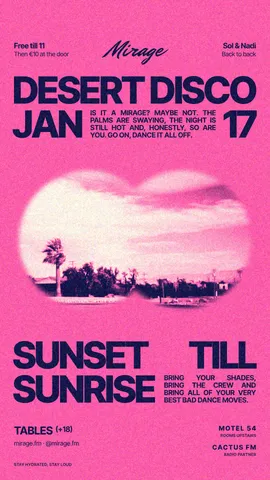
Instagram story maker
Make a full-screen 9:16 story from a template, add motion if you like, and export it as an image or a video.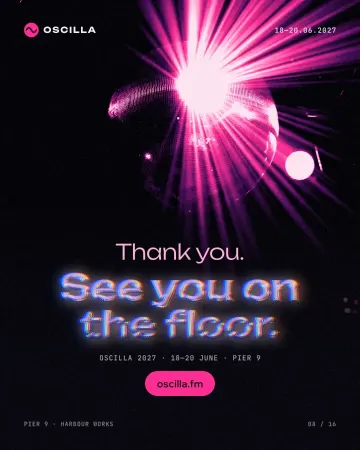
Text effects online
Chrome, gold foil, emboss, cut-out letters, outlines and warps — and the words stay editable text.
Make it now
Paletoo opens in your browser. Start from the template above or a blank page, and export when you are happy.
Start free