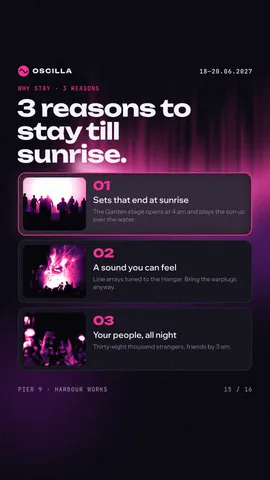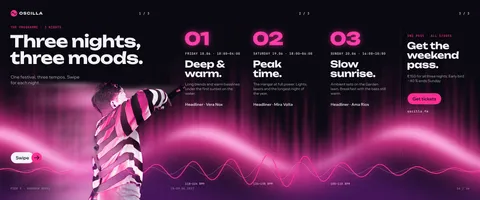
How to get started — Instagram carousel template
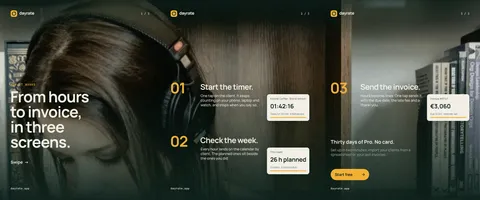
How to get started is an Instagram carousel template from the IT and freelance series, 3240 × 1350 pixels, 3 slides. Its headline reads “Add your clients”, with smaller lines like “Track the time” — all of it live text you simply type over.
Use this templateFree · opens in your browser · no sign-up
Details
- Format
- Instagram carousel
- Size
- 3240 × 1350 px
- Slides
- 3
- Fonts
- Manrope, JetBrains Mono, Noto Serif Display
- Effects
- gradient map, text on an arc
- Series
- IT and freelance
Colours
- Pine
#0f231d - Marigold
#f2b134 - Marigold ink
#a86c0a - Paper
#f3efe6 - White
#ffffff - Moss
#1b3a31 - Sage
#8fa89c - Sage ink
#5f776b
Type, colours and effects
How to get started is set in Manrope, JetBrains Mono and Noto Serif Display on a palette of black, deep teal and orange (colour styles “Pine”, “Marigold”, “Marigold ink” and “Paper” in the file). The gradient map and text on an arc are live effects: they stay in place when you change the photo or the words. Good for sharing tips, steps or a short list.
Make it yours in four steps
- Press “Use this template”: How to get started opens in Paletoo as your own copy, no sign-up needed.
- Double-click “Add your clients” and type your own; Manrope, the size and the line spacing stay as they were.
- Drag your photo onto one of the 2 pictures; its mask keeps the crop, and the gradient map follows the new shot.
- Export a PNG or a PDF at 3240 × 1350 pixels, all 3 slides together.