Cards for Ukrainian soldiers
Updated
What to write on a card for a Ukrainian soldier — and how to make one by hand?
Short and personal: a thank-you, a wish to come home safe, a line about your day or your town, and your first name, age and town. Pick a ready text below — one press puts it on the letter card —, add your own words, then print the PDF or send it as a picture. Free, no sign-up.
For 6 December — Armed Forces Day and St Nicholas Day
Ready texts: what to write to a soldier
Press «Put on the card»: the card opens with these words, ready to change. Or copy a line and write it by hand.
Thank you for keeping us safe. Come home soon!
Put on the cardWe think of you every day. Take care of yourself.
Put on the cardThank you for every quiet morning. You are not alone.
Put on the cardOur whole class is waiting for you to come home.
Put on the cardStay strong. Warm hugs are waiting for you at home.
Put on the cardHappy Armed Forces Day! Thank you for our home.
Put on the cardGood luck to you. Thank you for my peaceful night.
Put on the cardYou protect us — we are waiting for you. Hugs!
Put on the card
A card for a soldier by hand — three steps
- Pick a card below or a ready text — the card opens in the editor.
- Double-click the words and write your own; put your first name, age and town after «From:». A child can add a drawing on paper.
- Print the PDF — A6 (four on an A4 page) or A5 — for a volunteer’s parcel, or save a PNG and send it in a chat.
Never write a unit, a place or a phone number on the card — only a first name and a town.
Six ready cards for Ukraine’s defenders — a child’s letter, a thank-you, a 6 December greeting and three for Christmas and New Year. Print them as a PDF and write by hand, or tap one, write your own words and send it.
Pick a card — six ready ones
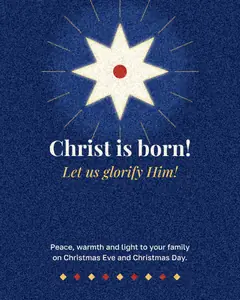

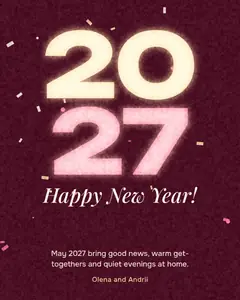
Tap a card: it opens in the editor with every word ready to type over. Or print all six and write by hand.
Write your own wordsLetter cardBlank A5
Print all six (PDF)A6 — four on A4A5 — two on A4
Start freeFree · opens in your browser · no sign-up · no watermark
Start from one of these
Real Paletoo documents and results — open one and change everything.
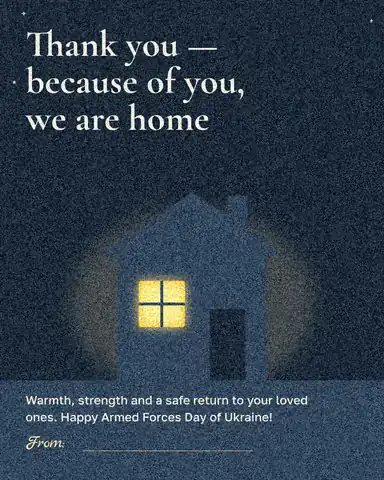
How it works
-
Pick a card
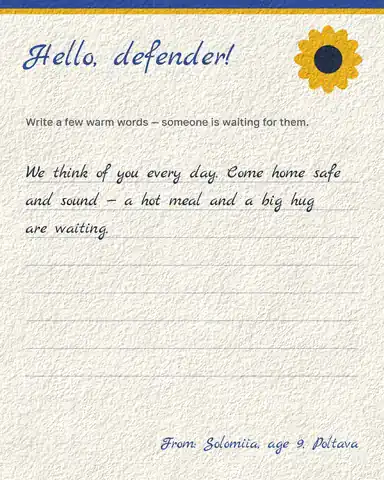
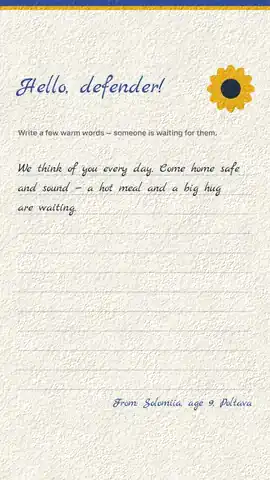
Tap one of the six cards at the top, or «Start free» for «Hello, defender!», a letter card with room for a child’s handwriting-style message. Each card opens as your own document.
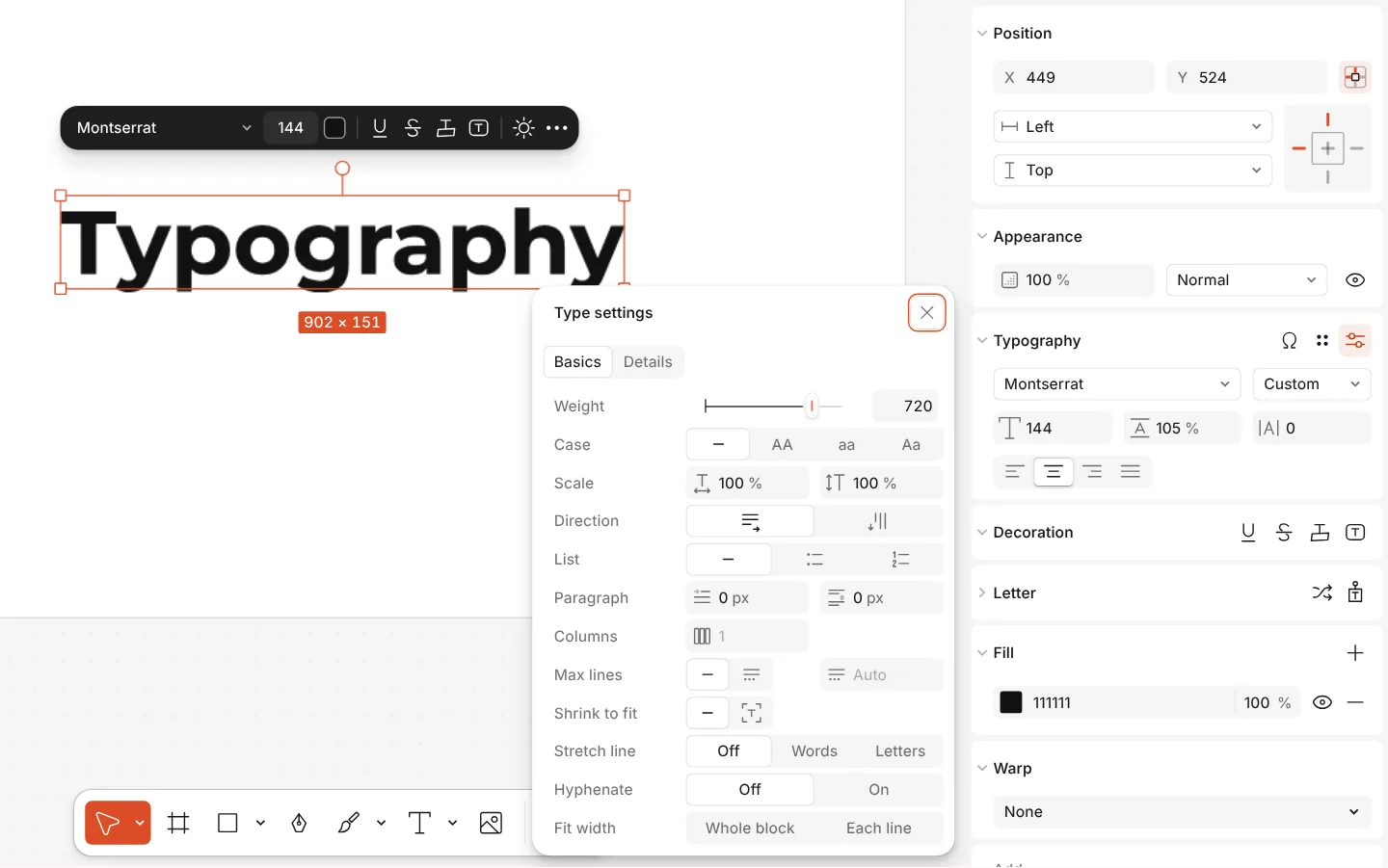
The Type settings window of a text, with variable axes -
Write your words
Double-click the message and write your own; change «From:» to your name, age and town — it matters to whoever reads it. Every line stays live text, so a mistake is one double-click away.
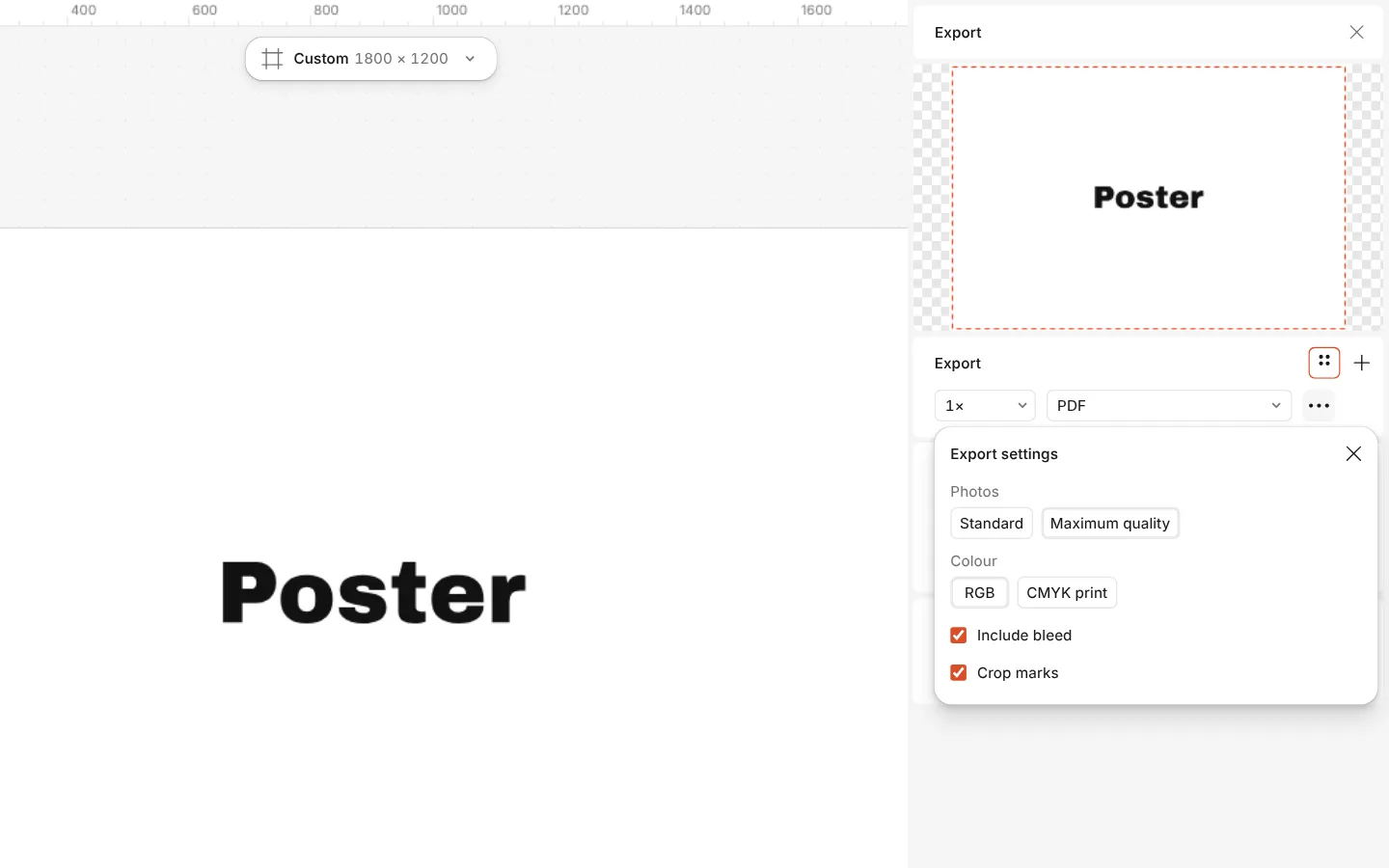
The Export window with the PDF print with bleed preset and its settings -
Print or send
Press Export (Ctrl Shift E) and choose PDF to print the card for a parcel or a volunteer box, or PNG to send it in a chat. For a printer, Include bleed adds the edge it trims.
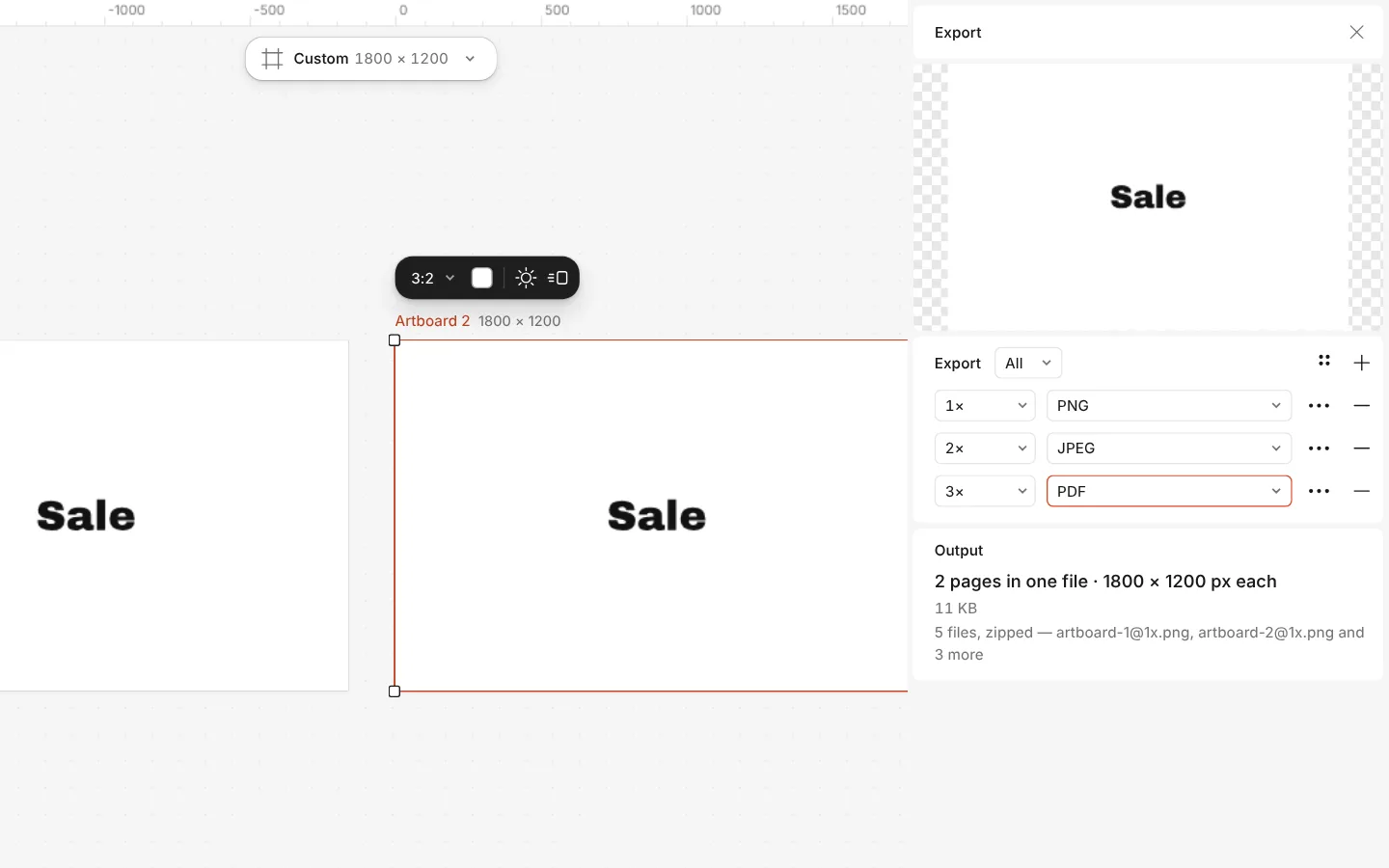
The Export window with all artboards and three files at once
How to make a card for a soldier — by hand or online
By hand. Print the A6 sheet above (four cards on an A4 page, cut along the dashed lines) or the A5 one, at «Actual size». Sign it, add a drawing in the white margin, or glue the card onto coloured card stock folded in half — an A4 sheet folded twice is an A6 card with room inside for a longer letter. Children’s drawings are the most treasured part of a parcel: draw on the back with felt-tip pens, not glitter, which sheds in a pocket.
Online. Tap a card at the top, double-click the words and write your own; change «From:» to a first name, age and town. Export a PDF to print, or a PNG to send in a chat — the six cards are also 1080 × 1920 stories in Templates.
What to write — and what not to: a thank-you, a wish to come home safe, something about your day or your town, and your first name. Never a unit, a place, a surname with an address or a phone number on a card that travels to the front; a volunteer collecting parcels can tell you what else their unit asks for.
| Card | Size | File |
|---|---|---|
| A pocket card for a parcel or an envelope | A6, 105 × 148 mm | PDF A6: four on an A4 page |
| A bigger card, a class wall or a box lid | A5, 148 × 210 mm | PDF A5: two on a landscape A4 page |
| Sent in a chat | 1080 × 1350 px | PNG from the editor |
Print at «Actual size» (100 %), not «Fit to page», so the cut lines fall where the cards end.
What you get
Three cards that say thank you
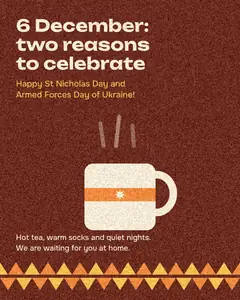
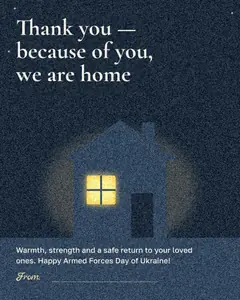
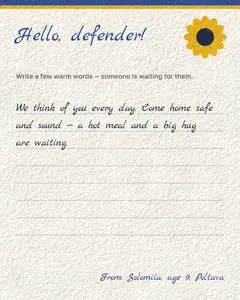
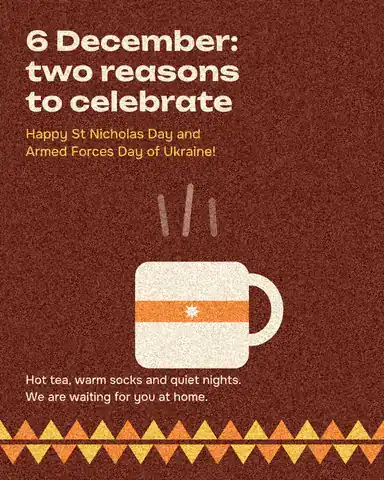
A child’s letter on cream paper, a quiet thank-you on night blue, and a warm 6 December card that greets St Nicholas Day and Armed Forces Day together.
Room for a real message
The letter card leaves a prompt — «Write a few warm words» — and handwriting-style lines, so a child or a class can fill it in before printing.
Ready for a parcel
Export a PDF and print it on A5 or A6 at home, at school or in a copy shop; it fits an envelope or a parcel with tea and warm socks.
Or send it online
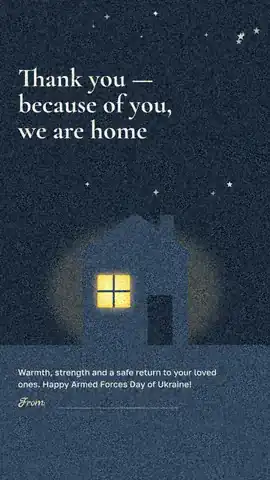
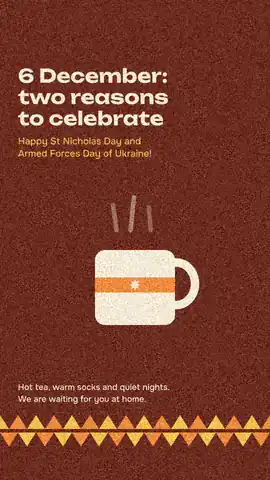
A 1080 × 1350 post and a 1080 × 1920 story of each card, for a message, a unit’s chat or a story.
Free, no watermark
The cards and every export are free, with no watermark and no sign-up needed to download.
Questions
What do I write on a card for a soldier?
Short and personal works best: a thank-you, a wish to come home safe, something about your town or your day, and your name, age and town. The top of this page has eight ready texts, each one press away from the card. Avoid anything that names a unit, a place at the front or a person’s location.
Is the card free to make and print?
Yes. The six cards, the editing and the export to PDF, PNG and JPG are free and carry no watermark; you only pay for your own printing.
Can a school class make cards together?
Yes. Open the letter card once per child, let each write their message and name, and export each as a PDF. Several cards on one page: make a print-size document and paste them side by side.
What size should a printed card be?
A6 (105 × 148 mm) or A5 fit an envelope and a parcel. Export a PDF and print it at that size; leave a margin around the card if your printer cannot print to the edge.
When is Armed Forces Day in Ukraine?
On 6 December — the same day as St Nicholas Day, which is why «6 December: two reasons to celebrate» greets both. A thank-you card is welcome on any day of the year.
Is there an English version?
Yes. Each card has an English and a Ukrainian version, so friends of Ukraine abroad can send one too; the editor opens the one in your interface language.
Can I add a drawing or a photo?
Yes. Drag a scanned drawing or a photo onto the card and place it; Remove background can cut a drawing out of white paper so it sits on the card.
Do I need an account?
No. Paletoo opens in your browser and you can make, print and download a card straight away. An account only adds cloud storage and share links.
Learn more
Step-by-step guides
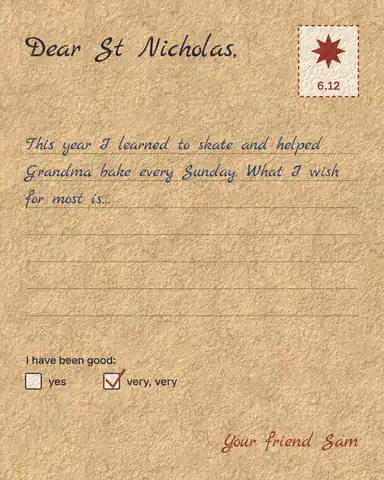
Letter to St Nicholas: a printable template and what to write
A ready letter on kraft paper, your child’s own words in it, printed and under the pillow by the evening of 5 December.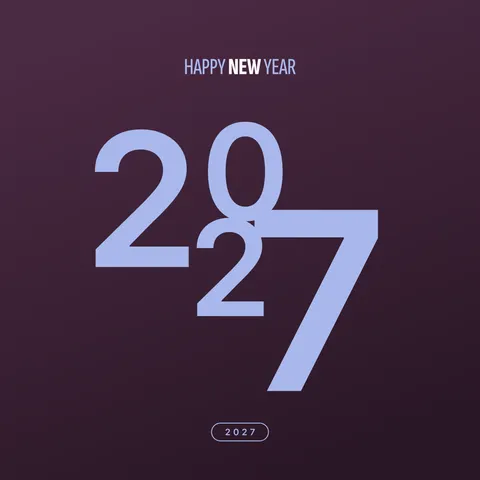
New Year wishes 2027: short messages and a picture with your words
Short wishes for family, friends, colleagues and defenders that you can sign as your own, and a greeting picture made with them in five minutes.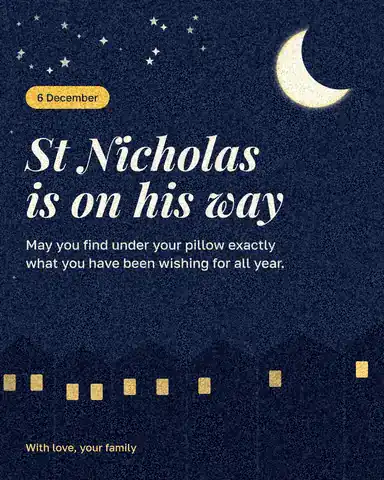
St Nicholas Day wishes: short messages for 6 December and a card to send them on
A few warm lines for 6 December, in your own words, on a picture you can send before breakfast.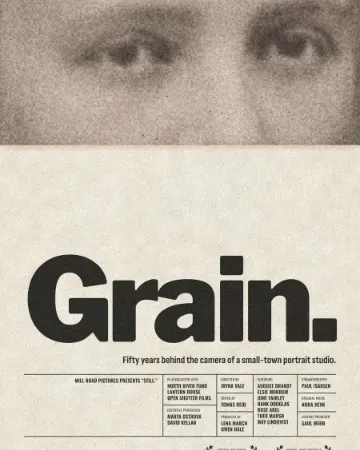
How to give a portrait an analog film look
Warm, faded, a soft halo round the lights, grain and dust.
In the help centre
More tools
St Nicholas Day cards
Four cards for 6 December — a night sky, a gift tag, a family photo and a child’s letter — ready for your own words.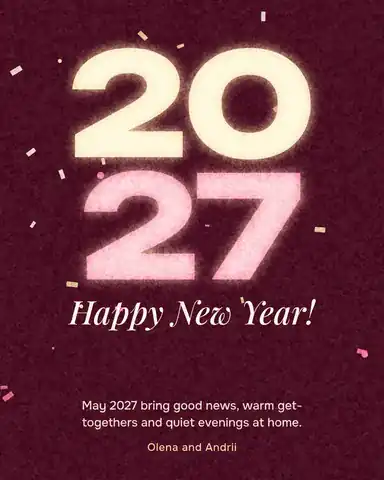
Christmas and New Year cards
Pick a card, write your own wish, add a family photo and send it as a picture, a story or a short animation — free.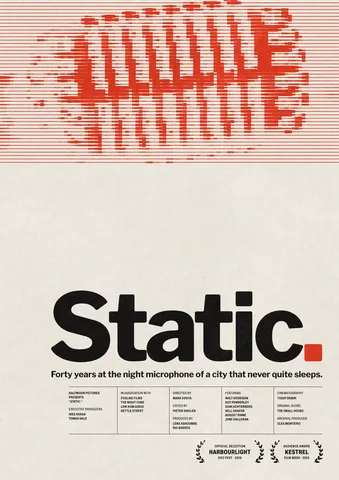
Poster maker
Make a poster from a template that already has the layout right, then export a print-ready PDF or an image for screens.
Make it now
Paletoo opens in your browser. Start from the template above or a blank page, and export when you are happy.
Start free