Instagram story maker
Make a full-screen 9:16 story from a template, add motion if you like, and export it as an image or a video.
Start freeOpens in your browser · no sign-up · no watermark
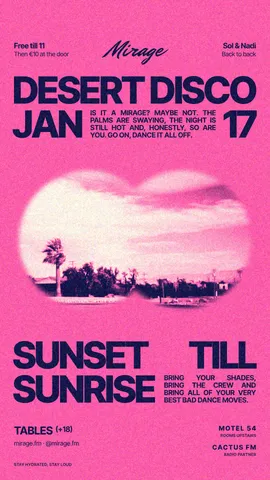
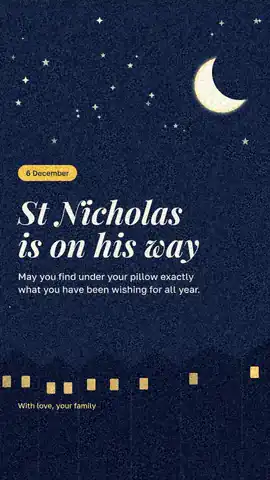
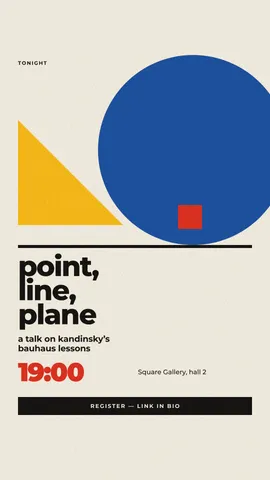
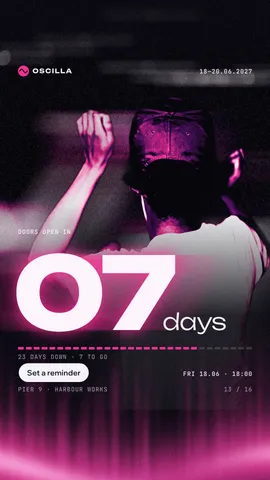
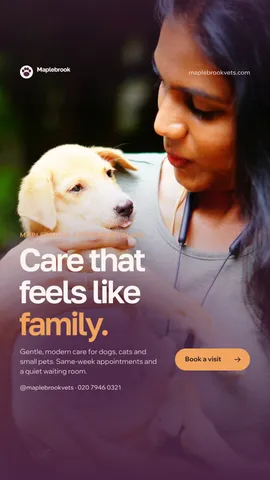
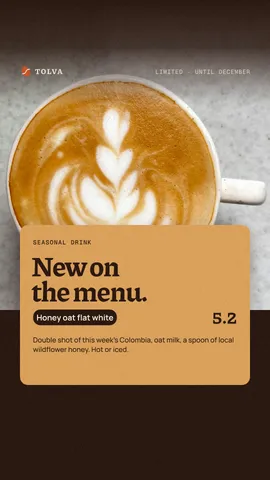
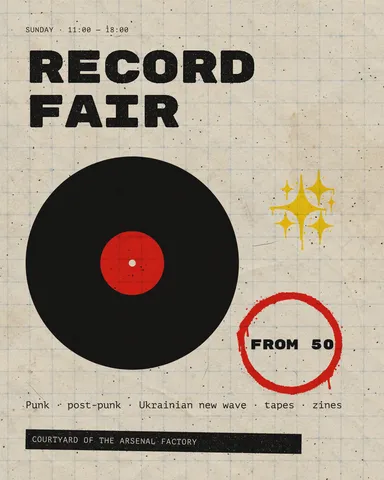
Start from one of these
Real Paletoo documents and results — open one and change everything.
How it works
-
Change the words and the photo
«Start free» opens a ready story as your own document. Double-click a line to rewrite it — the layout stays where it was — and select the photo to press Replace picture.
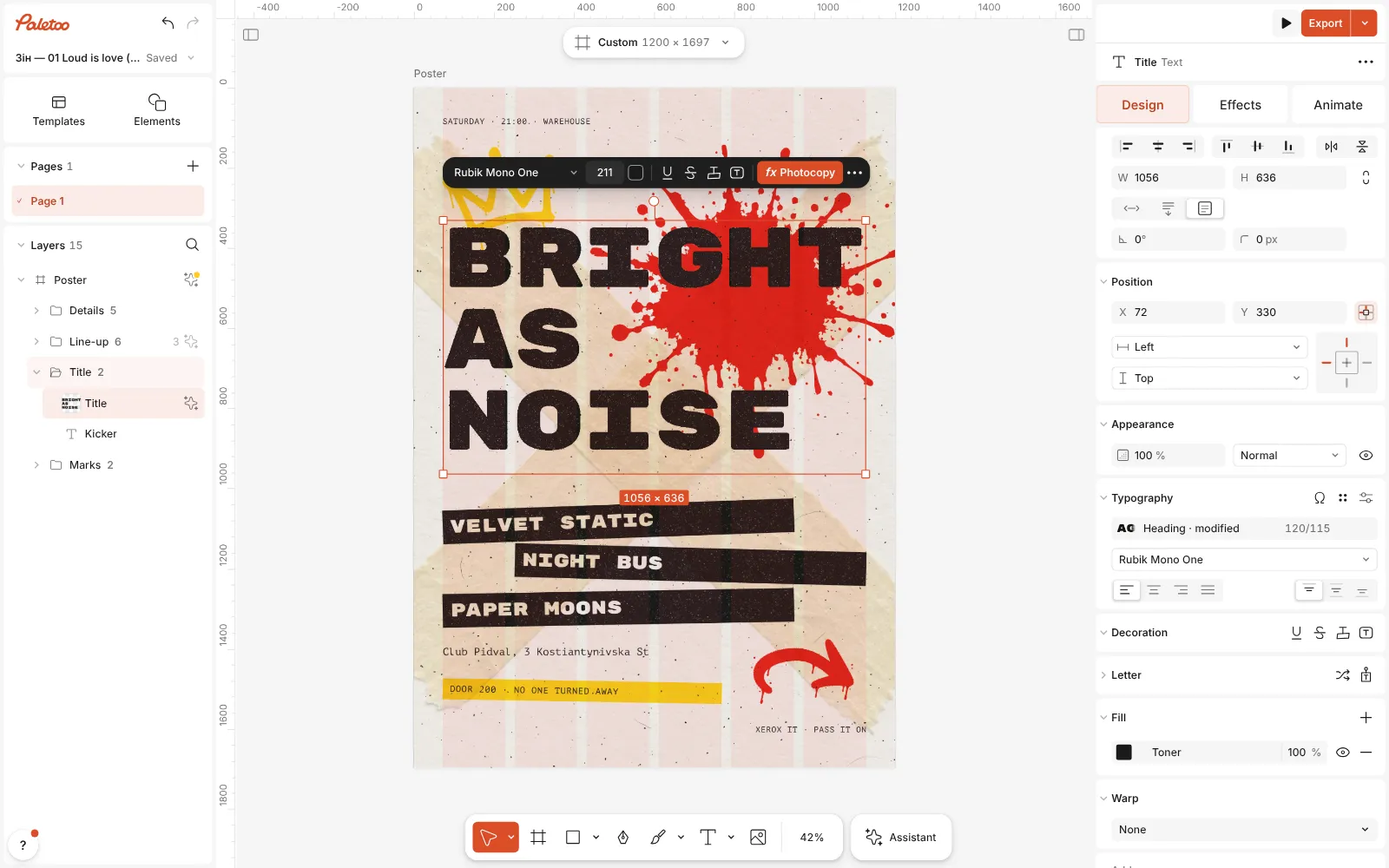
The words changed — a new title, three band names and the date — and the layout as it was -
Add motion, if you want it
Select a title and open the Animate tab: letters can rise, type themselves or pop in, each with one click. A still story needs none of this.
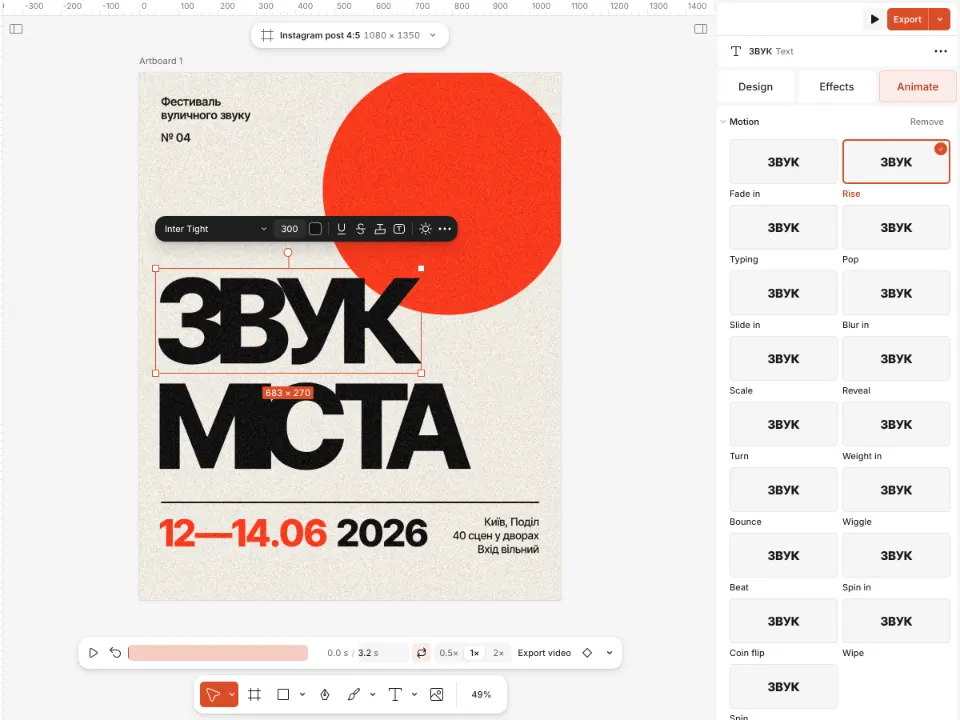
A poster with animated letters and the Animate tab open -
Export
Press Export (Ctrl Shift E). A still story goes out as PNG or JPG; an animated one as MP4, ready for the Instagram app.
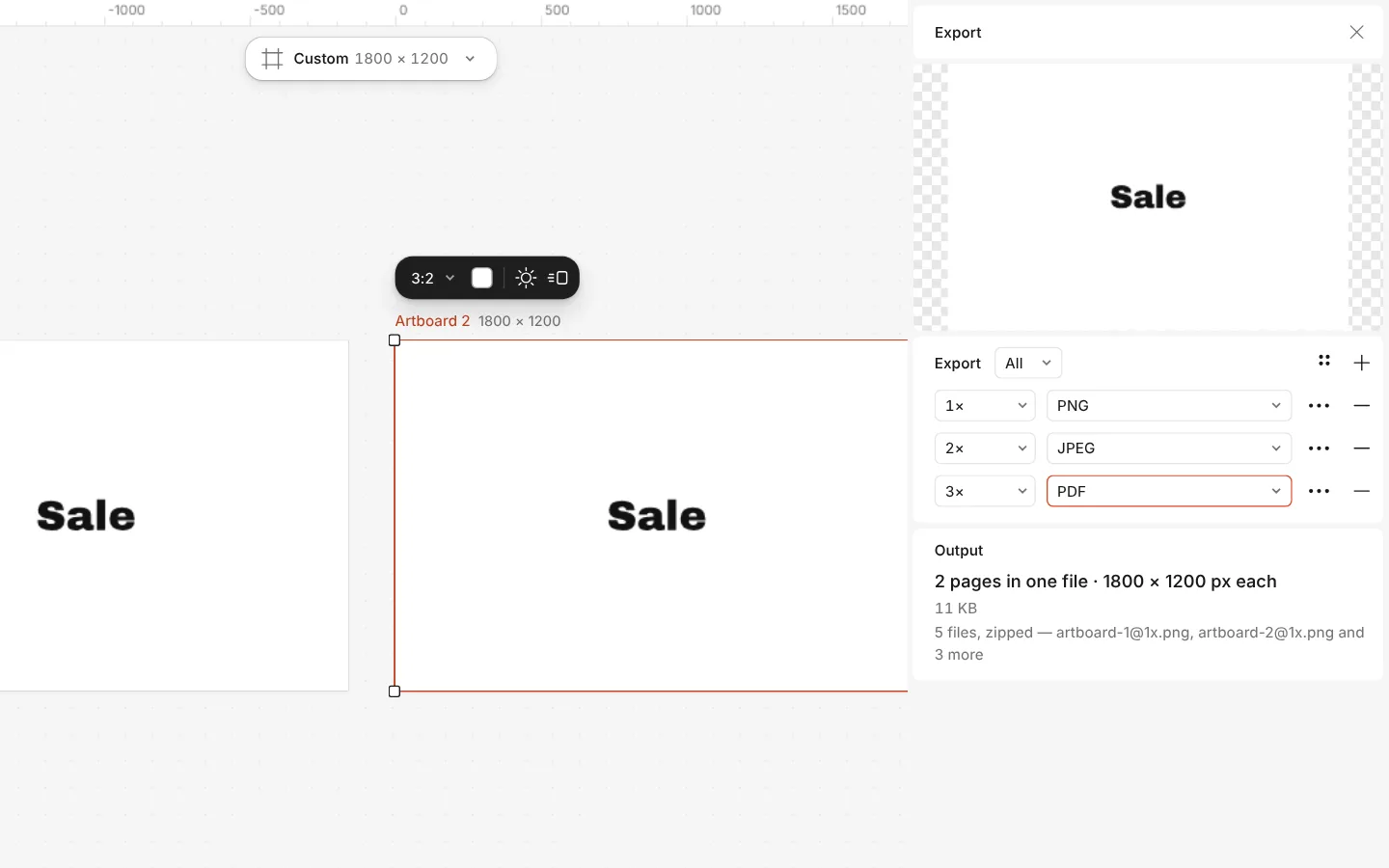
The Export window with all artboards and three files at once
What you get
The story size, with its safe area
The Instagram story format is 1080 × 1920 and starts with the app’s safe area shown, so nothing lands under the profile bar or the reply field.
Templates by the dozen
Cafés, clinics, festivals, clubs and launches: real documents with live text and photos you can swap, many with a matching post.
Motion in one click
Rising, typing and popping letters, exported as MP4, GIF or WebM — WebM even with a transparent background.
Reels and TikTok too
The same 1080 × 1920 canvas has its own Reels and TikTok format, which starts with the Reels safe area.
Free, without a watermark
Design and export at no cost. The credits on paid plans are only for AI image generation and materials.
Questions
What size is an Instagram story?
1080 × 1920 px, a 9:16 rectangle that fills a phone screen. Paletoo’s Instagram story format is exactly that size.
Where should I keep text in a story?
Away from the top and the bottom: Instagram lays the profile bar over the top of a story and the reply field over the bottom. The story format shows that safe area on the artboard, so you can see where the buttons will sit.
Is it free?
Yes. The templates, the editor and every export are free, with no watermark and no account needed to start. A free account adds cloud storage and share links.
Can I make an animated story?
Yes. Animate any text or shape from the Animate tab, then export the story as MP4. Instagram plays it like any video story.
Can I turn a post into a story?
Yes. Click the format button above the canvas and pick Instagram story under Make a copy as: you keep the post and get a 9:16 copy beside it to rearrange.
Can I use my own photos and fonts?
Yes. Drop a photo onto the template’s picture or use Replace picture, and upload your own fonts; they stay in your browser unless you save the document to the cloud.
Does Paletoo add stickers, polls or links?
No — those are Instagram’s own and are added in the app when you post. Leave room for them in your design, for example a calm area in the lower third.
Which file is best for a story?
JPG for photo-heavy stories, PNG for flat colour and type, MP4 when it moves. At 1× the file is exactly 1080 × 1920, the size Instagram shows.
Learn more
Step-by-step guides
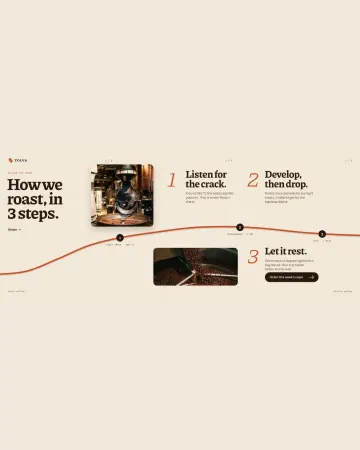
How to make an Instagram carousel from a template
One wide artboard, a design that runs across the cuts, a file for every slide.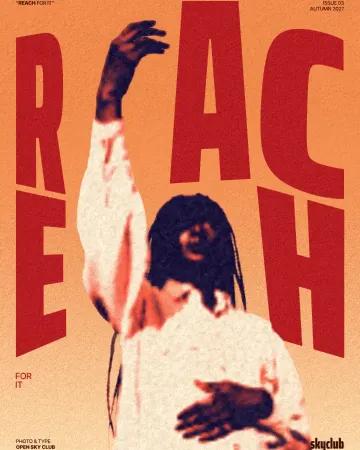
How to make a duotone effect
Two bold inks, punchy contrast and a fine poster grain.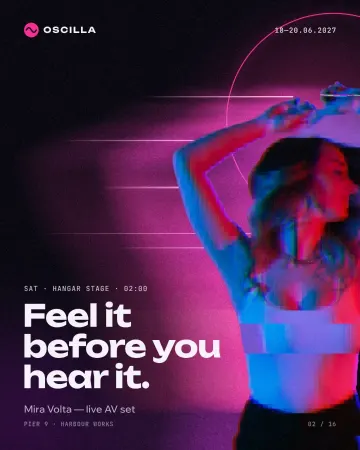
How to make a glitch effect
Blocky pixels, torn colour channels and a smeared trail.
In the help centre
More tools
Instagram post maker
Design a post at the right size from a real template, then export a sharp PNG or JPG — free, in your browser.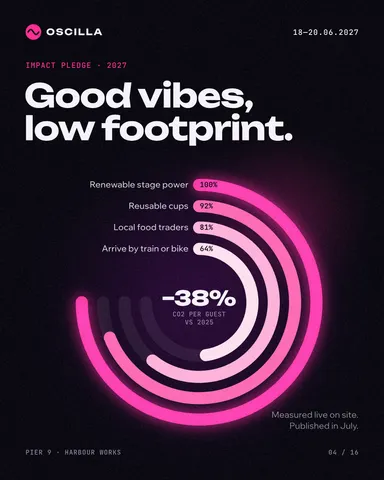
Lottie animation maker
Animate type and shapes in one click each and export a light Lottie file for websites and apps.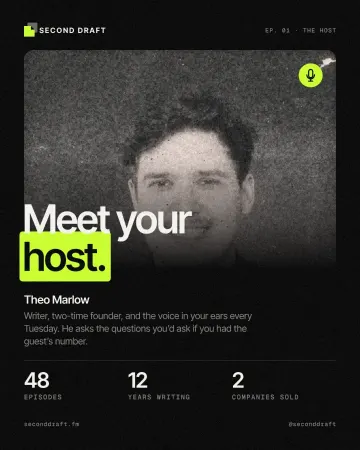
Photo effects online
Give a photo a film, print or glitch look in one click — and keep every step editable afterwards.
Make it now
Paletoo opens in your browser. Start from the template above or a blank page, and export when you are happy.
Start free