Presentation maker
Start from a designed deck, change the words, and send it as PowerPoint with editable text or as a PDF.
Start freeOpens in your browser · no sign-up · no watermark
Start from one of these
Real Paletoo documents and results — open one and change everything.


How it works
-
Open a deck
«Start free» opens a pitch deck as your own document, one artboard per slide. Rewrite the text and swap the pictures; cards and lists built with Auto layout grow with their words, so the spacing holds.
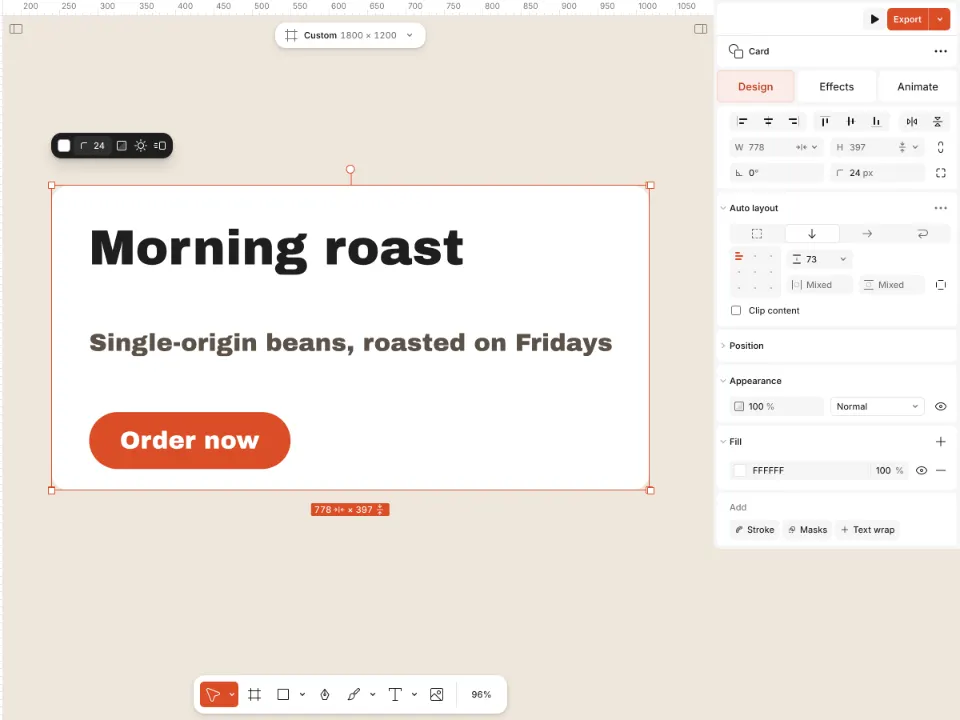
A card built with auto layout, its frame selected -
Put it in your brand
Set the deck in your own type: select a text, open the font list and press Upload fonts; your fonts wait on the My fonts tab. To change every font or brand colour of the deck at once, use the document menu.
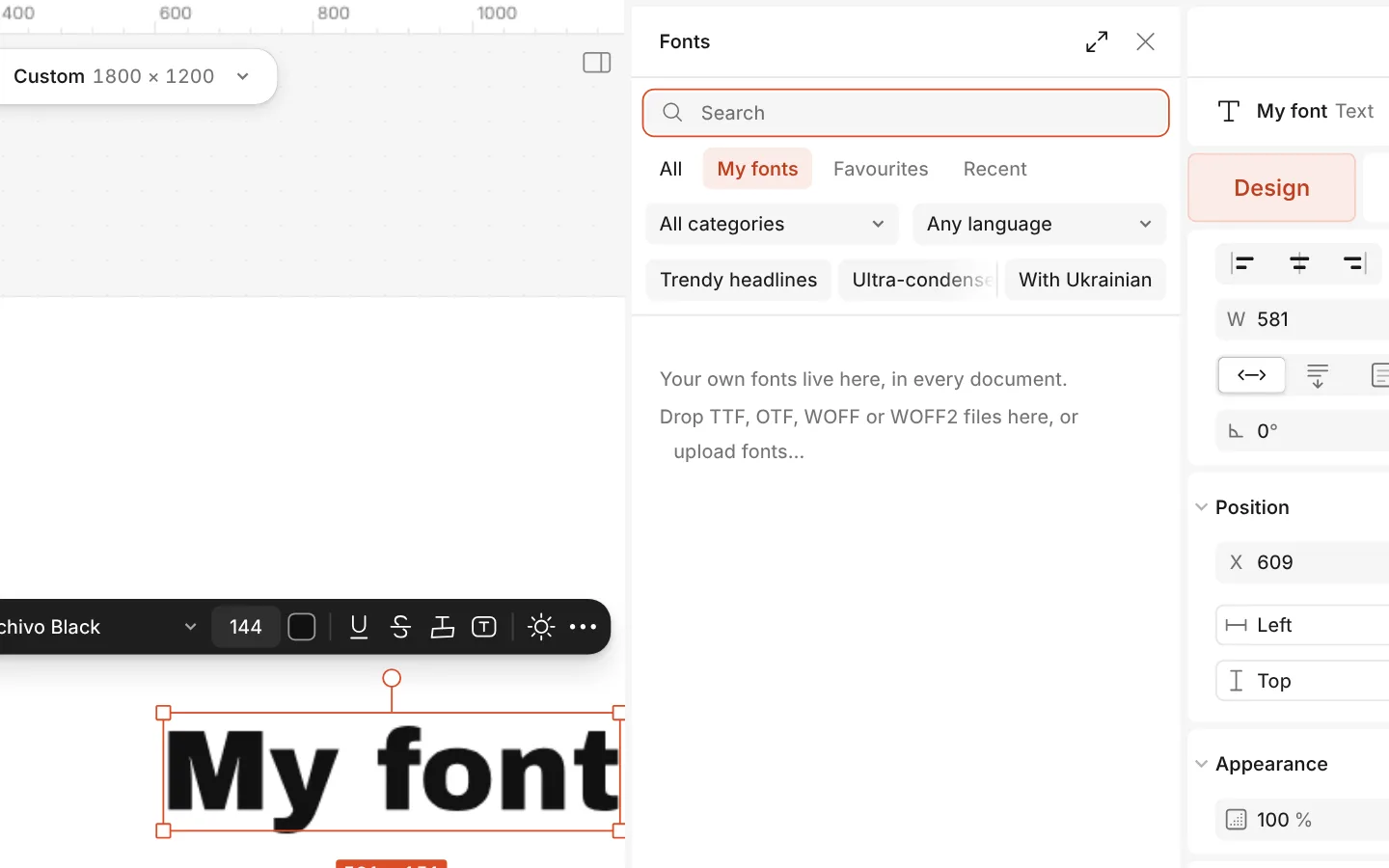
The font list with the My fonts tab and Upload fonts -
Export for the room
Press Export (Ctrl Shift E) and choose PowerPoint: one slide per artboard, text as real text boxes. The note under it lists which layers stay editable. Or choose PDF for one file that opens anywhere.
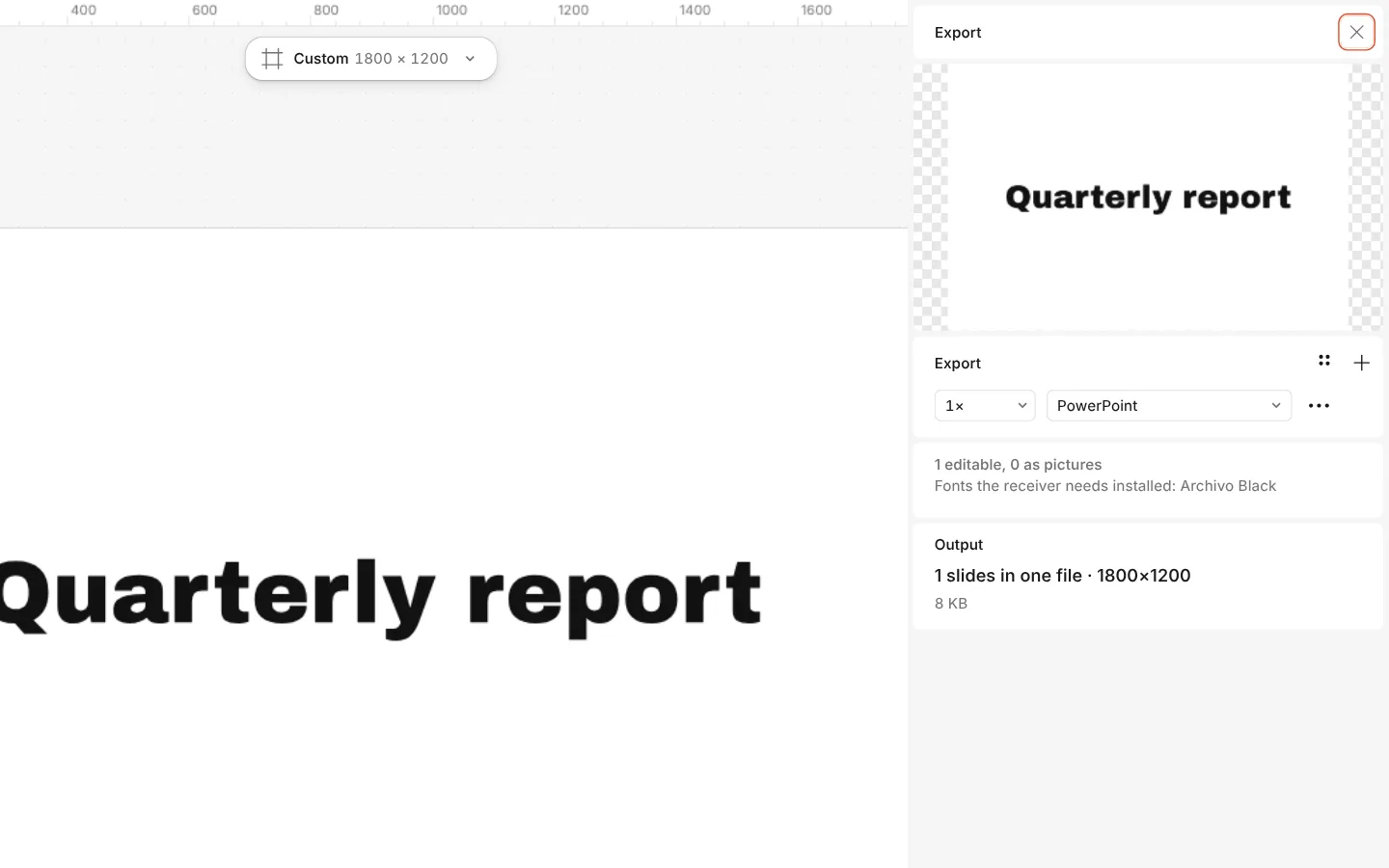
The Export window with PowerPoint chosen and the note about editable layers
What you get
Decks that are designed
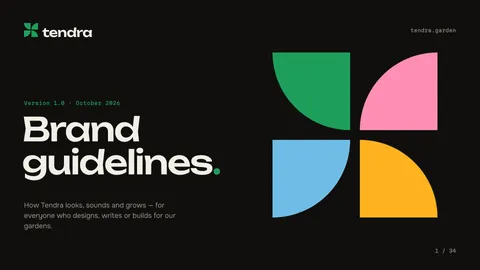
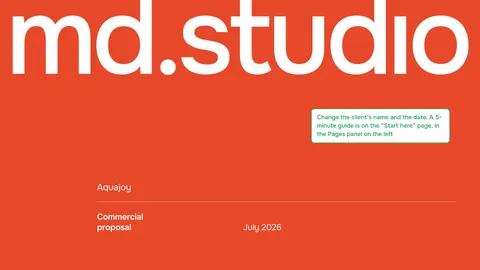
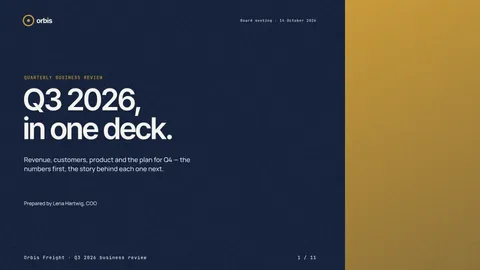
Pitch decks, a lookbook, a brandbook, a business review, a portfolio and a proposal — each a full deck, not a cover and a blank.
Slide sizes
Slide 16:9, 16:9 in 4K and 4:3 in the artboard’s format list; any custom size exports too.
Editable in PowerPoint
PPTX export keeps text as text boxes and vector drawings as shapes, for Keynote and Google Slides as well.
PDF and pictures
One PDF of every slide, or every slide as PNG or JPG in one go, with no watermark.
Made together
Share links, comments and live editing with a free account, so the deck is reviewed where it is made.
Questions
Is the presentation maker free?
Yes. The decks, editing, sharing and exporting to PowerPoint, PDF and pictures are free and carry no watermark. A free account adds cloud storage, share links and comments.
Can I edit the exported file in PowerPoint?
Yes. Each artboard becomes a slide, text arrives as real text boxes and vector drawings as shapes. What a slide cannot express — a mask, a blend mode, warped letters — becomes a picture, and the Export window tells you which layers and why.
Will it open in Google Slides or Keynote?
Yes. Both open a PowerPoint file. Whoever opens it needs the fonts installed for the text to look the same; the Export window lists the fonts the deck uses.
Can I present straight from Paletoo?
The usual way is to export: a PDF opens full screen in any browser or viewer, and a PowerPoint file in your slide app. To look at the slides without the panels while you work, run Show / hide UI.
What size should a slide be?
16:9 — 1920 × 1080 px — fits today’s screens and projectors; that is the size of every deck here. Choose 4:3 for older projectors, or 16:9 in 4K for a very large screen.
Can I add my brand to a deck?
Yes. Upload your fonts and replace the template’s fonts and brand colours across the whole document at once from the document menu; your logo goes on as a picture or an SVG.
How do I add a slide?
Duplicate the slide closest to what you need and rewrite it. Each slide is an artboard, so the order of artboards is the order of slides in the exported file.
Can I turn the deck into social posts?
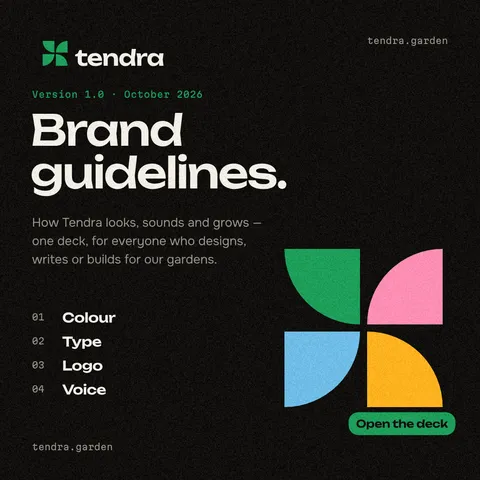
Yes. Copy a slide’s content onto a new artboard in an Instagram format, or make a carousel; the pack already has square posts in the Lumaroot and Tendra styles.
Learn more
Step-by-step guides
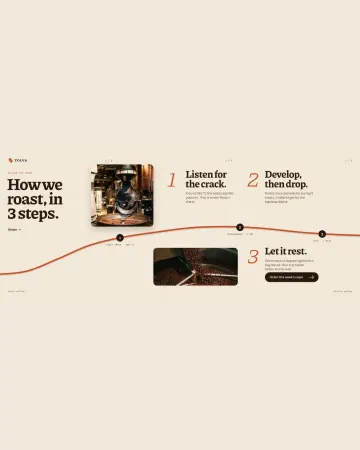
How to make an Instagram carousel from a template
One wide artboard, a design that runs across the cuts, a file for every slide.
How to make a duotone effect
Two bold inks, punchy contrast and a fine poster grain.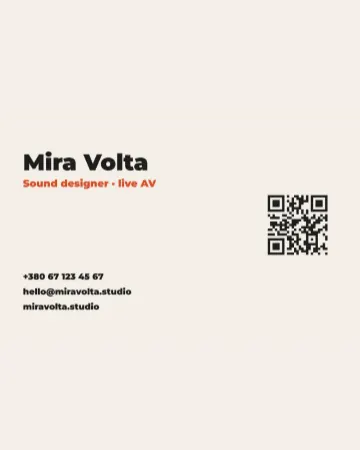
How to make a business card with a QR code
The right size, your details, a QR code that scans and a PDF for the printer.
In the help centre
More tools
Logo maker
Build a wordmark or a badge from real type and shapes, and take it away as a sharp SVG or PDF.
Mockup generator
Show your design on a phone, a poster, a T-shirt or a bag — free, with real light and folds, and no watermark.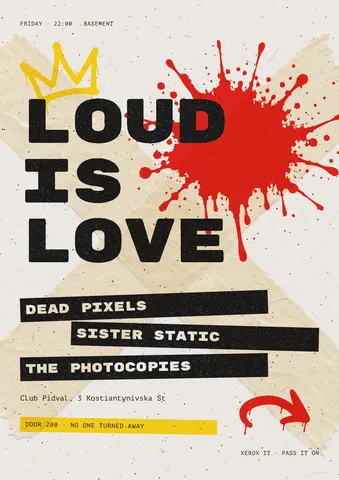
Flyer maker
Turn a ready flyer template into yours in minutes and send the printer a PDF with bleed and crop marks.
Make it now
Paletoo opens in your browser. Start from the template above or a blank page, and export when you are happy.
Start free