Flyer maker
Turn a ready flyer template into yours in minutes and send the printer a PDF with bleed and crop marks.
Start freeOpens in your browser · no sign-up · no watermark
Start from one of these
Real Paletoo documents and results — open one and change everything.
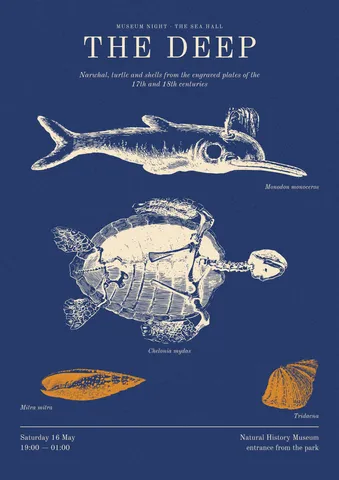
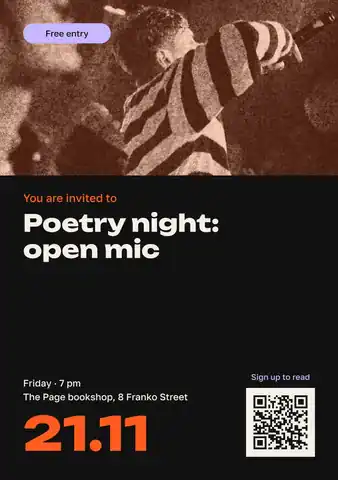
How it works
-
Open the flyer
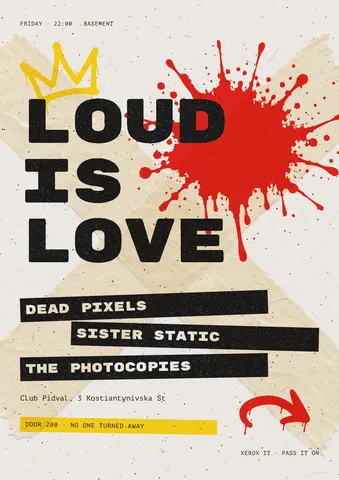
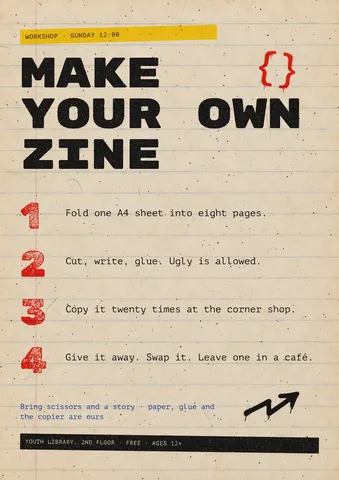
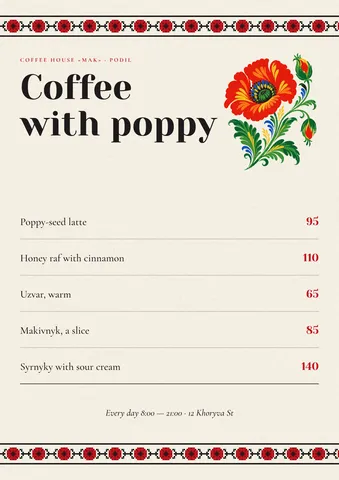
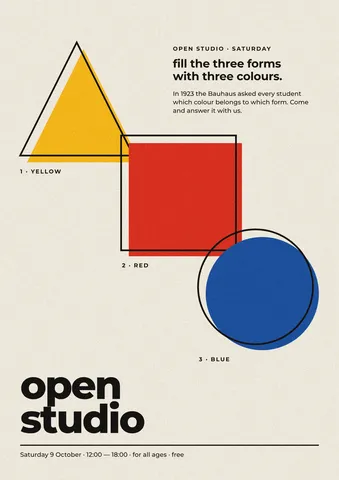
«Start free» opens a gig flyer as a new document of your own. Others — a café menu, a workshop, a museum night — are under Templates.
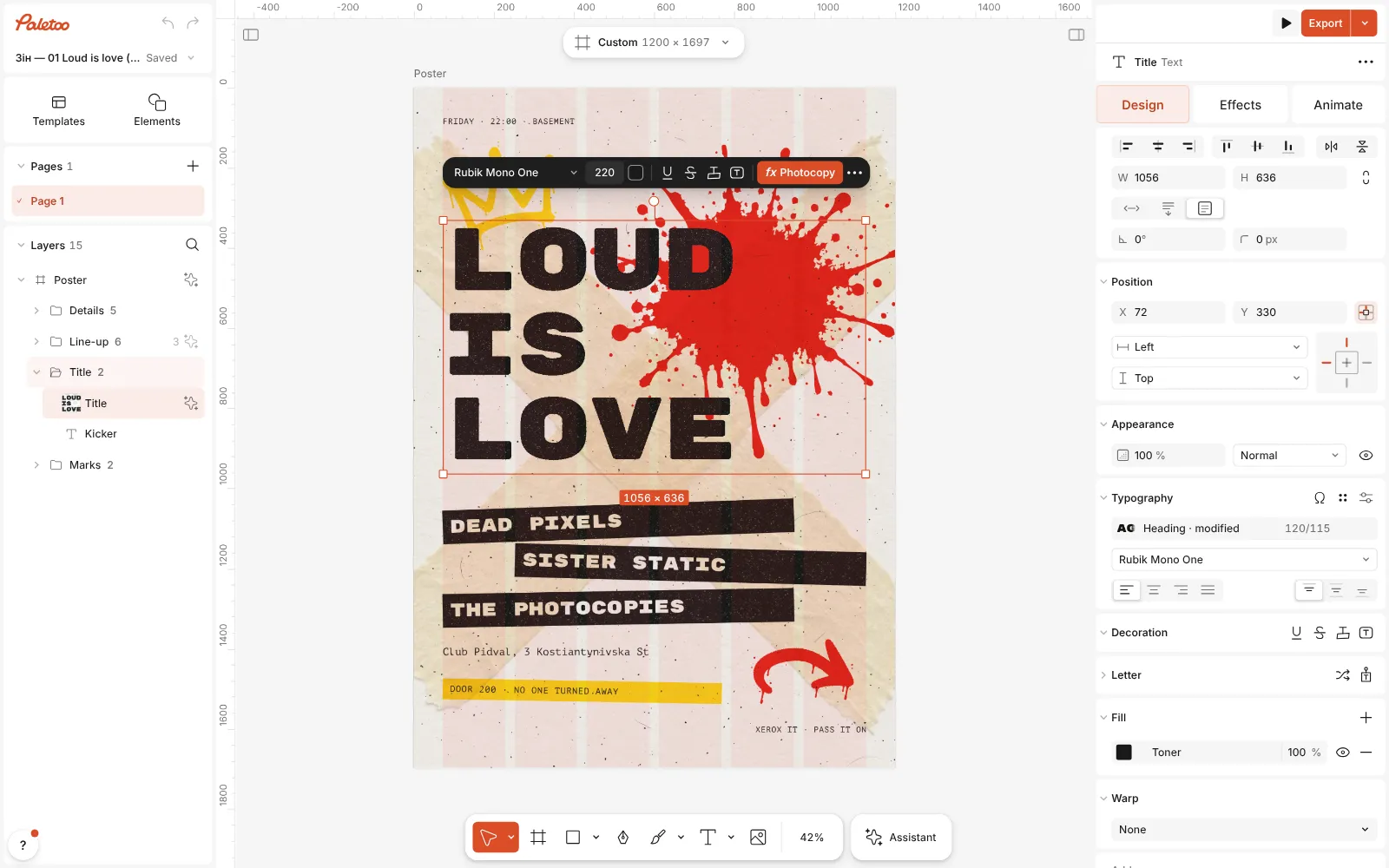
The gig flyer template open in Paletoo, its title selected, the Design tab on the right -
Write your event
Double-click each line and type: the title, the names, the date, the place, the price. Every line is a separate text layer, so the layout stays as it was.
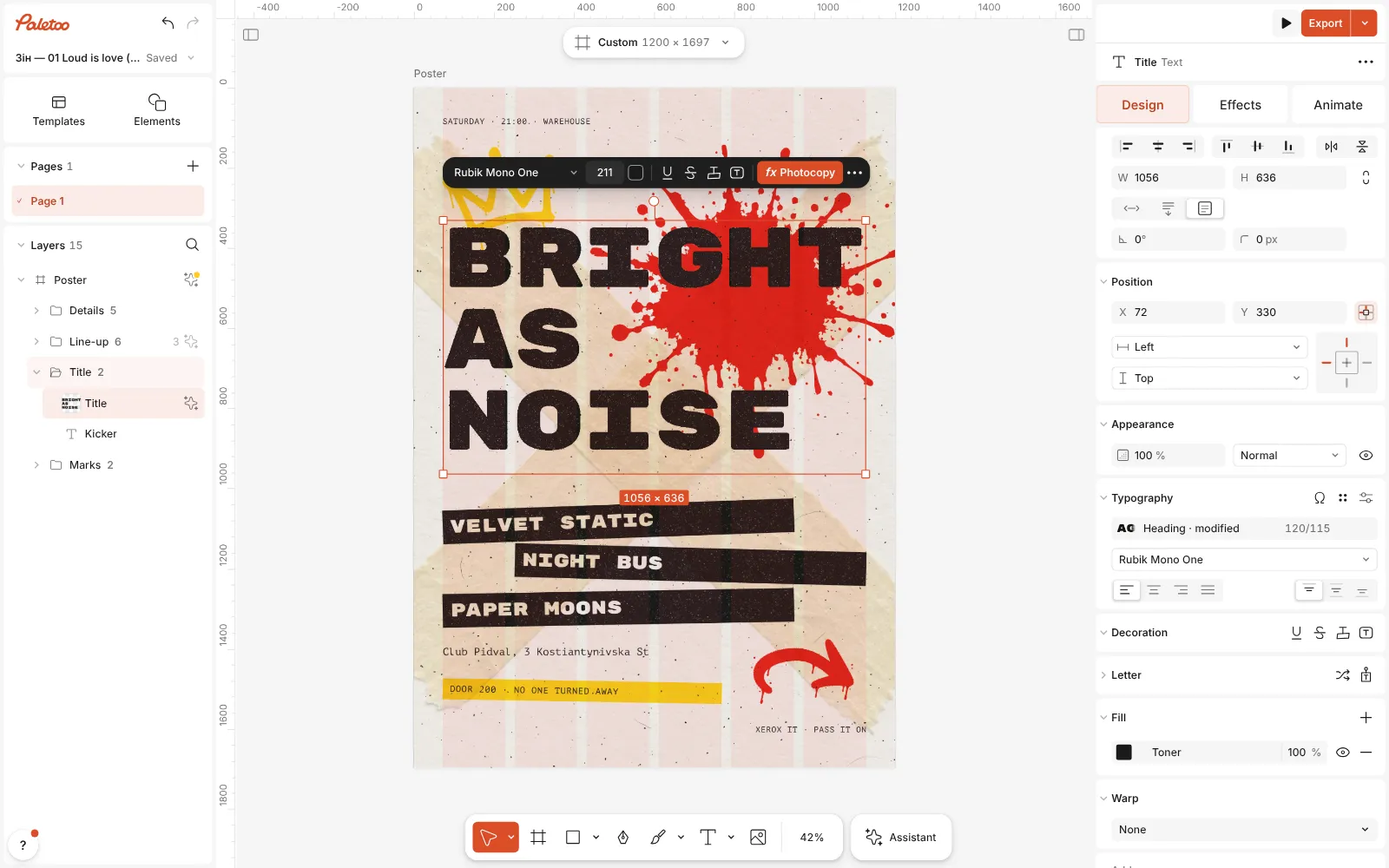
The words changed — a new title, three band names and the date — and the layout as it was -
Send it to print
Press Export and pick the PDF print with bleed preset: PDF, bleed, crop marks and the best photo quality at once. For a post, export PNG instead.
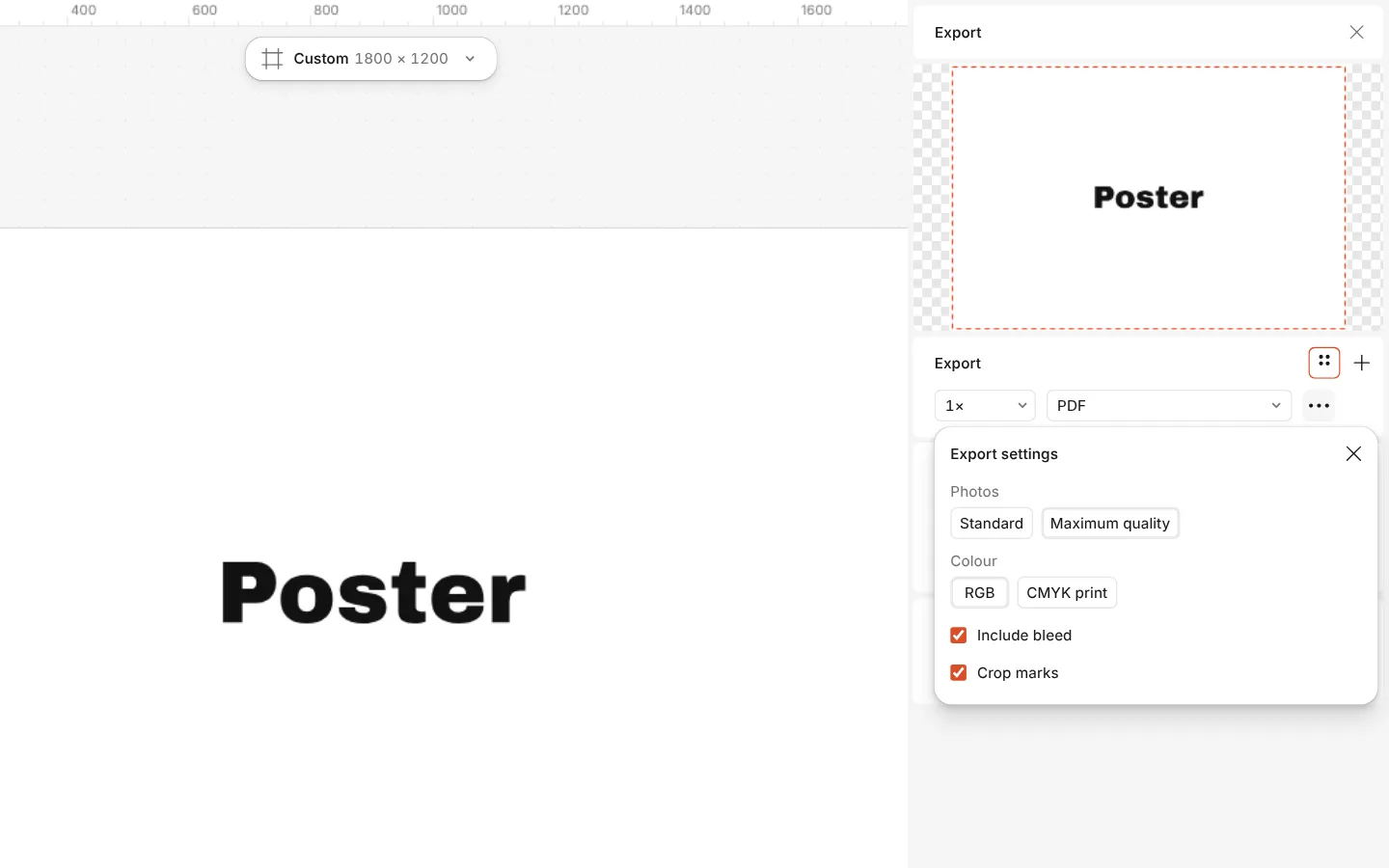
The Export window with the PDF print with bleed preset and its settings
What you get
Flyer sizes
A5 and A4 portrait for hand-outs and boards, and Flyer DL (99 × 210 mm), the slim one that fits an envelope or a counter stand.
Print-ready in one preset
Bleed, crop marks and embedded fonts; a print check for missing bleed and blurry photos; a CMYK PDF/X-4 if the printer wants one.
A QR code that scans
Add a code for tickets, a menu or a map; the editor reads it back as you style it and tells you if it may not scan.
Templates in two languages
Many flyer templates come in English and Ukrainian, so the type is already set for the alphabet you write in.
One design, every place
The same flyer as a PDF for print, a PNG for Instagram and a JPG for a website, each exported from one document.
Questions
Is the flyer maker free?
Yes, including the print PDF. There is no watermark, and you can start without an account.
What size is a flyer?
The common ones are A5 (148 × 210 mm), A4 (210 × 297 mm) and DL (99 × 210 mm). All three are in the Print formats; ask your printer which paper they stock.
How do I add bleed?
Export as PDF with the PDF print with bleed preset, or tick Include bleed in the row’s settings. If the design has no bleed, the print check under the row can add 3 mm for you.
Can I print it at home?
Yes. Export a PDF without bleed and crop marks and print it at 100 % scale. Home printers leave a white margin, so keep text at least 5 mm from the edge.
Can I put a QR code on the flyer?
Yes. Press Ctrl K and run QR code, paste your link, and wait for ✓ Scans. Print it at least 2–3 cm wide, on a light patch, and test it with a phone before the print run.
Can I make it double-sided?
Yes: add a second artboard of the same size for the back. Export all artboards to one PDF, and the printer gets the front and the back as two pages.
Will the colours print as I see them?
Screens show more saturated colour than paper can hold, so very bright greens and blues come out a little duller. For colour-critical work, ask the printer for a proof.
Can I share the flyer with someone to check?
Yes. With a free account, share a link: they open the flyer in the browser, comment on it or edit with you.
Learn more
Step-by-step guides
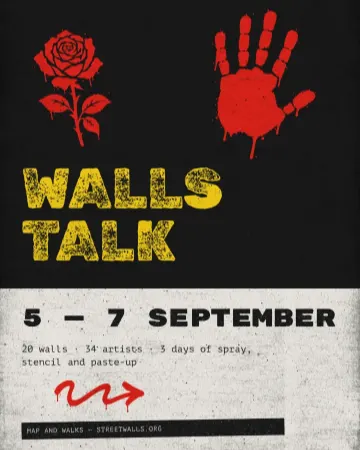
How to make a concert poster from a template
A ready-made gig flyer, your bands and your date, a file for print and one for social.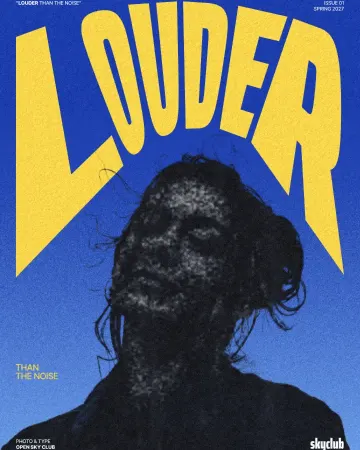
How to make a photocopy effect
Dense toner blacks, greys in scan lines and grey copier paper, from any photo.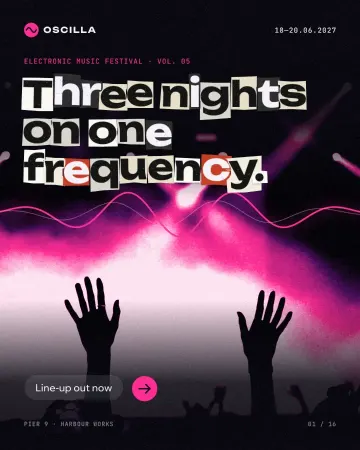
How to make newspaper cutout letters (ransom note text)
Every letter on its own scrap of paper, turned and nudged.
In the help centre
More tools
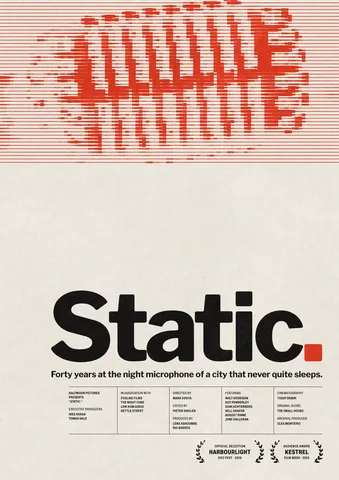
Poster maker
Make a poster from a template that already has the layout right, then export a print-ready PDF or an image for screens.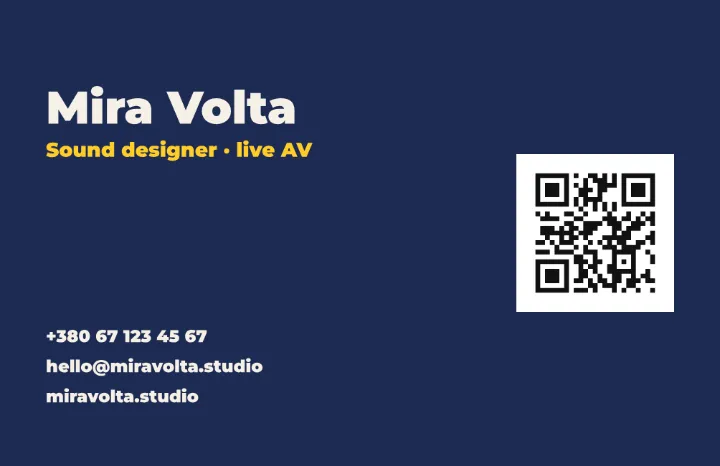
QR code generator
Make a QR code in your own colours and shapes, with a logo in the middle, and see that it scans before you print.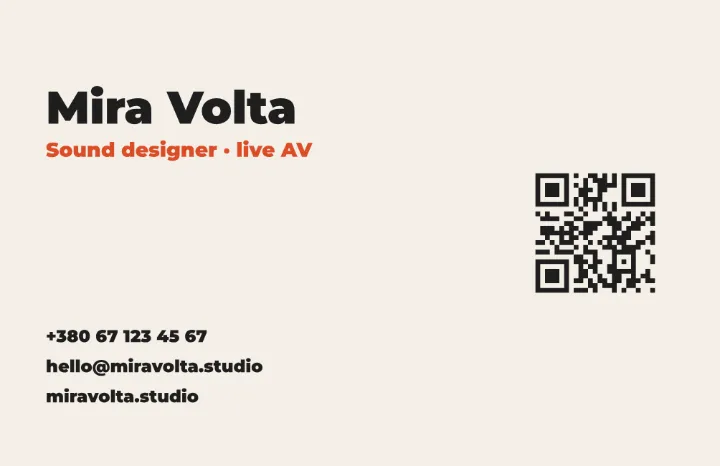
Business card maker
Design a business card at the exact print size, add a QR code that really scans, and export a PDF the printer accepts.
Make it now
Paletoo opens in your browser. Start from the template above or a blank page, and export when you are happy.
Start free