Business card maker
Design a business card at the exact print size, add a QR code that really scans, and export a PDF the printer accepts.
Start freeOpens in your browser · no sign-up · no watermark
Start from one of these
Real Paletoo documents and results — open one and change everything.
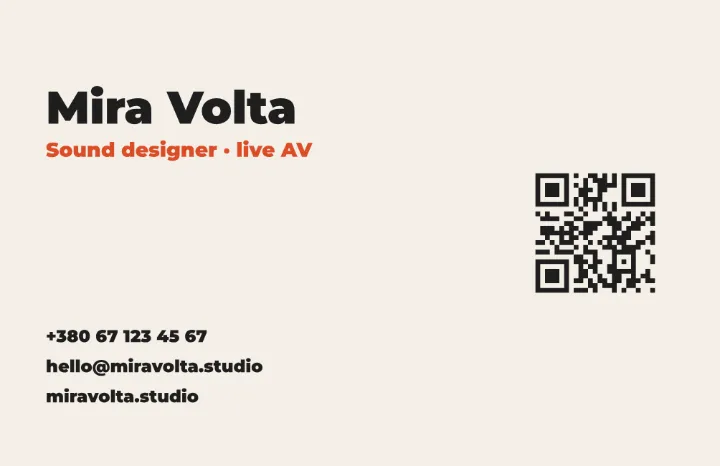 The card in light: dark type on off-white, the role in orange and the code beside it.
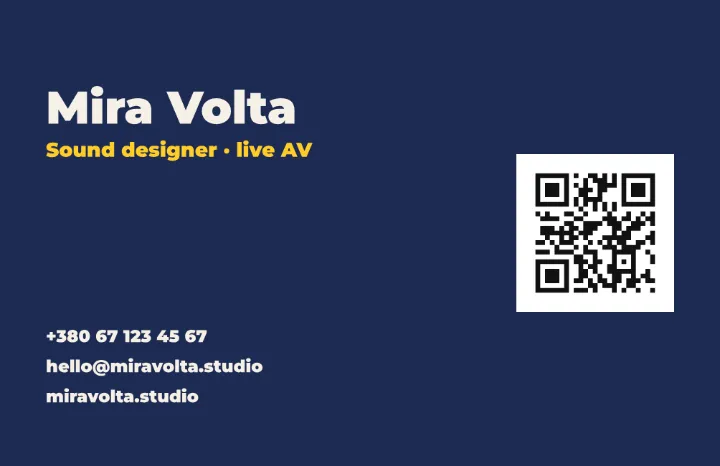 The card in navy: light type, the role in yellow and the code on a white tile of its own.
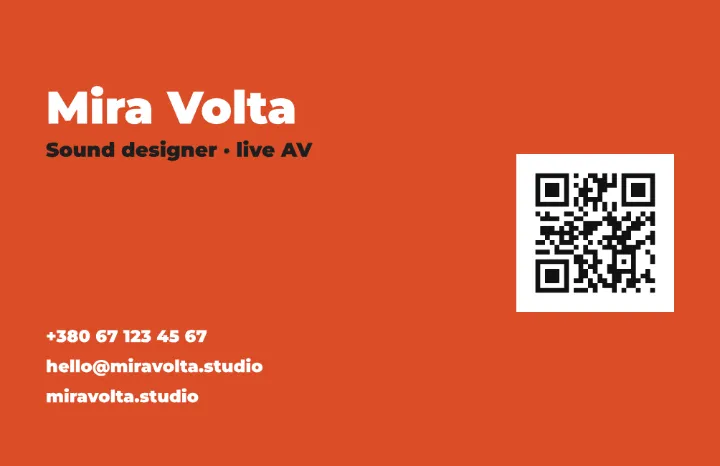 The card in the accent orange: white type on a bright field, the code on white.
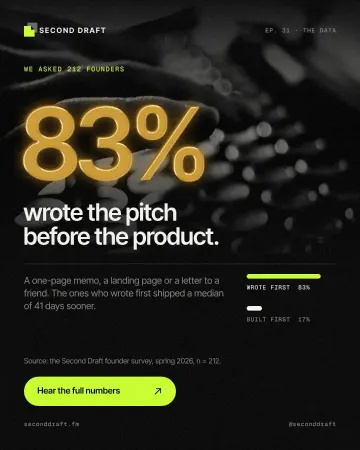 How to make a gold foil text effect
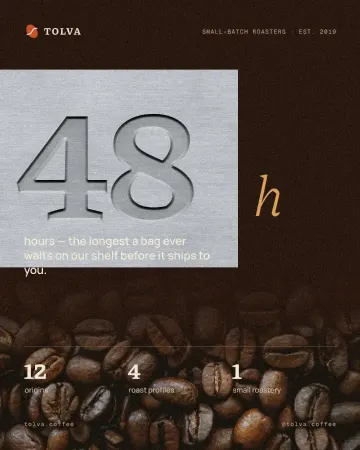 How to make an emboss effect: press text into metal or stone
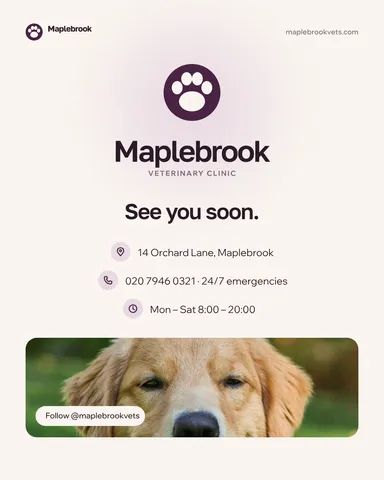 Post: contacts
How it works
-
Start from a card
«Start free» opens a ready card with a QR code. To start blank, pick Business card, EU or Business card, US in the format menu and type your name, role and contacts as separate text layers.
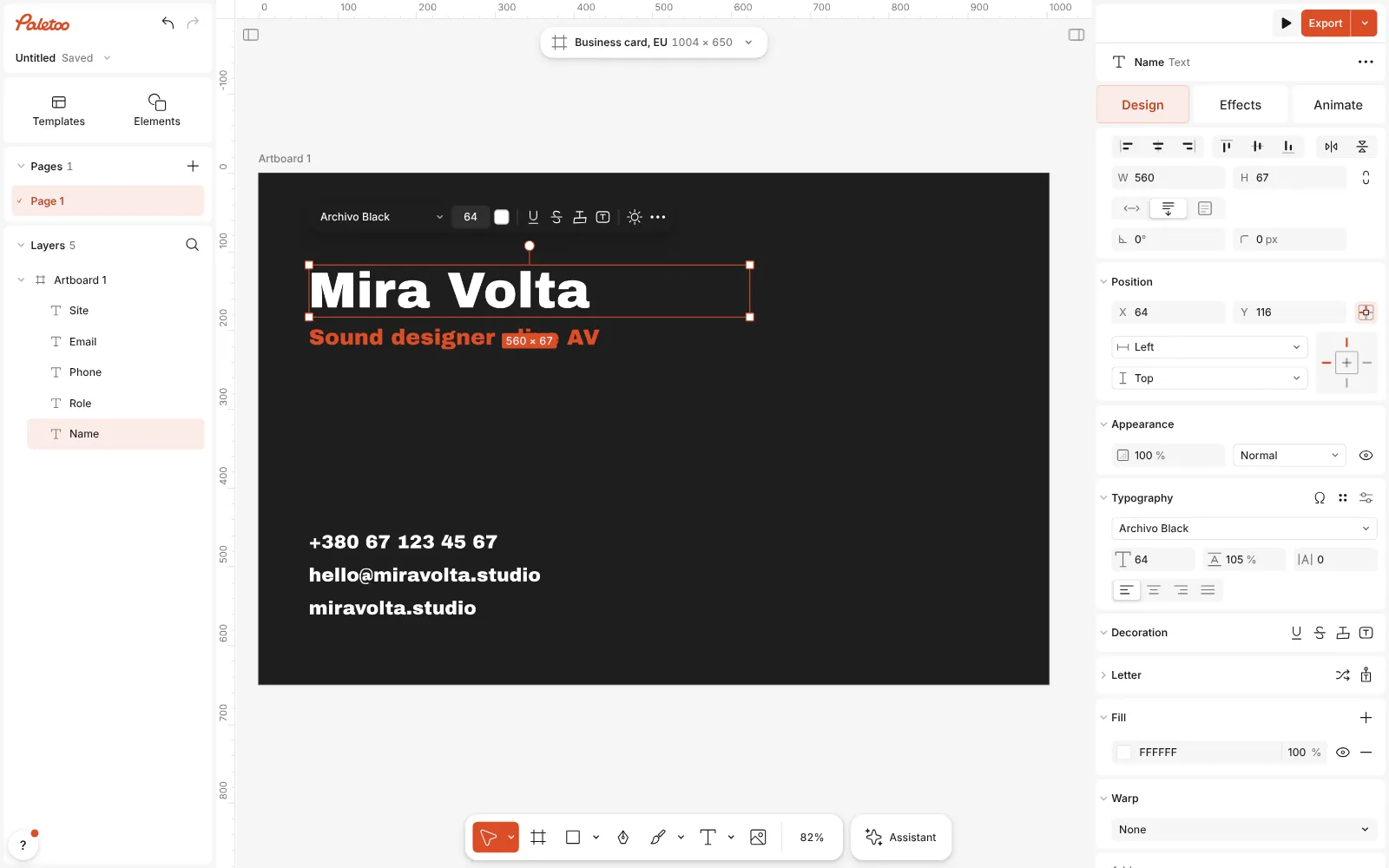
A new card-size design with the name, the role and the contacts typed in -
Add or edit the QR code
Press Ctrl K and run QR code, or select the card’s code. In the Design tab set what it holds — a link or a contact card — and watch for ✓ Scans.
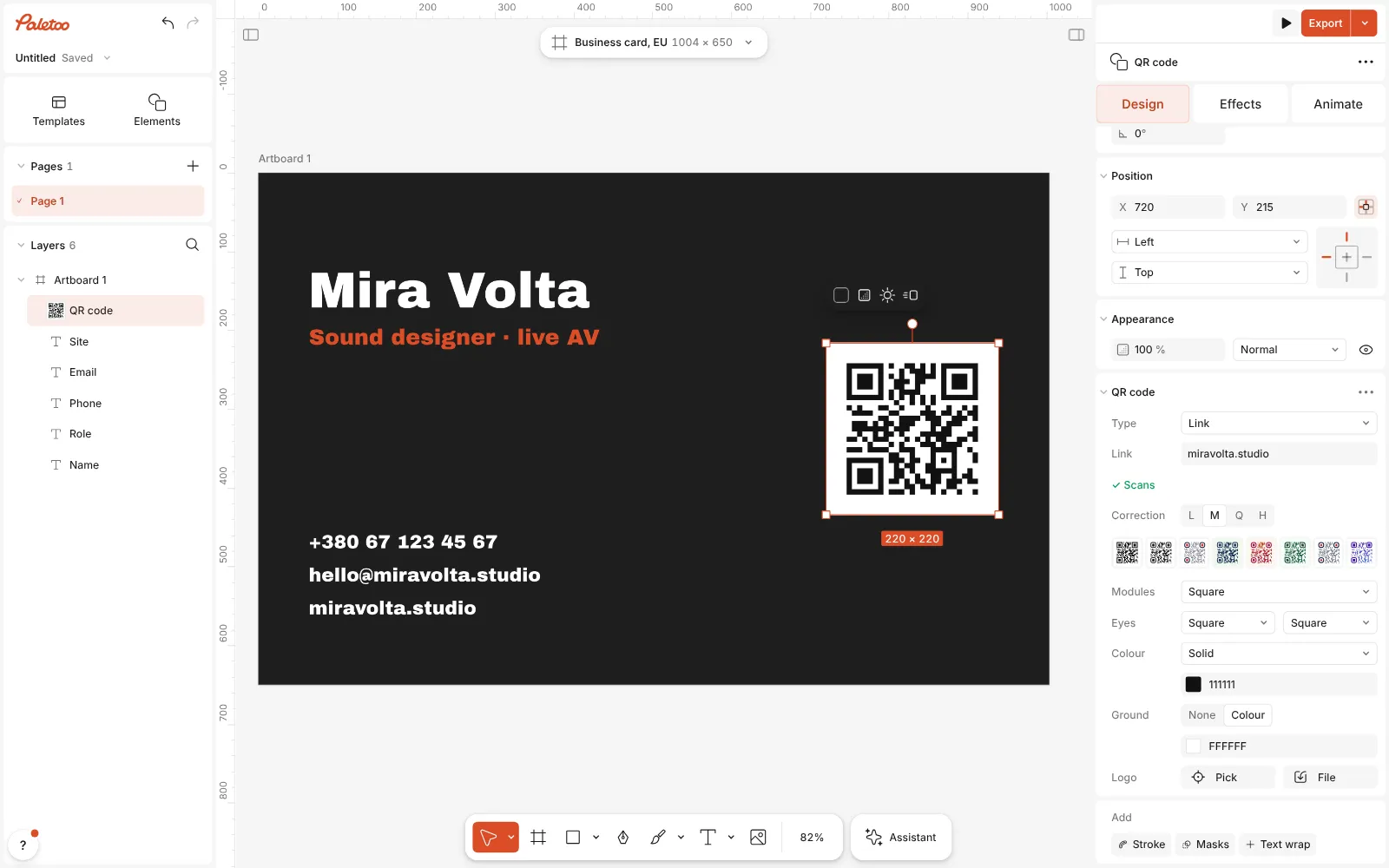
The QR code placed on the card and selected, its QR code section open in the Design tab -
Export for print
Press Export and choose PDF print with bleed: the bleed and crop marks are added and the fonts embedded, ready for the print shop.
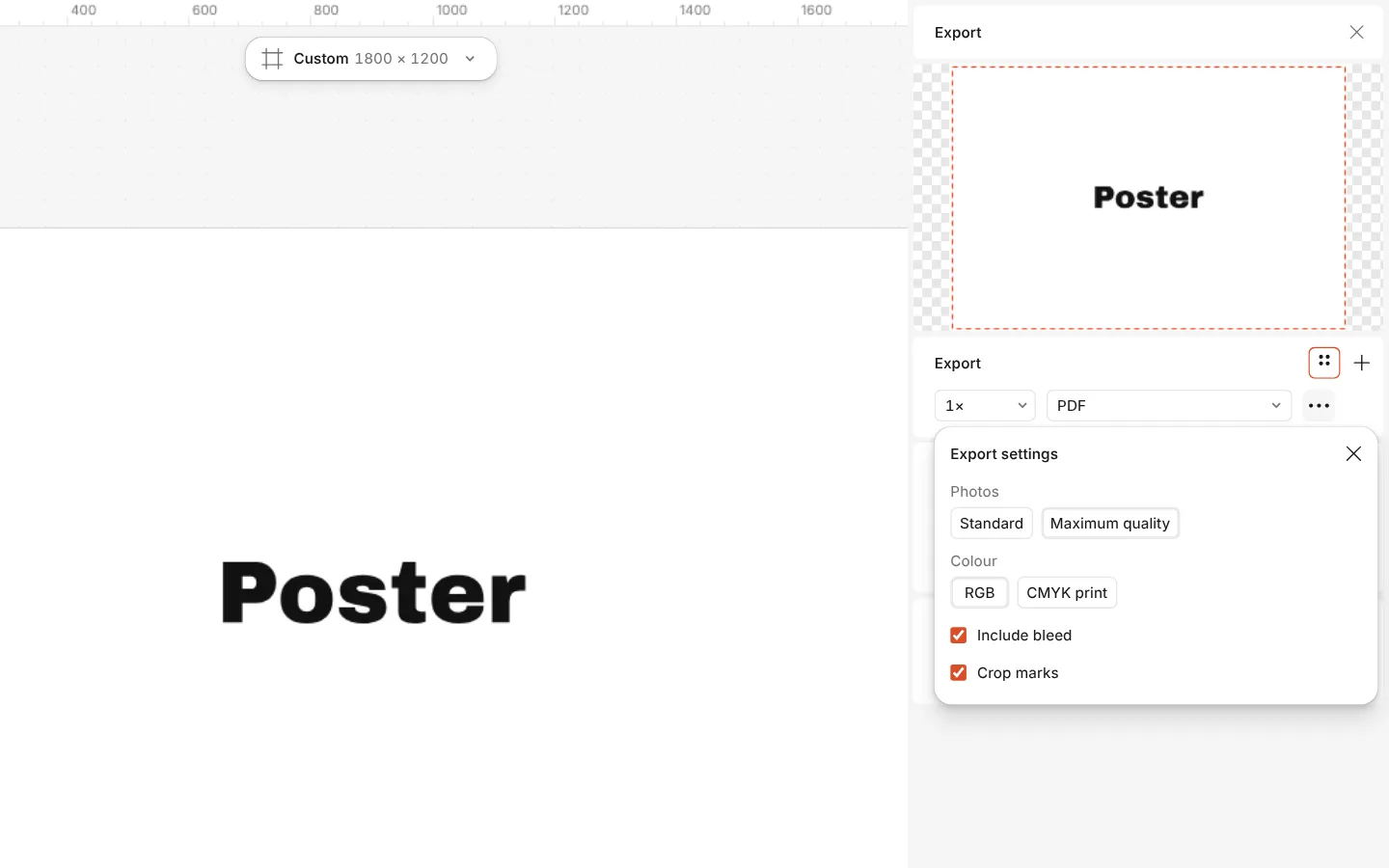
The Export window with the PDF print with bleed preset and its settings
What you get
Exact card sizes
Business card, EU (85 × 55 mm) and Business card, US (3.5 × 2 in), laid out at 300 dpi so text and code print sharp.
A QR code you can style
Link, contact card, Wi-Fi, email, phone and more; rounded modules, dots, custom eyes, colours and a logo — checked as you go.
Looks that feel like print
Gold foil, embossed metal and emboss effects for a mock-up or a screen version of the card.
Print PDF in one click
Bleed, crop marks, embedded fonts, and a CMYK PDF/X-4 when your printer asks for it.
A matching set
Keep the same fonts and colours as styles and make the letterhead, the email signature image or the social profile picture beside the card.
Questions
Is the business card maker free?
Yes. Designing, the QR code and the print PDF are free, with no watermark.
What size is a business card?
In the EU usually 85 × 55 mm, in Ukraine mostly 90 × 50 mm, in the US 3.5 × 2 inches. The EU and US sizes are in the Print formats; for 90 × 50 mm set the artboard to 1063 × 591 px (300 dpi). Ask your printer whether they want the size with bleed added.
How big should the QR code be?
At least about 2 cm across, with its quiet zone — the empty margin around it — kept clear. A link makes a smaller, simpler code than a full contact card.
Should the code hold a link or my contact details?
A link to your site or profile can be changed later without reprinting. A contact card saves you straight into the phone’s contacts, but it is fixed once printed.
Will the printer accept the file?
The PDF has bleed, crop marks and embedded fonts, which is what print shops ask for. If they want CMYK, use the PDF print CMYK (PDF/X-4) preset.
Can I make the back of the card?
Yes. Add a second artboard of the same size and export both to one PDF: the printer gets the front and the back as two pages.
Can the card have real gold foil?
The gold foil effect is for screens and mock-ups. For real foil, the printer needs a separate layer that marks where the foil goes; ask them how they want it.
Can I use my logo?
Yes. Drag in an SVG or a PNG; an SVG stays sharp at any size. A small logo can even sit in the middle of the QR code at the highest correction level.
Learn more
Step-by-step guides
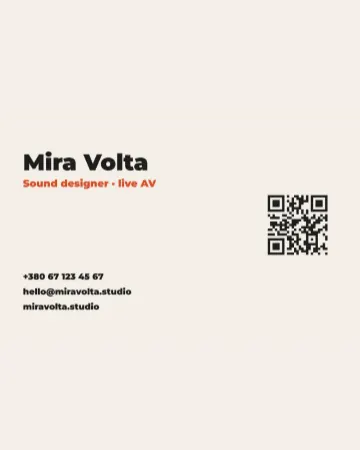
How to make a business card with a QR code
The right size, your details, a QR code that scans and a PDF for the printer.How to make a gold foil text effect
Stamped gold leaf: a pressed edge, warm metal bands and a soft shine.How to make an emboss effect: press text into metal or stone
The design pressed into a plate of metal or stone, its own colour gone.
In the help centre
More tools
QR code generator
Make a QR code in your own colours and shapes, with a logo in the middle, and see that it scans before you print.
Logo maker
Build a wordmark or a badge from real type and shapes, and take it away as a sharp SVG or PDF.
Flyer maker
Turn a ready flyer template into yours in minutes and send the printer a PDF with bleed and crop marks.
Make it now
Paletoo opens in your browser. Start from the template above or a blank page, and export when you are happy.
Start free